Performance
Tabs inside Citeck
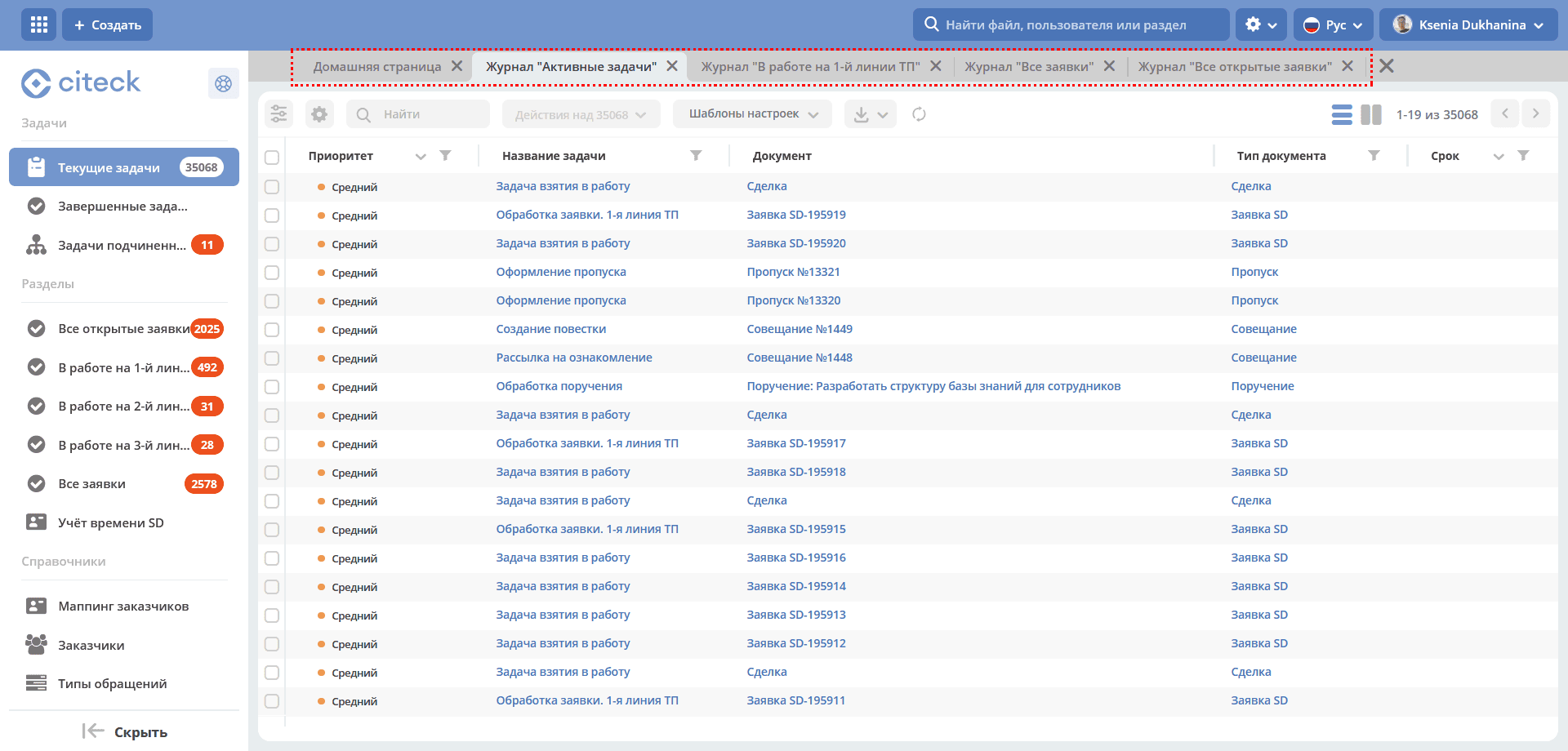
To prevent page loading speed from decreasing as the number of tabs increases:
Headers of all open tabs are saved in the browser’s LocalStorage with the current localization.
title: {ru: "Журнал "Договоры""}
When opening a page, the header is loaded only: for the active tab, for tabs without a saved name in LocalStorage.
When changing localization, all tab names are re-requested.
On the first click on a tab whose name was loaded from LocalStorage, the current name is requested; when switching to this tab subsequently, the name is not requested.
Data loading and display
Previously, data in the journal was displayed only after data from all requests was received, which significantly increased waiting time and worsened the overall impression of the system’s performance.
The following optimization has been implemented:
data in the journal is displayed as soon as it returns from the backend;
working with records is available after all requests are completed;
working with the journal is available during the entire journal loading process
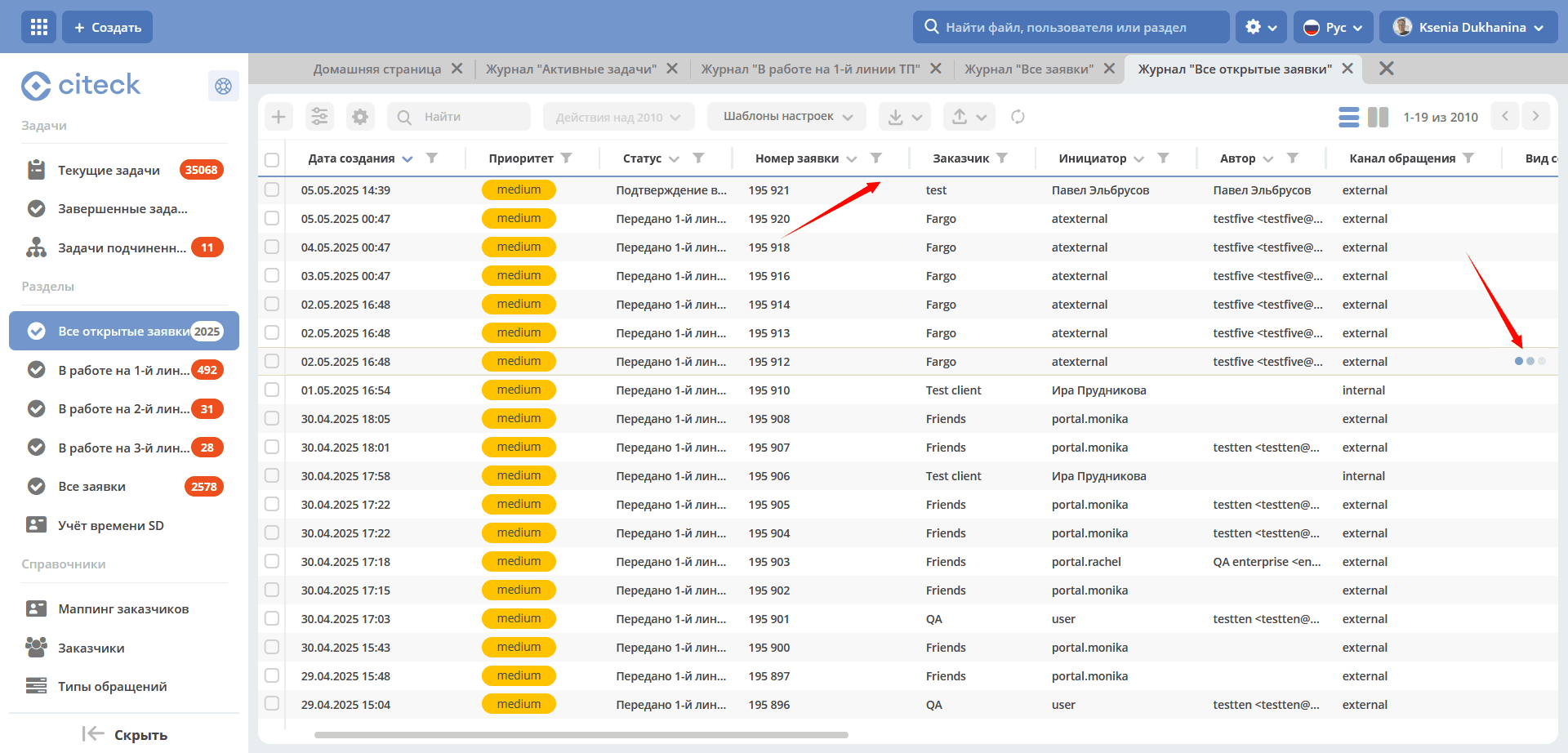
Progress bars and spinners have been added that display the data loading status, letting the user know that the data is rendered, but loading is still in progress and the final result may change.