Introduction to Citeck
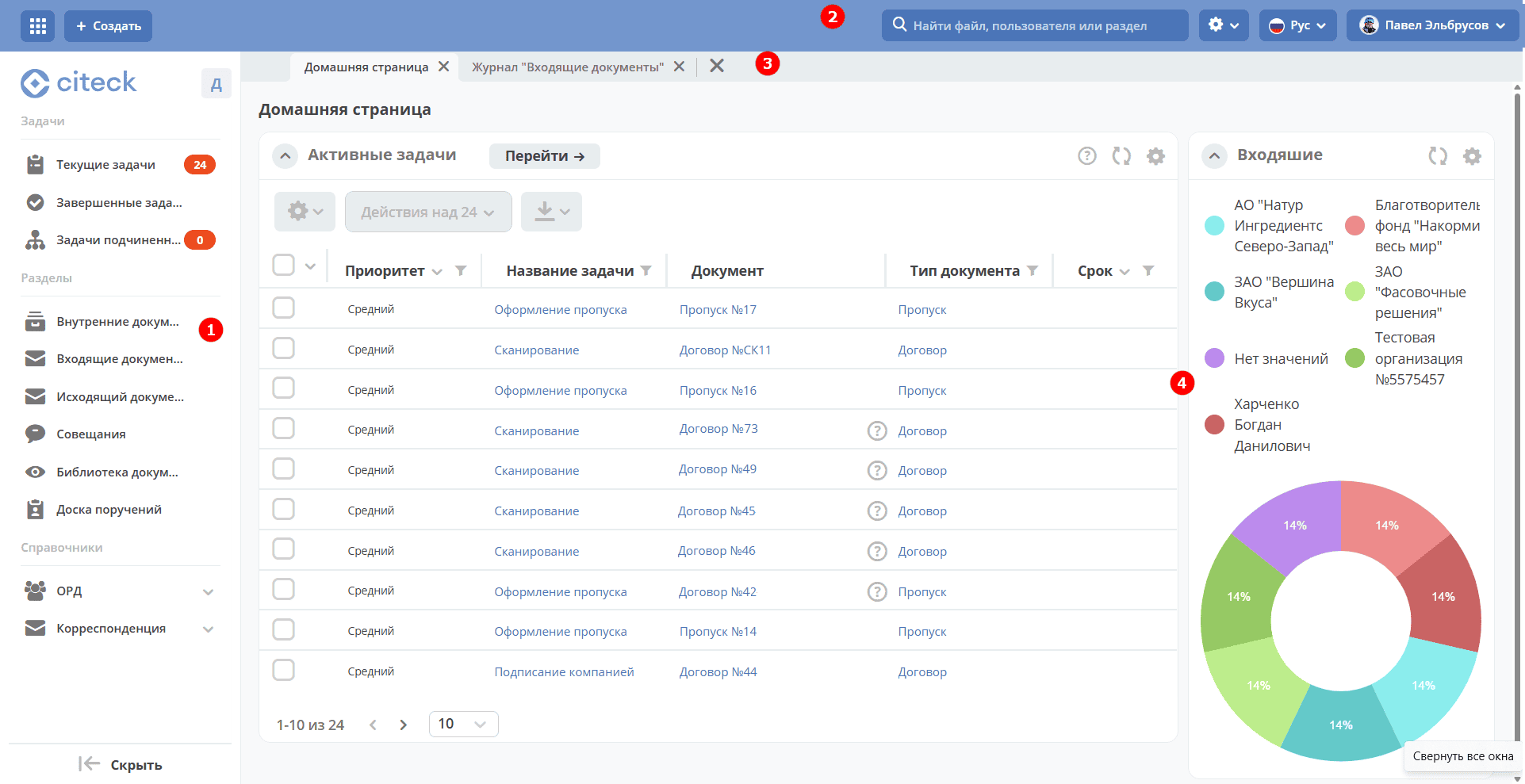
The Citeck workspace homepage consists of a main menu (1), a control panel (2), tabs (3), and a set of widgets (4).
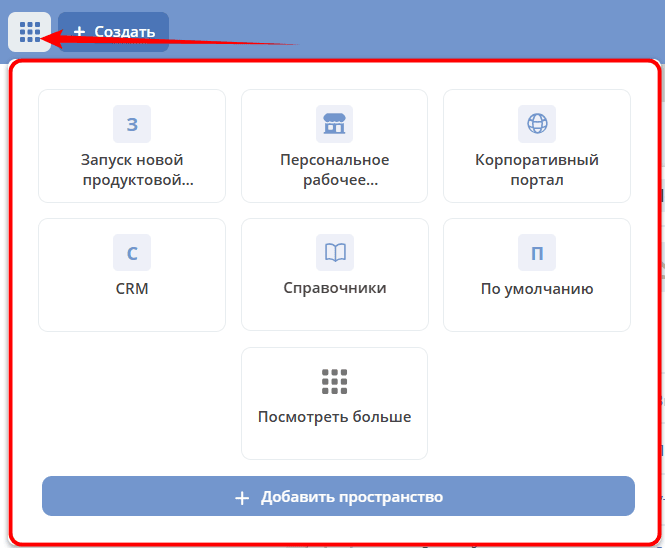
In the top left corner, there is a button for selecting available workspaces:
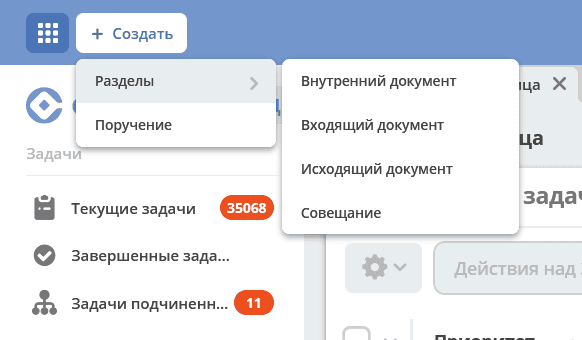
The “Create” button for quickly creating document or case cards. It is generated based on the items in the left menu. It has additional settings in the menu settings.
Widgets are informational blocks that can display Tasks, Task Status, available Actions, Documents, etc., depending on their purpose and settings. Details about widgets.
The user can independently choose the number and layout scheme of widgets to be displayed on the homepage.
This section describes in detail the interface and Citeck functionalities, as well as working with the supplied system modules.