Microservice Deployment and Initial Configuration
To deploy the ecos-content microservice in Docker, add the following configuration to your docker-compose.yml file:
#=== ECOS CONTENT ===#

content-app-dev:
  container_name: content-app-dev
  image: enterprise-registry.citeck.ru/ecos-content:1.0.0
  ports:
    - 8088:8088
  environment:
    - _JAVA_OPTIONS=-Xmx256m -Xms256m
    - SPRING_PROFILES_ACTIVE=dev,swagger
    - SPRING_RABBITMQ_HOST=rabbitmq-dev
    - EUREKA_CLIENT_SERVICE_URL_DEFAULTZONE=http://admin:$${jhipster.registry.password}@ecos-registry:8761/eureka
    - SPRING_CLOUD_CONFIG_URI=http://admin:$${jhipster.registry.password}@ecos-registry:8761/config
    - ECOS_INIT_DELAY=30
  depends_on:
    - ecos-registry
    - rabbitmq-dev
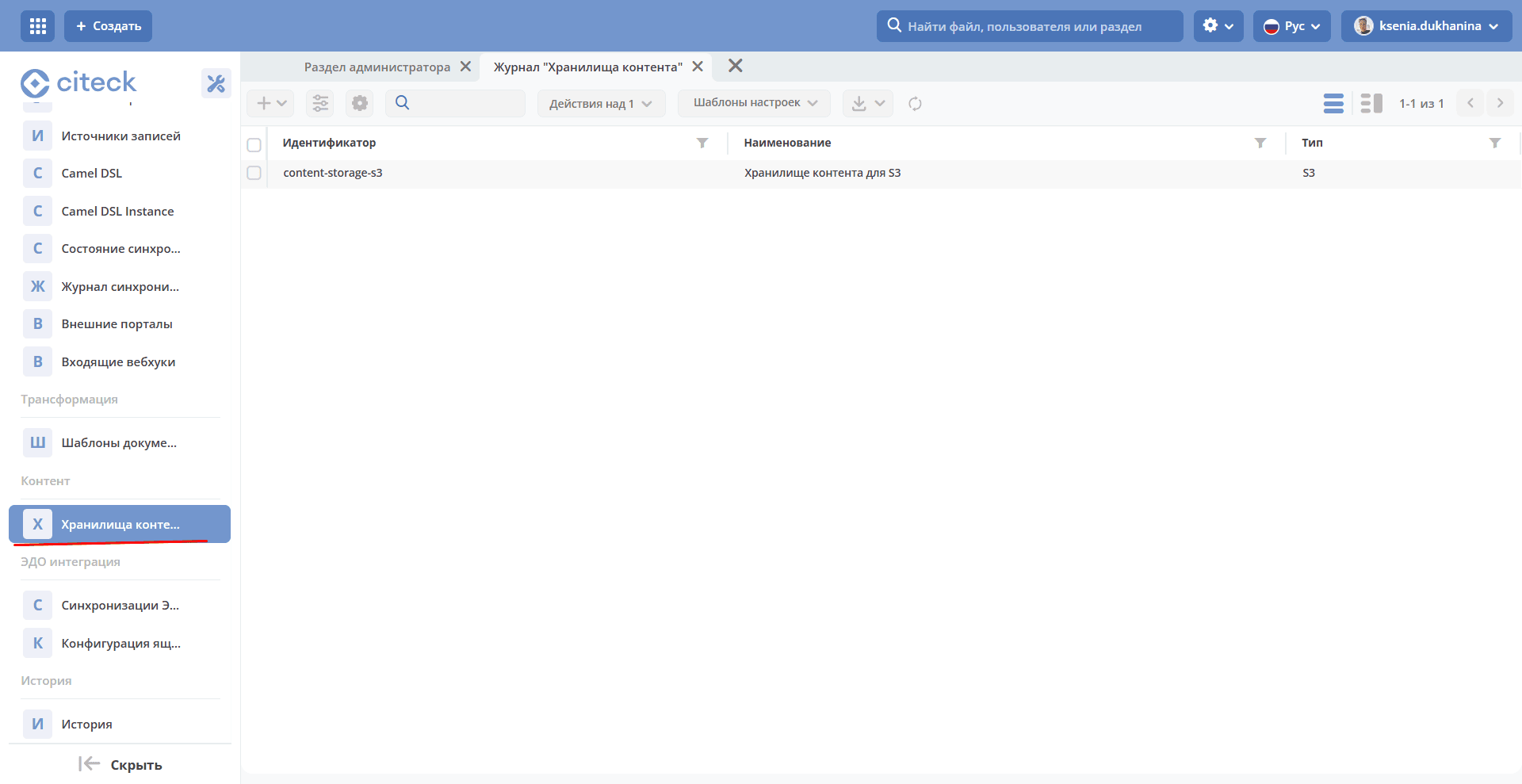
After the microservice starts, a Content item with the Content Storages journal should appear in the Admin Section workspace:
Configuring Citeck After Starting the System with the Microservice
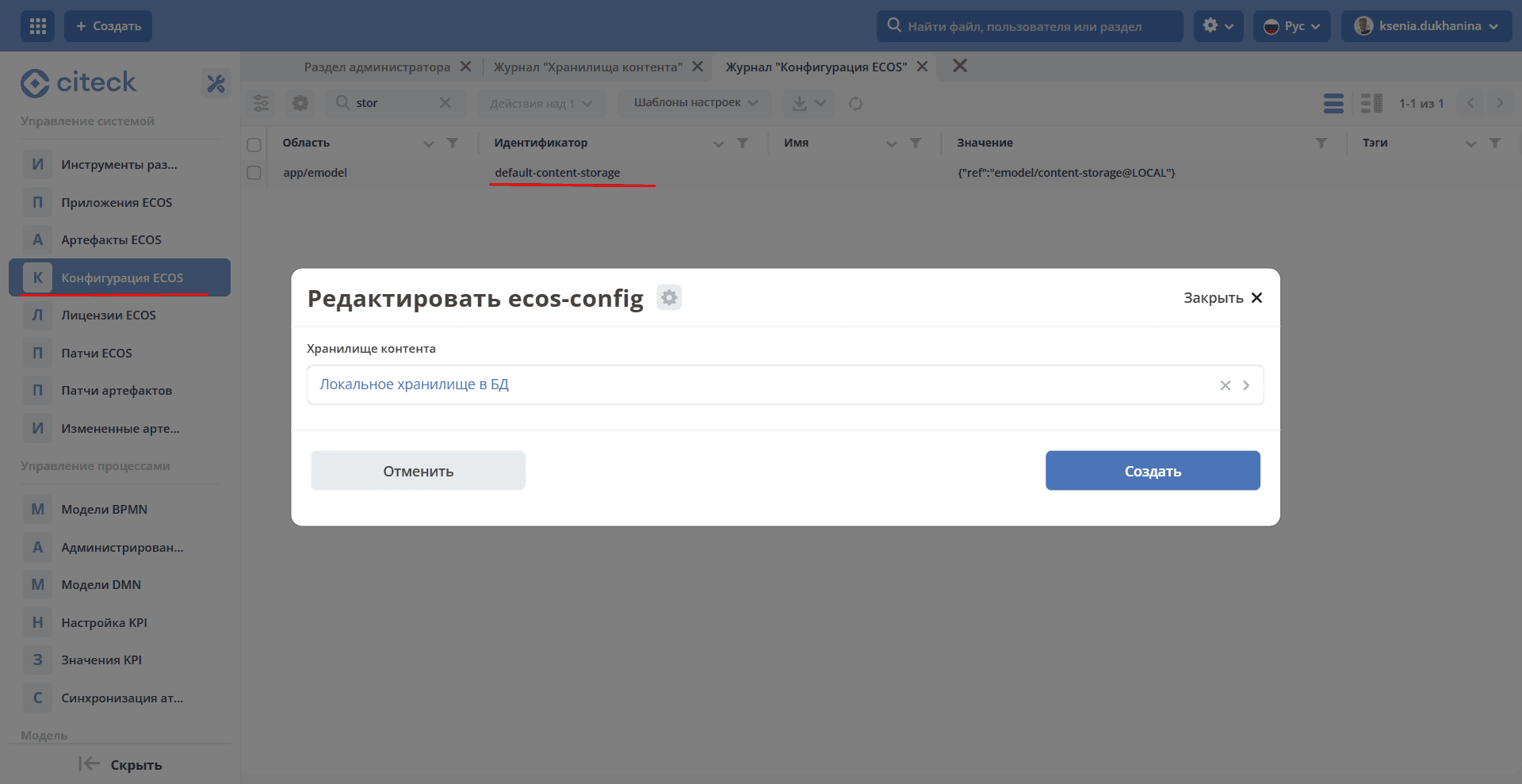
The default-content-storage Parameter
The system requires a parameter to be set that defines the default data storage. This storage will be used by default when a data type in Citeck is configured to save its content to a storage but no specific storage has been selected (for example, each environment may use its own storage, so no specific value will be set in the type configuration).