Webhooks
Webhook — an integration mechanism in which an external system sends an HTTP request to Citeck when a specific event occurs. Unlike polling, a webhook operates on a “push” basis: data is delivered immediately at the moment of the event, with no need to query it periodically.
Citeck supports incoming webhooks: an external system sends a POST request to a dedicated endpoint, Citeck verifies the token and publishes the event to the internal message bus. The event can then be processed by any subscriber — a BPMN process, a Camel DSL integration route, etc.
Typical use cases:
an external CRM (e.g. Bitrix24) notifies Citeck about the creation of a new deal;
a messenger or CI/CD system sends an event upon task completion;
any third-party system initiates the launch of a business process in Citeck.
Settings are available in the “Incoming Webhooks” journal (Workspace “Admin Section” — Integration).
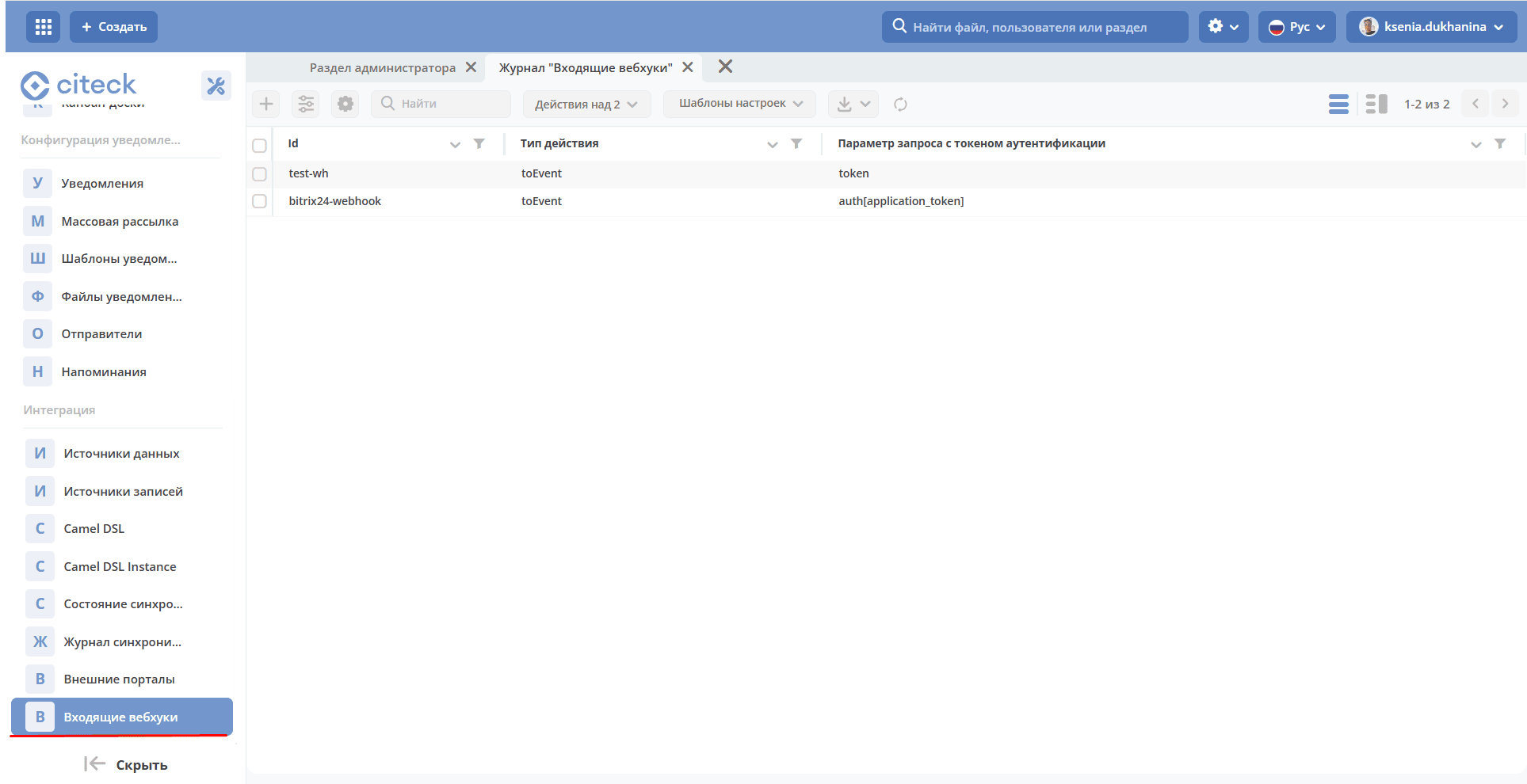
The journal is available at: v2/journals?journalId=in-webhook-journal&viewMode=table&ws=admin$workspace
Location of artifacts with this type: integration/in-webhook
Creation Form
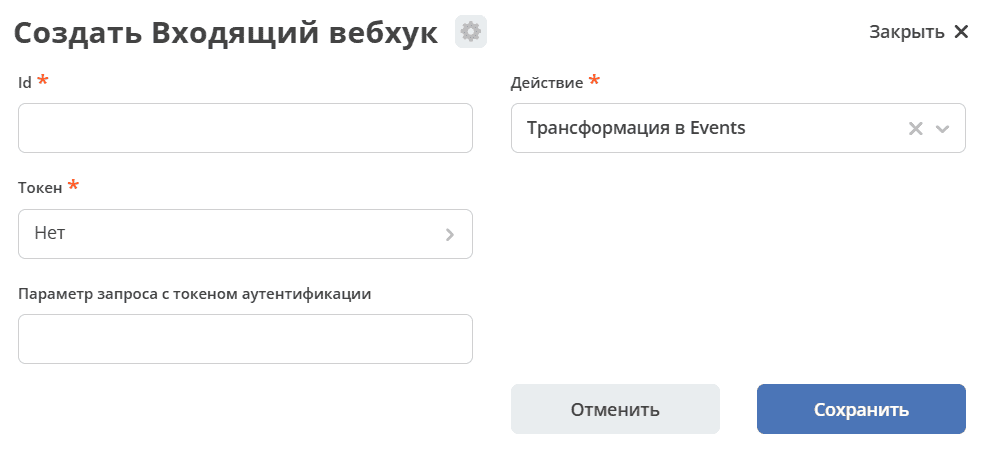
Attributes (in-webhook):
Attribute |
Type |
Description |
|---|---|---|
id |
Text |
Identifier used to form the webhook endpoint |
token |
ASSOC (secret) |
Secret of type “Token”.
Required to validate the request.
|
actionType |
Text |
Action type when processing the request |
authParameter |
Text |
Request parameter in which the token is passed.
If not specified, the default value token is used
|
Configuration Example:
---
id: bitrix24-webhook
token: emodel/secret@bitrix24-webhook-token
actionType: toEvent
authParameter: auth[application_token]
Once an incoming webhook is created, POST requests can be sent to the following address:
http://host/gateway/integrations/pub/webhook/${id}
where id is the identifier specified when creating the webhook.
The request must contain a body.
The authentication token must be passed in the parameter specified when creating the webhook.
For example:
http://host/gateway/integrations/pub/webhook/bitrix24-webhook?token=testAuthToken
Currently, one action type is available — “Transformation into Events”. When processing a webhook, the token is verified.
If verification succeeds, an ECOS Event is created in the standard queue ecos-events with the type in-webhook-request. The event contains the request data:
webhookId: String
params: Map<String, String>
body: String
For example:
{
  "params": {"event":"ONCRMDEALADD","auth[application_token]":"123","data[FIELDS][ID]":"9"},
  "body":"event=ONCRMDEALADD&auth%5Bapplication_token%5D=123&data%5BFIELDS%5D%5BID%5D=9",
  "webhookId":"bitrix24-webhook"
}
Only the Administrator and the System have read and edit access to webhooks.
Errors
The following errors may occur when sending a request to a webhook:
Code |
Details |
Comment |
|---|---|---|
500 |
Invalid webhook id={wh_id} |
Webhook with the specified id not found |
500 |
Secret ${webhook.token} not found |
The secret specified in the webhook was not found |
500 |
Authentication token is not valid |
The token parameter is missing from the request or the token is invalid |
500 |
Not found action type ${webhook.actionType} |
A non-existent action type was specified |
Webhooks are used, for example, for synchronization with Bitrix24.