Working with Snapshots
Snapshots in Docker are point-in-time captures of a volume’s state. They allow you to quickly roll back to a previously recorded point and are used primarily for debugging and testing rather than as a full backup solution.
Snapshots preserve changes relative to the base image by creating a new layer and are used to capture the state of data on volumes or to export container configuration.
Note
Creating and deploying from a snapshot is only possible when fully stopped.
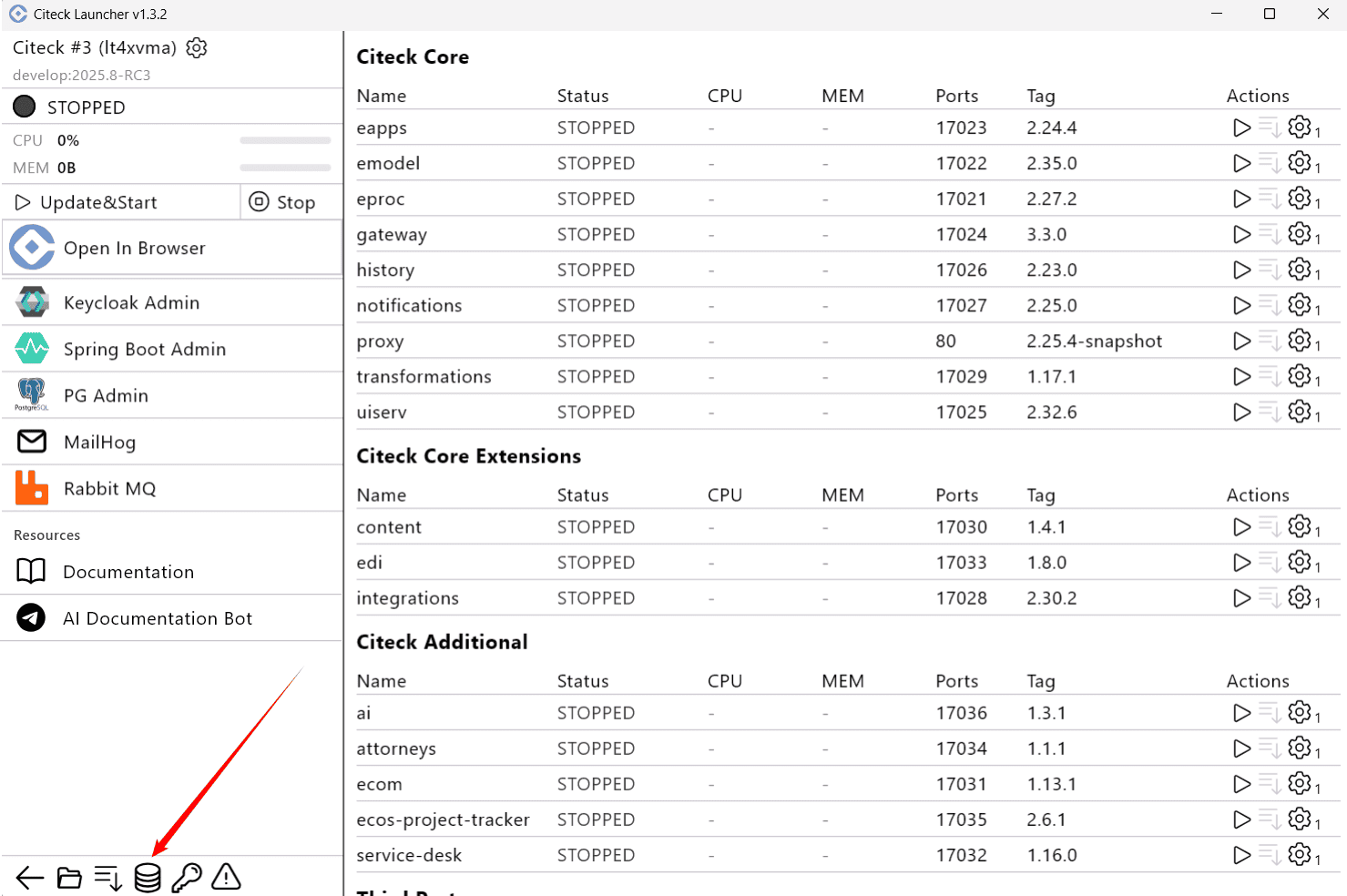
Go to the list of volumes:
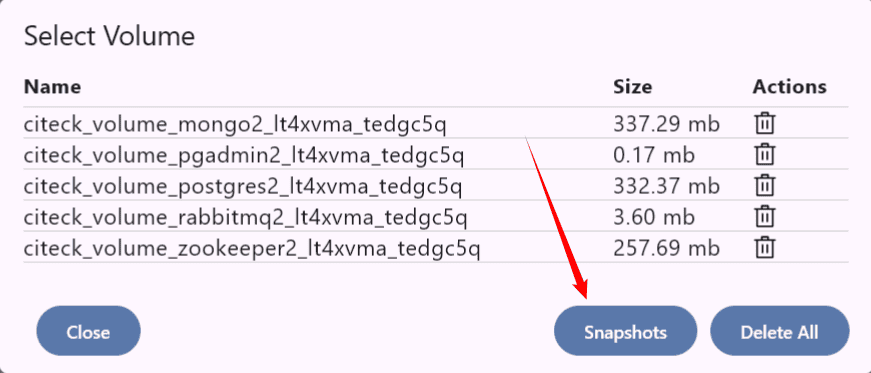
Then click Snapshots:
The list shows 2 types of snapshots:
Workspace Snapshots - snapshots configured in the workspace configuration, for example, demo data.
Namespace Snapshots - snapshots local to a namespace that can be managed.
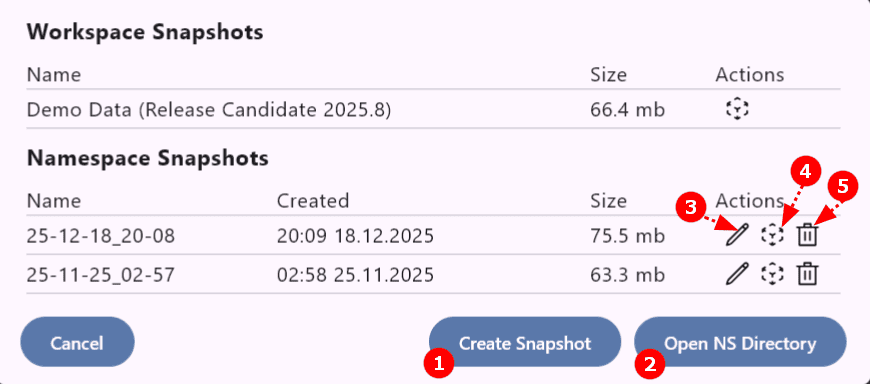
Available snapshot actions:
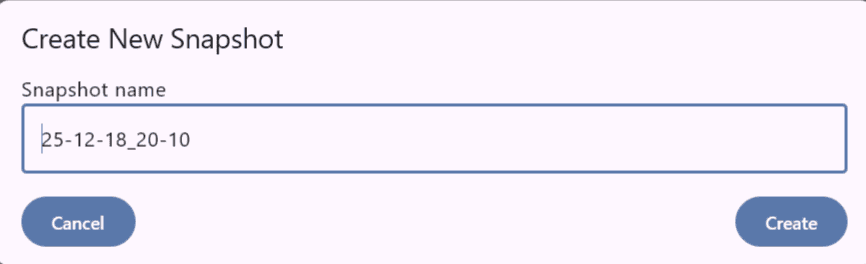
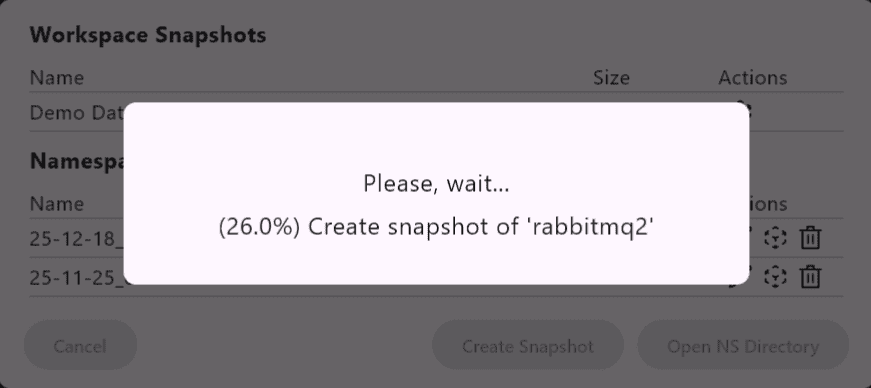
Create a new snapshot — enter a name and confirm creation:
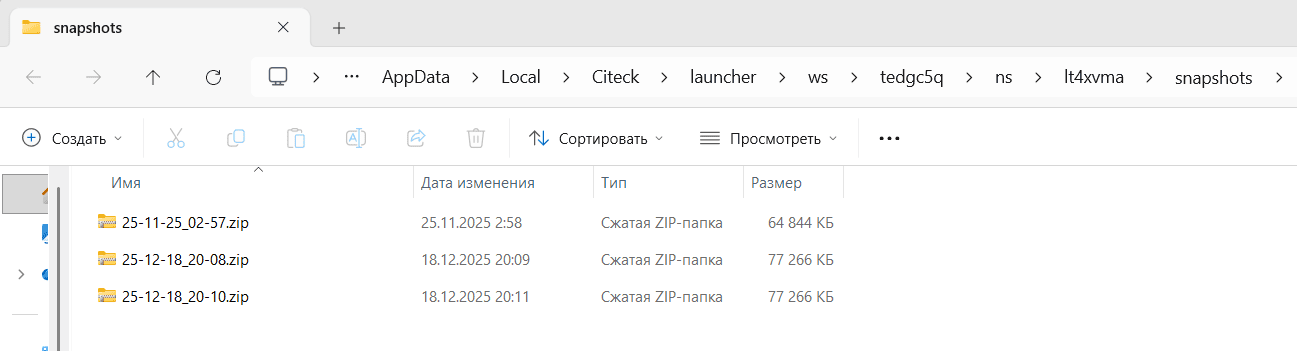
Go to the snapshot directory — opens the folder containing the created archives:
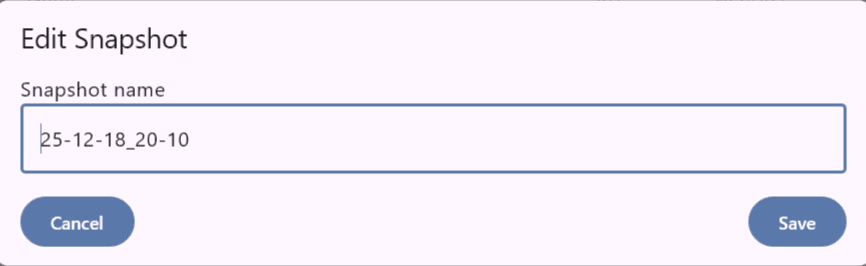
Rename snapshot:
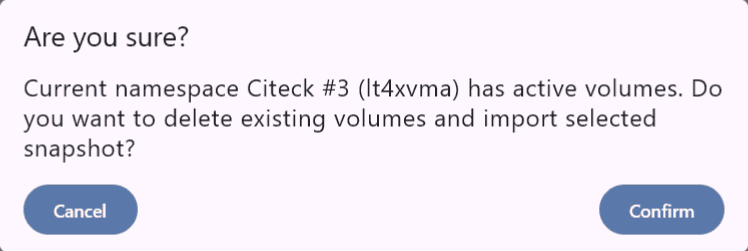
Deploy data from a snapshot:
Delete snapshot:

Deploy a snapshot on another computer
On the source workstation:
create a snapshot;
go to the snapshot directory using button (2);
copy and transfer the required archive.
On the target workstation:
create a new namespace,
go to the snapshot directory using button (2);
add the received archive to the folder;
go to the snapshot list;
deploy data from the snapshot (4).