Citeck Quick Start
Make sure the required components are installed:
Docker is installed
At least 16 GB of RAM
Start Docker.
Note
By default, Windows allocates 50% of total memory for WSL 2. To increase the memory amount, use the instructions
Download and install the current citeck-launcher distribution for your operating system from the releases page:
.msi for Windows
.deb for Linux-like OS
.dmg for MacOS
Note
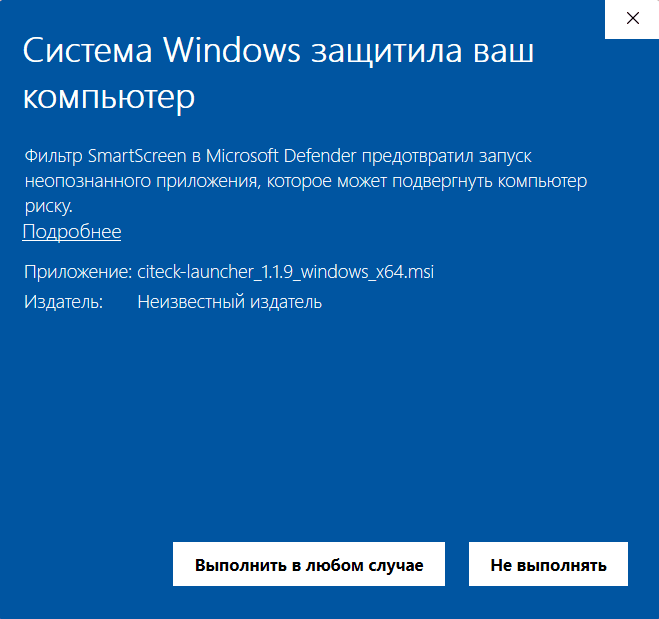
When installing on Windows, if SmartScreen prevented the application from starting, click “More info” and then “Run anyway”:
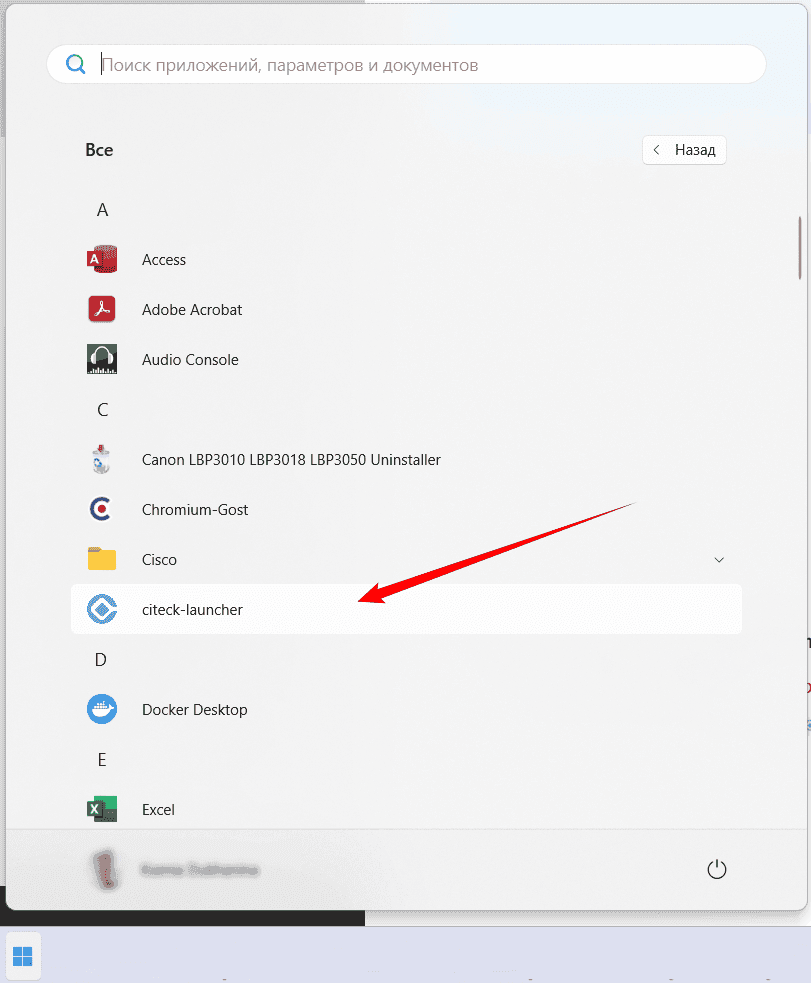
Start citeck-launcher:
Select the Citeck launch option:
with pre-filled demo data - click Quick Start With Demo Data:
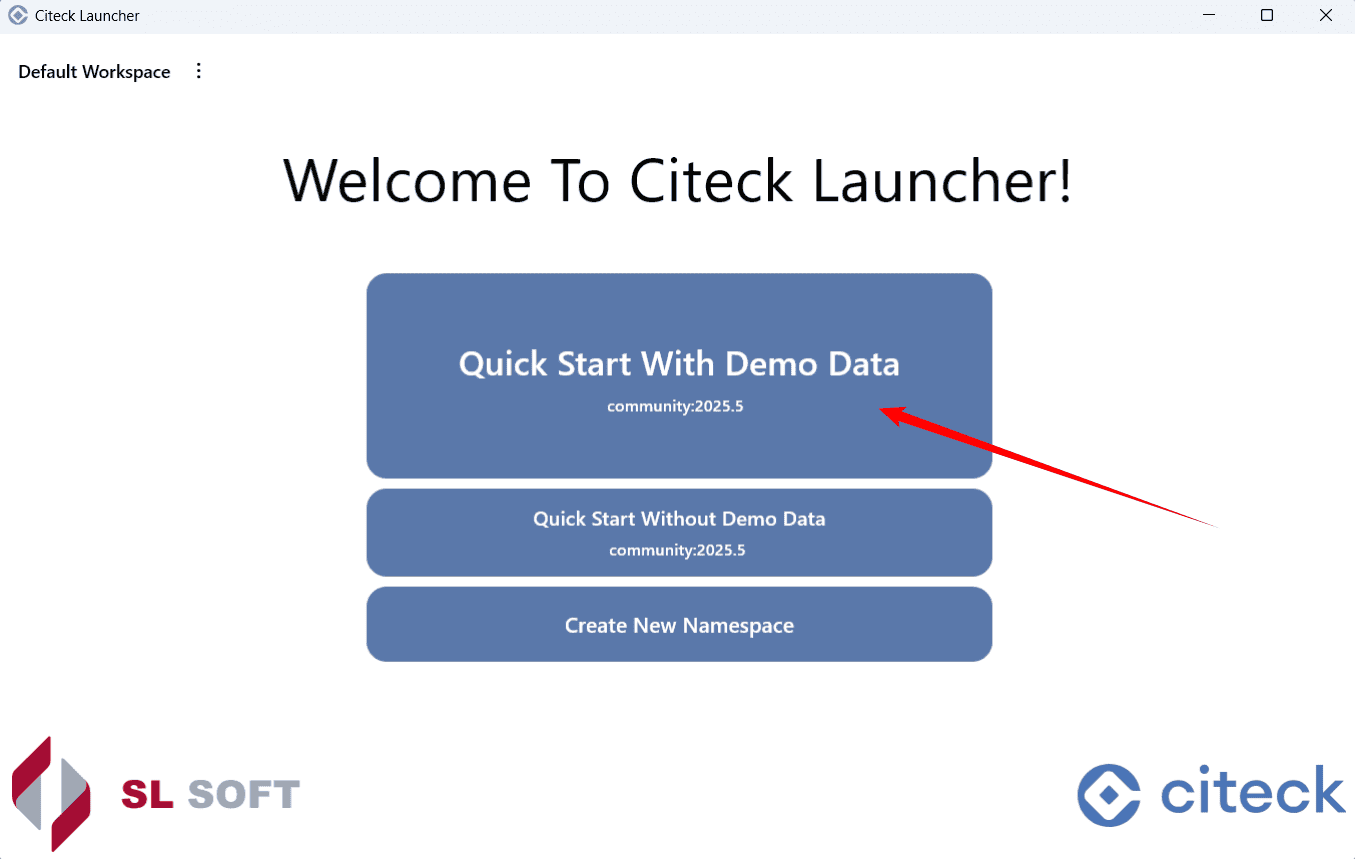
without demo data - click Quick Start Without Demo Data.
Wait for the data to download and verify:

Note
When installing the Enterprise version, enter the password for downloading private images:
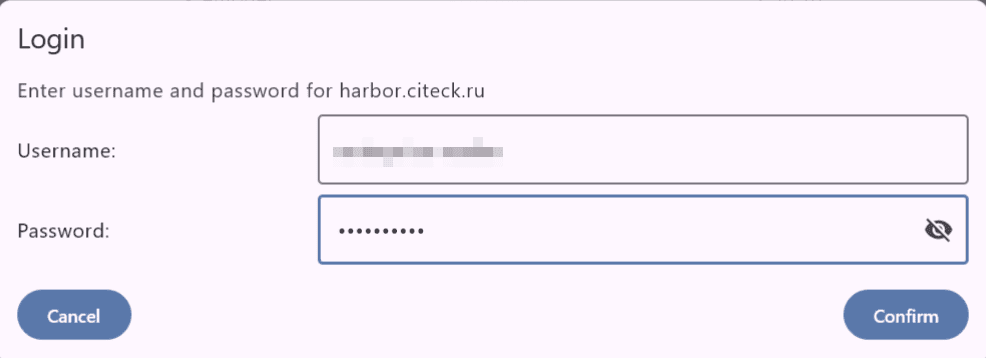
Downloading and deploying images will start automatically:
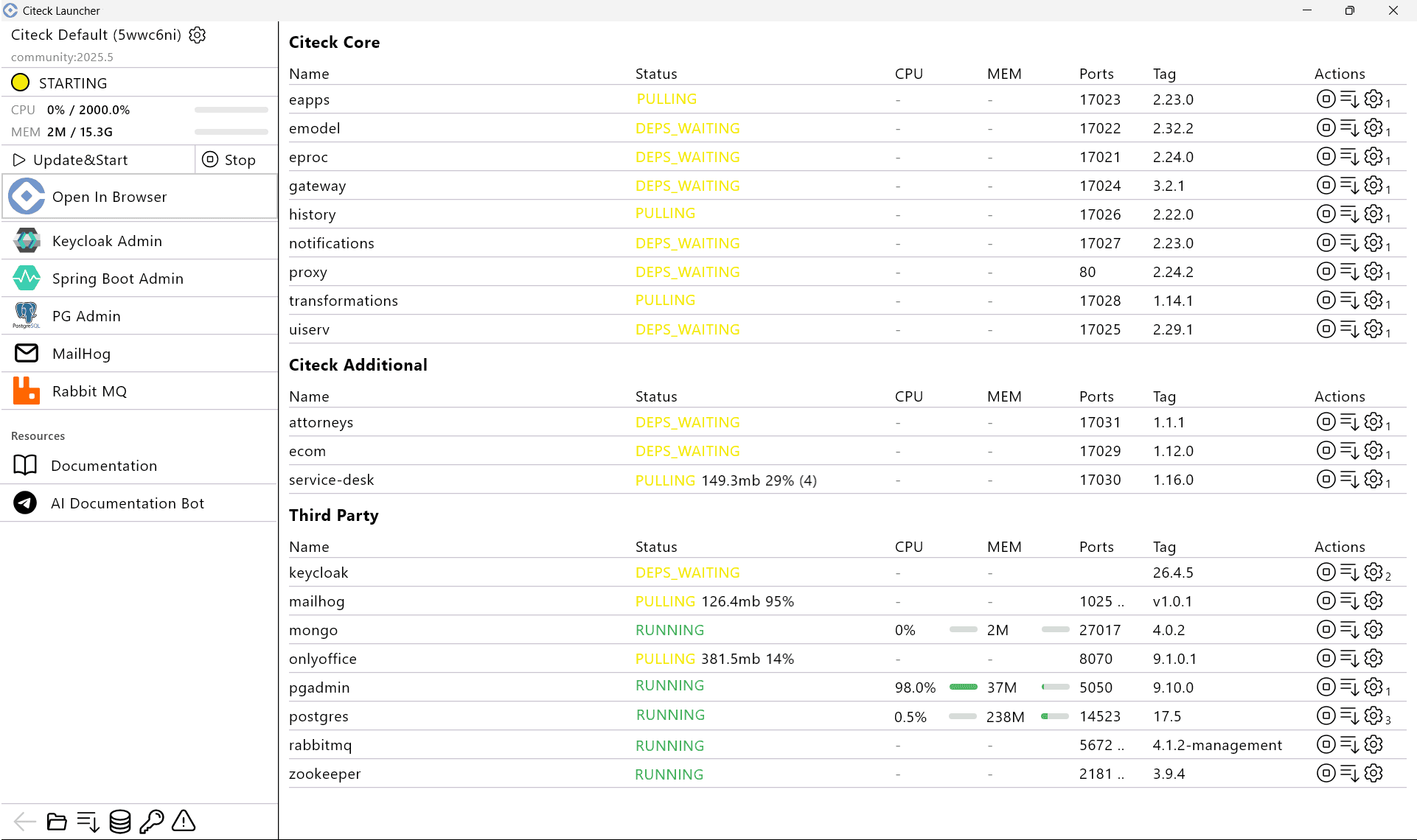
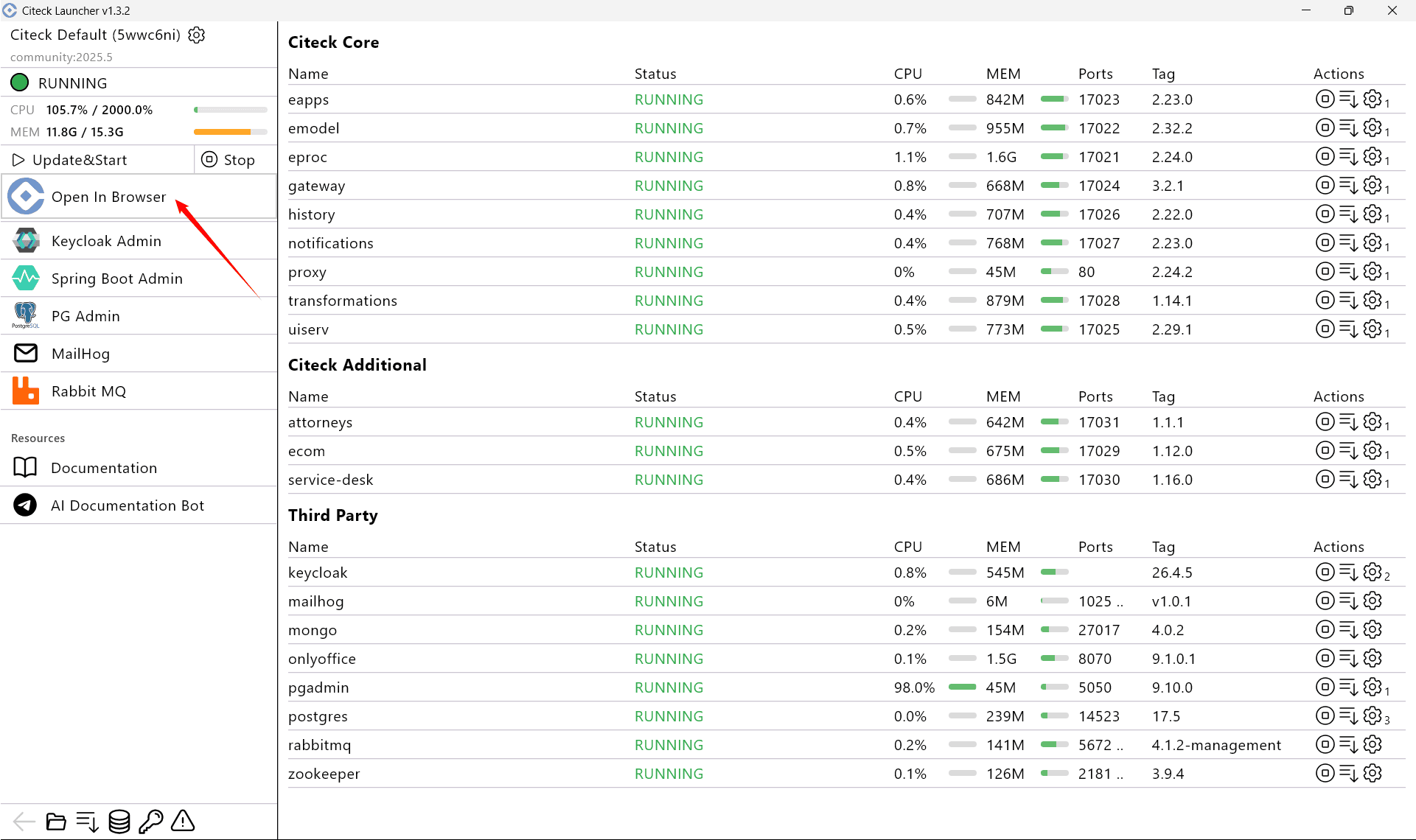
Wait for all microservices and applications to reach Running status and click Open In Browser:
Log in:
Use the credentials admin / admin: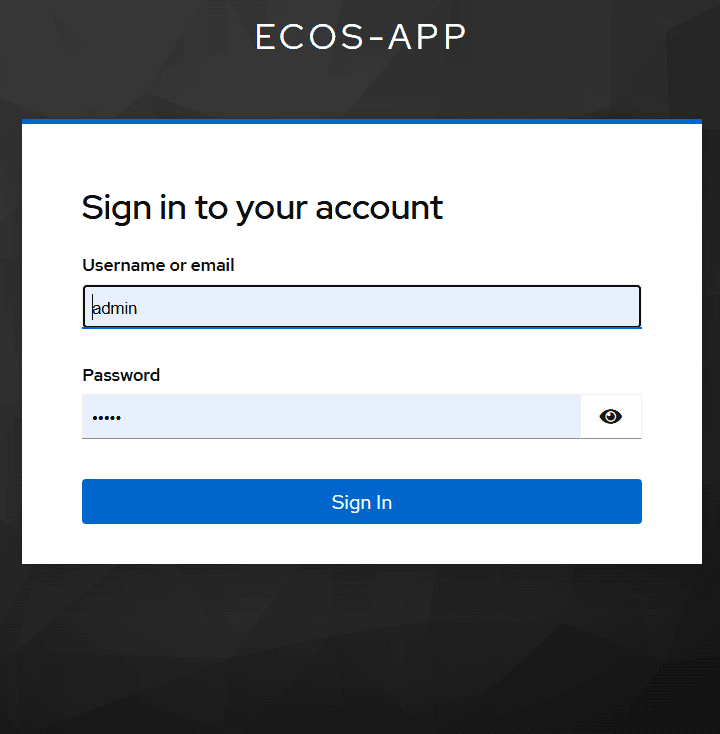 During first deployment without demo datakeycloak will ask to change the password: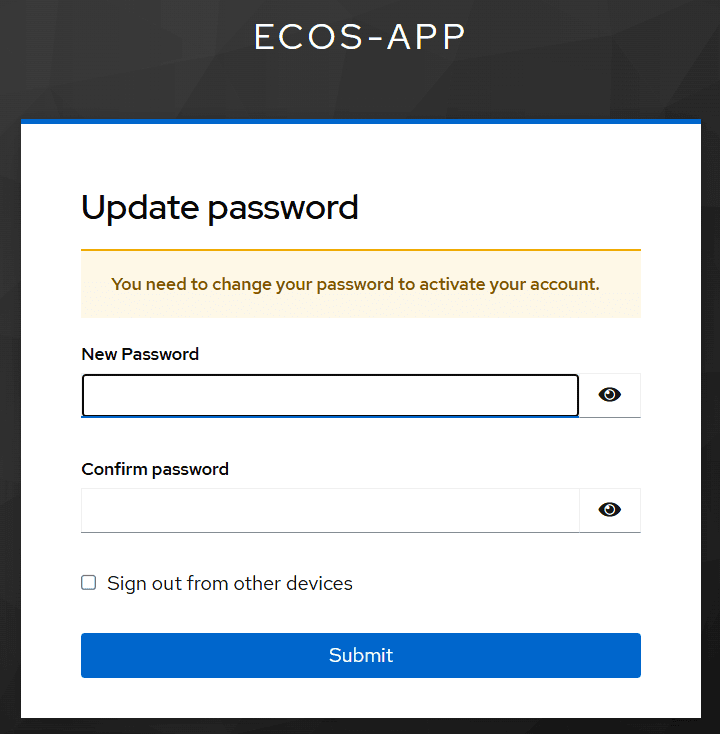
The personal workspace page will open at http://localhost/:
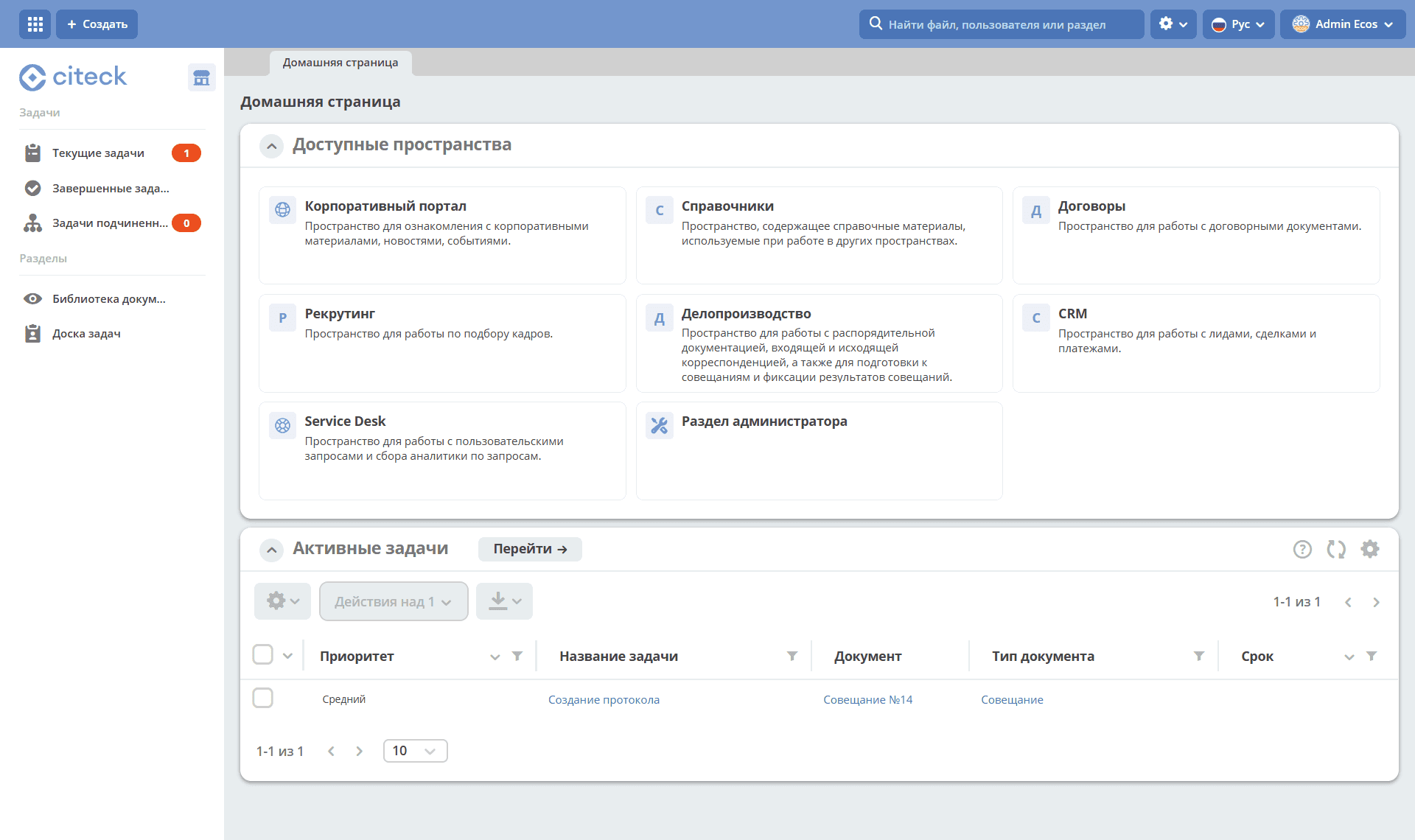
Note
Errors may appear during the first 5 minutes after launch — this is normal, deployment is still in progress:
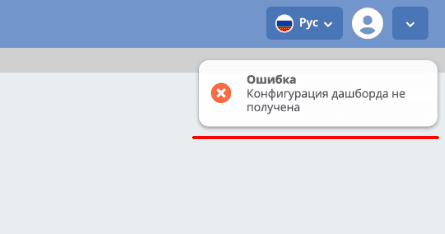
In the top left corner, a button is available to select available workspaces and create a new one:

Note
To save resources, you can stop the onlyoffice microservice, change authentication from keycloak to basic.
Details about: