Updating Citeck
Create a data snapshot so that the original state can be restored if needed.
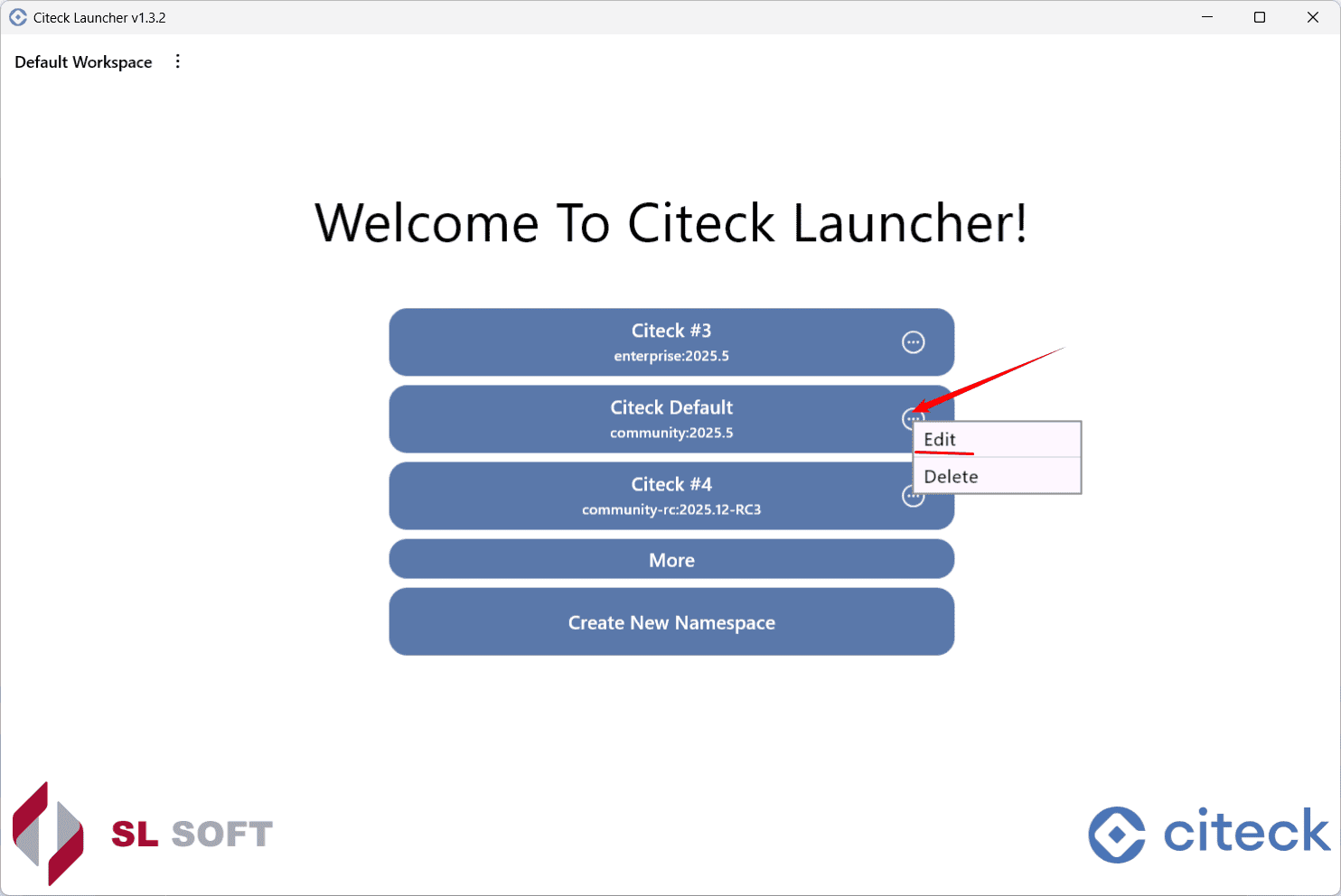
Go to the namespace edit mode:
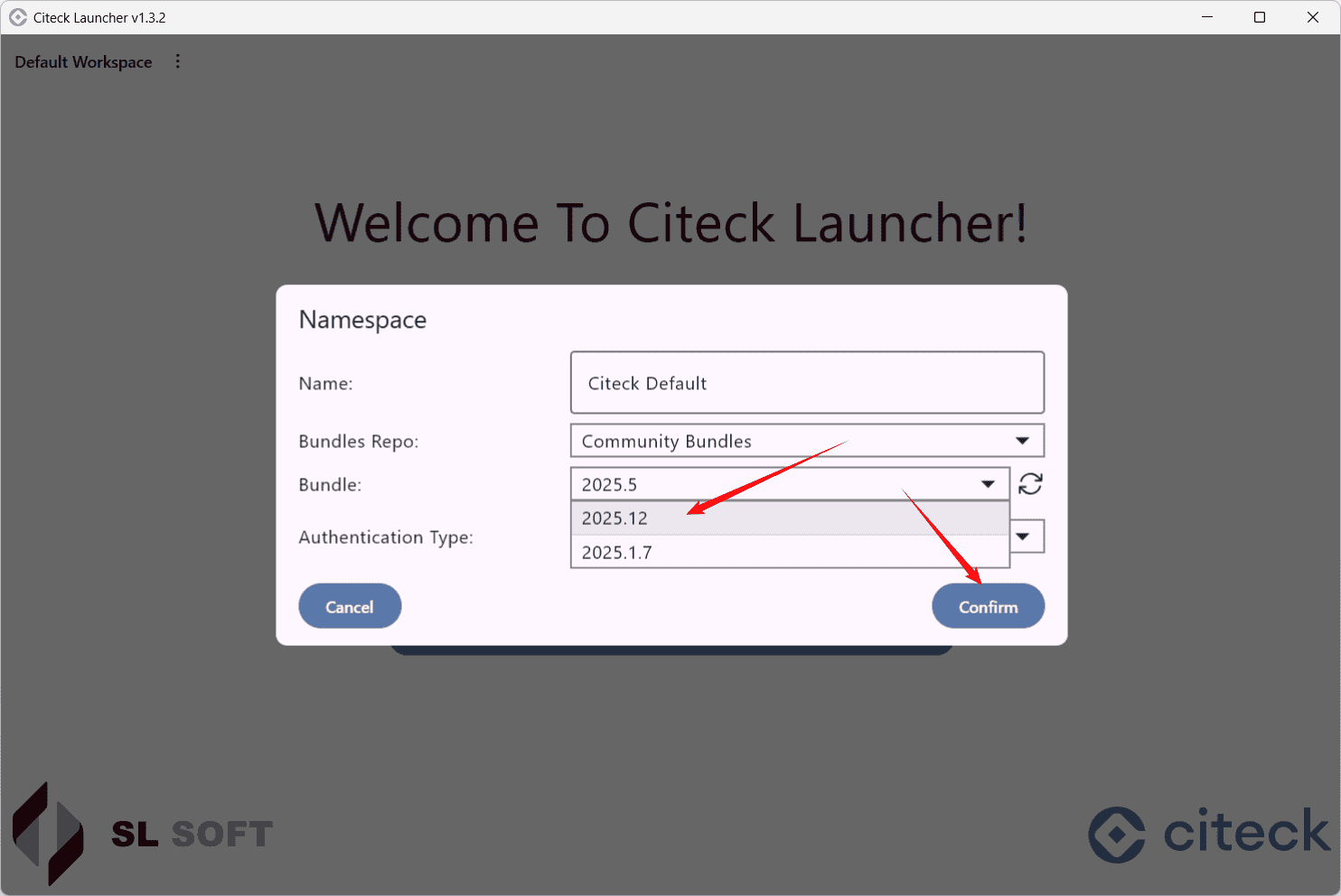
Select the bundle of the new release and click Confirm:
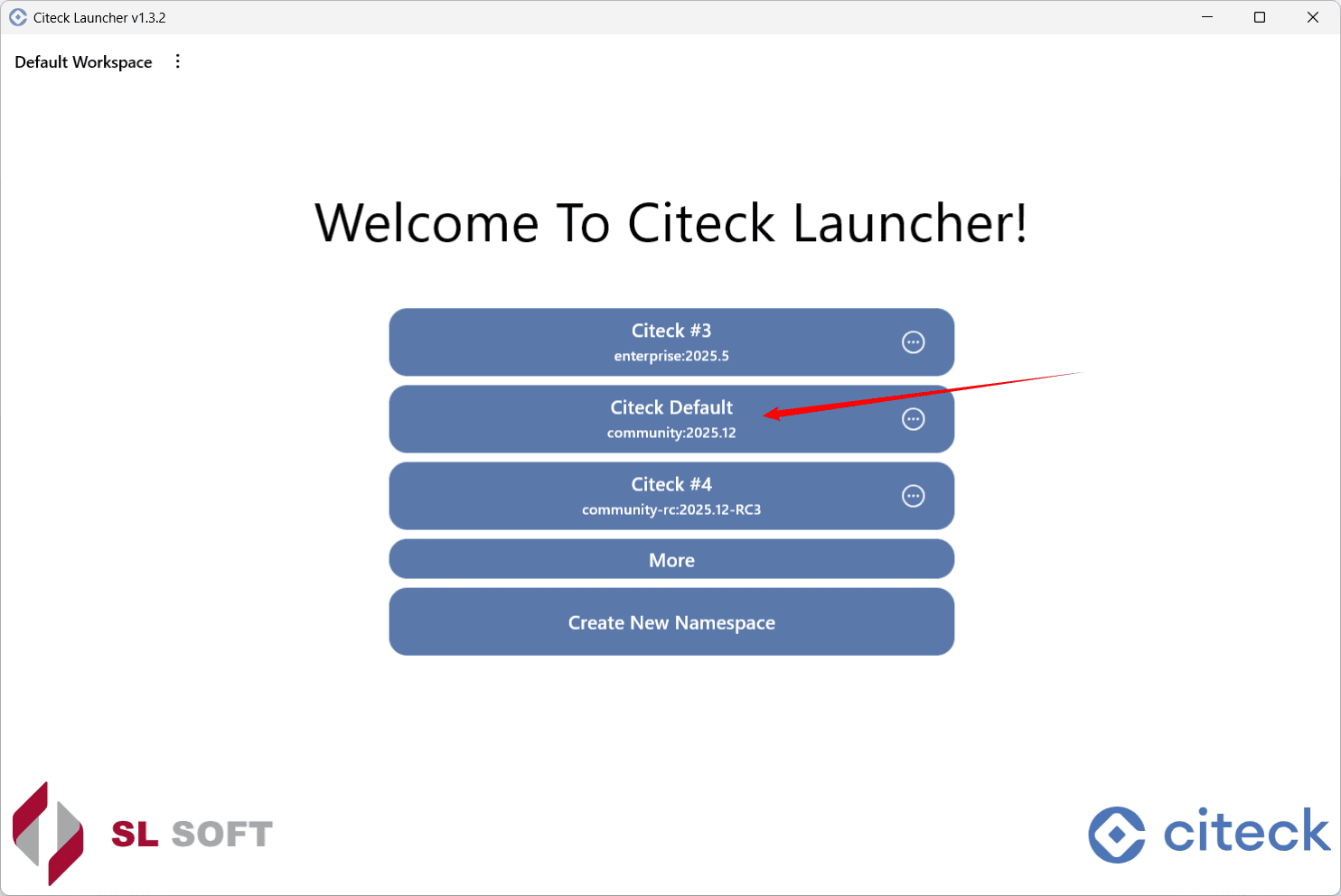
Click the launch button:
Click Update & Start:
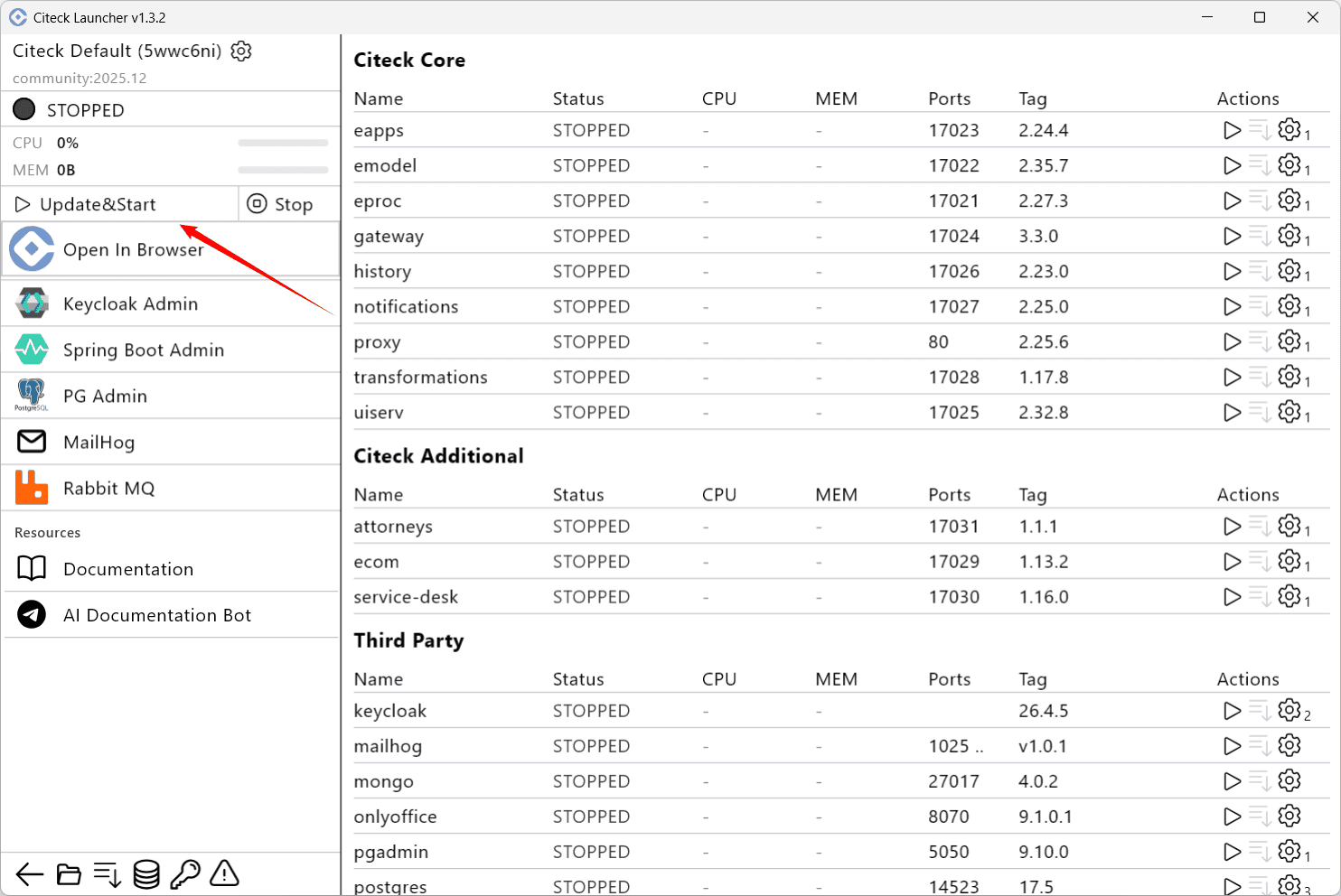
Downloading and deploying images will begin:
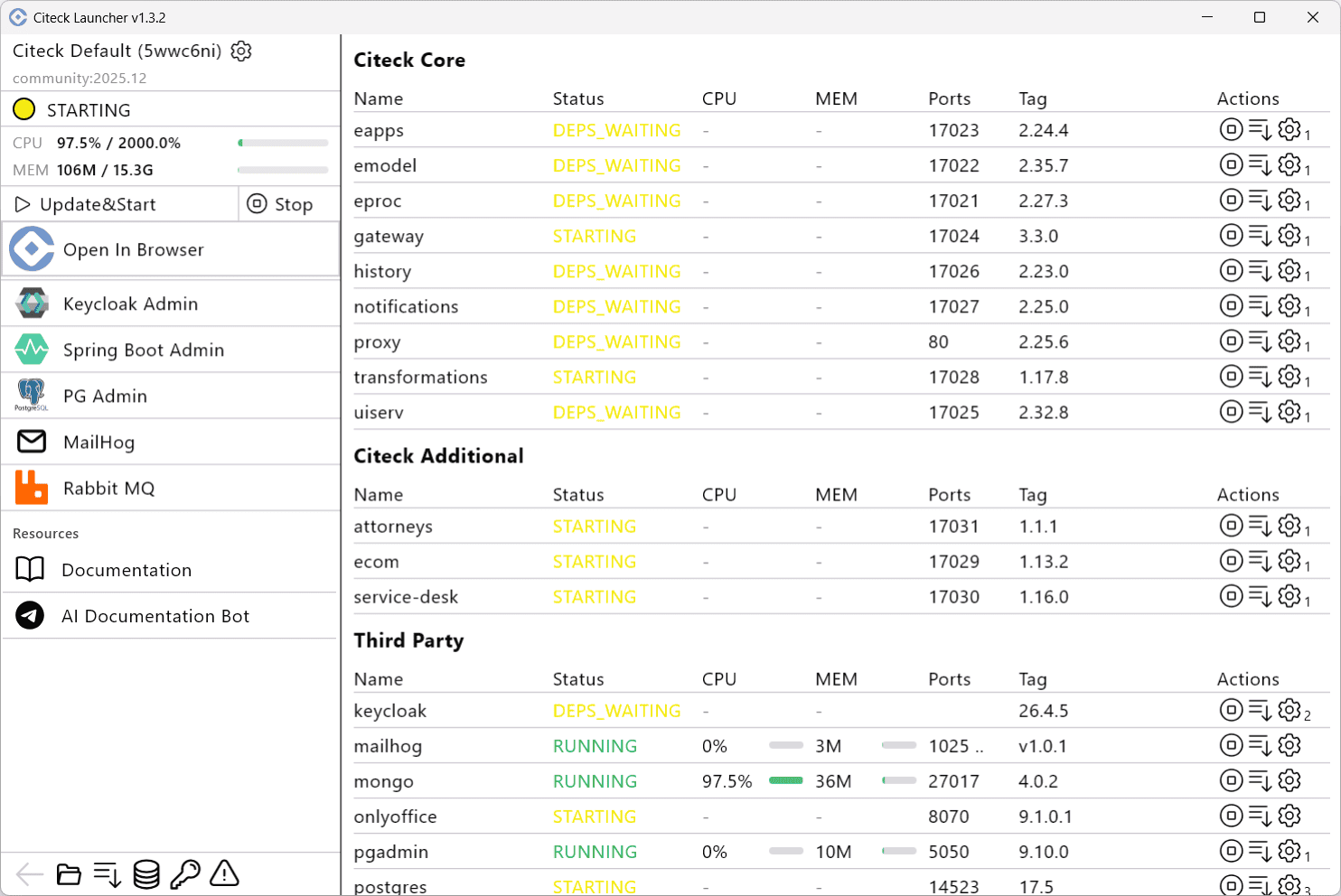
Wait for all microservices and applications to reach Running status and click Open In Browser:
Note
Data is not deleted automatically during an update — an explicit action is required to delete it.