Working with secrets and master password
The master password encrypts all secrets used in the launcher. It must be entered once each time the launcher is restarted.
To go to secrets management, click the corresponding button:

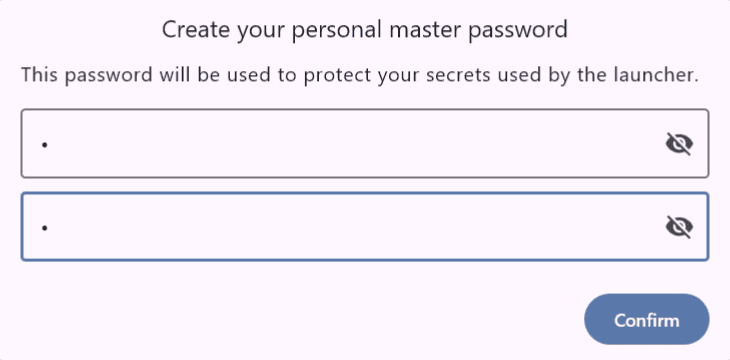
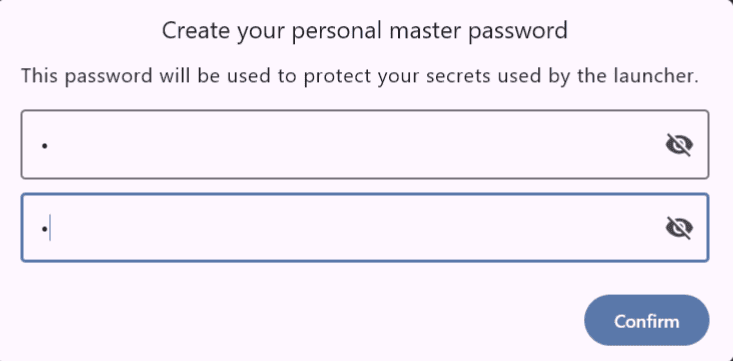
Setting the master password
Enter and confirm the master password:
Viewing and deleting secrets
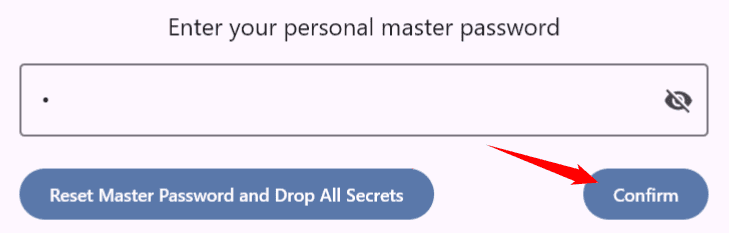
To view the list of secrets, enter the password:
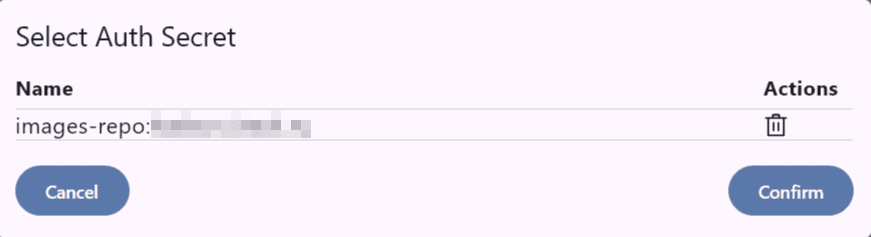
A list of secrets will open with the option to delete each one:
Resetting the master password
Note
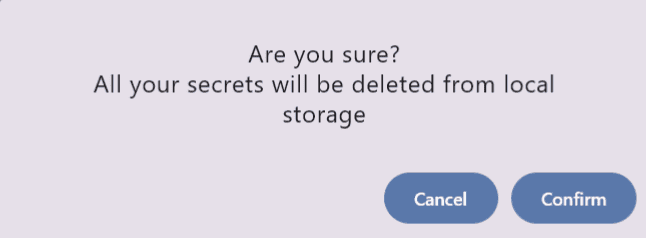
When reset, all saved secrets will be deleted.
Click the reset button and confirm the action:
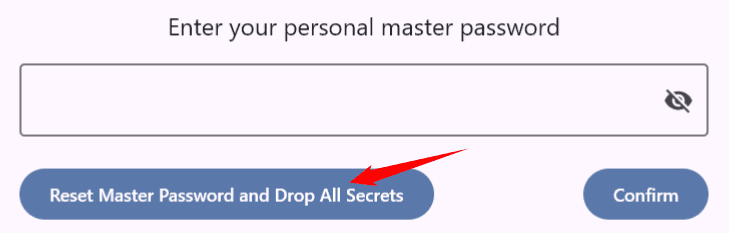
Then set a new master password: