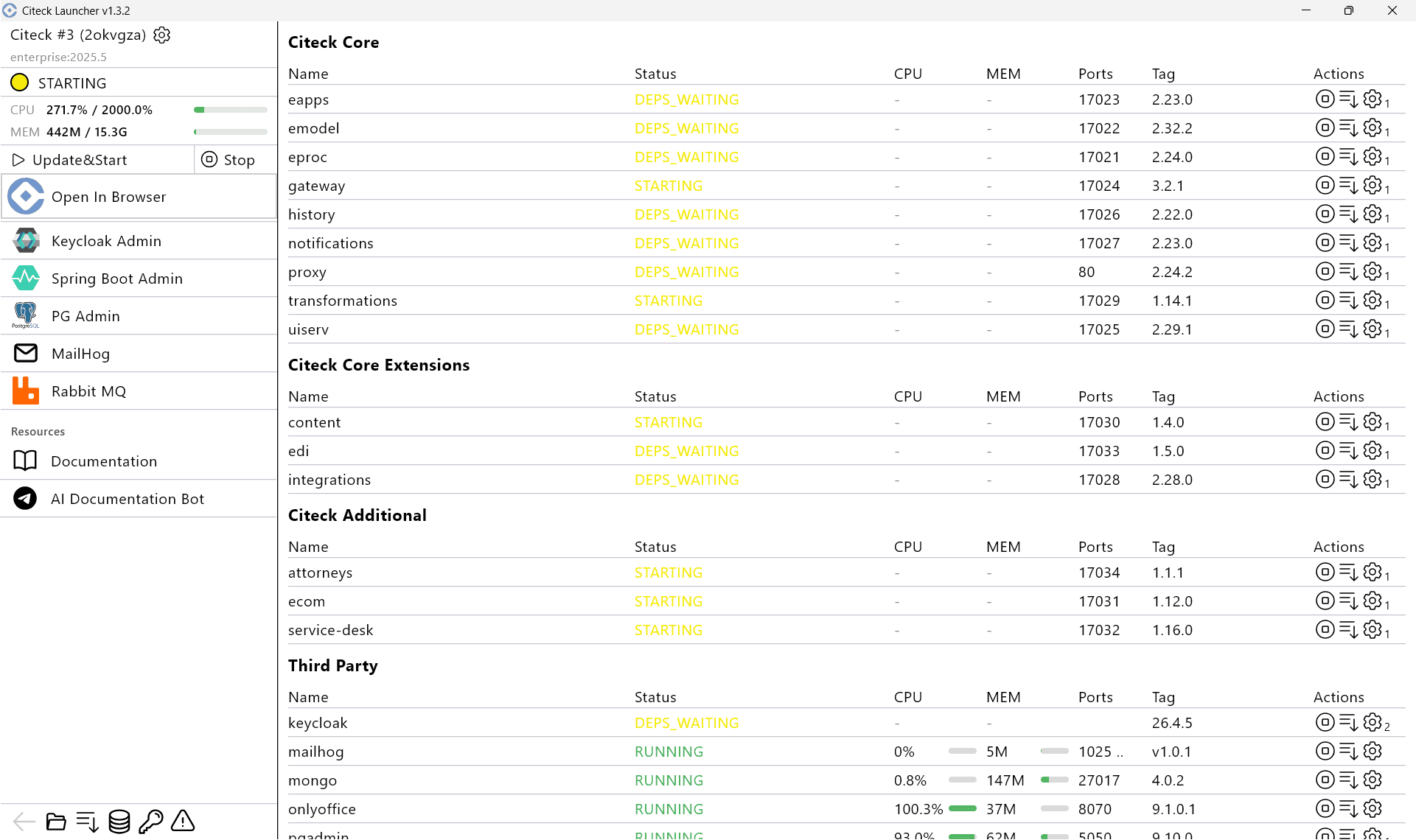
Creating a new namespace
To launch another delivery kit in the workspace, create a new namespace. Click Create New Namespace.

Specify the parameters for the new namespace:
namespace name;
delivery variant — Develop (release candidates) or Release;
delivery version;
data snapshot (if needed);
authorization type.
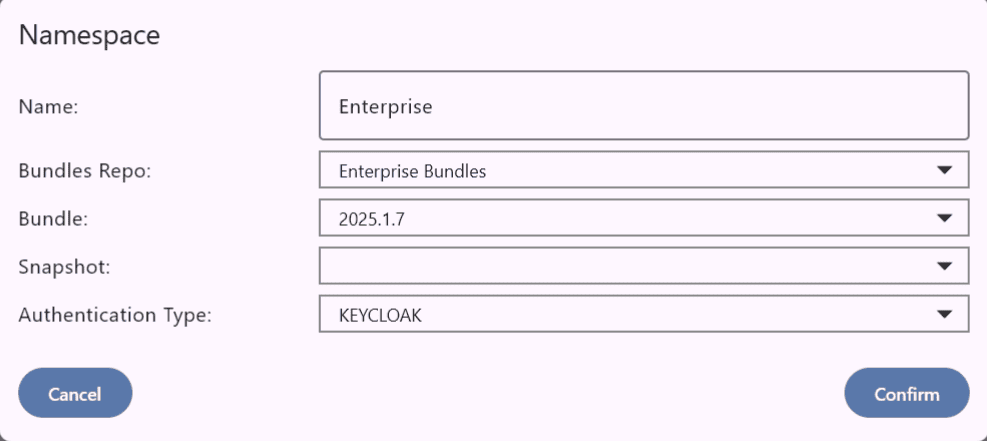
Available delivery variants and their versions:

Click Confirm.
If you select a data snapshot, wait for the data to be downloaded and verified:

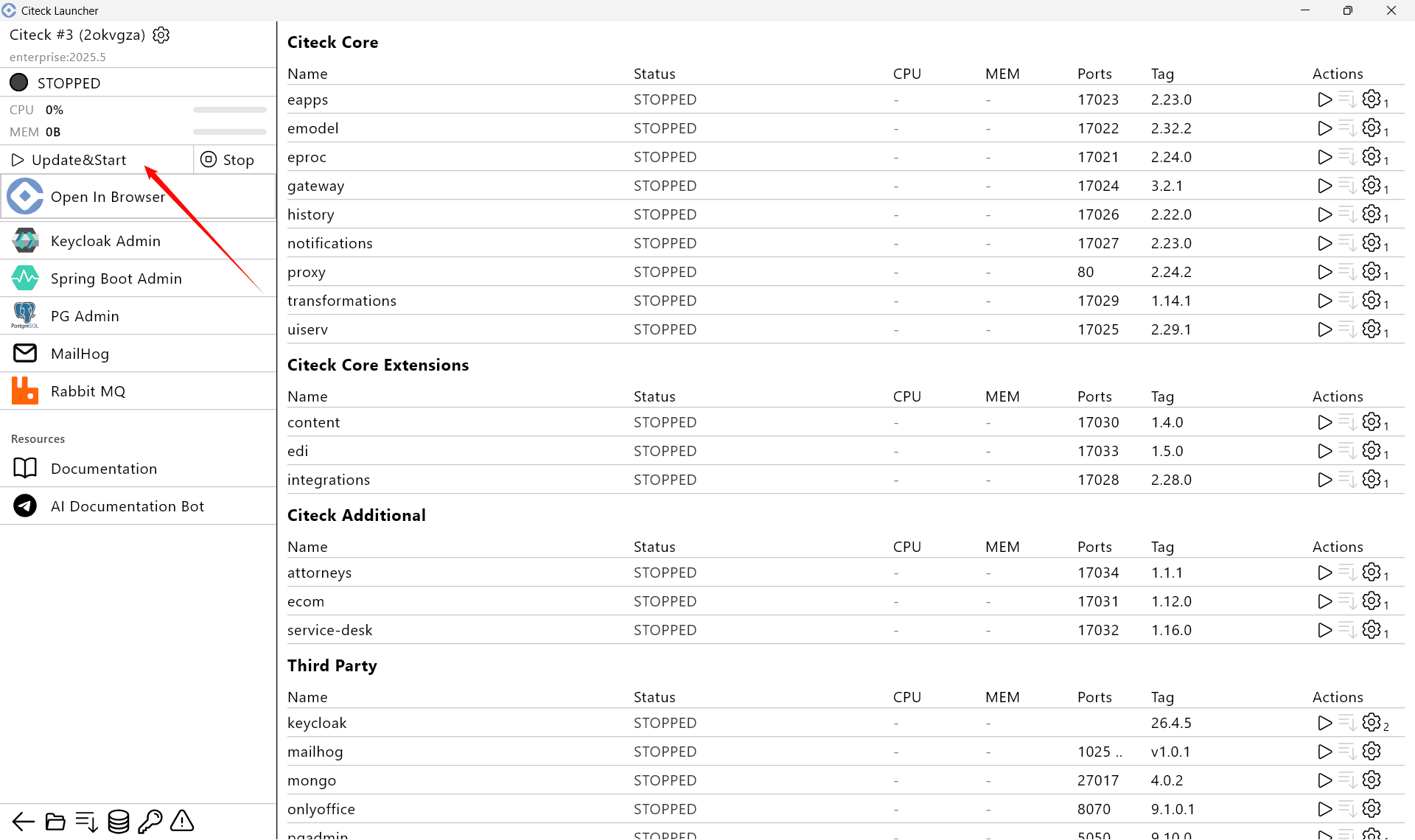
To start, click Update&Start:
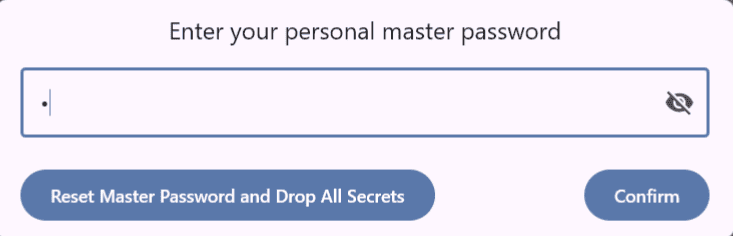
Enter the master password, or set one if it has not been configured yet:
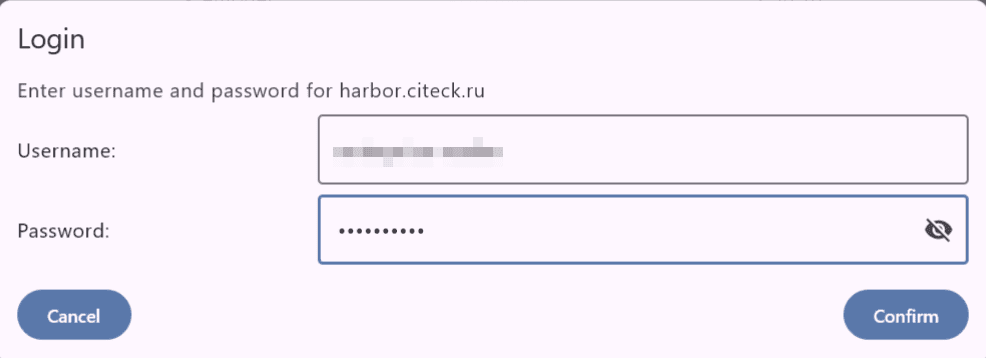
Enter the password for downloading private images:
The further process is the same as for the quick start: