Fetching from the Database
To fetch data from the database, you need to:
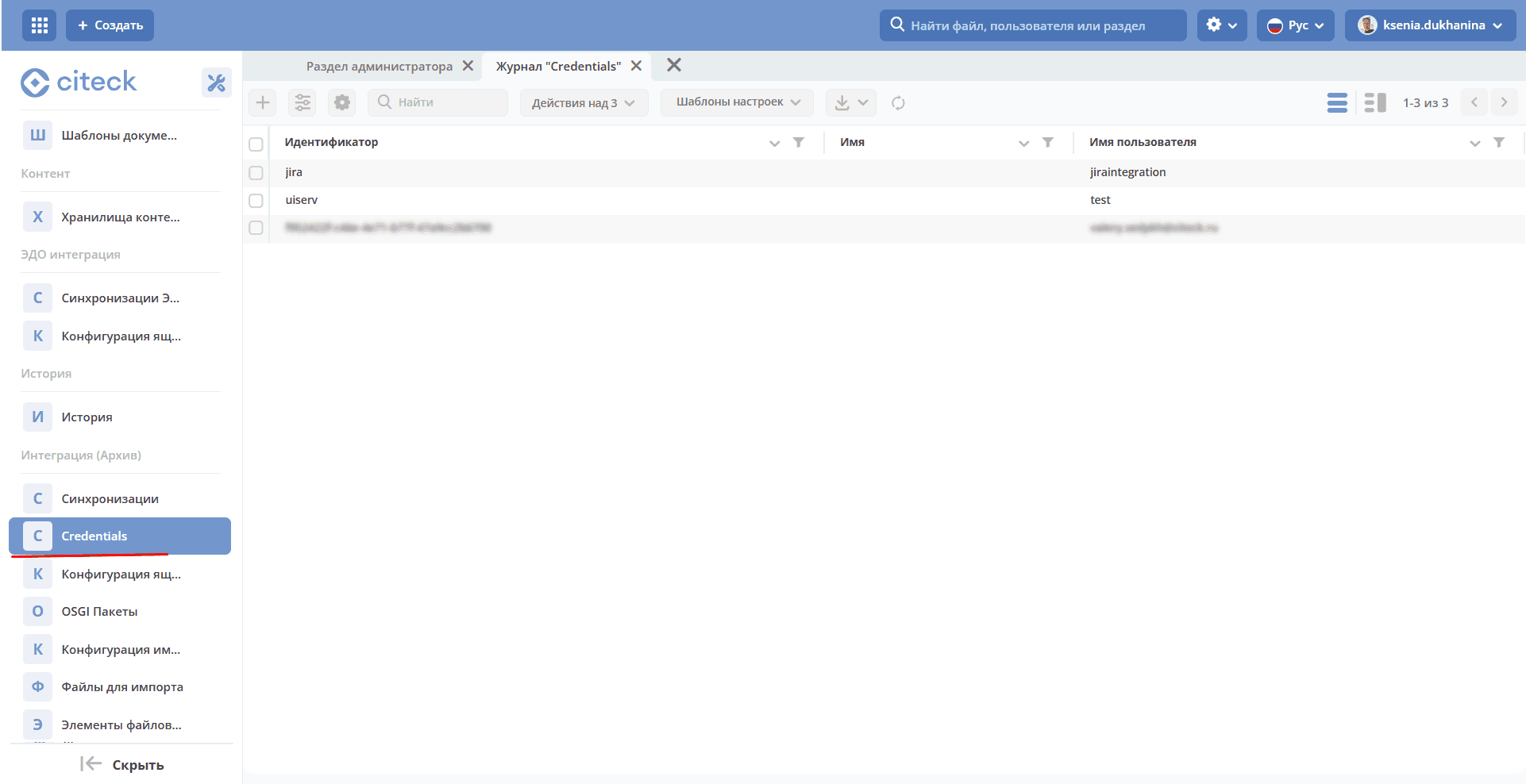
Create Credentials for the connection.
Go to the “Credentials” journal (Administrator Section workspace → Integration):
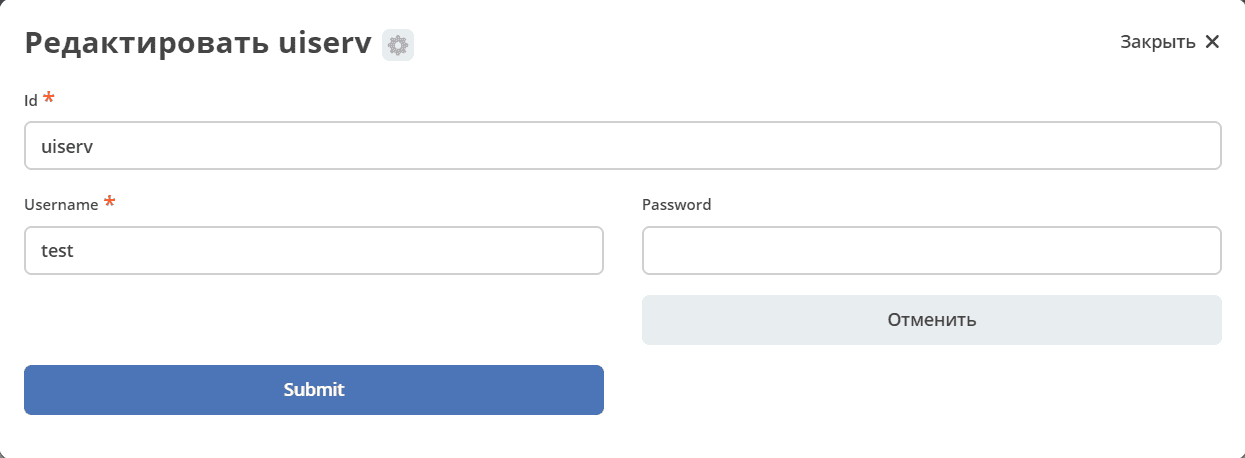
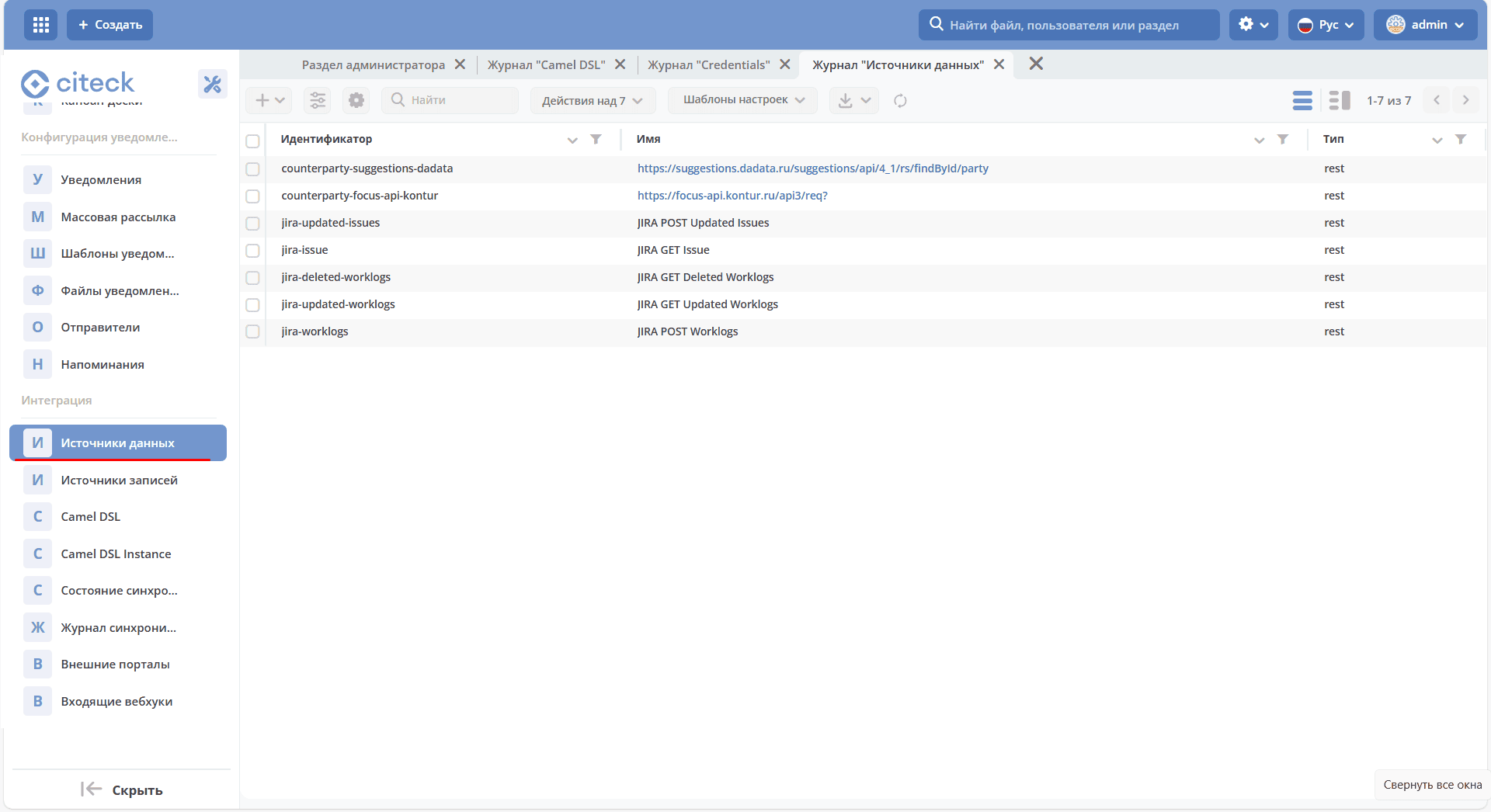
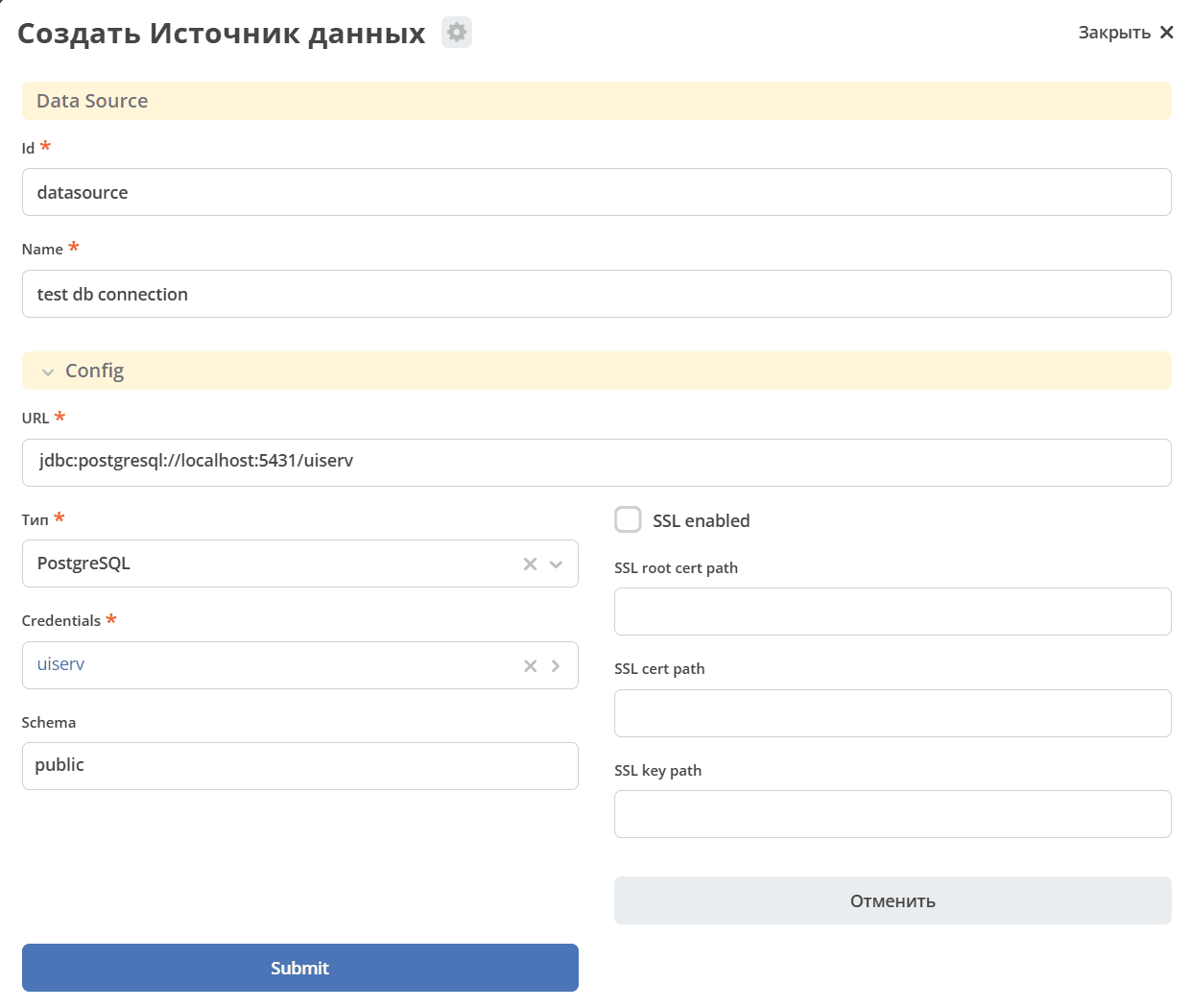
Create a “Data Source” of type DB Data Source — the source will be created with type
db.Go to the “Data Sources” journal (Administrator Section workspace → Integration):
Create a Camel DSL context.
Go to the “Camel DSL” journal (Administrator Section workspace → Integration):
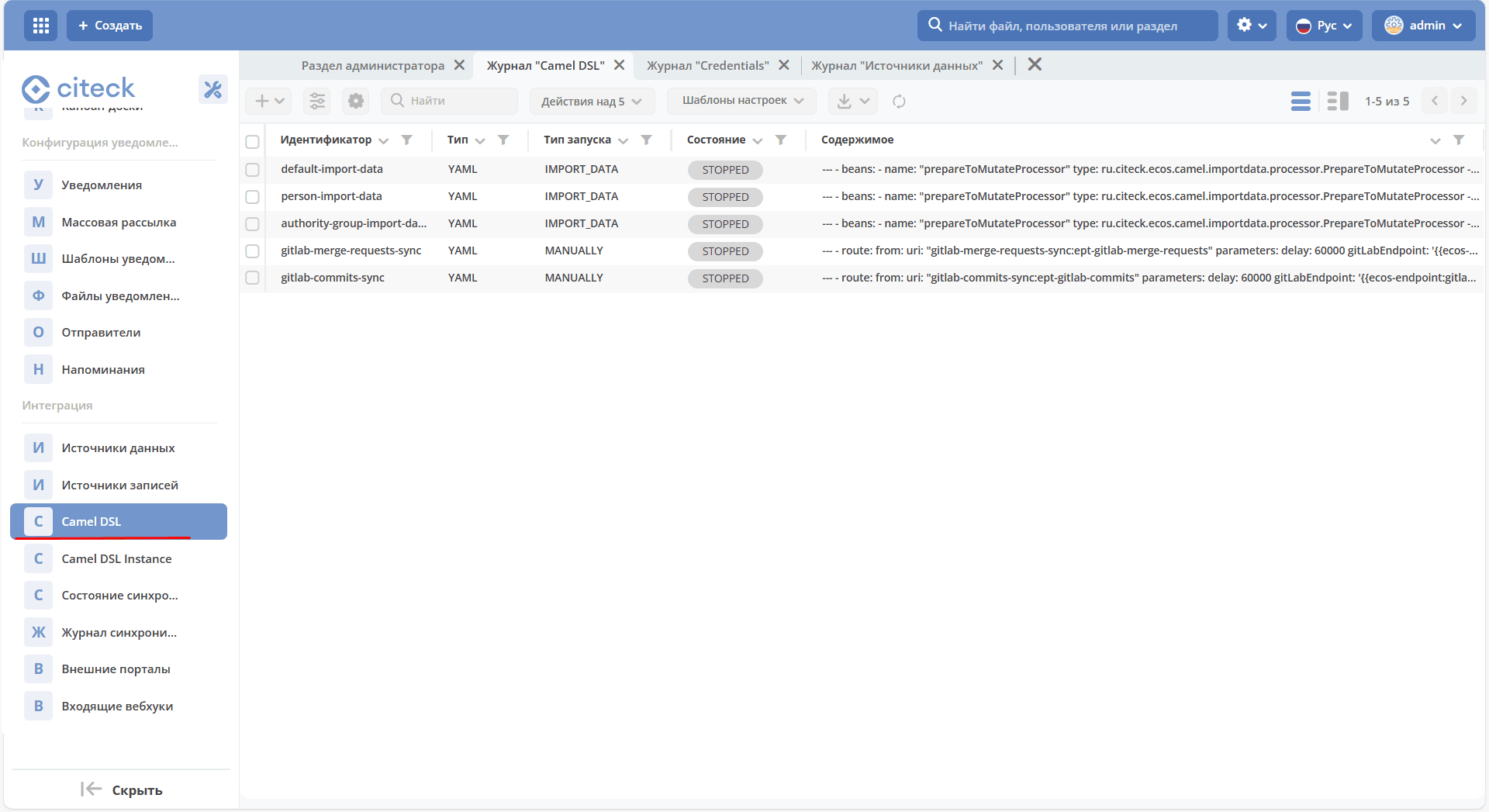
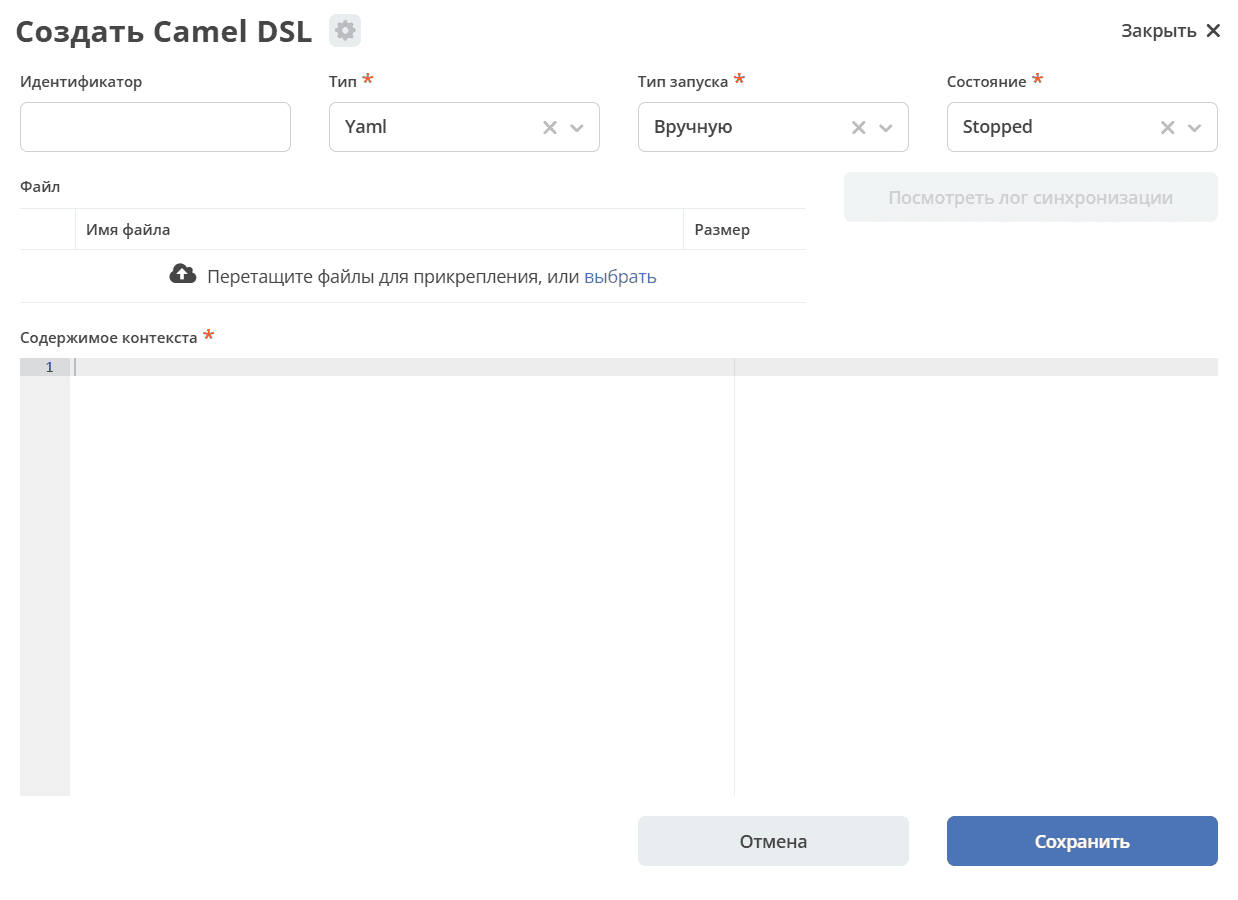
The Camel DSL context must contain a database fetch route. For example:
- route:
    from:
      uri: "timer:start?delay=-1&repeatCount=1"
      steps:
        - setBody:
            constant: "select * from actions"
        - to: "jdbc:datasource"
        - split:
            simple: "${body}"
            steps:
              - to: "stream:out"
where:
datasource – the name of the data source created in step 2; when using it in a route, the prefix “jdbc:” must be added;
actions – the name of the database table from which the data is fetched;
timer – a timer that starts the route:
delay=-1– immediately upon context start,repeatCount=1– only once;the split block – divides the fetch result into rows, which are output to the
stream:outtrace.
To execute the context content, change the Camel DSL state to Started.