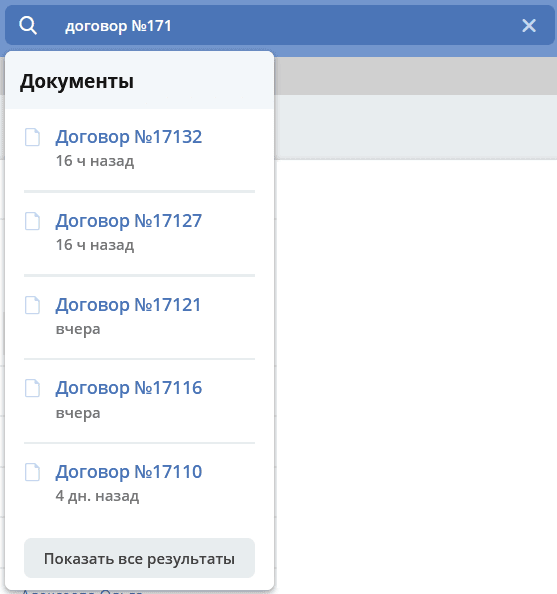
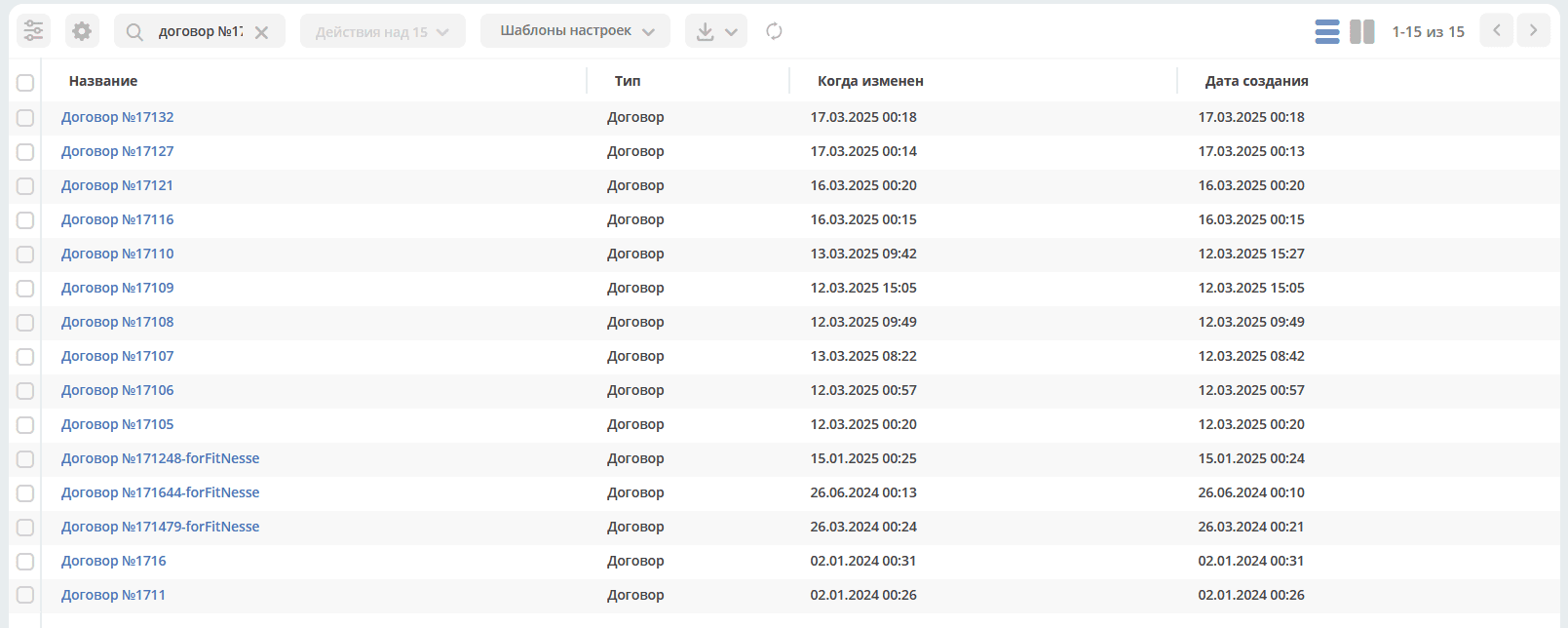
Search Settings
Global search in Citeck allows you to quickly find the required objects directly from the interface header without navigating to a specific journal or section. The search covers documents, people (users), and workspaces; custom data types can additionally be included.
This section describes how to configure global search: expand the list of data types, define search attributes, and limit server load.
Search is performed across documents, people (users), and workspaces.
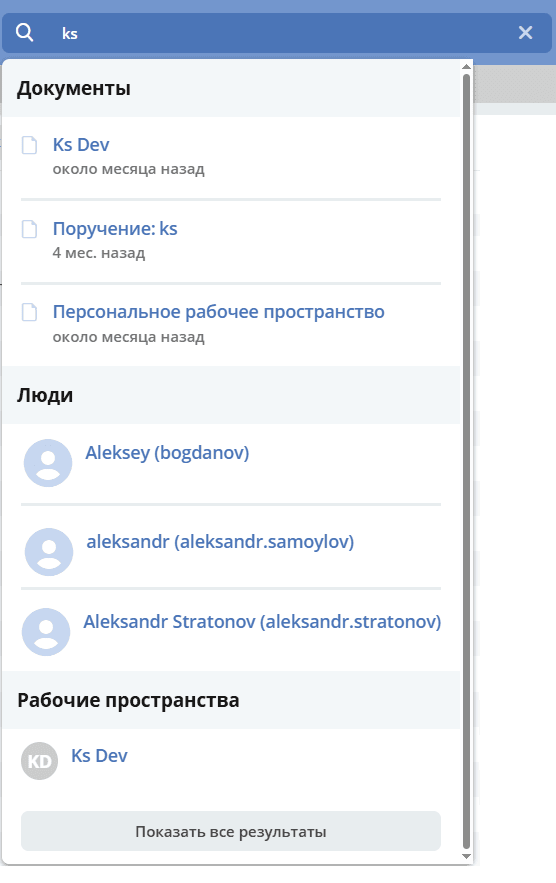
Clicking “Show all results” opens the first page of search results:
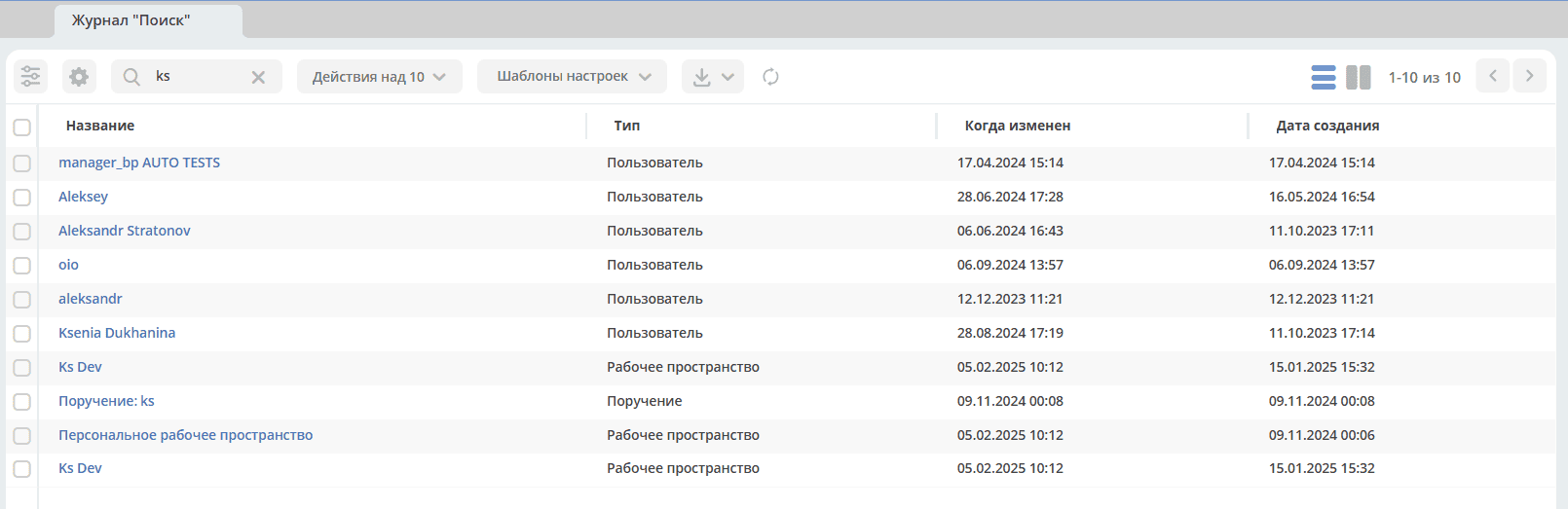
Document types to be searched are configured separately.
To configure data types, go to the “ECOS Configuration” journal.
The journal is available at: v2/journals?journalId=ecos-configs&viewMode=table&ws=admin$workspace
In the search bar, enter global-search-config:

open the setting:
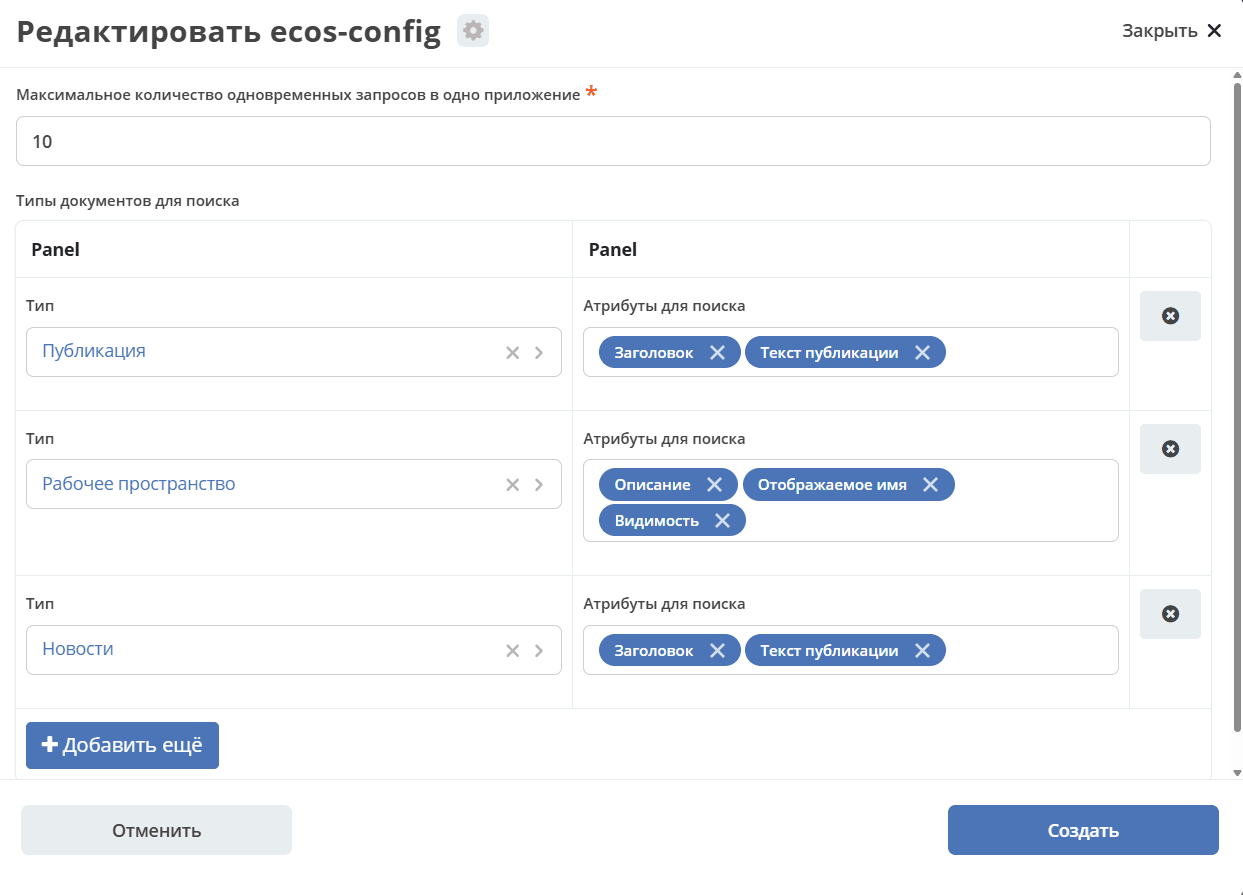
On the form, you can configure:
The maximum number of simultaneous requests per application (microservice). If there are many simultaneous requests to global search, it should not overload the server.
A list of document types for global search and optionally the ability to specify attributes to search by.
If search attributes are not specified, the search will be performed by display name. The list of available attribute types for selection: TEXT, MLTEXT, OPTIONS.
Adding a Data Type
Click “Add more”. Select a data type:
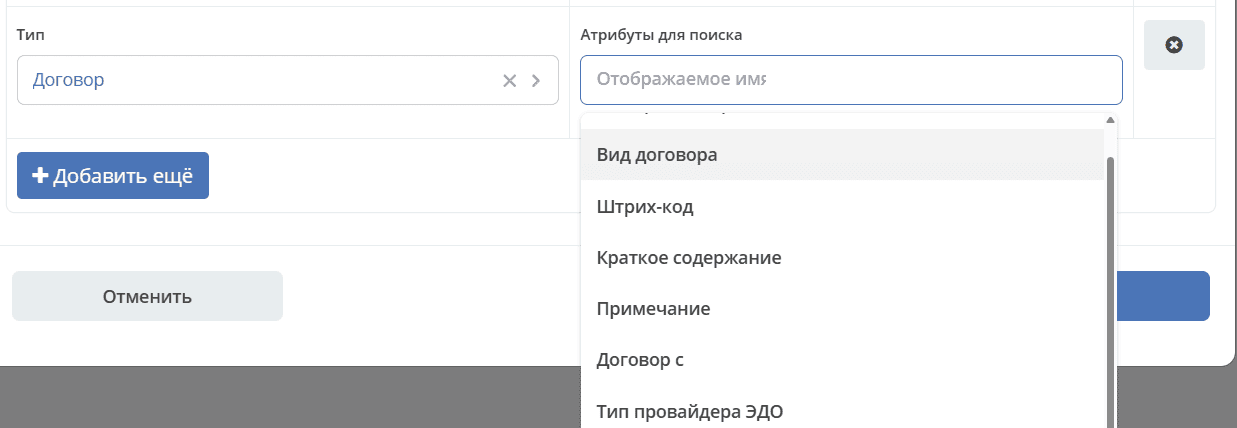
and attributes for search:
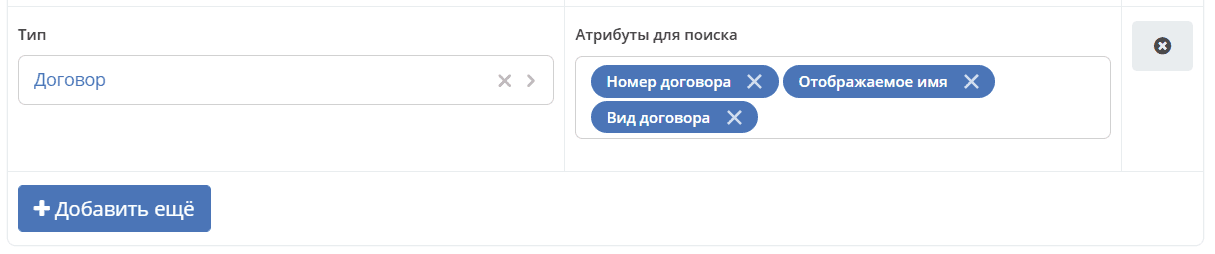
Save — click “Create”.
Check the search functionality: