Corporate Portal
Corporate Portal is Citeck’s built-in workspace for company employees. It brings together corporate services, informational materials, and collaboration tools in a single interface — without the need to switch between third-party systems.
The portal covers the key tasks of internal communication and operational activities of the company:
Informing — company news, event announcements, colleagues’ birthdays.
Knowledge storage — documents, regulations, corporate values, and a structured knowledge base.
HR services — automation of HR and administrative processes: vacation requests, pass applications, etc.
Org Structure — visualization of the company hierarchy with employee contact information.
The main page contains a dashboard with welcome information (1), news (2), employee birthdays (3). For the Citeck enterprise version, the “Activities” widget will be available.
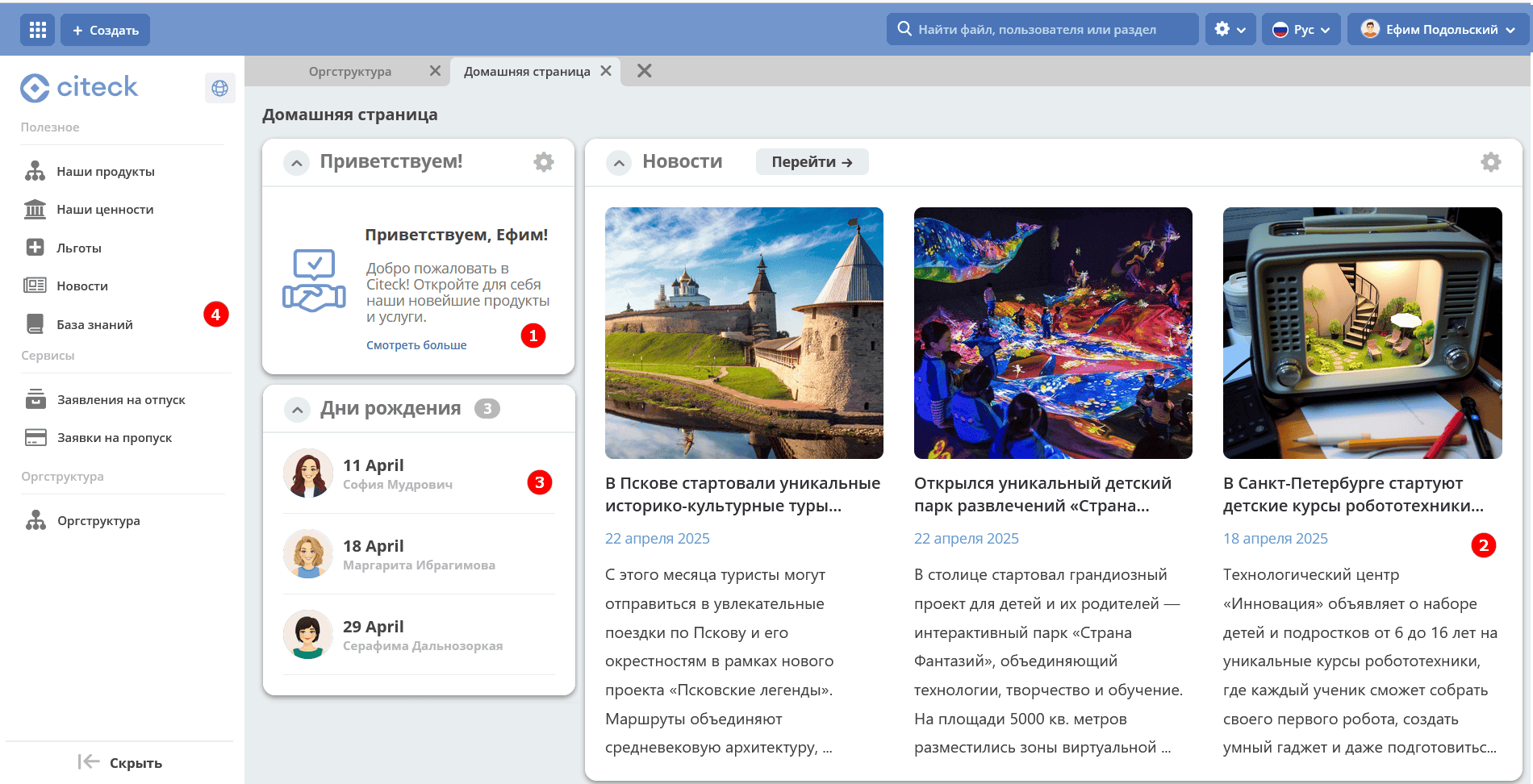
The menu (4) provides access to the main sections of the corporate portal: Useful, Services, and Org Structure.
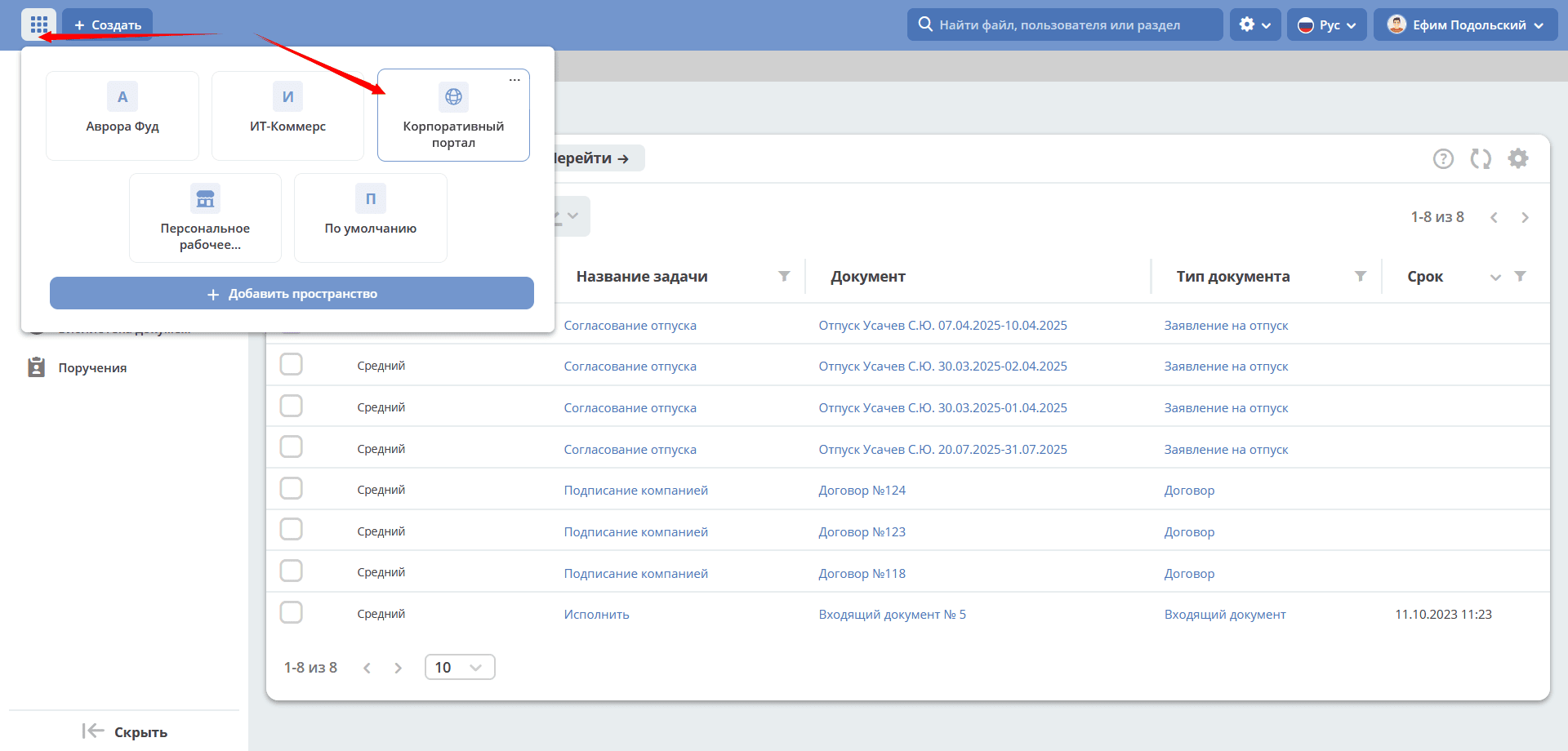
In the welcome widget, clicking See more opens the Knowledge Base
Useful
The section contains the company’s informational materials: documents, regulations, corporate values, working conditions, as well as a news feed and knowledge base.
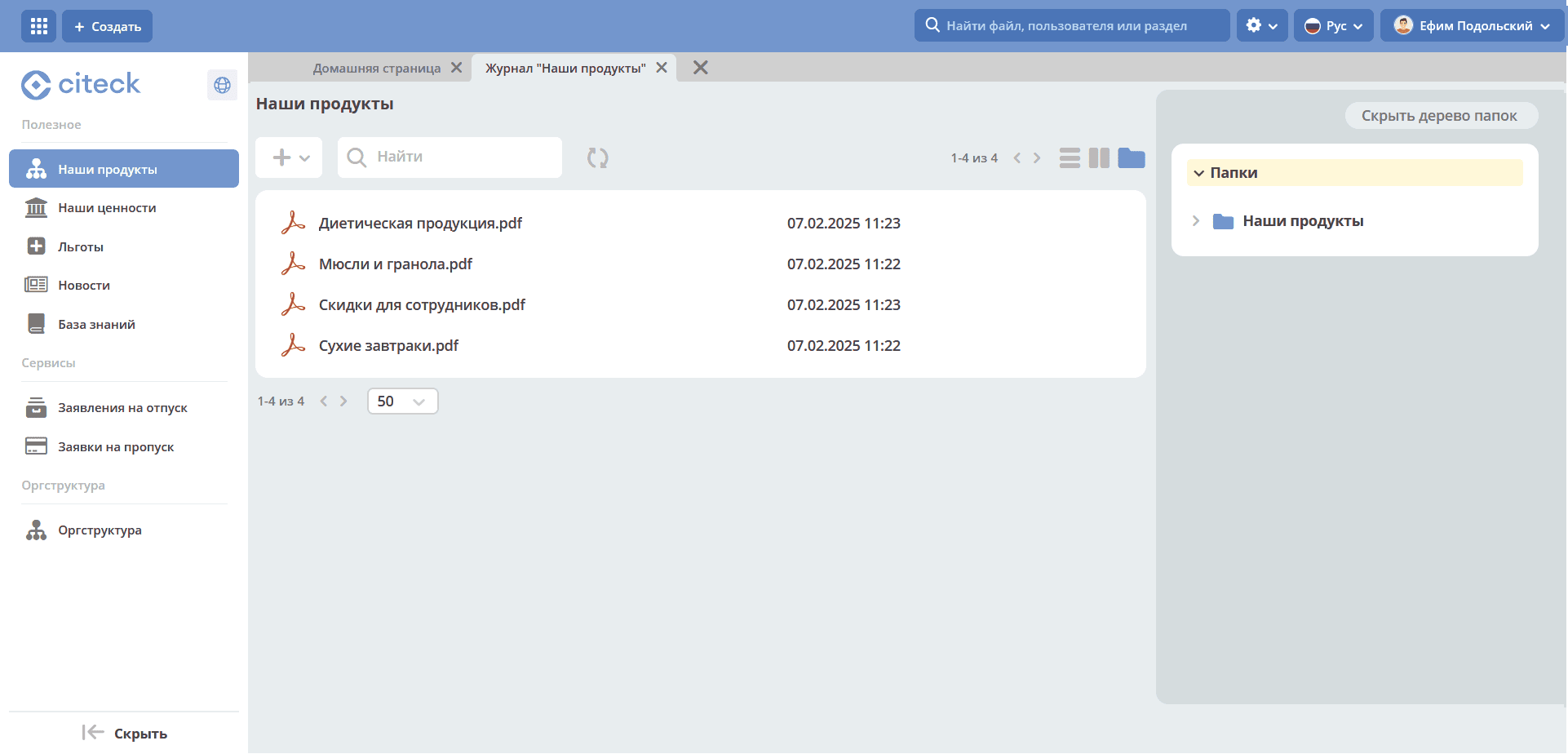
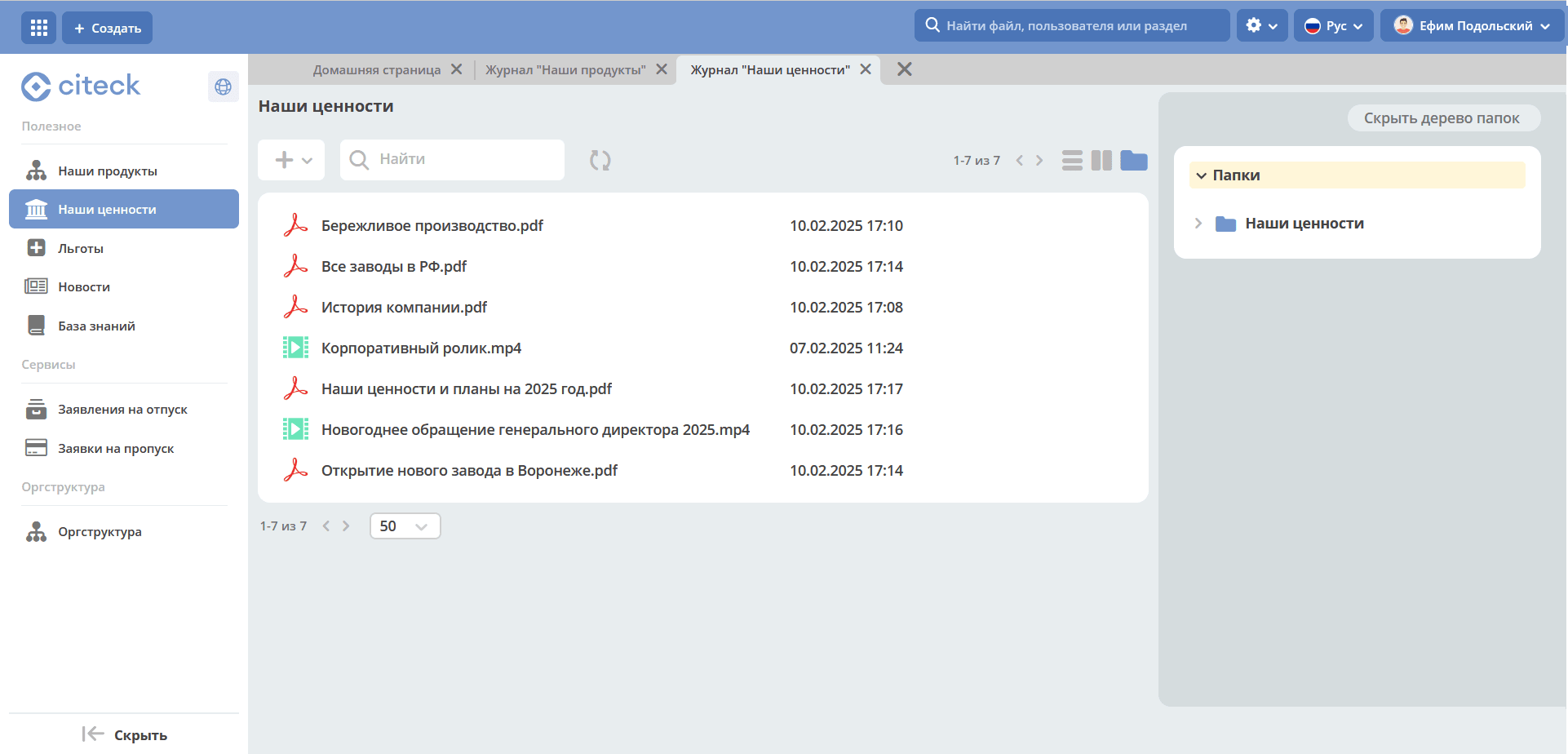
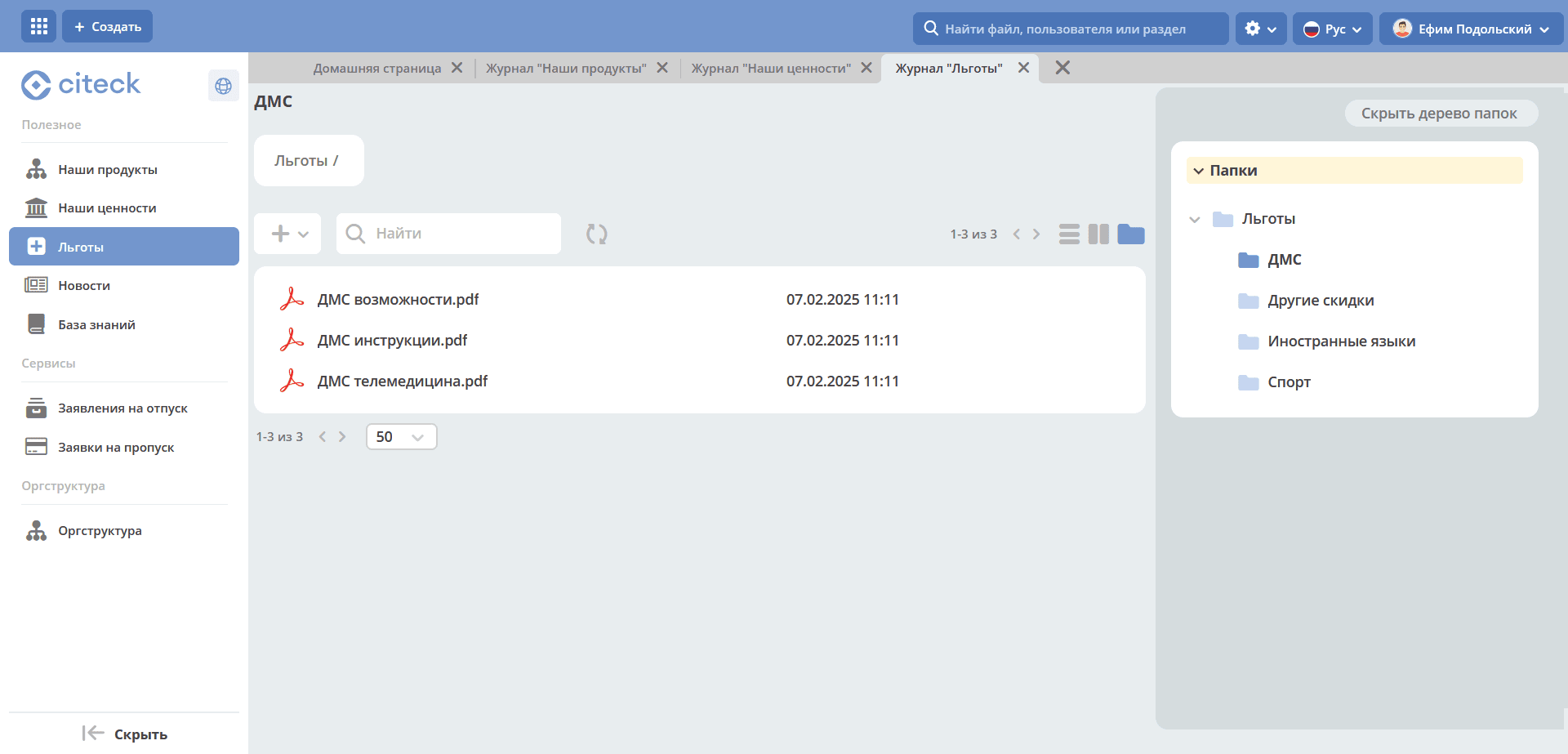
The subsections Our Products, Our Values, Benefits present information in the form of document libraries - files can be viewed and downloaded:
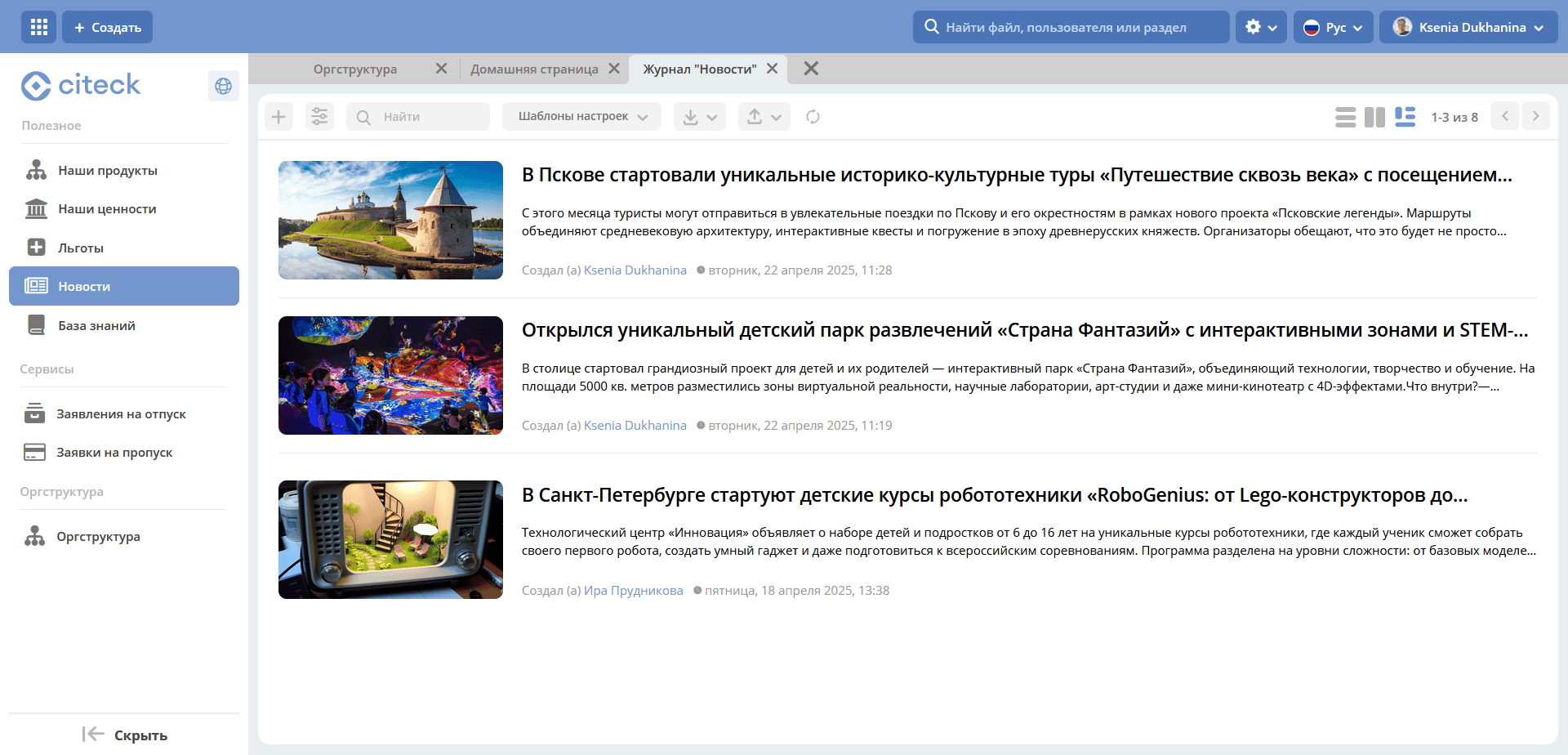
In the News subsection, information is presented as a list of news previews:
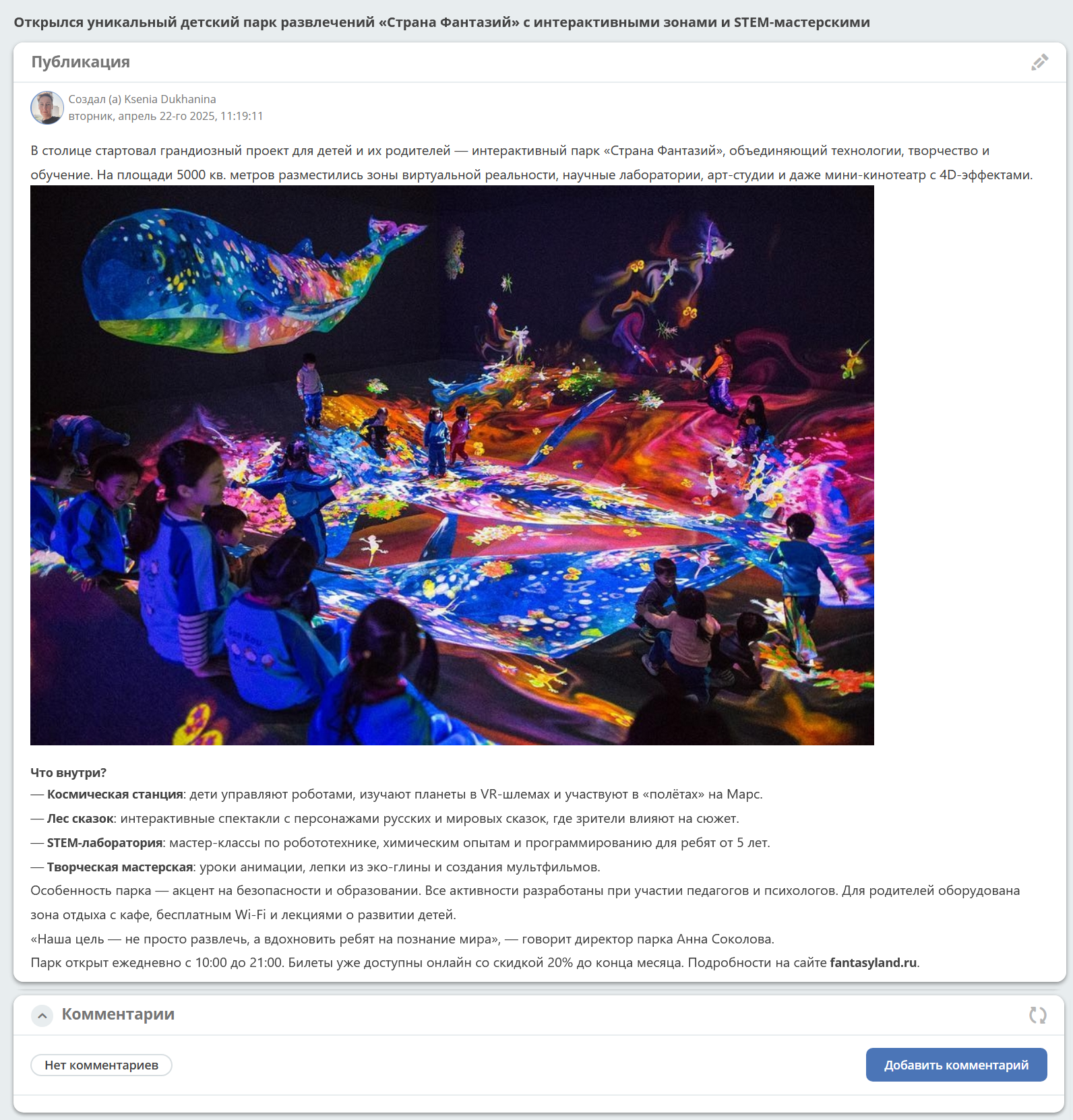
Clicking on a preview opens the news card:
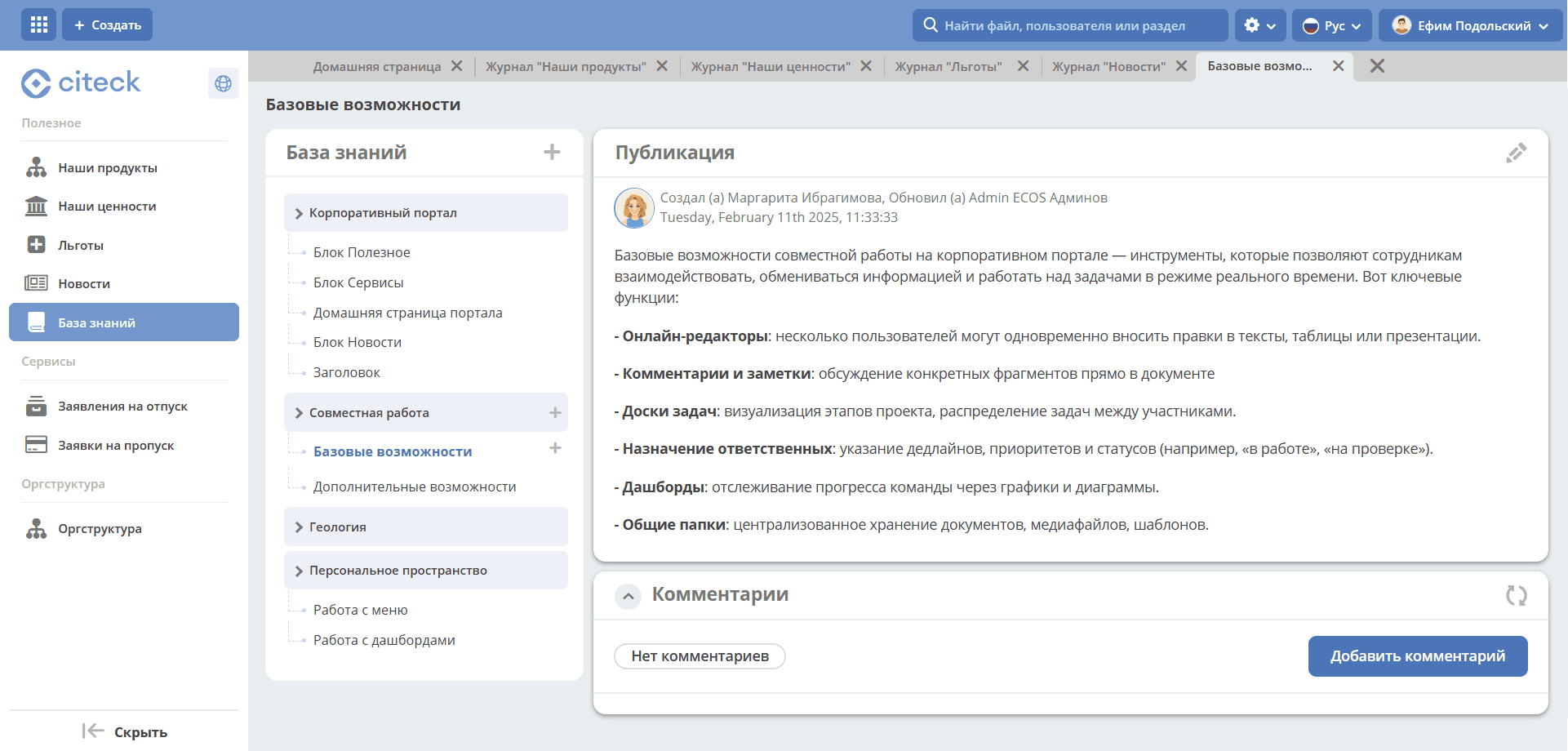
In the Knowledge Base subsection, information is presented as a hierarchy. When a section is selected, the publication itself opens on the right.
Services
The section provides employees with access to automated HR and administrative processes without the need to navigate to other sections of the system.
The section provides access to the most popular corporate business processes:
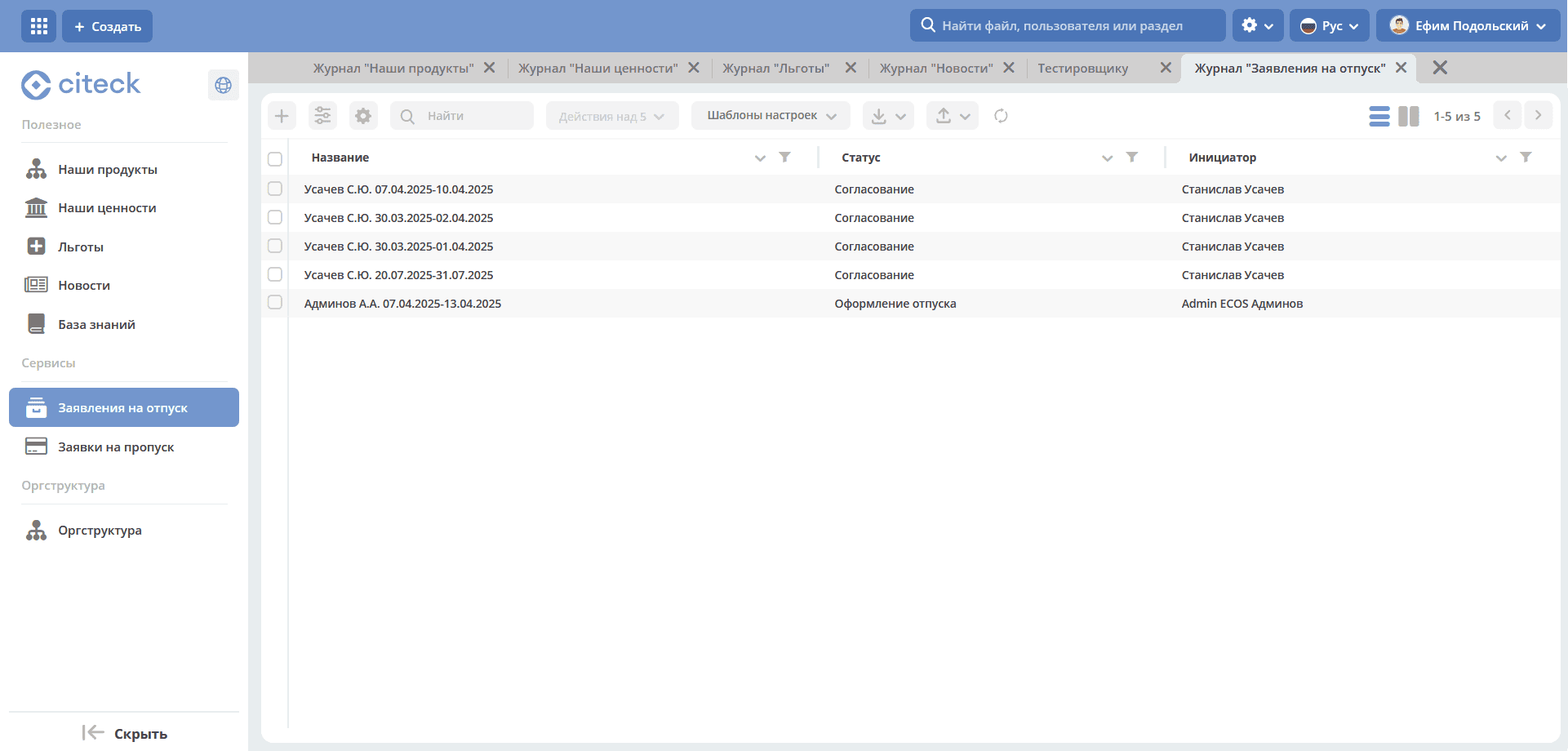
Vacation Requests — creating and tracking requests for various types of leave.
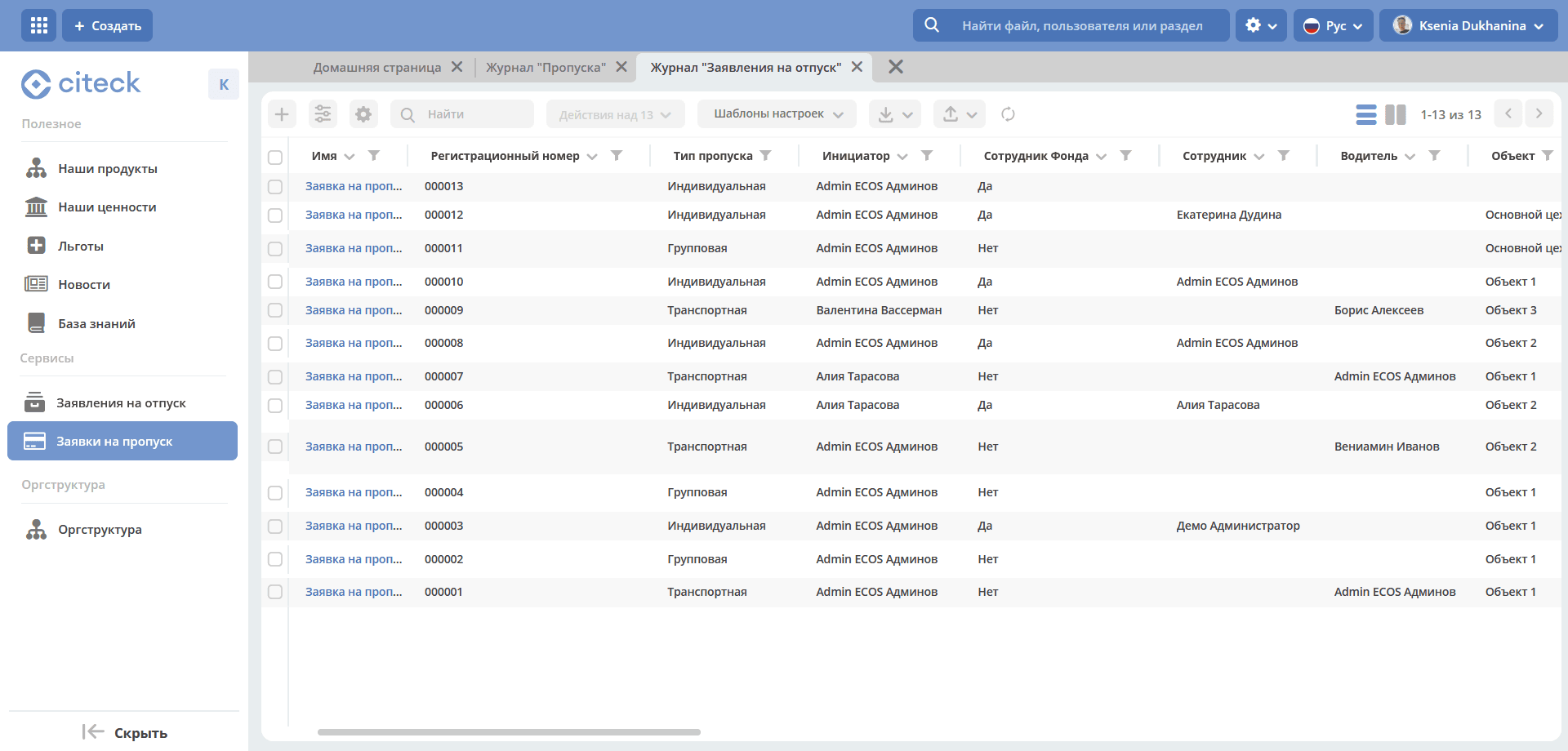
Pass Requests — submitting requests for temporary or permanent passes for employees and visitors.
Org Structure
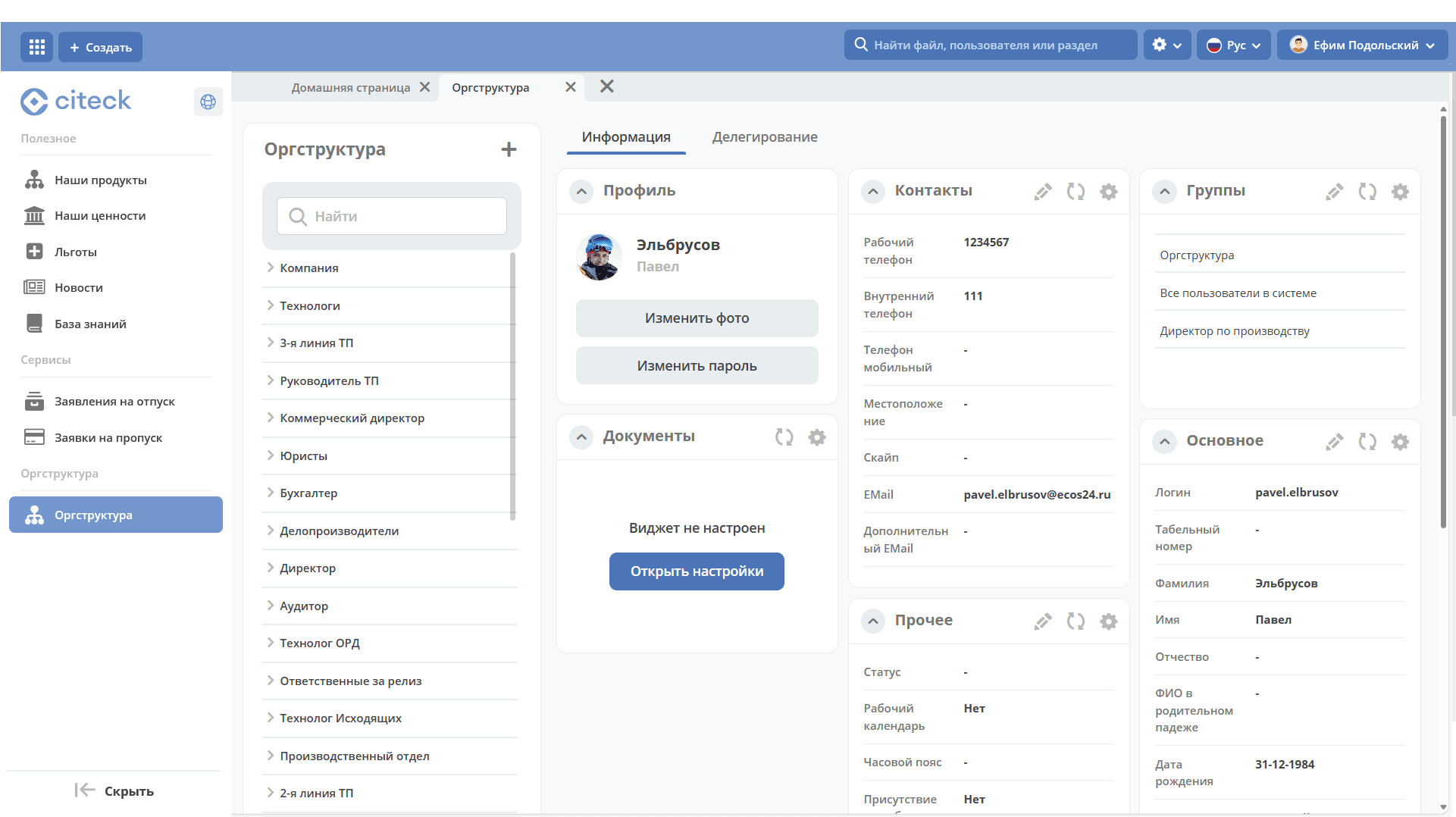
The section displays the company hierarchy — departments, positions, employees, and their interconnections. It is convenient for finding colleagues, viewing contact information, and understanding the organizational structure.
The org structure form is divided into two parts and contains:
a hierarchical tree of the structure with search capability;
a dashboard with information about the selected part of the structure.
Note
To configure and manage the org structure, go to the Org Structure section.
Adding Content
Note
Adding and editing content is available to users with the appropriate permissions (typically users with the Manager role in the “Corporate Portal” workspace). Permissions are assigned by the system administrator through workspace settings.
Populating the Our Products, Our Values, Benefits subsections
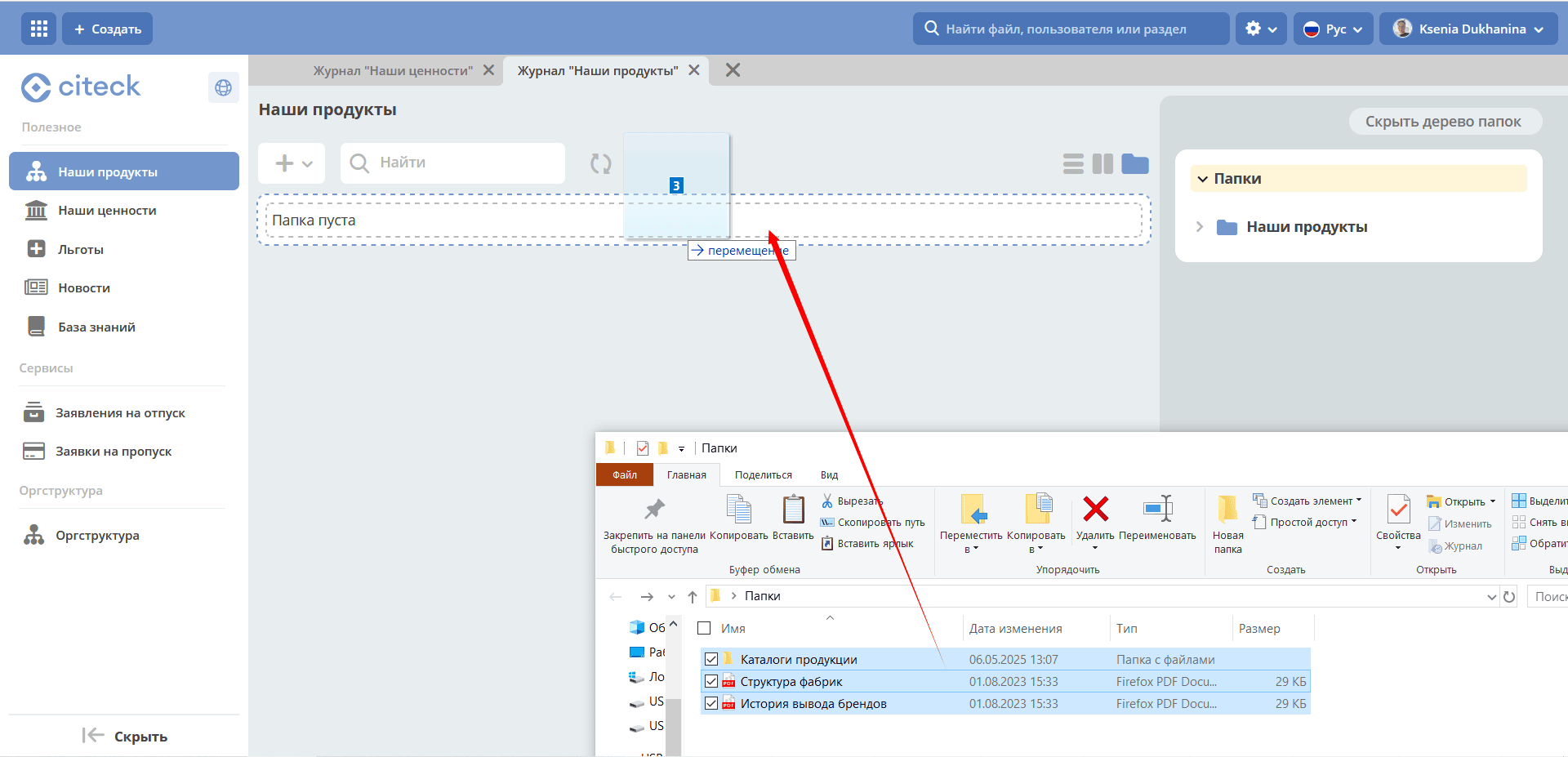
Drag and drop selected folders and files into the upload area:
or use the + button:
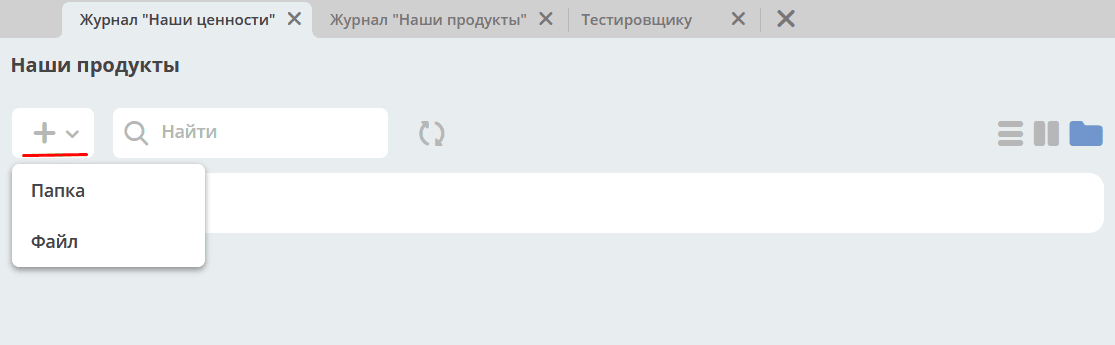
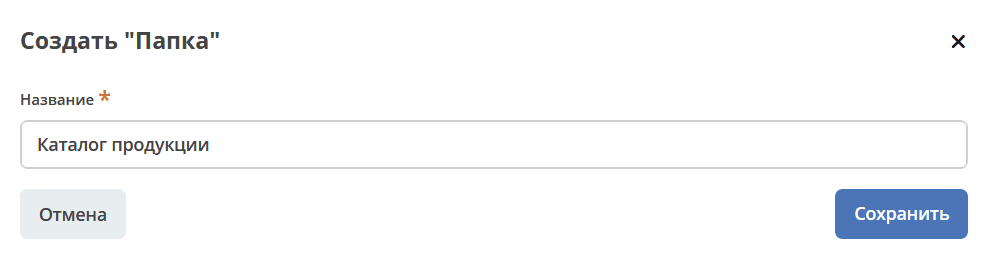
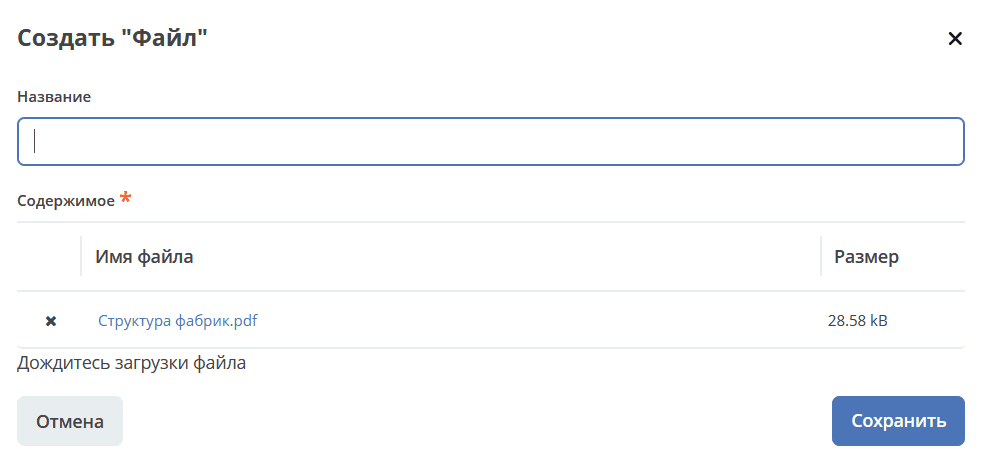
Details on document library
Adding News
Go to the “News” journal:
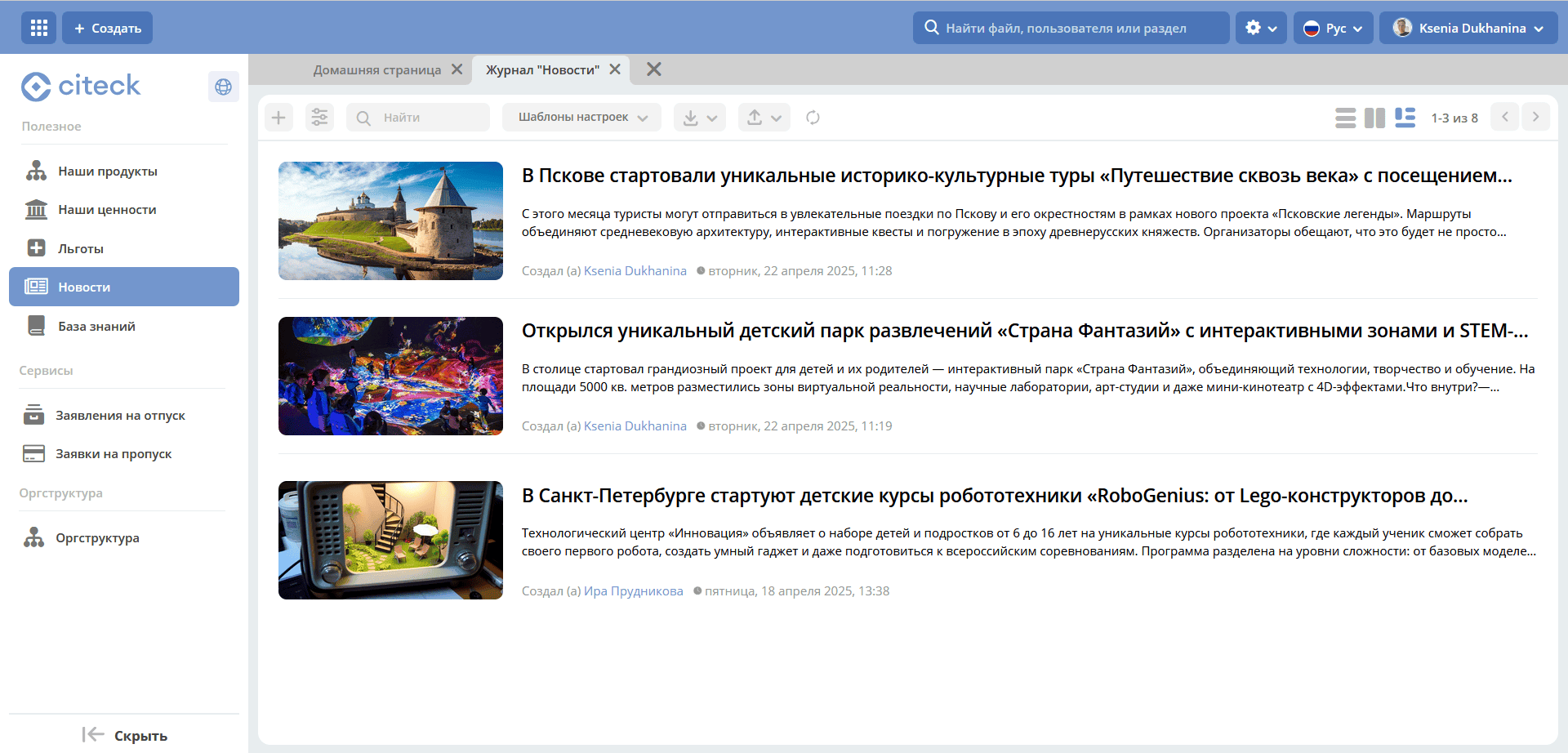
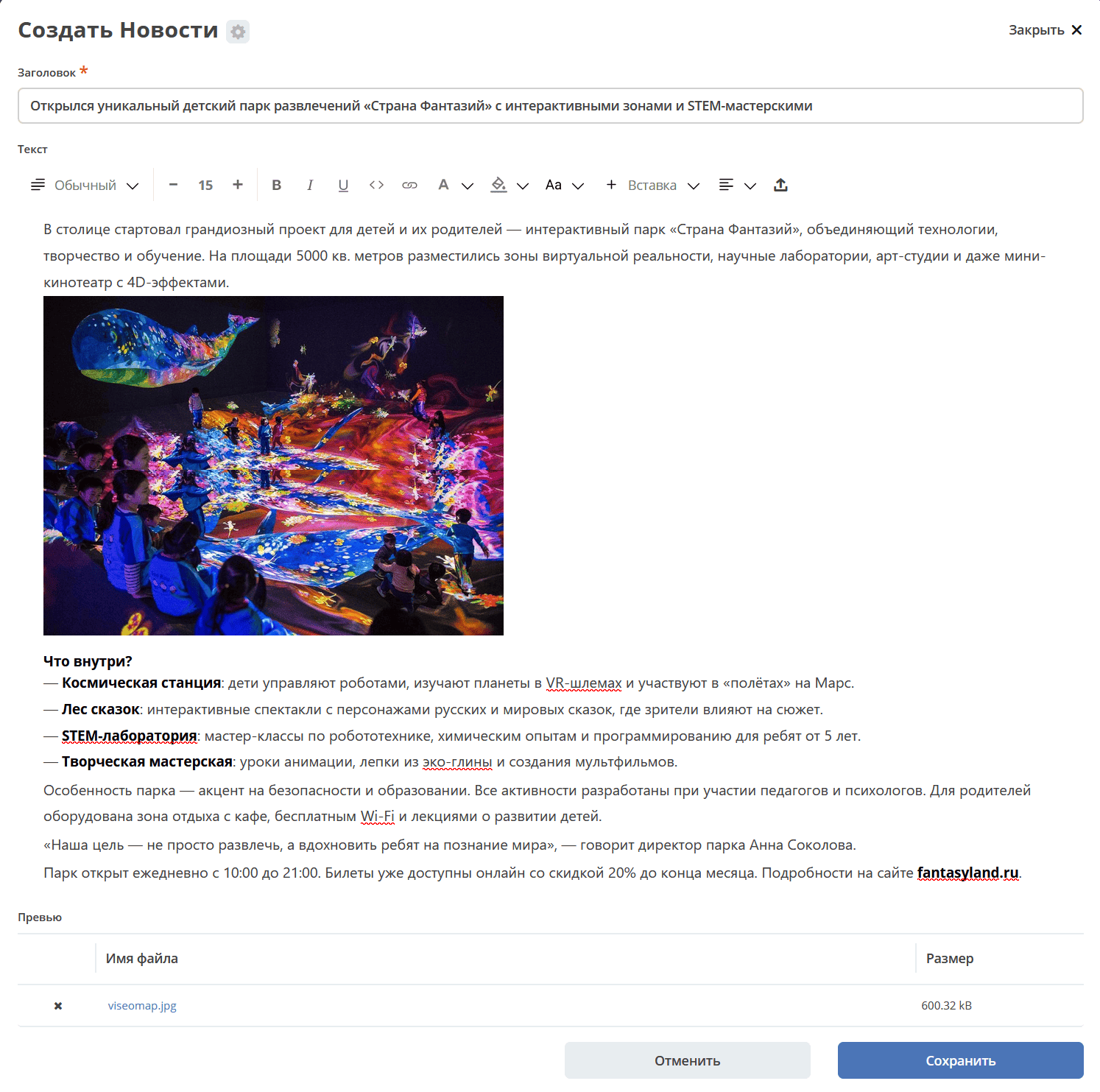
Click + and use the editor to format the news text and save:
Adding Articles to the Knowledge Base
Go to the “Knowledge Base” journal:
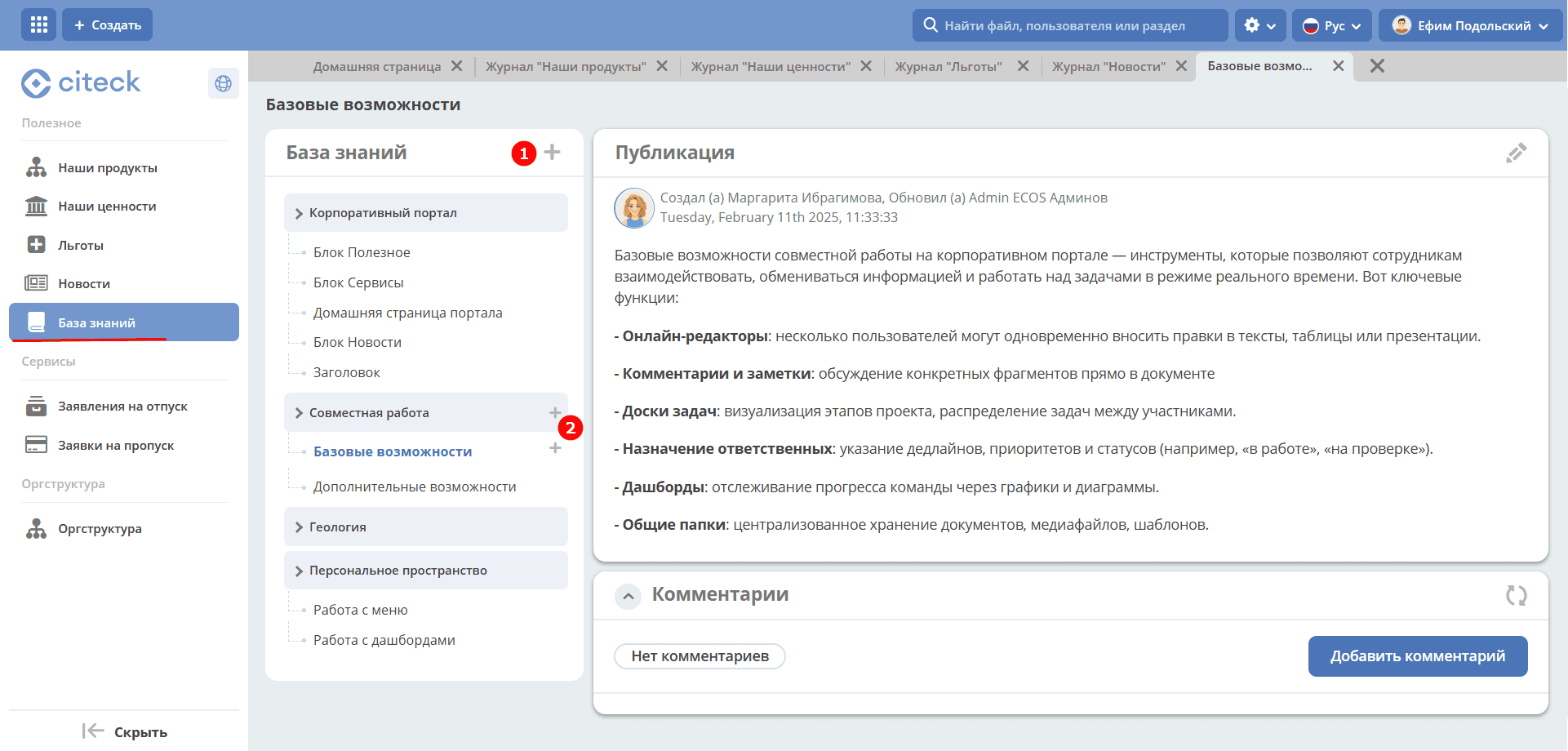
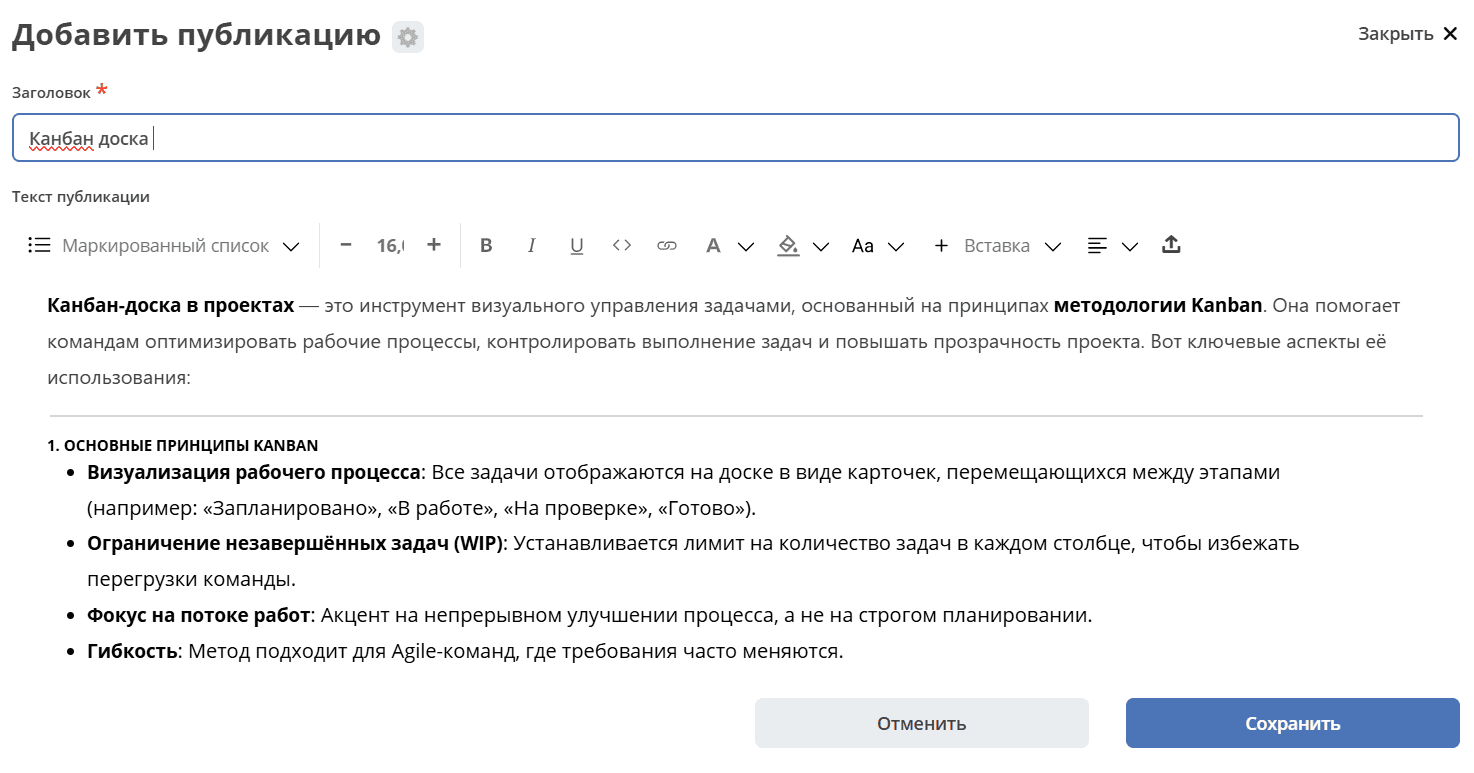
To add a publication or 1st-level section, click the large + (1), use the editor to create content, and save. To add a publication or subsection, click the small + (2). The number of publications created at each level is unlimited.
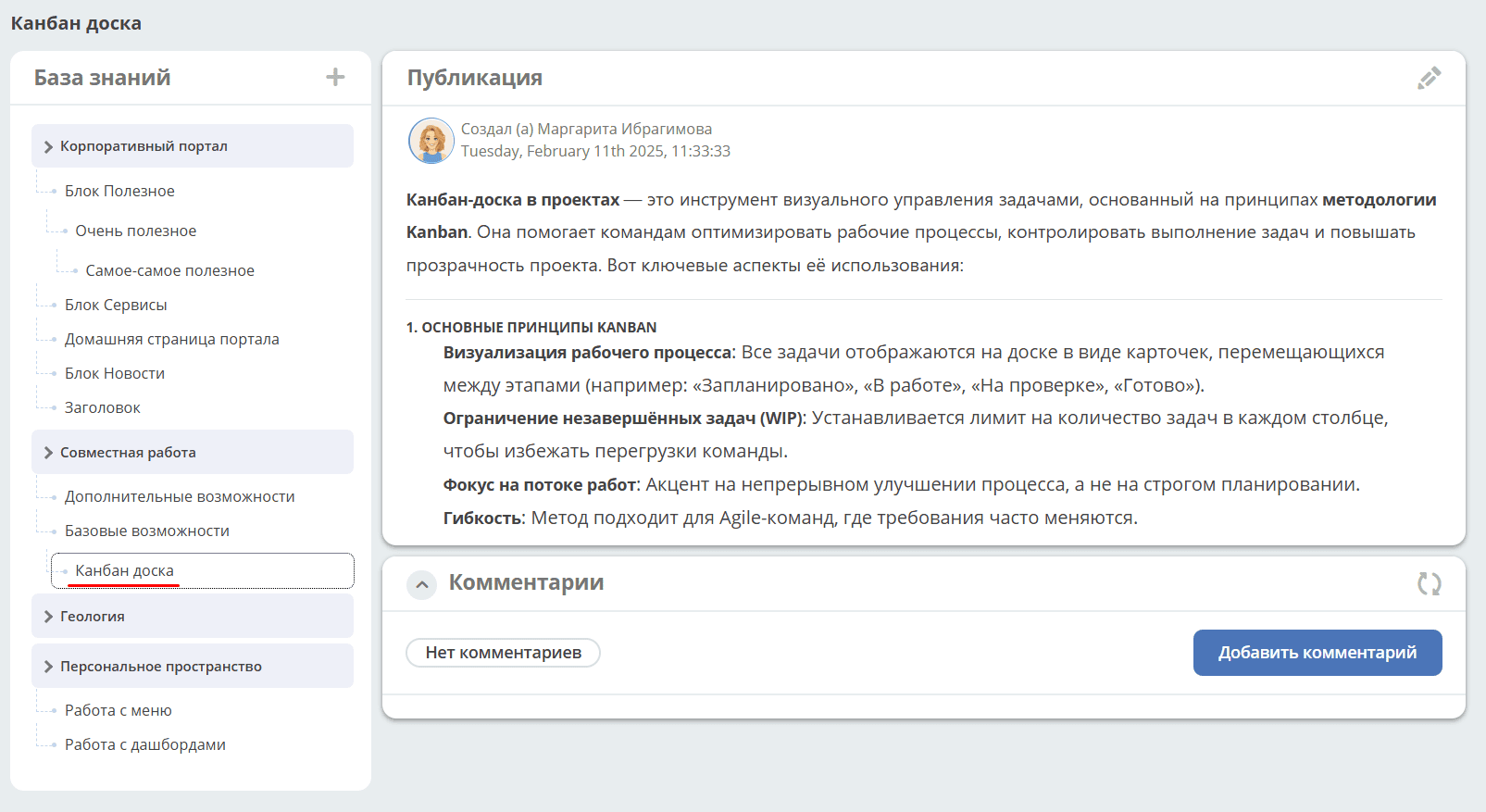
Added publication in the structure:
Corporate Portal upon first platform installation
Upon first installation of Citeck from the template, an empty corporate portal is created:
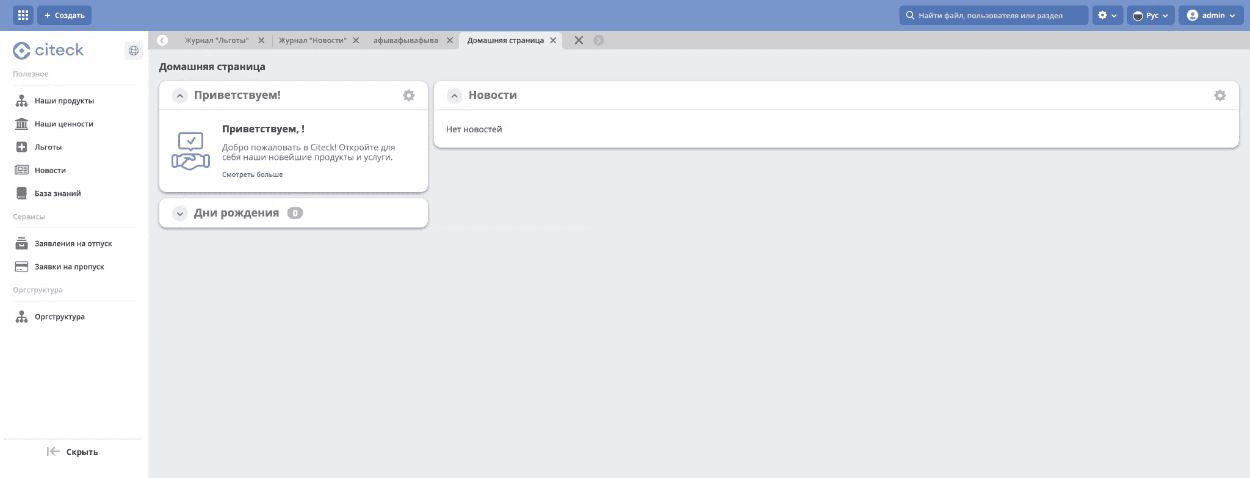
The Useful, Services, and Org Structure sections are available immediately but contain no data — they need to be populated according to the company’s needs.
Recommended order for initial content population:
Configure the organizational structure — add departments and employees.
Populate the Our Products, Our Values, Benefits subsections — upload files or create folders.
Add the first news items to the News subsection.
Create articles in the Knowledge Base to store corporate regulations and guidelines.