Administrator Section
Administrator Section is a workspace designed for system administrators. It centralizes tools for platform configuration and setup: managing users, data types, processes, forms, notifications, and other system components.
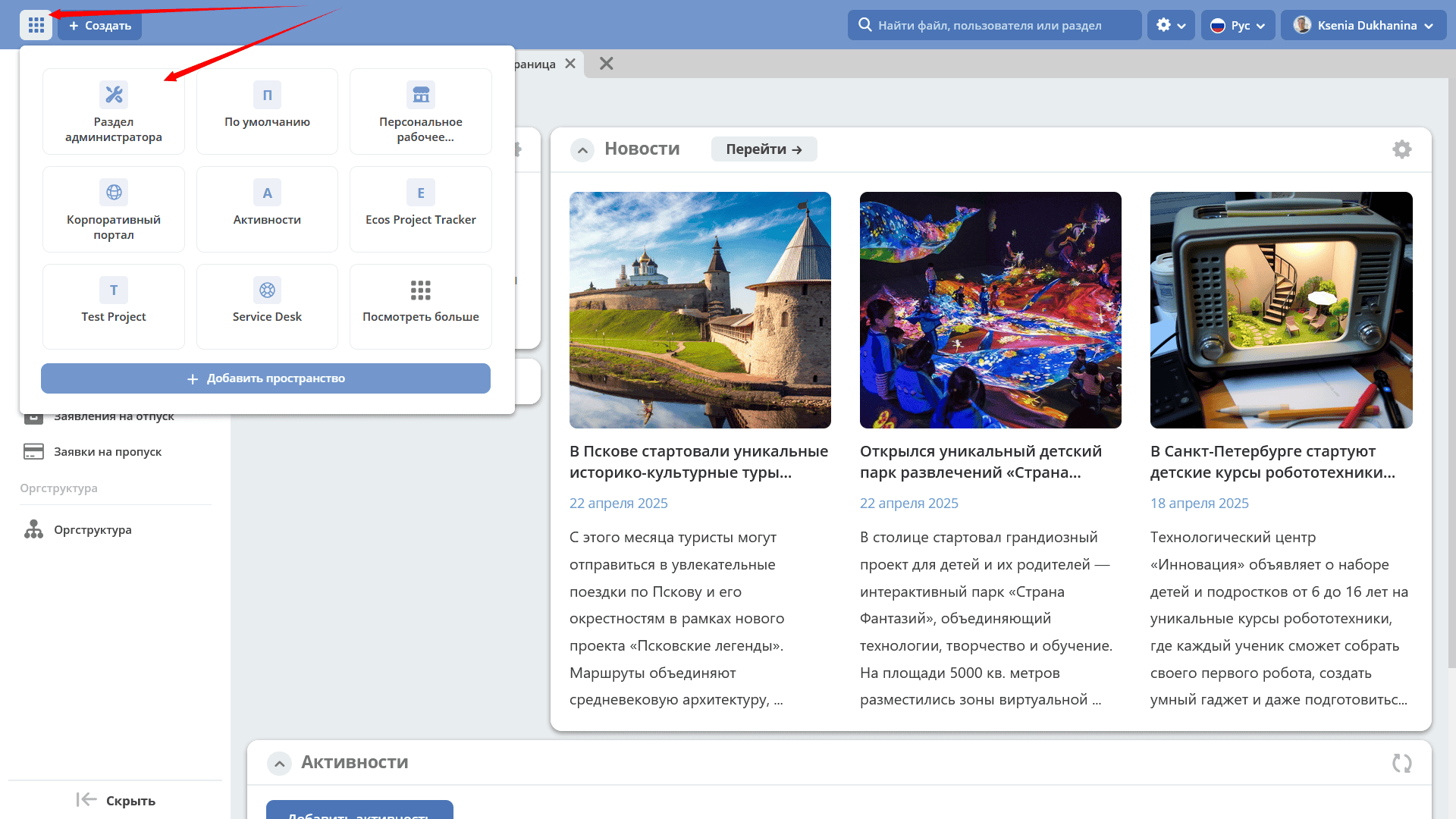
Navigate to the “Administrator Section” workspace:
On the left side, there is a menu with sections for system configuration and setup:
System Management;
Process Management;
Model;
UI Configuration;
Notifications Configuration
and other sections, the composition of which depends on the installed modules.
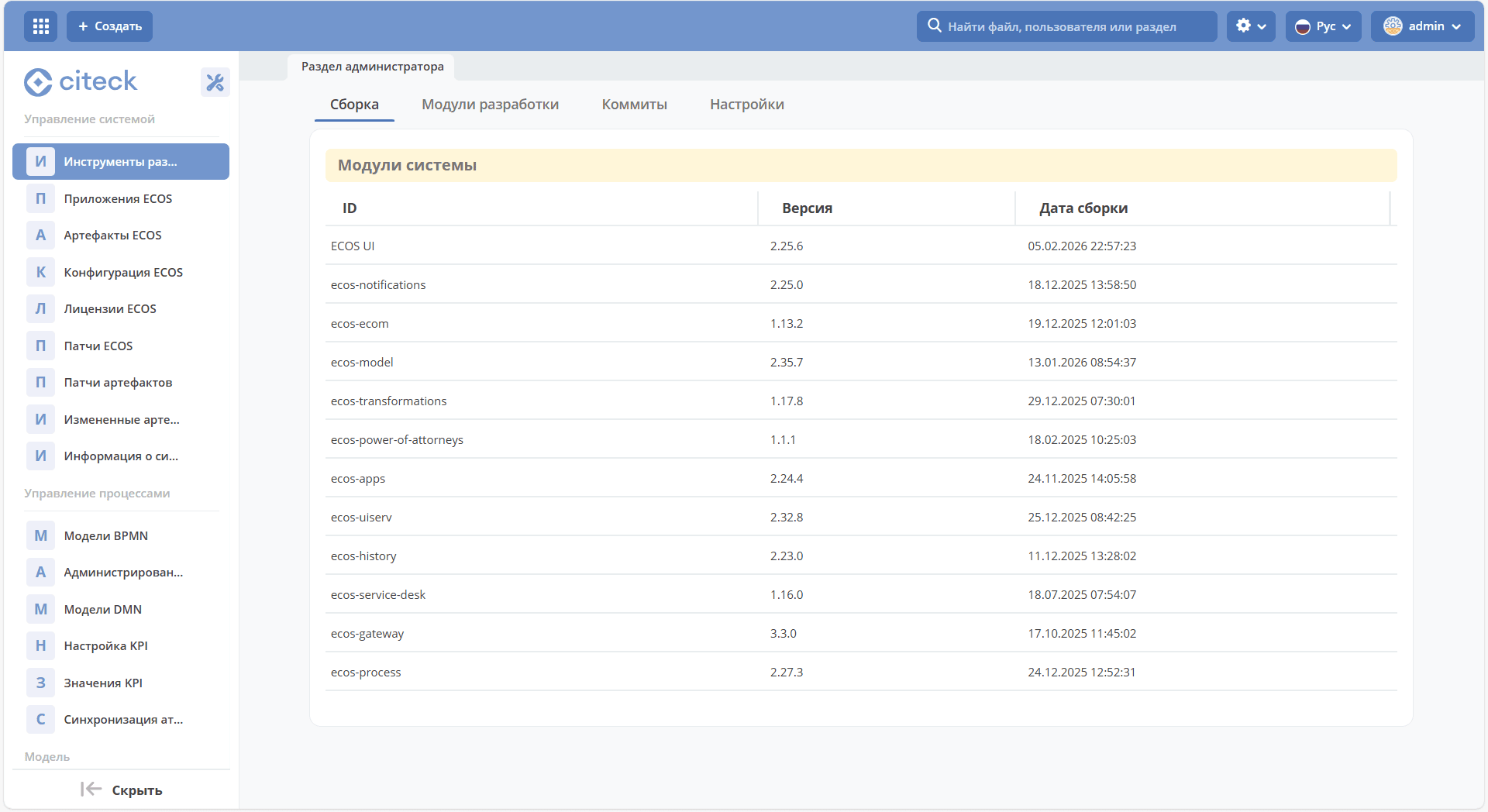
System Management - Development Tools
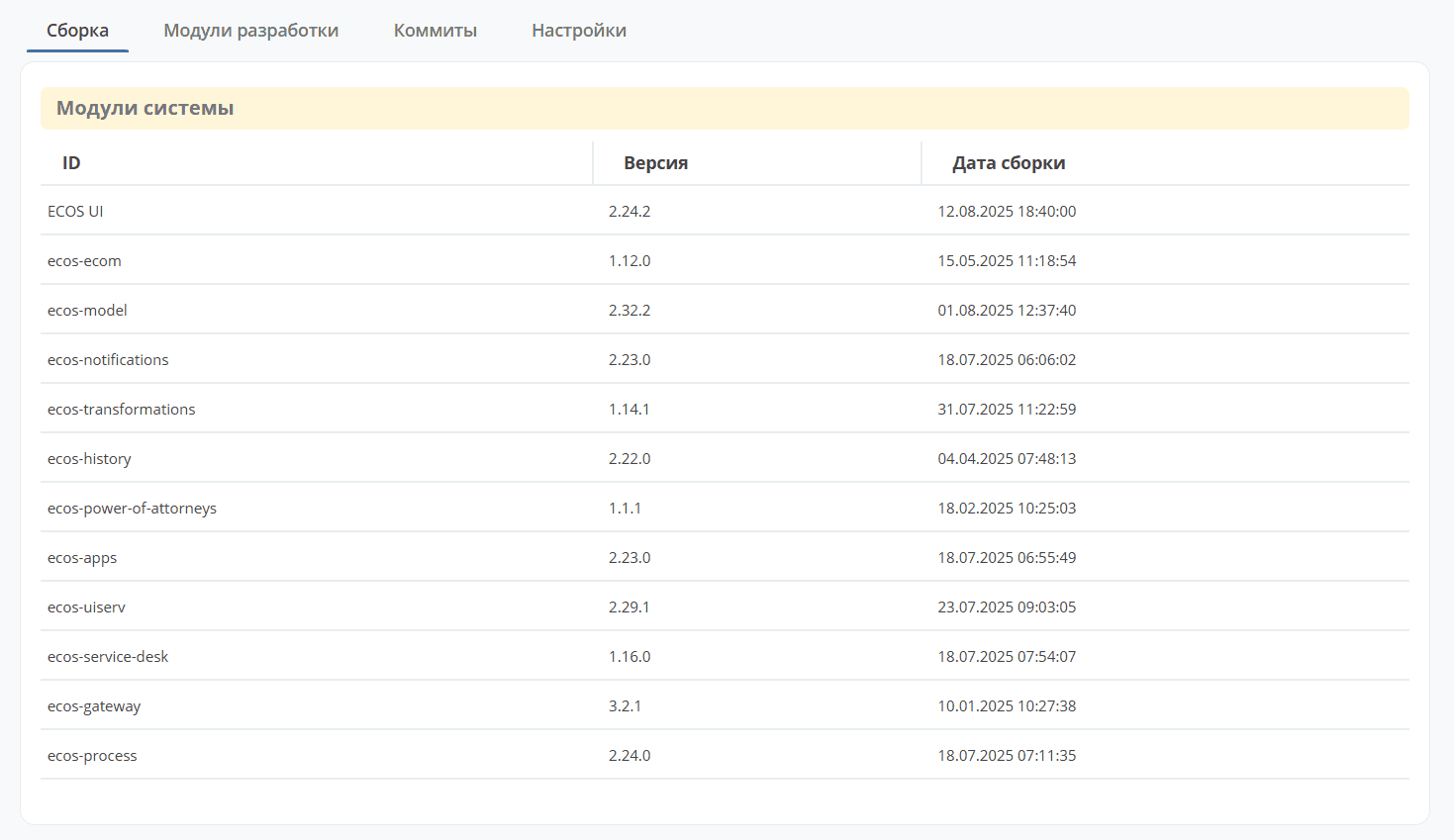
“Build” Tab
Displays current information about Citeck modules:
“Commits” Tab
A list of changes made across all repositories is provided:
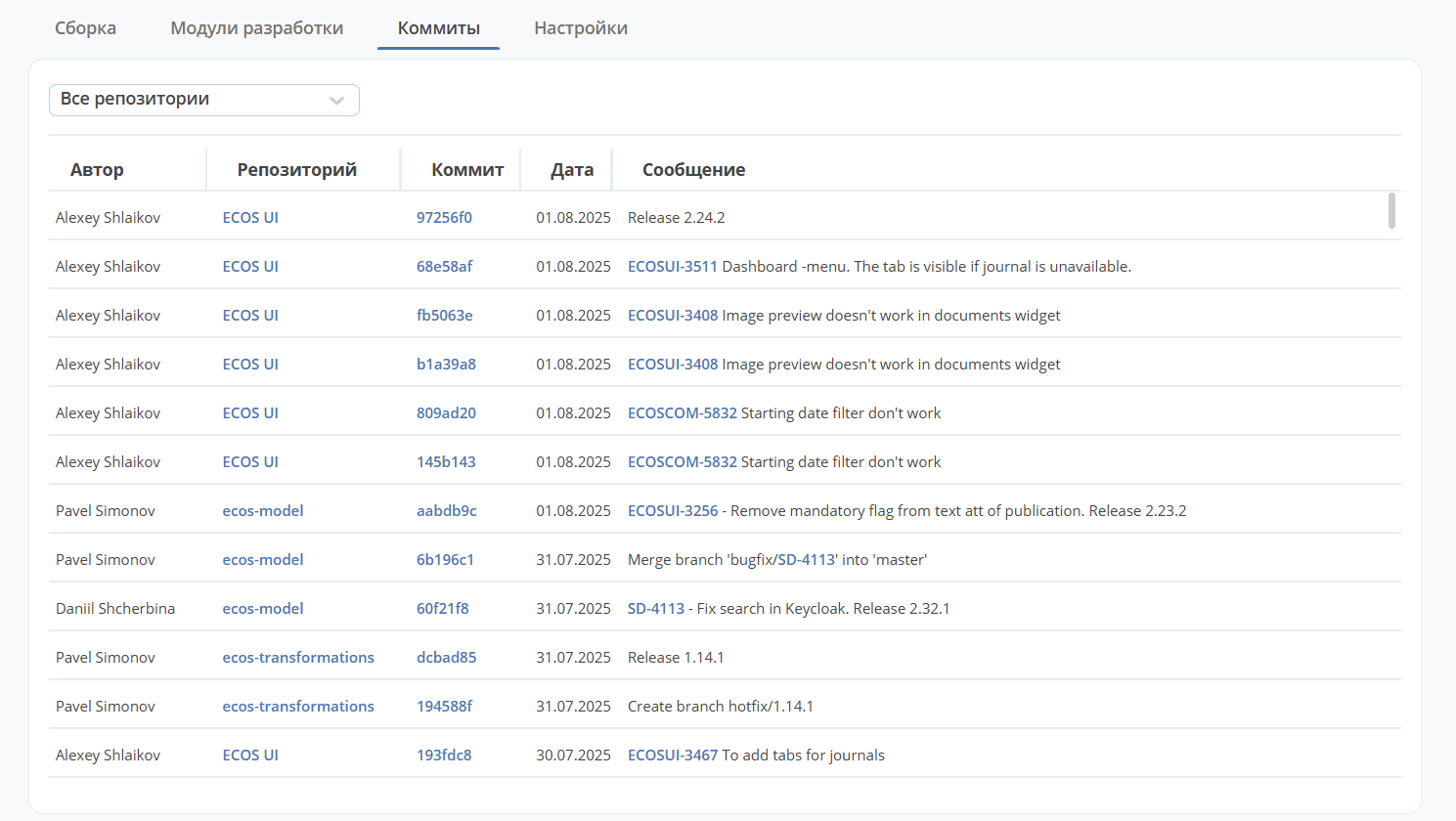
Links allow navigation to the repository, a specific commit, or a task.
“Settings” Tab
Contains platform debugging and diagnostics settings. Use these settings during development and troubleshooting:
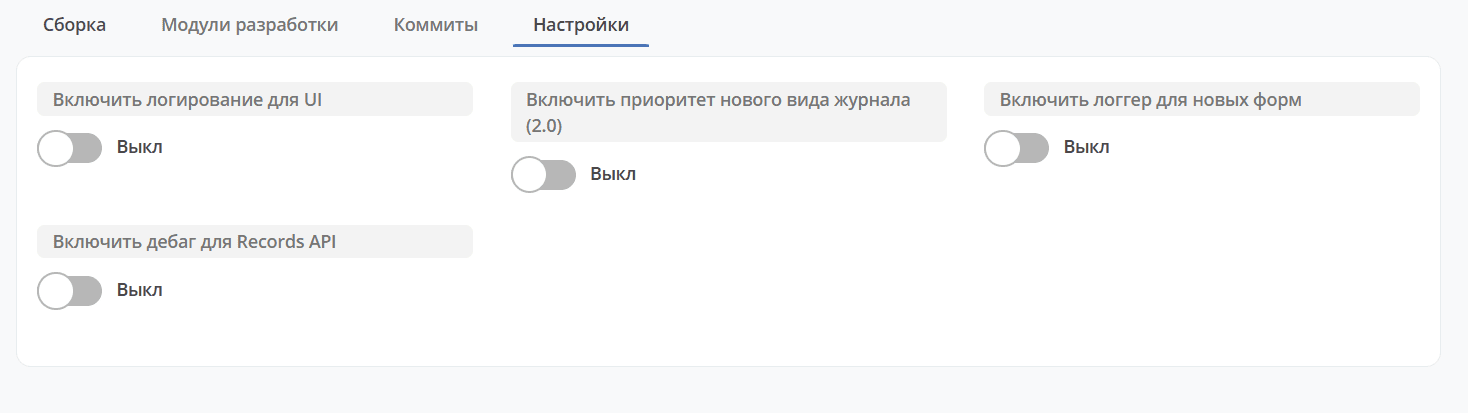
Enable logger for new forms - enables debug logs for forms. These can be viewed in the browser console.
Enable debug for Records API - responses from Records API requests include additional information that helps understand what happened on the server during the request.
Note
Debug settings should only be enabled temporarily — strictly for diagnostics purposes — and disabled after the analysis is complete to avoid overloading logs in the production environment.
Administrator Section Interface
Data in each administrator section is presented as a journal — a table of entries that can be viewed, edited, and managed.
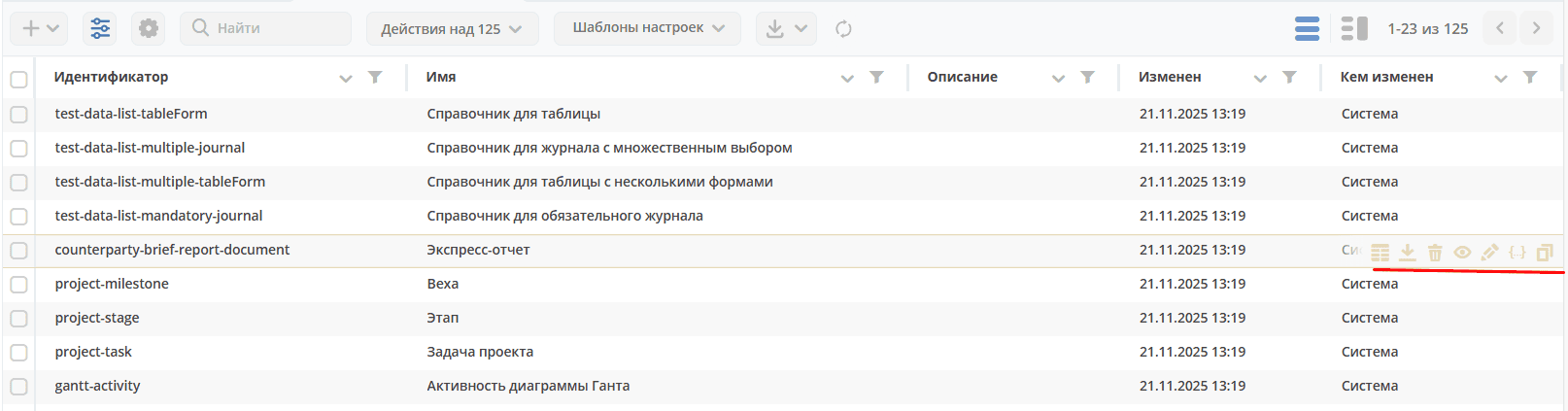
A standard set of actions is available for each entry.
Note
Other special actions may also be available for sections.

|
Download as JSON file |

|
Delete |

|
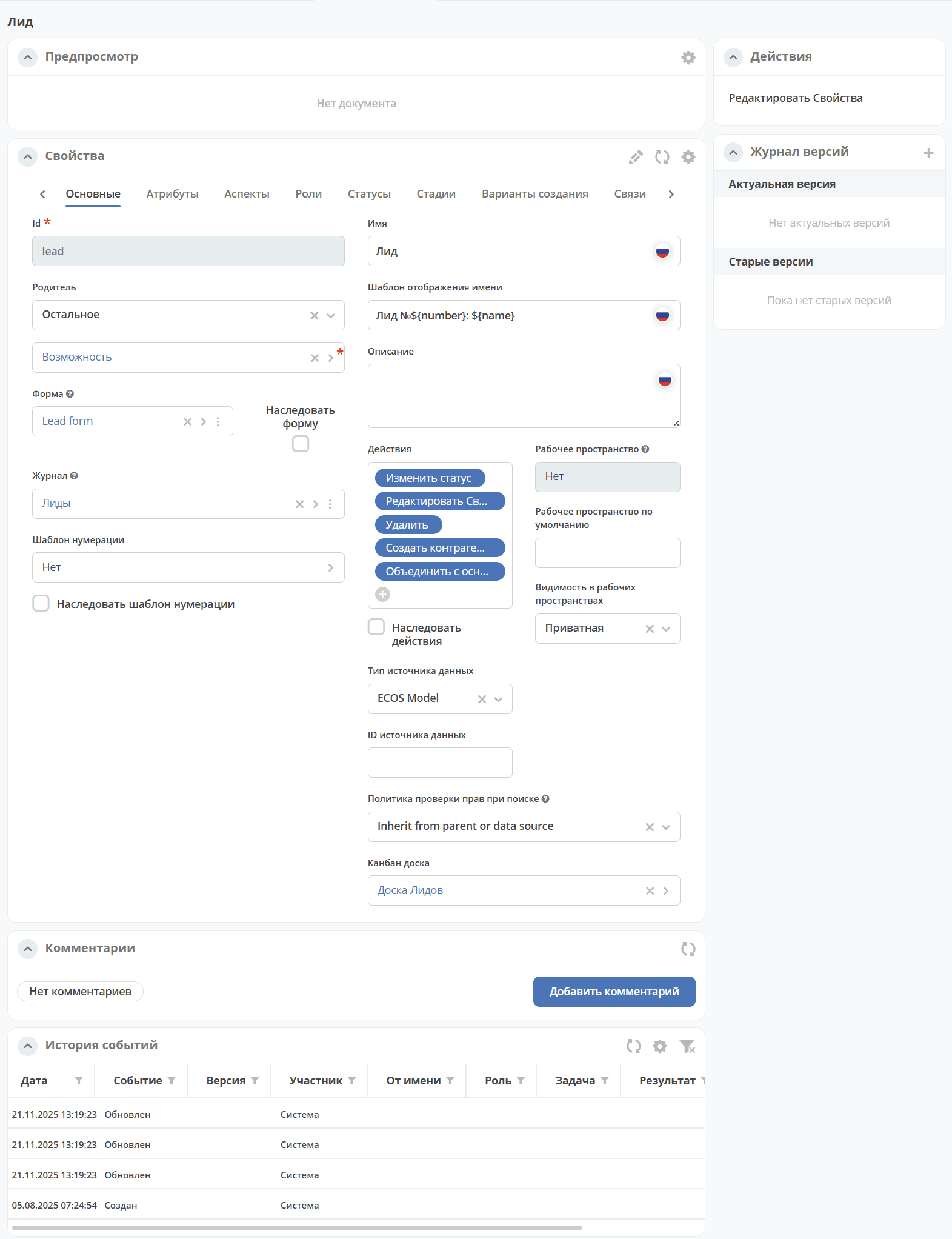
Open the journal card in a new tab.
The card is a dashboard:
|

|
Open for editing |

|
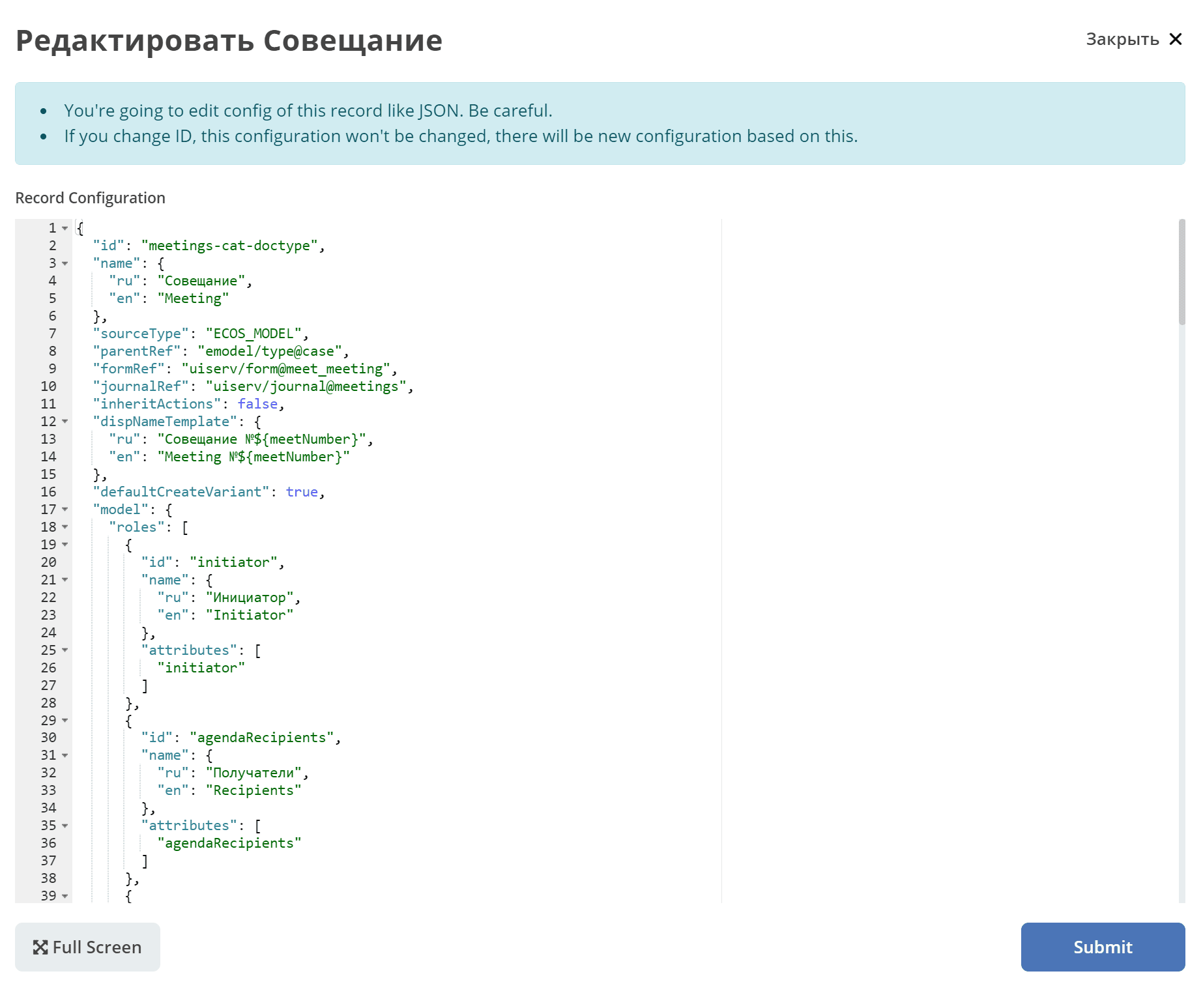
Edit JSON file: |

|
Copy |