Widgets
Widgets are configurable information blocks placed on dashboards that display data about documents, tasks, processes, users, and other system content.
Widgets are added and rearranged by dragging when configuring a dashboard. The set of available widgets depends on the dashboard type. Some widgets support individual configuration of the displayed data.
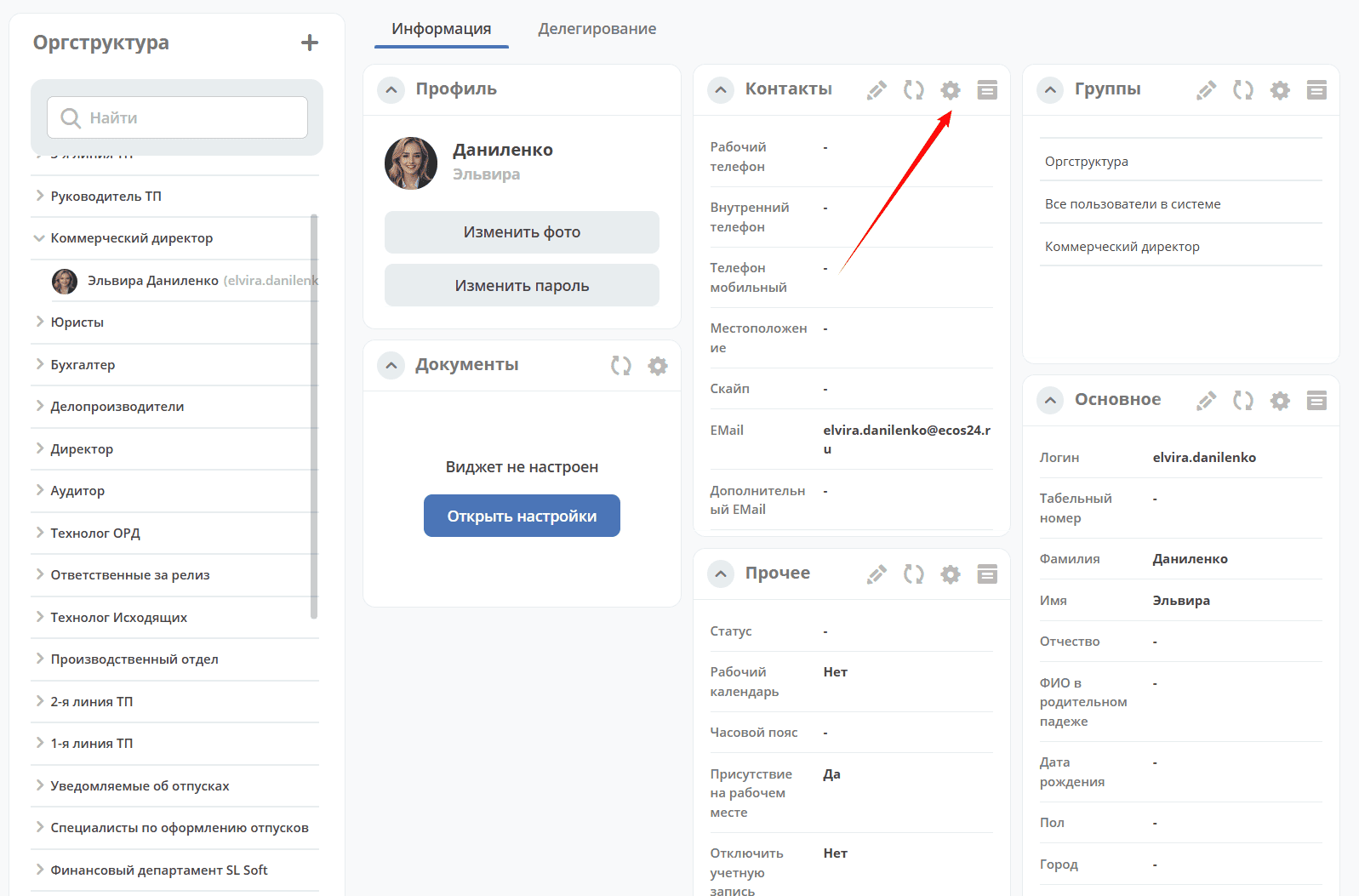
Some widgets have configuration available. Configuration is marked with the following icon:
Note
When the restrict-access-to-edit-dashboard-widgets config is enabled (true), widget configuration is prohibited for the user.
Configuring editing permissions
In the system, users can have separate permissions for dashboard configuration (restrict-access-to-edit-dashboard) and widget configuration (restrict-access-to-edit-dashboard-widgets).
That is, a user may have rights to configure the dashboard but be prohibited from configuring widgets.
Configs are stored in System Management – ECOS Configuration (v2/admin?journalId=ecos-configs&type=JOURNAL):

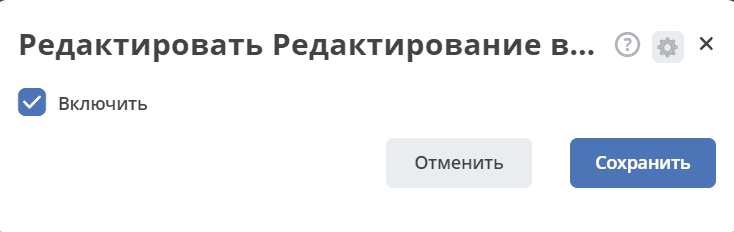
Enabling configuration:
- ‘Activities’ Widget
- Widget “All Tasks”
- Widget “Graphic Statistics”
- Widget “Birthdays”
- Widget “Actions”
- Widget “Gantt Chart”
- Widget “Documents”
- Widget “Available Workspaces”
- Widget “Journal”
- Widget “Versions Journal”
- Widget “Events History”
- Widget “Kanban”
- Widget “Comments”
- Widget “Menu”
- Widget “My Tasks”
- Widget “News”
- Widget “Preview”
- Widget “Profile”
- Widget “Publication”
- Widget “Document Associations”
- Widget “Stages”
- Widget “Task Statistics”
- Widget “Process Statistics”
- Widget “Status”
- Widget “Properties”
- Widget “HTML”
- Widget “Web Page”
- Widget “Barcode”