Chrome Extension for Meeting Recording
Note
Available in Enterprise version only.
citeck-meeting-recorder — a Chrome extension that records video conferences in Yandex Telemost, automatically transcribes speech, and generates a meeting summary. The result is saved in the Citeck platform as an activity and linked to the required business entity (deal or project).
Note
The functionality is available in the Citeck Enterprise version with the configured citeck-ai microservice and citeck-stt-sidecar transcription service.
Features
Conference recording in Yandex Telemost (including
telemost.360.yandex.ru)Audio capture — tab audio and user microphone are combined into a single stream
Automatic speech transcription via GigaAM
Meeting summary generation via LLM: key topics, decisions, tasks, open questions, participants
Entity linking — selecting a deal or project before starting the recording
Auto-stop when the meeting ends (tab closed, navigation)
Authorization via Citeck session — no manual input required
How It Works
The user opens the Yandex Telemost tab — the extension detects the meeting automatically.
In the popup, a business entity (deal or project) is selected and Start Recording is clicked.
The extension captures participant audio (tab audio) and user microphone, mixes them, and streams via WebSocket to
citeck-ai.After the meeting ends, the backend transcribes the audio and generates a summary.
The result is saved as
meeting-activityin Citeck, linked to the selected entity.The user receives a Chrome notification when the recording is ready.
Installation
Loading in Chrome
Download the extension as a zip archive from GitHub releases.
Open
chrome://extensions/.Enable Developer mode.
Click Load unpacked extension and select the project directory.
Configuration
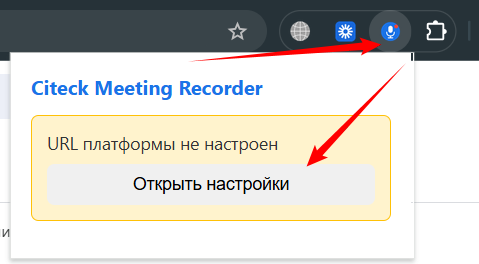
Click the extension icon → Open settings:
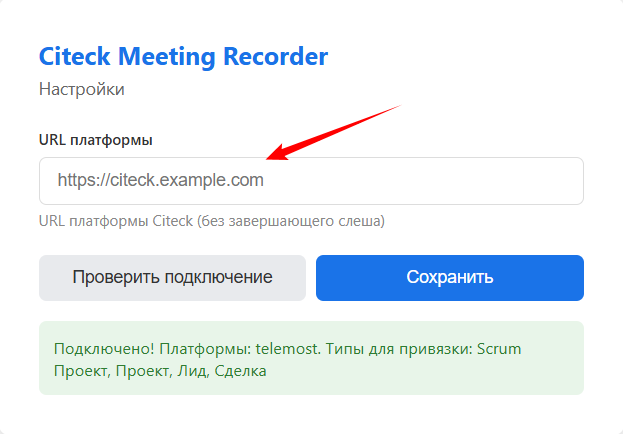
Enter the Citeck instance URL (for example,
http://localhost):Click Check connection:
Usage
Open a conference in Yandex Telemost.
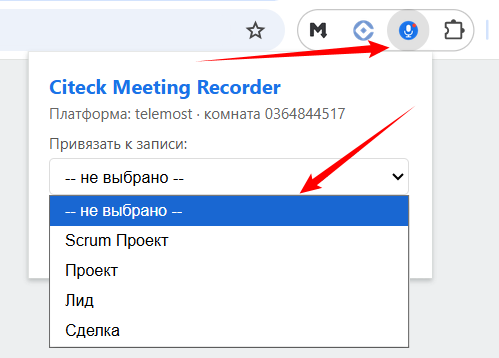
Click the extension icon in the Chrome toolbar.
Select a business entity (deal or project) using the search.
Click Start Recording.
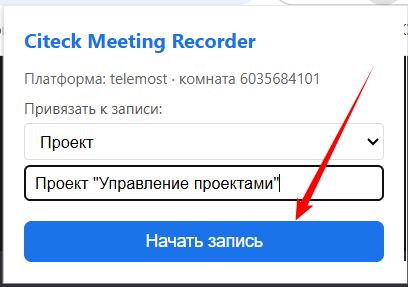
When finished, click Stop Recording — or simply close/leave the meeting, the recording will stop automatically.
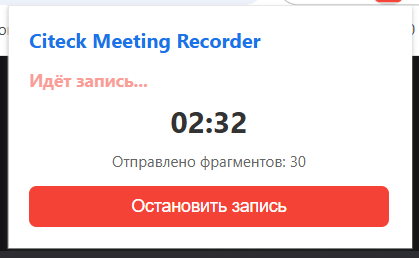
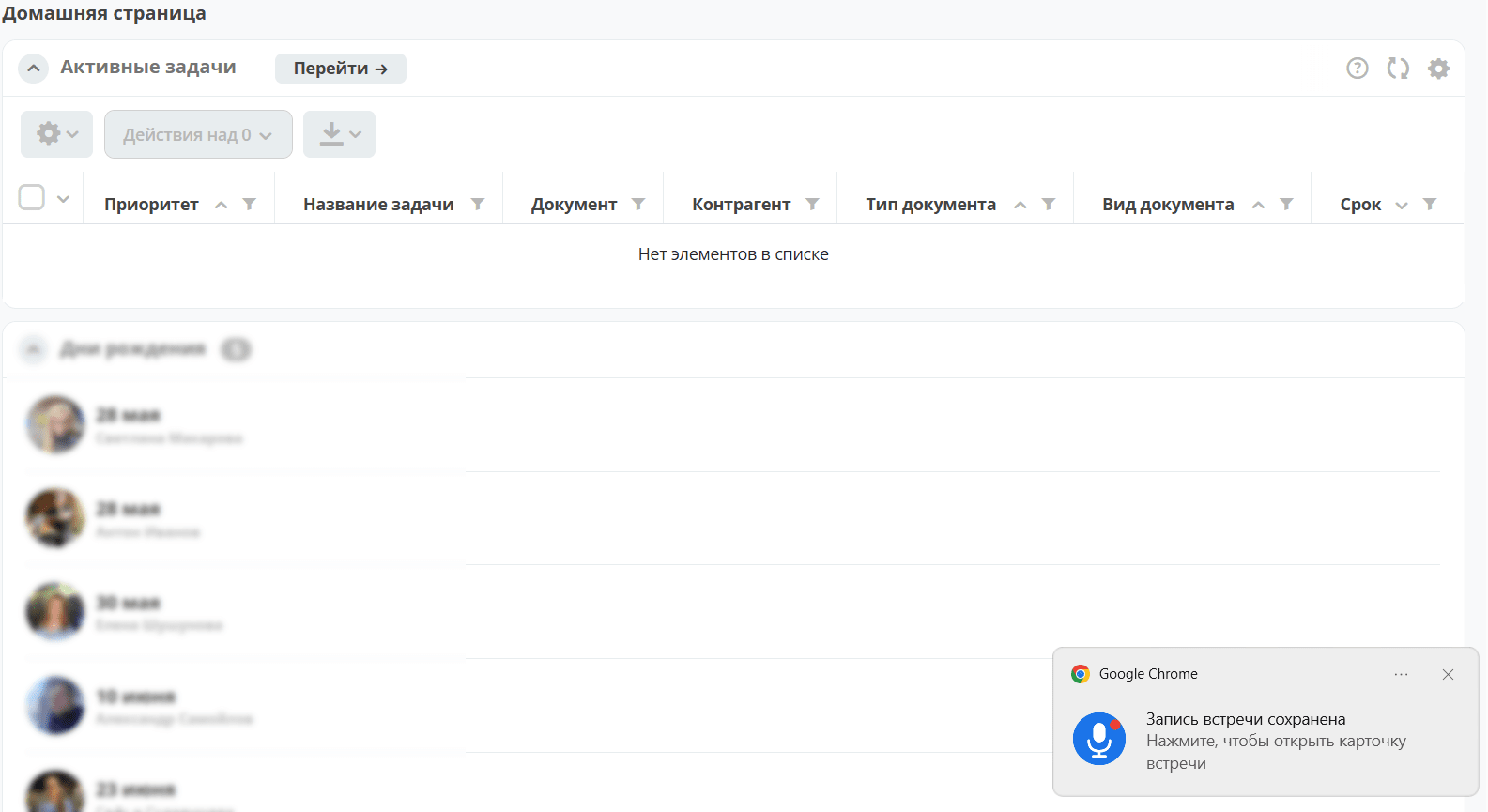
Wait for the notification that the transcript and summary are ready.
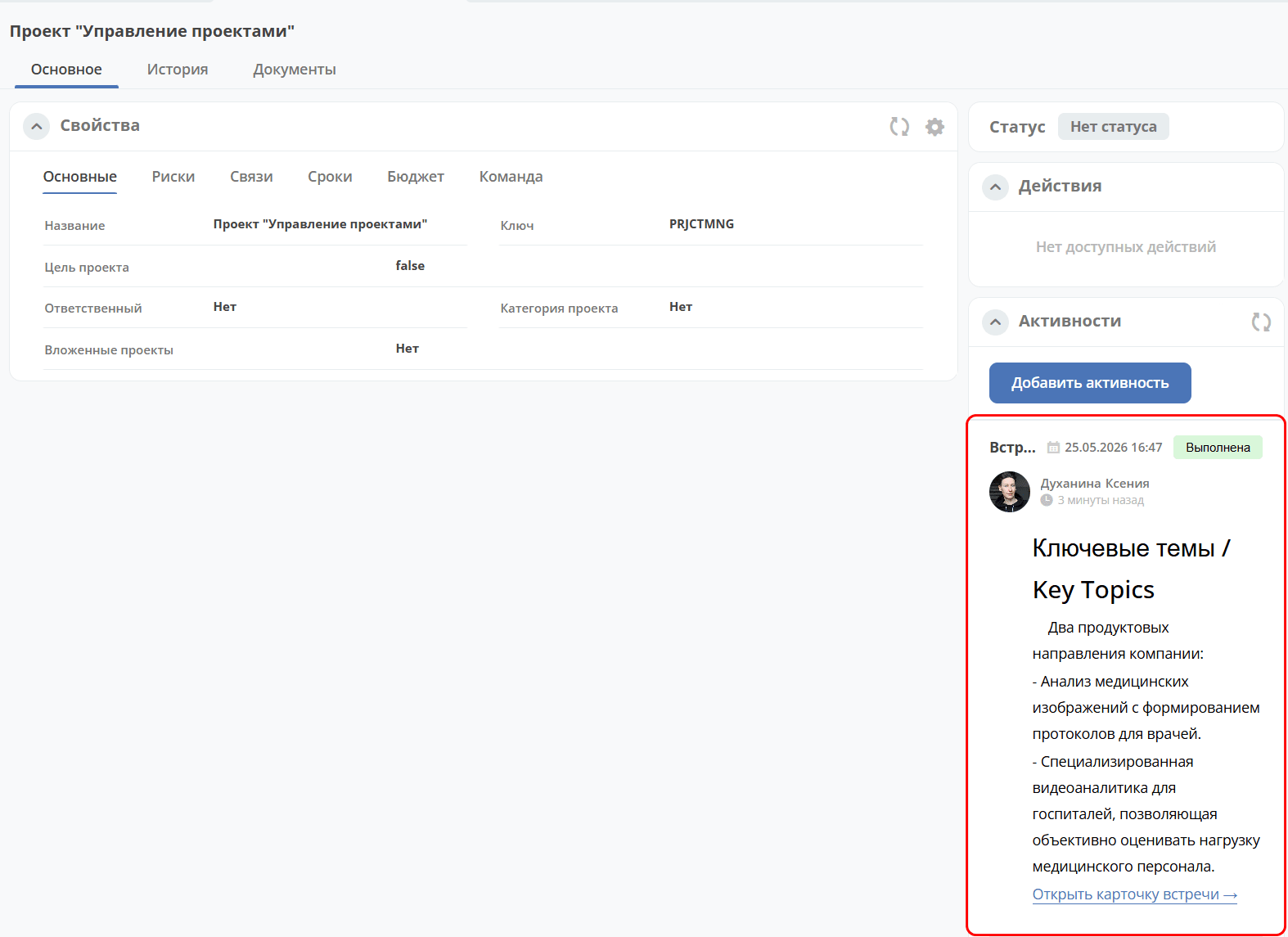
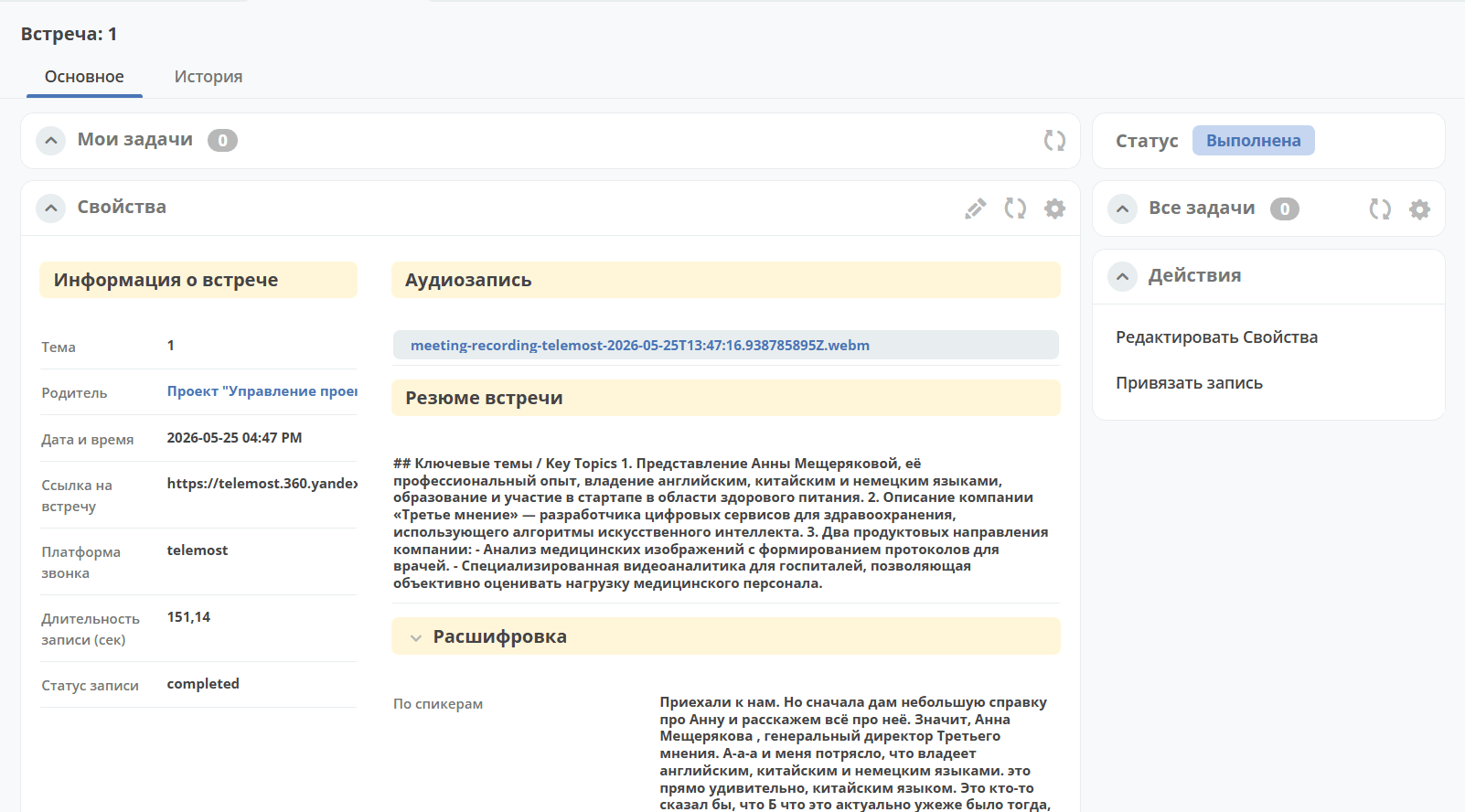
The meeting results are automatically saved in Citeck and linked to the relevant deal or project.
Extension Permissions
Permission |
Purpose |
|---|---|
|
Tab audio capture |
|
Access to the current tab |
|
Storing extension settings |
|
Reading cookies for authorization in Citeck |
|
API requests to any Citeck instance |
Dependencies
Component |
Role |
|---|---|
|
Backend: WebSocket handler, pipeline STT → LLM summary → activity saving |
|
Transcription service based on GigaAM (Russian speech recognition) |
nginx |
WebSocket proxy |
Note
The main Citeck gateway does not proxy WebSocket. For the extension to work, you need to configure an nginx route /gateway/ai/ws/ directly to citeck-ai.