Available Workspaces
Personal Workspace
An individual space on the platform designed to organize a user’s personal work: managing tasks and documents, and participating in business processes. The space is available to every user by default and does not require administrator configuration.
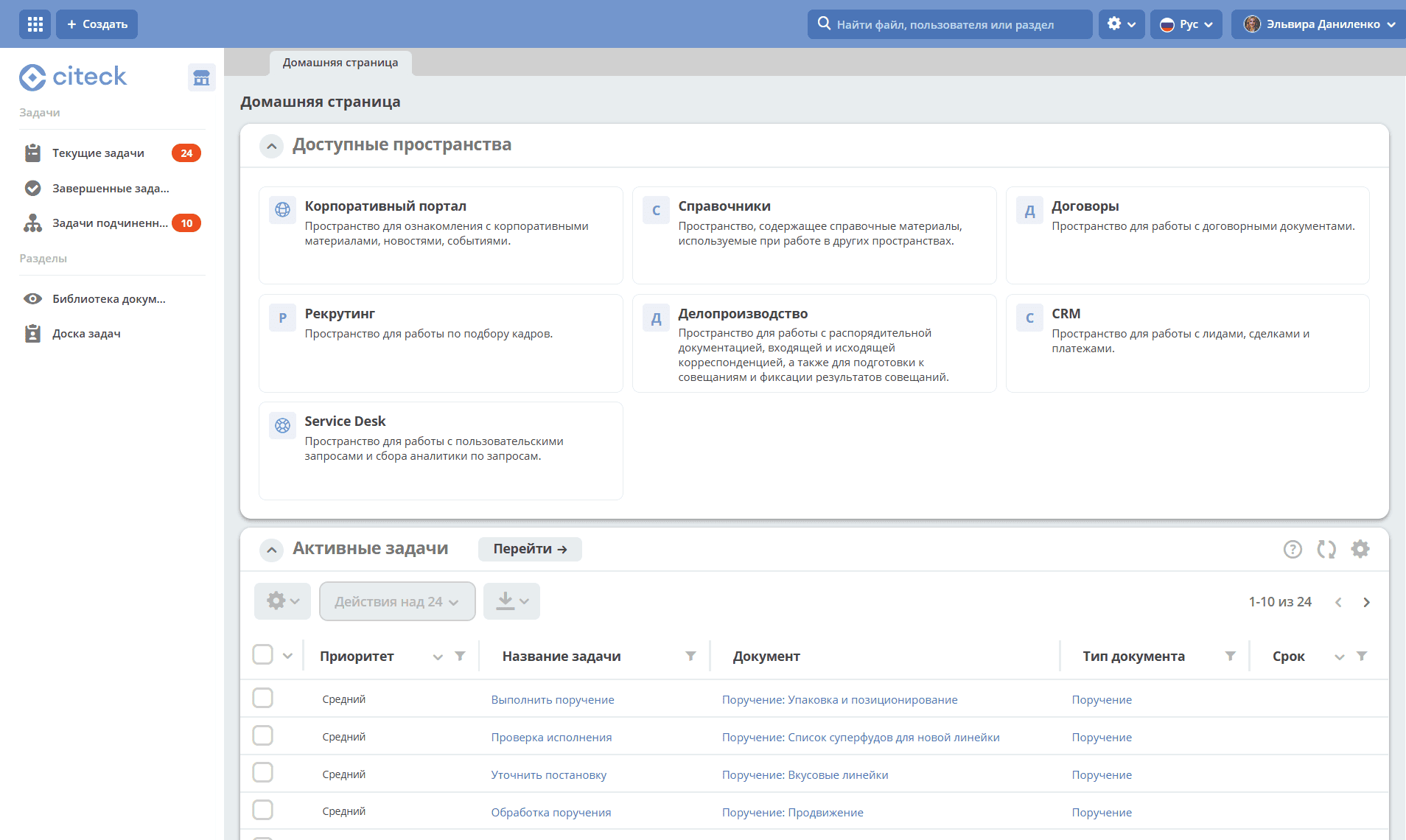
You can configure the home page and menu in the space.
Tasks
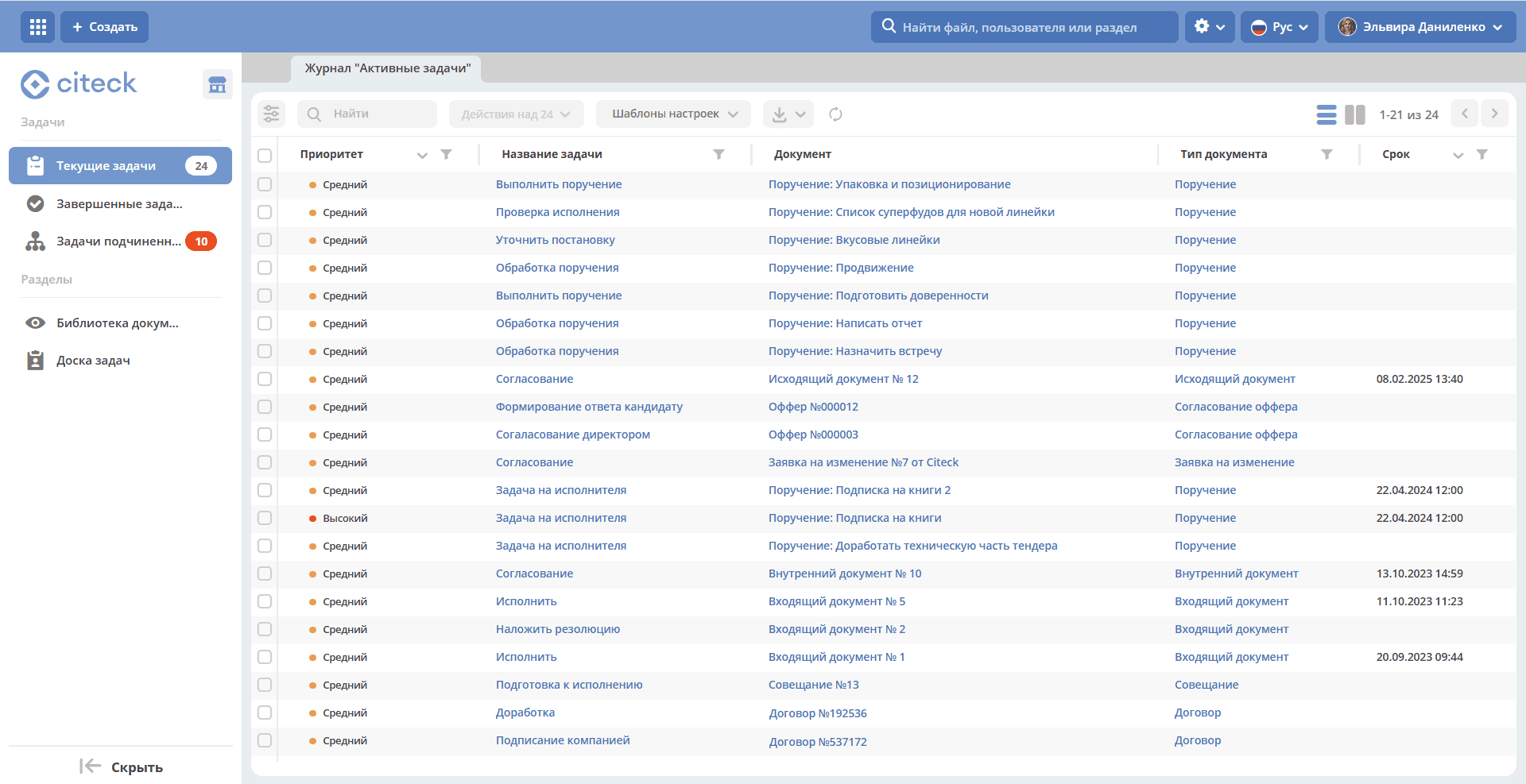
The “Tasks” section contains:
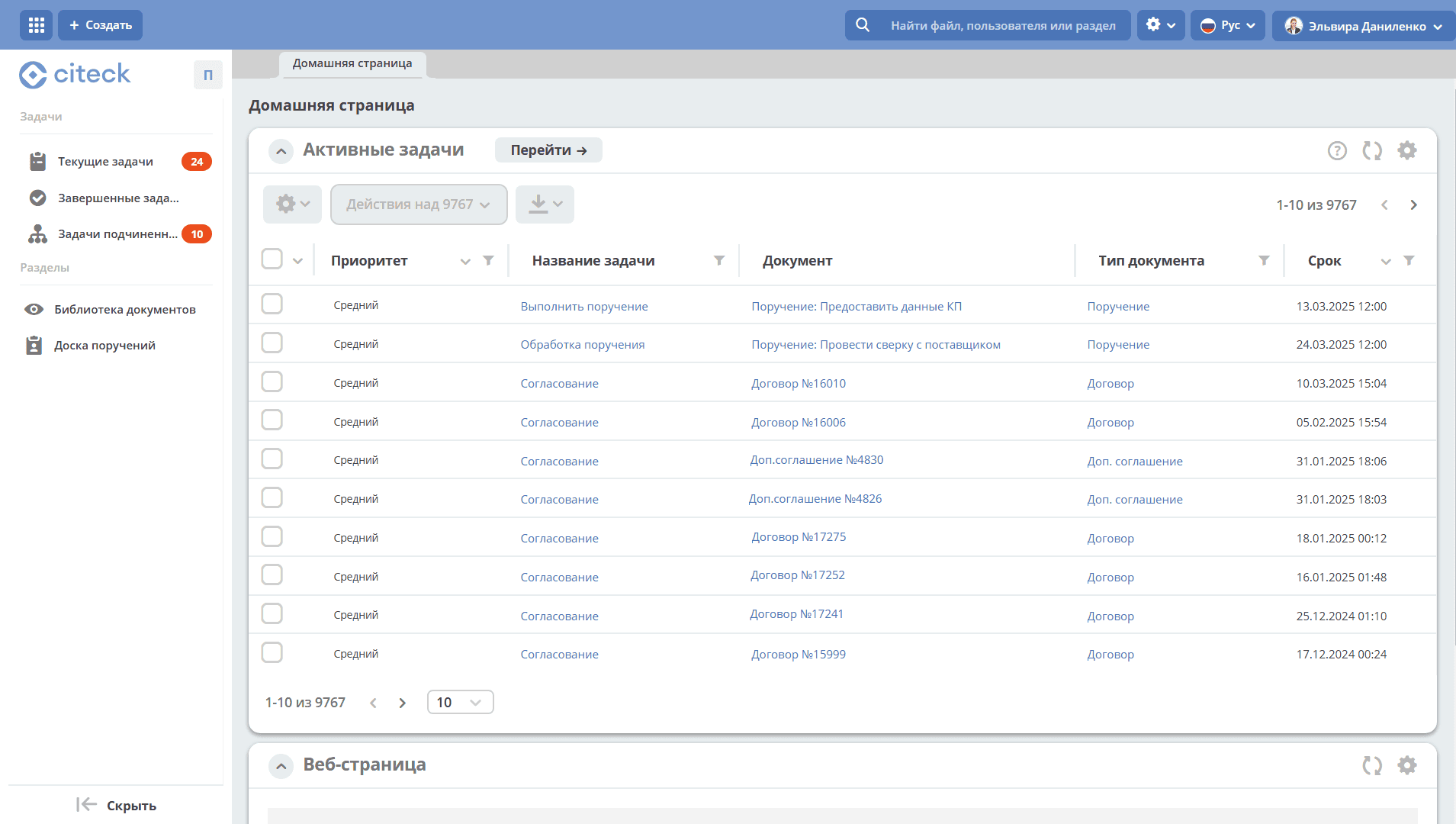
Current tasks — all tasks that can be performed by the user, either as the sole executor or as part of a group.
Completed tasks — tasks completed by the user.
Subordinate tasks — tasks of users for whom the current user is listed as the Line Manager in their profiles.
Document Library
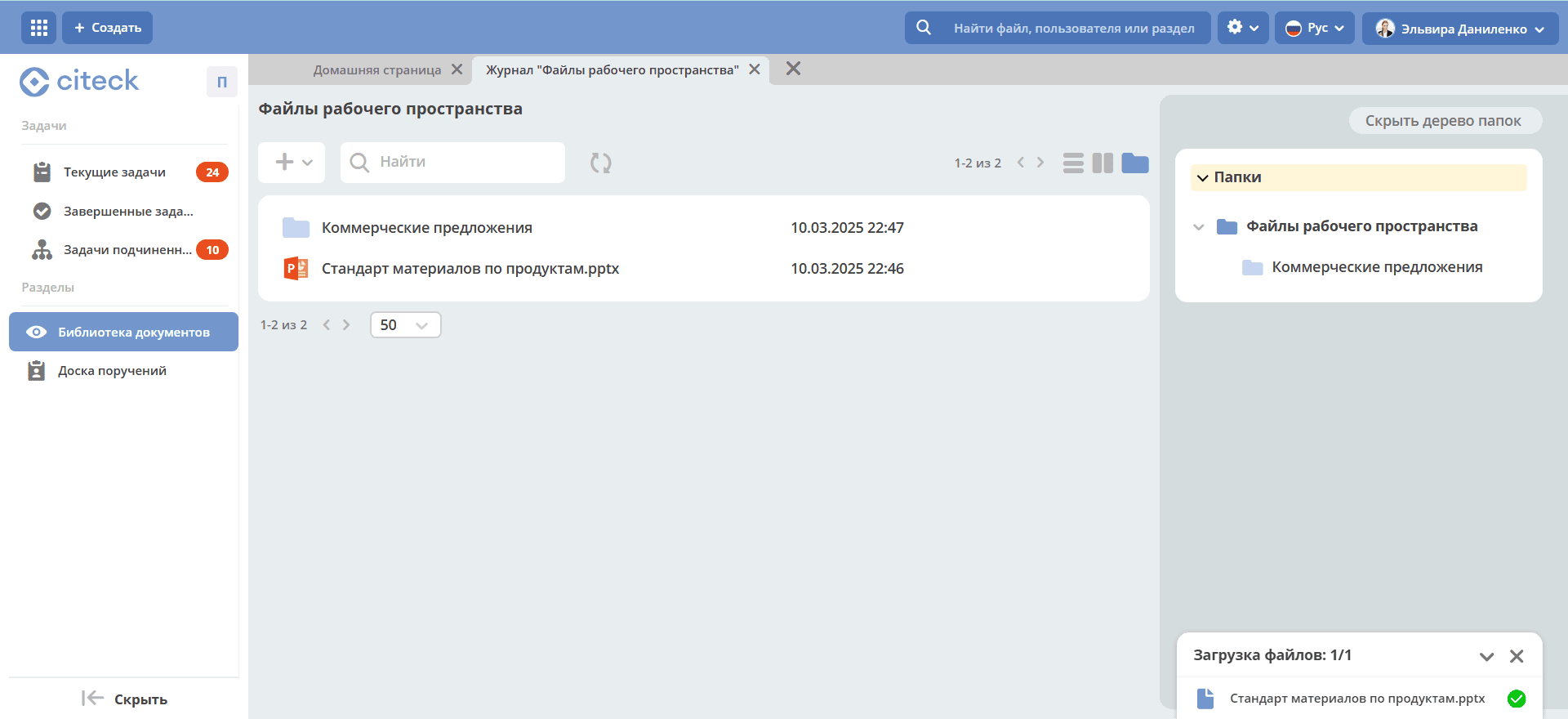
A hierarchical interface for working with folders and documents. Each user sees only their own files and folders within the personal space.
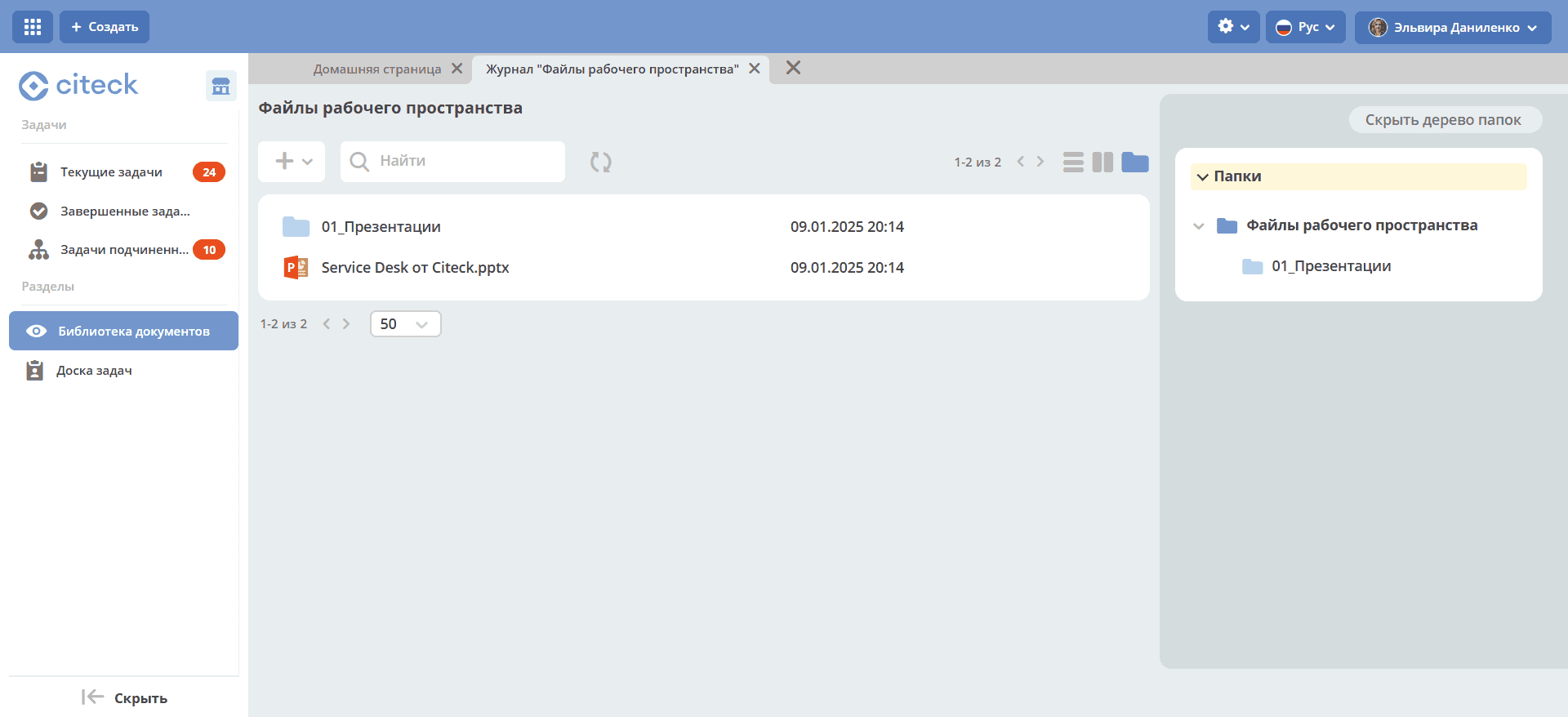
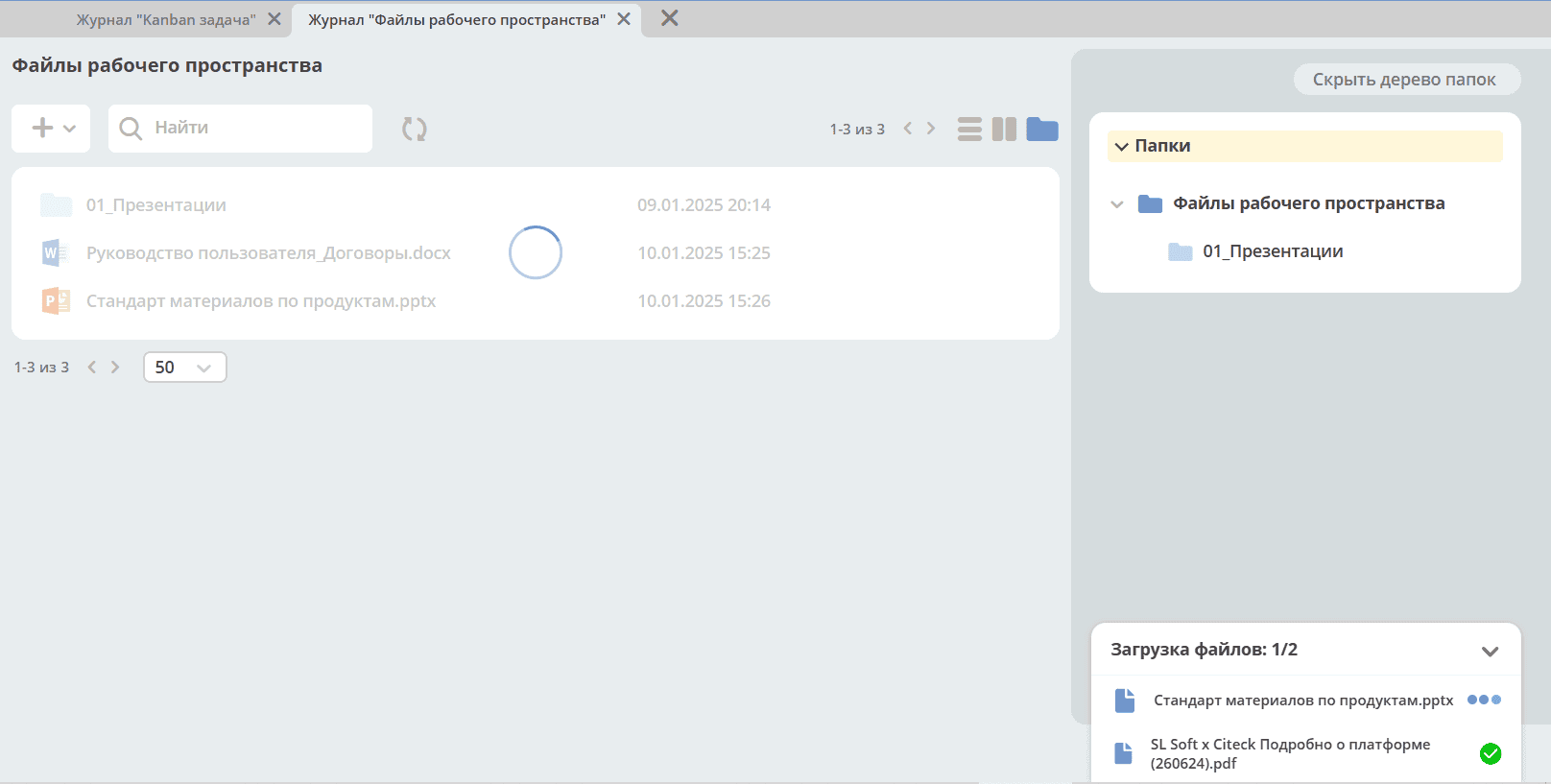
Uploading files and folders is available via button click or drag-and-drop.
Via the + button, you can add files and folders as well as create new documents:
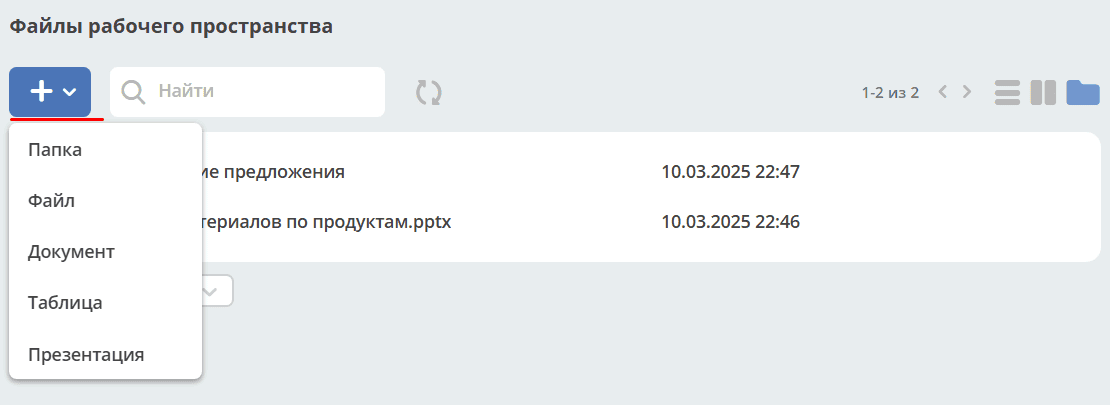
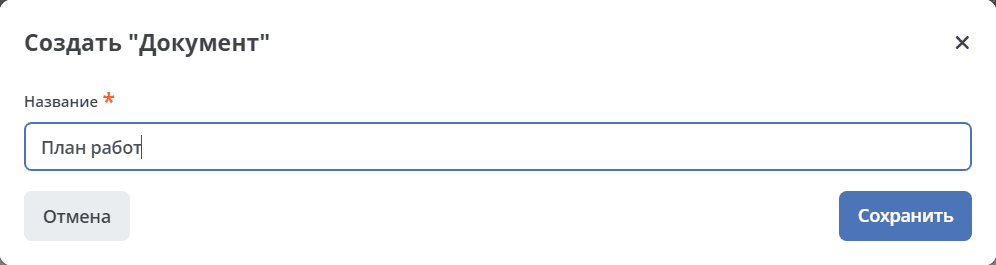
Select the document type and specify the name:
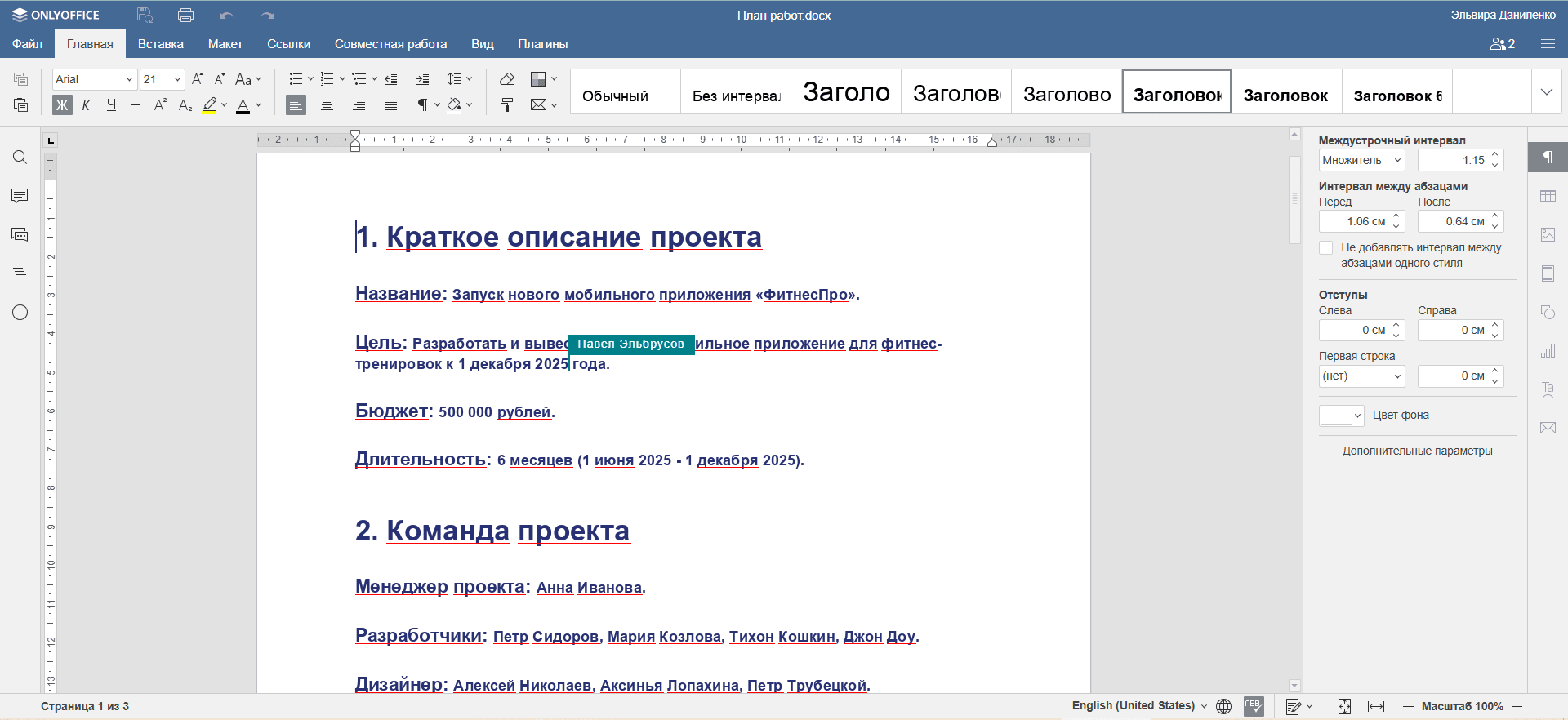
A new file is created in OnlyOffice for collaborative editing — multiple users can work on the document simultaneously:
For detailed functionality, see Document Library.
Task Board
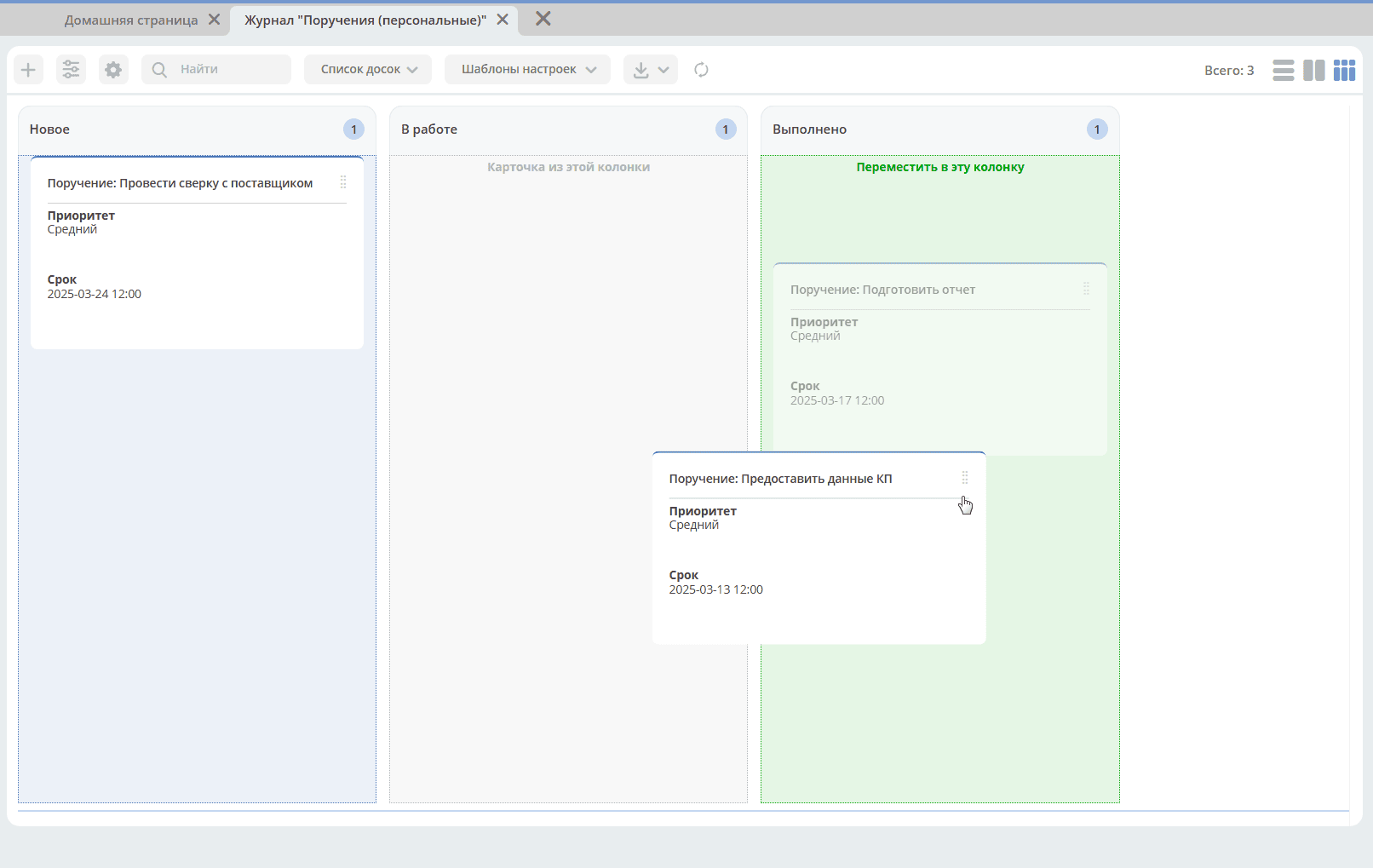
Task Board — a visual representation of personal tasks in the form of a virtual Kanban board.
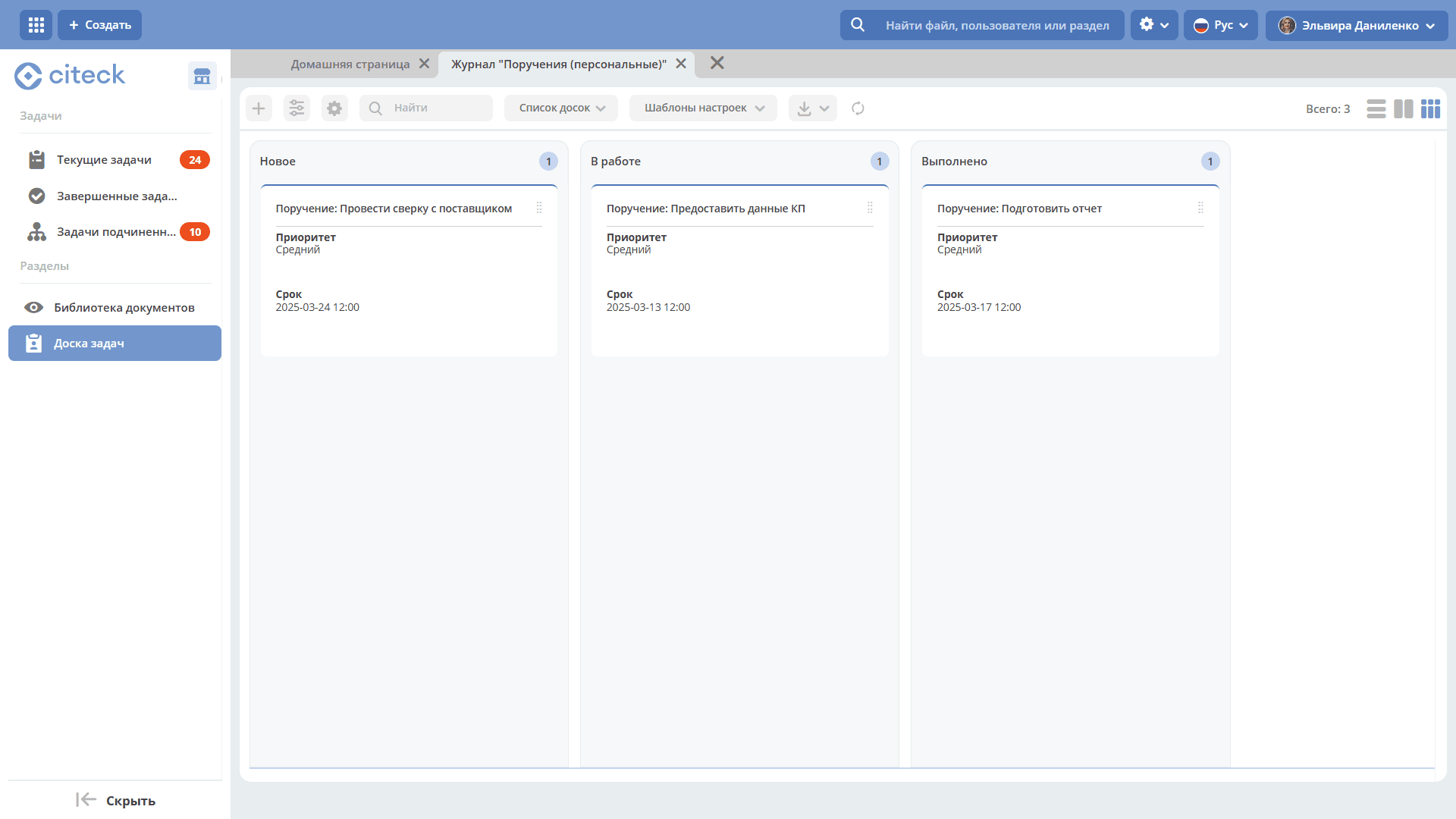
The board columns display task statuses; task cards are distributed across columns. Clicking the task name opens the task card.
Task status transitions are performed by moving cards across columns.
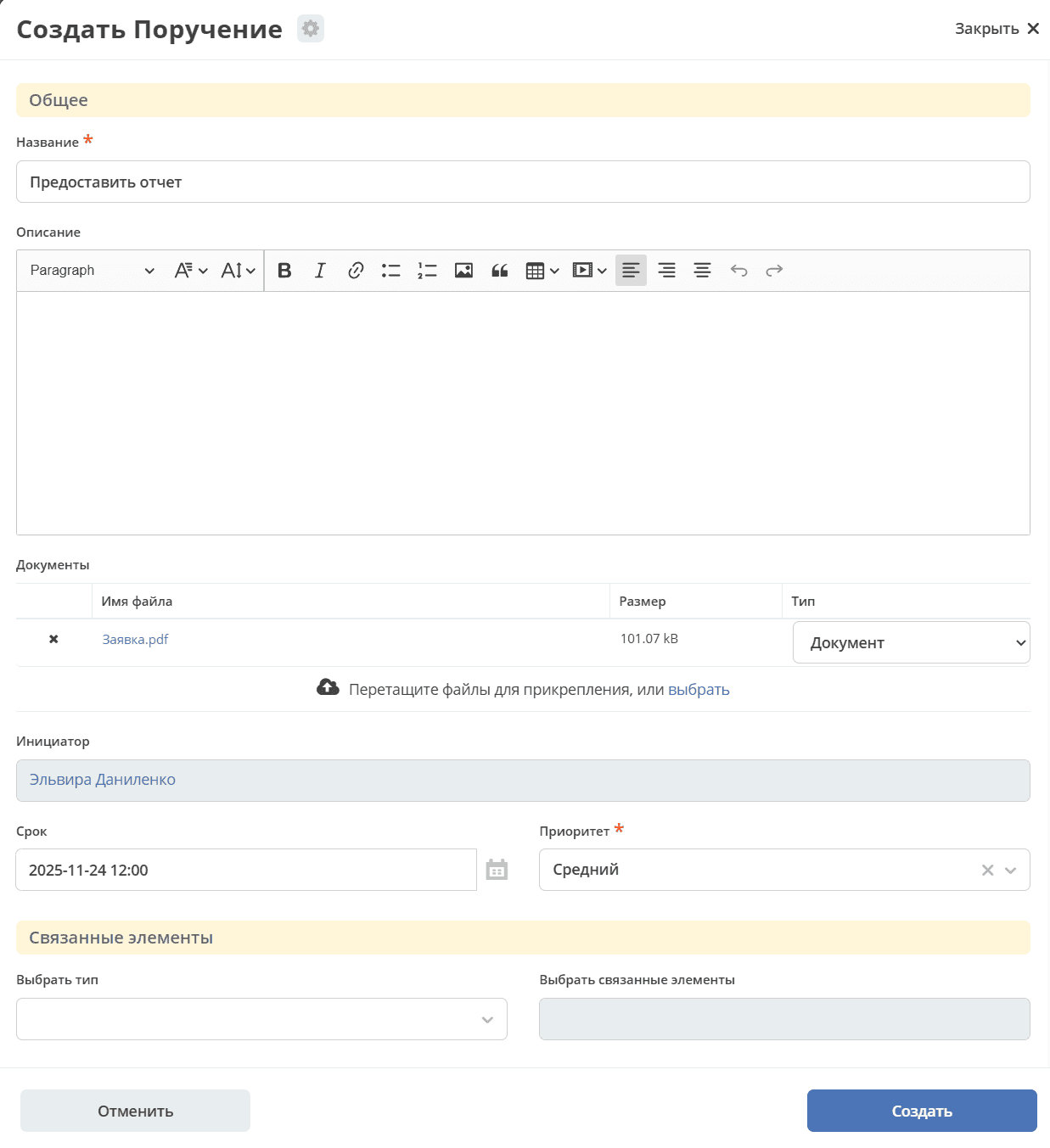
To create a task, click +. The task creation form is similar to the assignment creation form but lacks the Executor and Reviewer fields — the task is always assigned to yourself.
See details about Assignments.
Collaborative Workspace
A collaborative workspace is designed for teamwork of teams, departments, or project groups. It combines members, documents, tasks, and business processes in a single interface. Unlike a personal workspace, the content is accessible to all its members.
A user with the Manager role can configure the home page and menu.
In the document library, uploaded files and created documents are available to all space members:
On the assignments board, you can create assignments for space members:
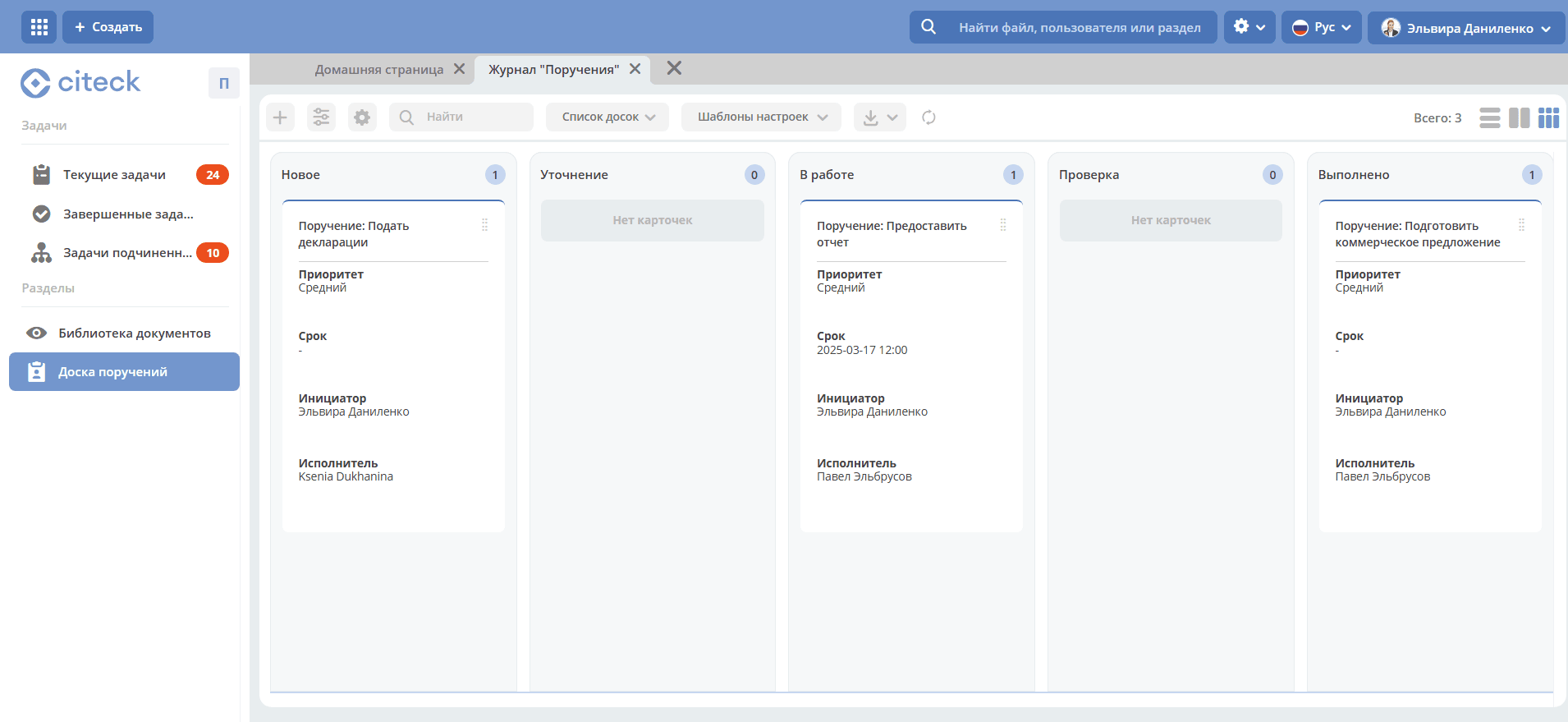
The full functionality of assignments is available.
A user with the Manager role can create artifacts, the list of which is presented in the Administration section of the workspace. See details.
For information on creating a collaborative workspace, see Creating a Workspace.
Example of a workspace accessible to a user
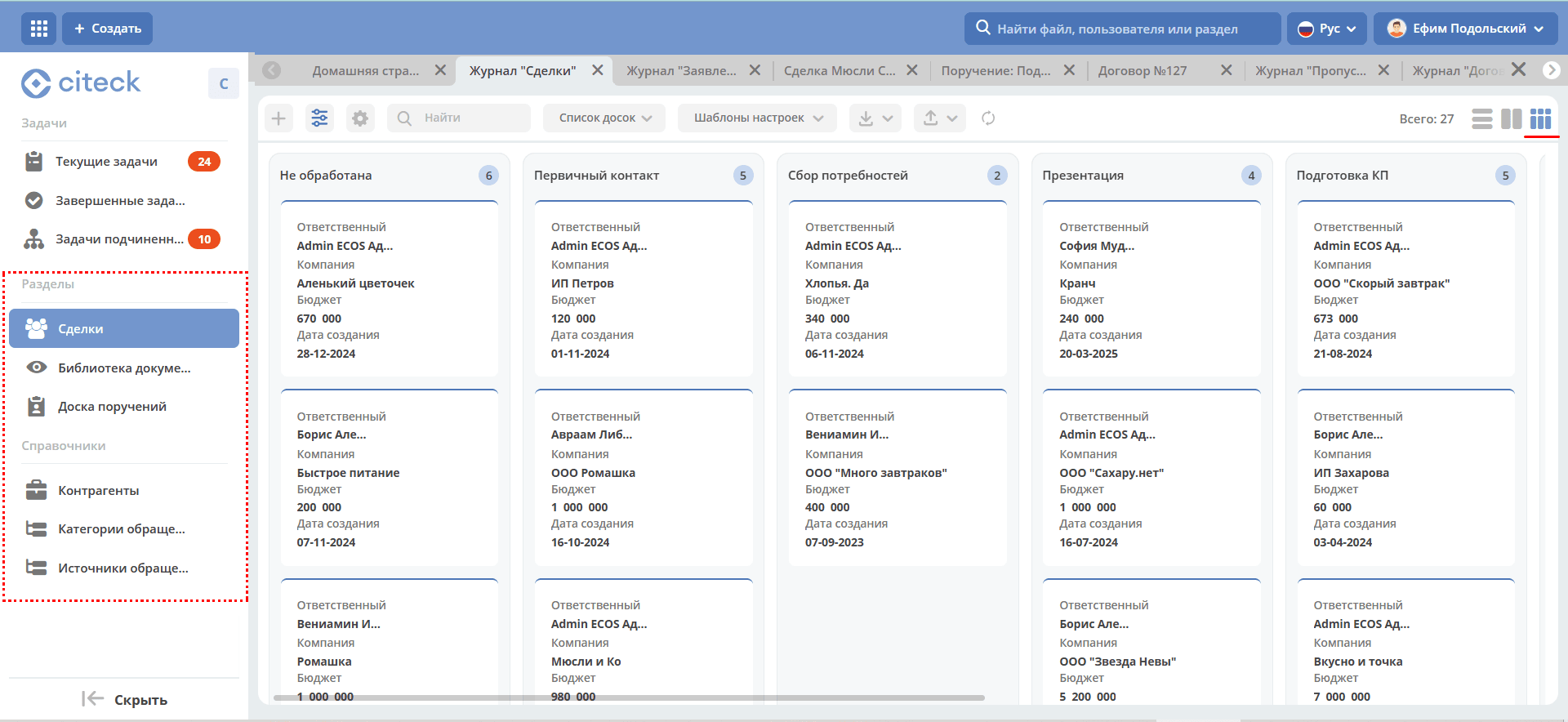
Functional modules are distributed across workspaces. See details. Working with objects in such a workspace is similar to working in a functional module.
Note
The user’s tasks block is available in all workspaces except “Directories” and “Corporate Portal”.