Application Packaging
The created artifacts can be packaged as an application, for example, to place in a version control system or transfer to another environment.
An application is a zip archive containing system artifacts: data types, forms, journals, and business processes.
Creating an Application
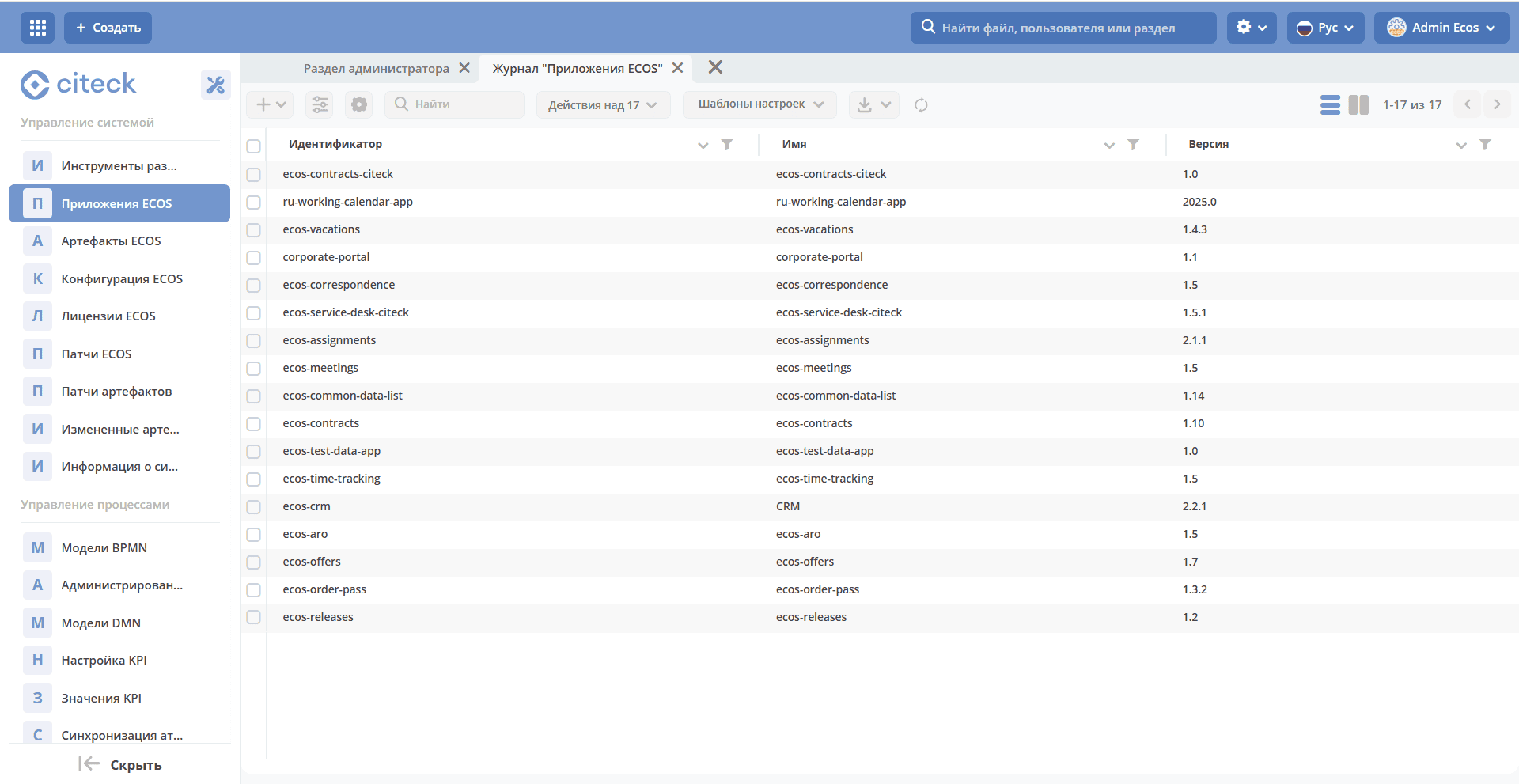
To create an application, go to the administrator workspace, then to the System Management section, and select ECOS Applications:
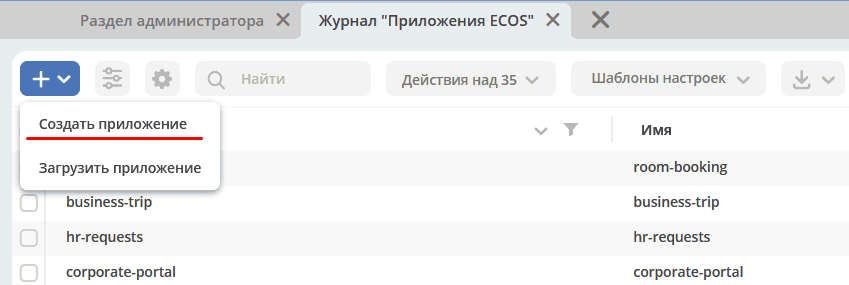
Click + - Create Application:
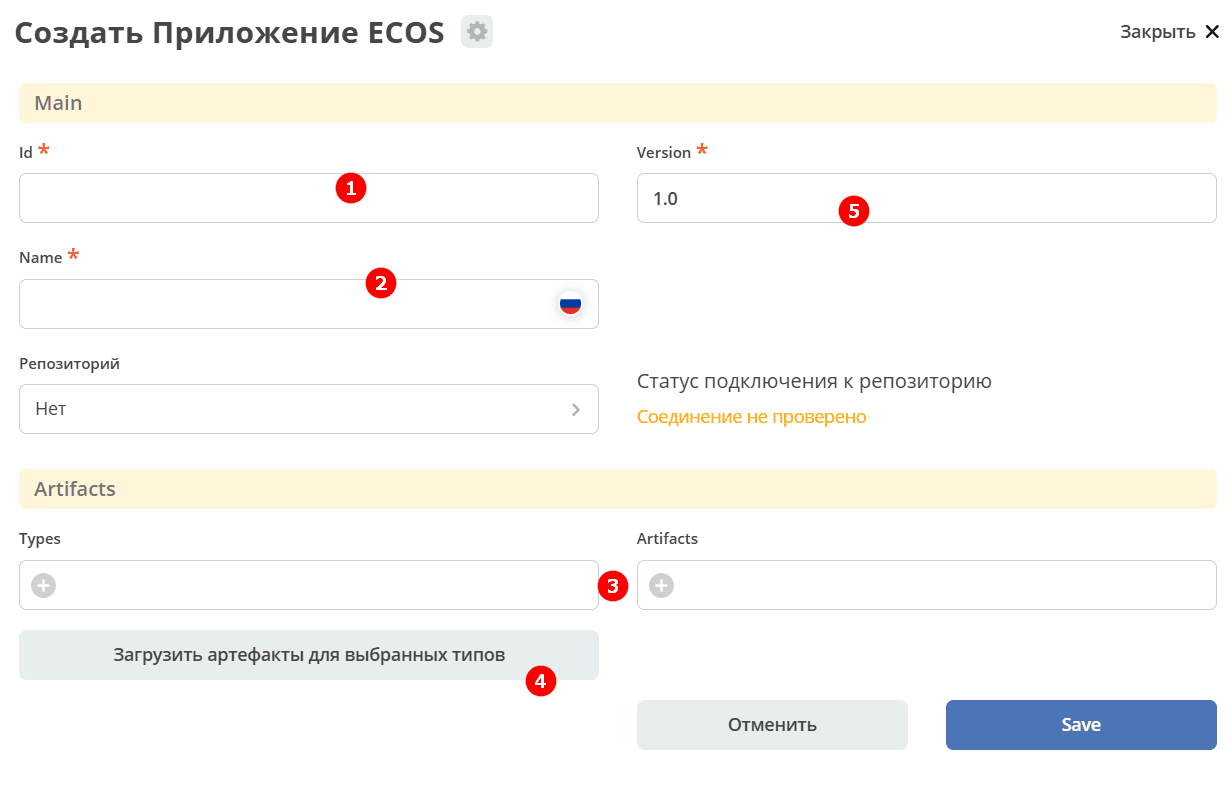
Fill in the fields in the form that opens:
Id — application identifier.
Name — application name.
Select all created data types for the “Equipment Purchase Request” process.
Click “Load Artifacts for Selected Types” — the artifact list will be populated automatically.
If necessary, add items to the list manually by clicking +.
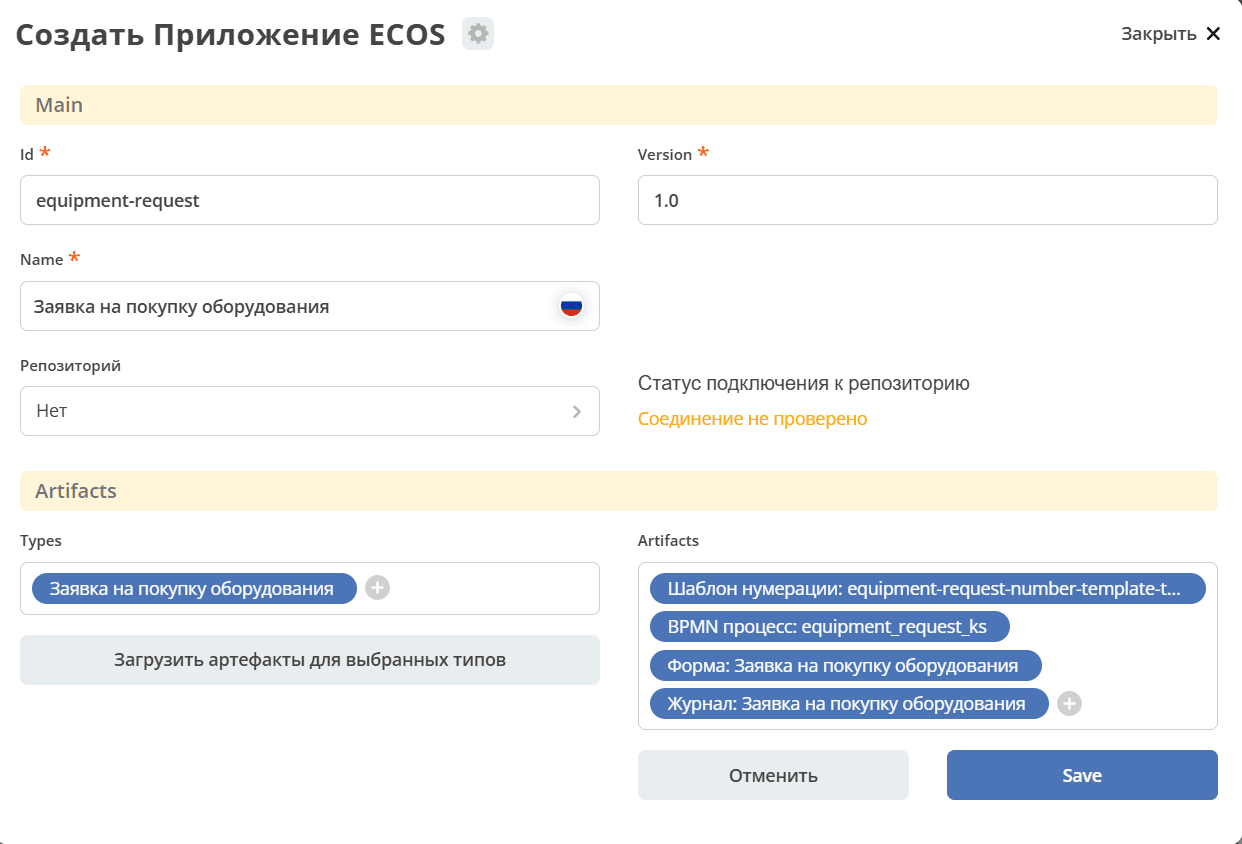
Click Save.
Downloading the Application
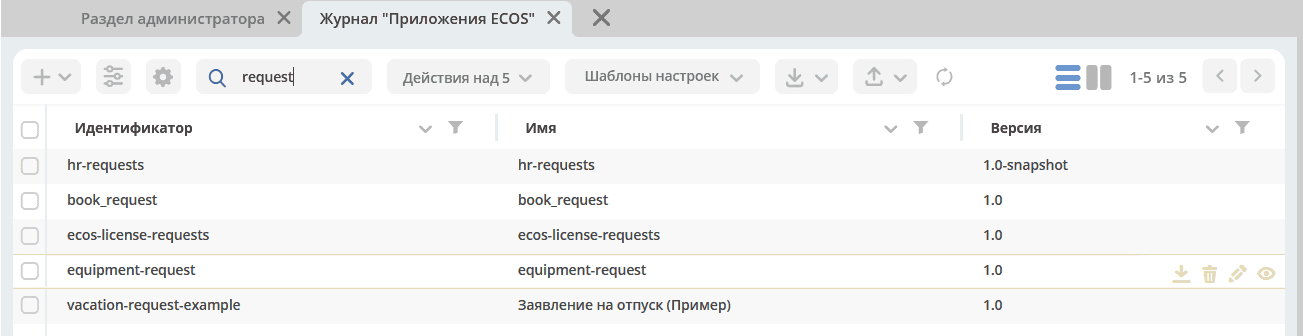
To download the application archive, click the download button next to the required application:
Uploading to Another Environment
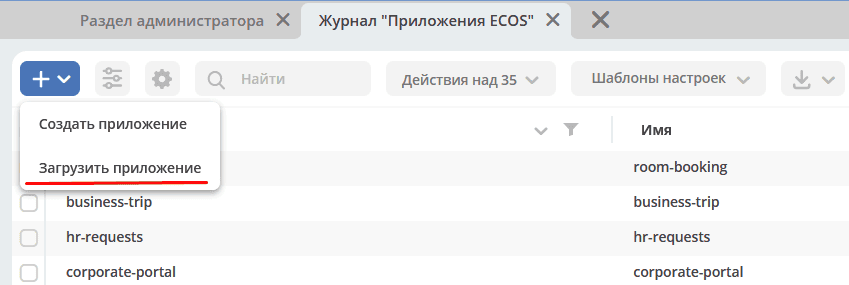
To upload the application to another environment, click + — Upload Application:
See also