Creating a New Workspace
A workspace allows users to collaborate within a shared context:
a manager can create artifacts and explore the platform’s capabilities;
a Citeck administrator can add created business processes to the workspace menu for team collaboration.
Creating a Workspace
Click «Create space»:

Fill in the main form fields:
Field |
Description |
|---|---|
ID |
Unique workspace identifier |
Name |
Display name of the workspace |
Visibility |
|
Adding Members
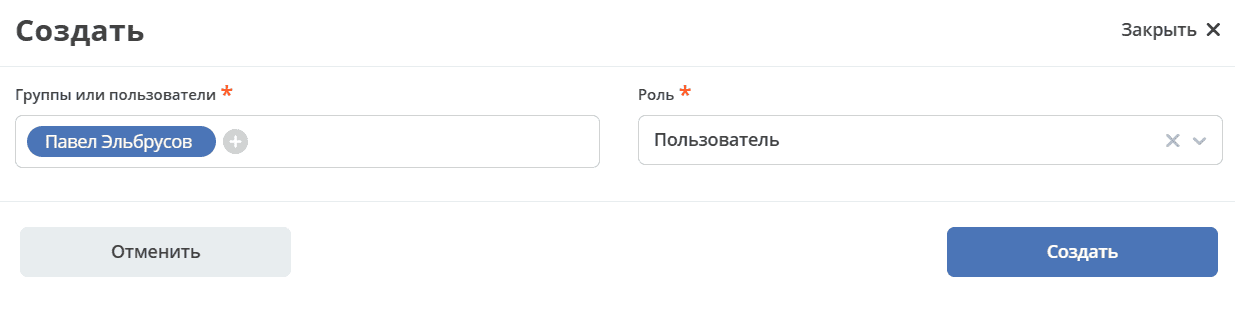
In the Workspace Members block, select users from the org structure and assign a role to each:
User — access to work within the workspace.
Manager — additional ability to manage the workspace and create artifacts.
Note
The user who creates the workspace automatically receives the Manager role and is recorded as its creator.

Click Create.
Result
The created workspace is available to all selected members and is structured similarly to a personal workspace:

Workspace members can:
add and edit files;
assign tasks.
A user with the Manager role can additionally create artifacts, the list of which is available in the Administration section of the workspace.