Basic operations
This section describes the basic operations with decision models in Citeck DMN: viewing the list of models, managing sections, creating, editing, saving, and publishing decisions.
List of processes
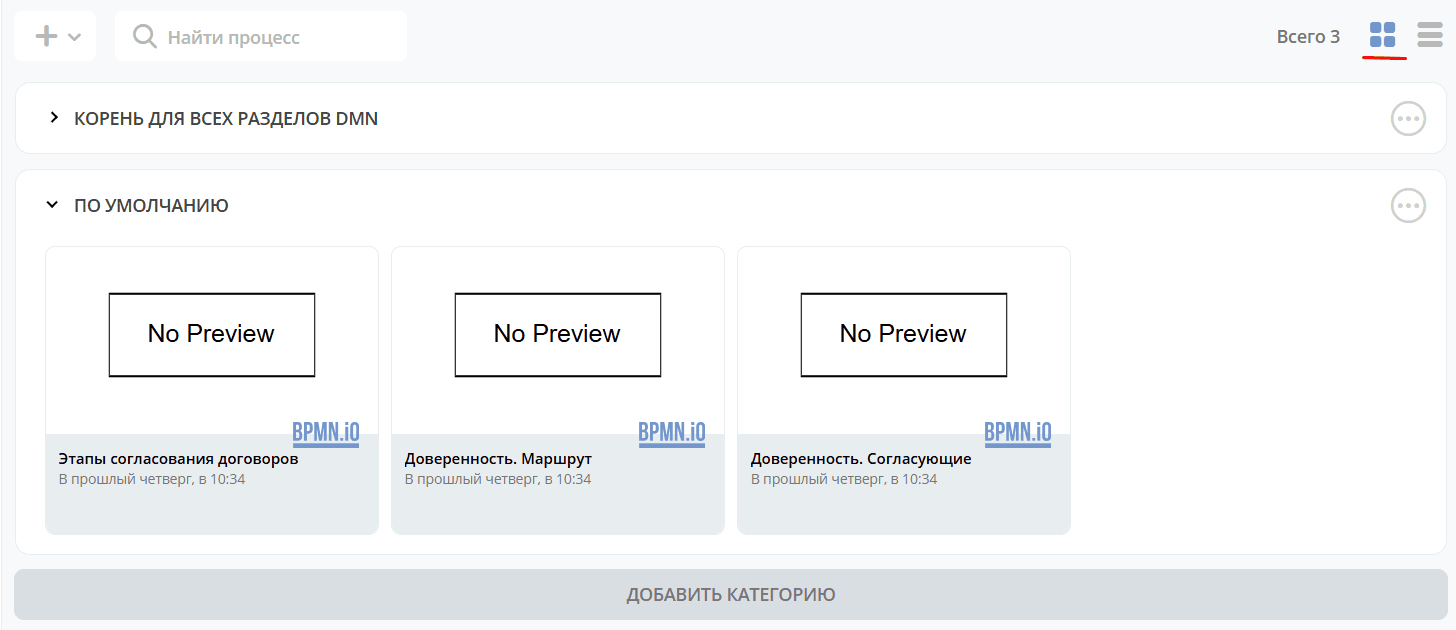
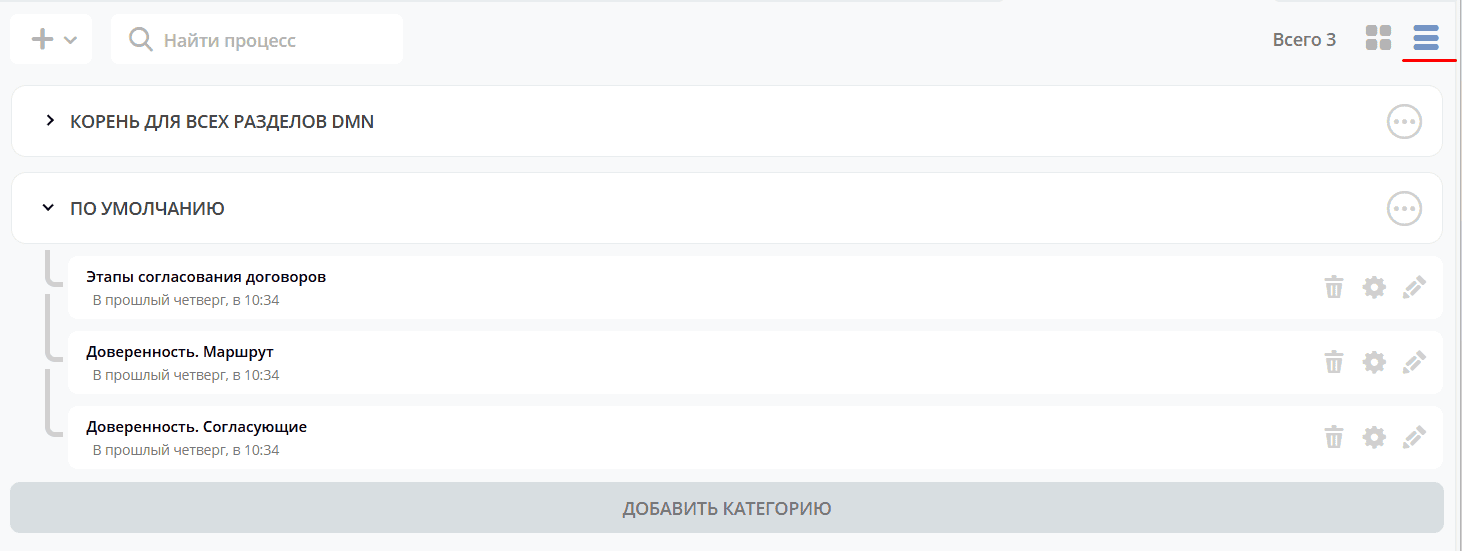
Processes are grouped by sections and can be displayed as tiles|list:
Tile view: |
|
|---|---|
List view: |
|
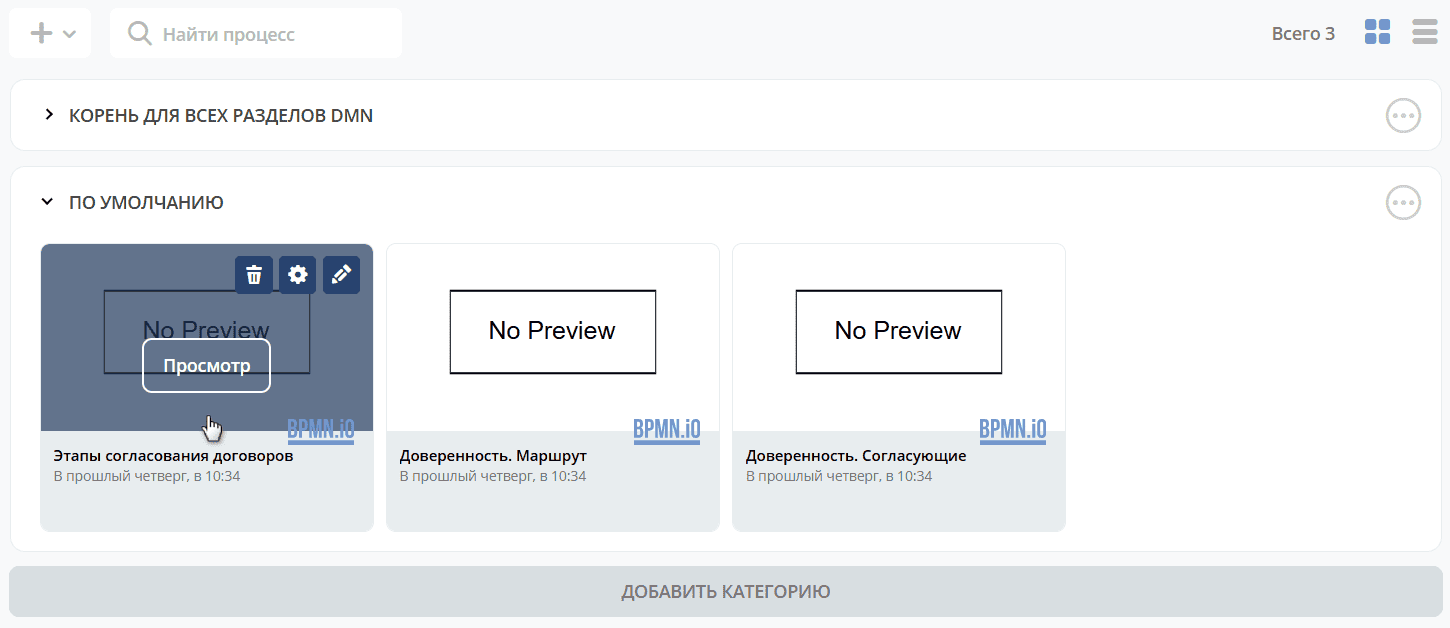
To view/edit a process, hover the mouse cursor over the tile:
Section actions
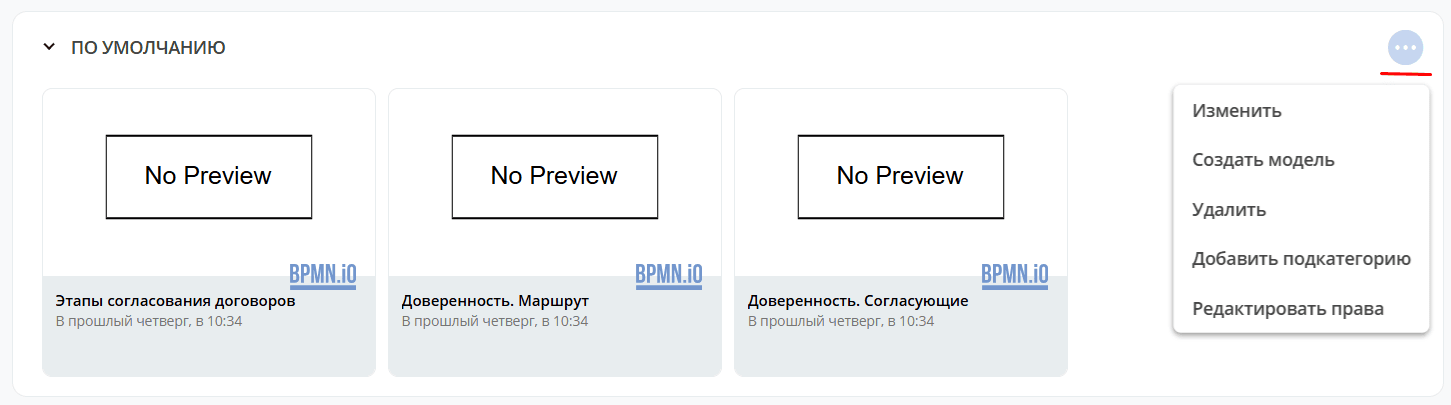
The following actions are available for sections:
Action |
Description |
|---|---|
Add subcategory |
Create a subcategory in the current section: |
Edit |
Rename a category: |
Create model |
|
Delete |
Delete a category |
Edit permissions |


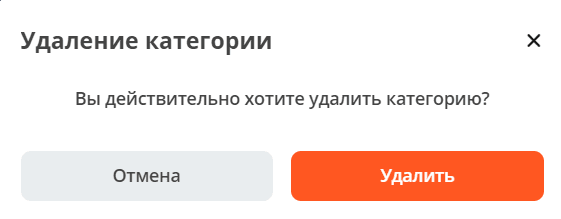
Decision model card
The following options are available for a created decision model:
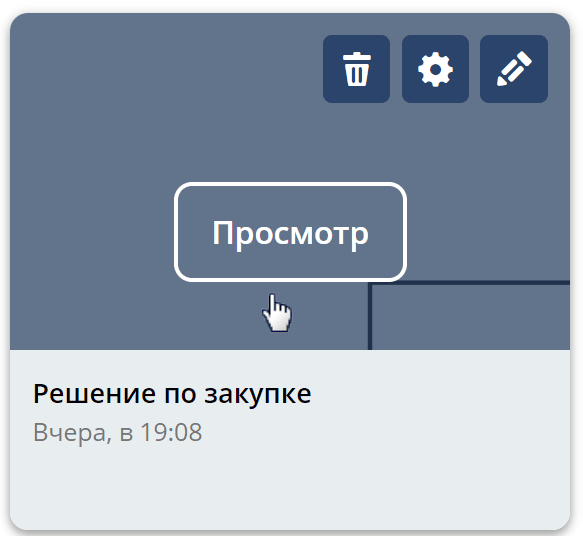
View – process card with widgets.
Edit decision card:
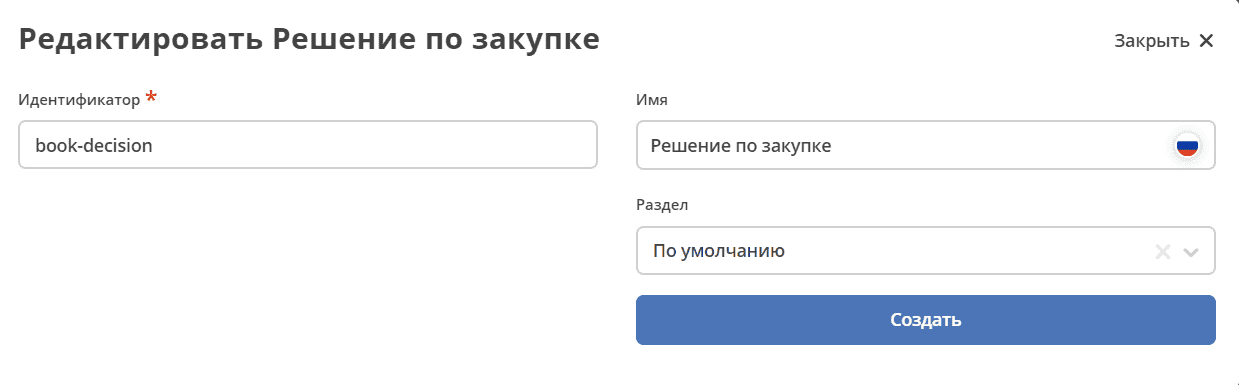
Edit decision model:
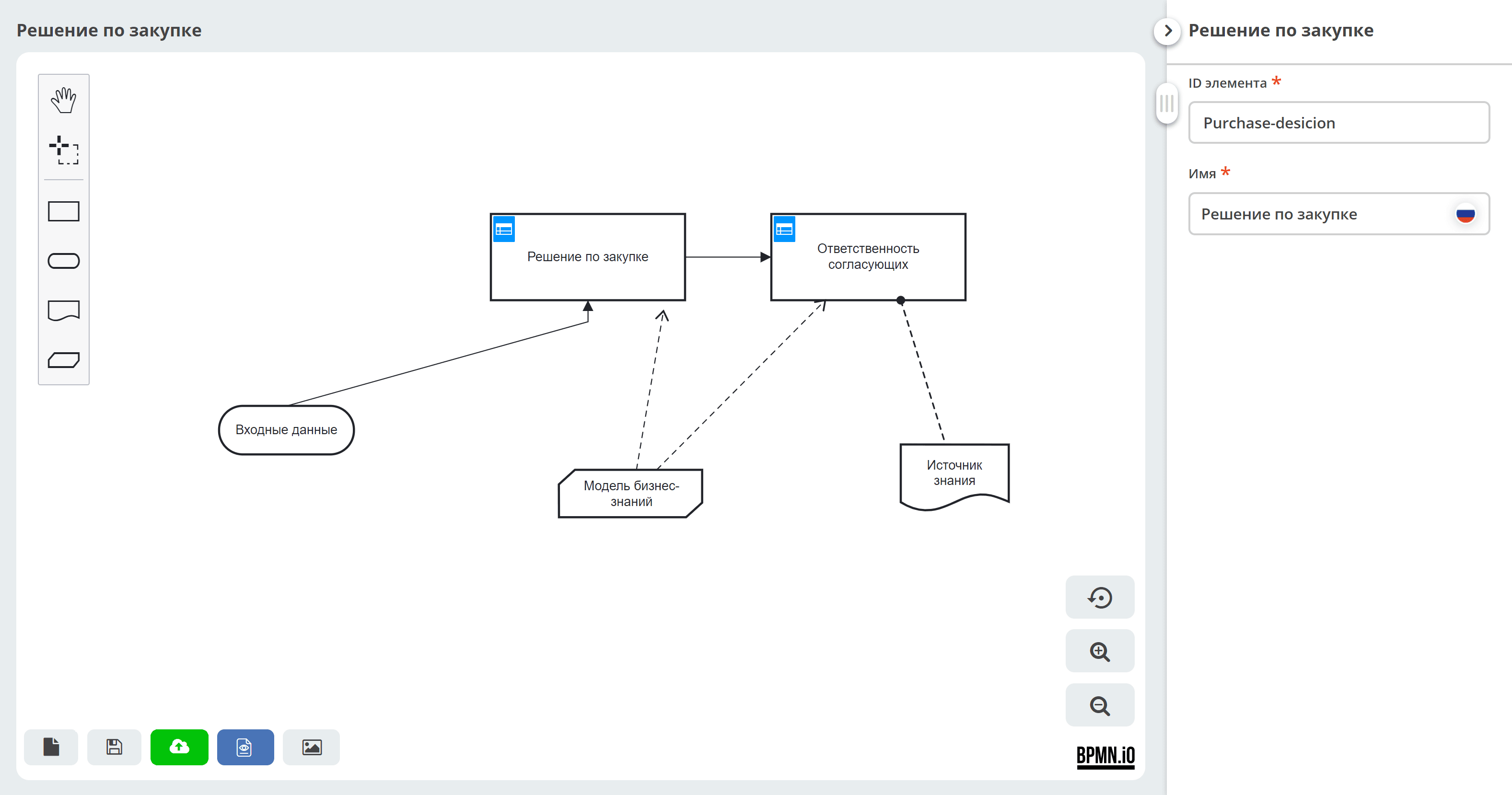
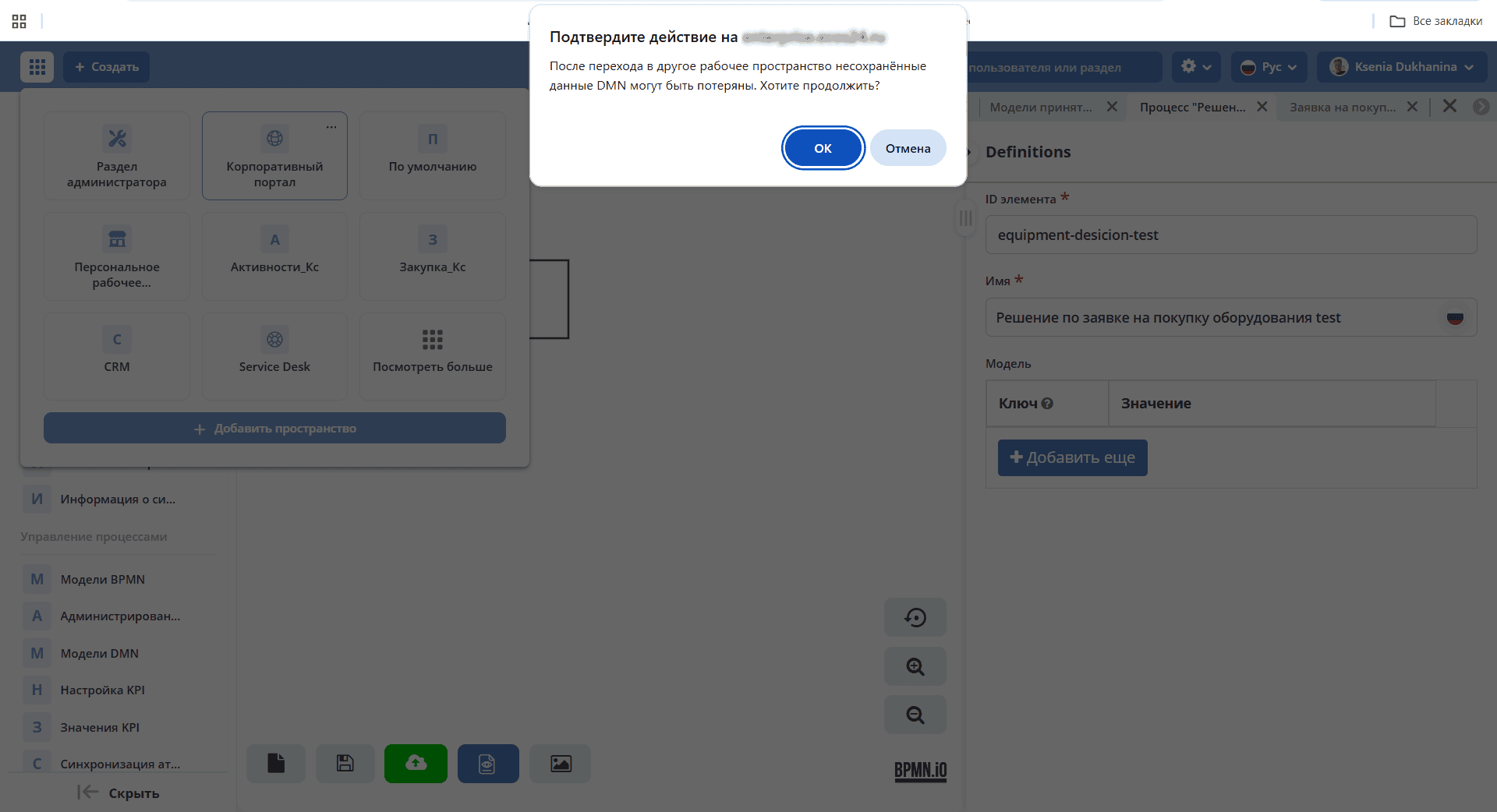
If, when editing a DMN decision, you switch to another workspace, you must confirm the action:
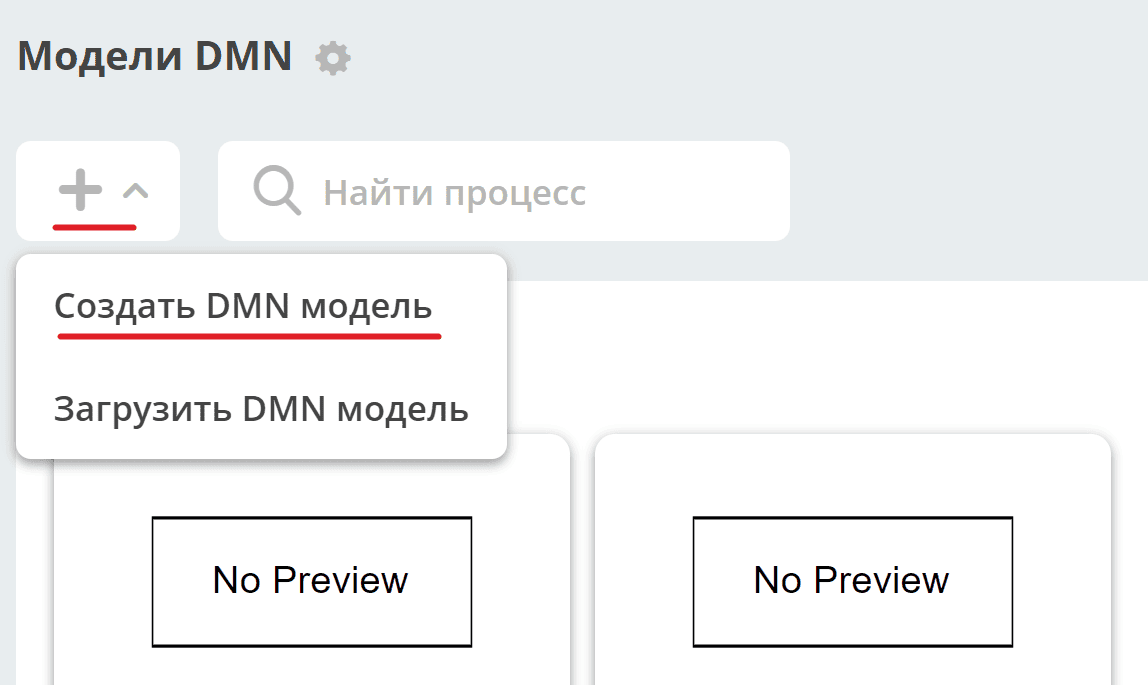
Creating a decision
To create a new business process, go to the “DMN Models” journal (Workspace “Administrator section” – Process management):
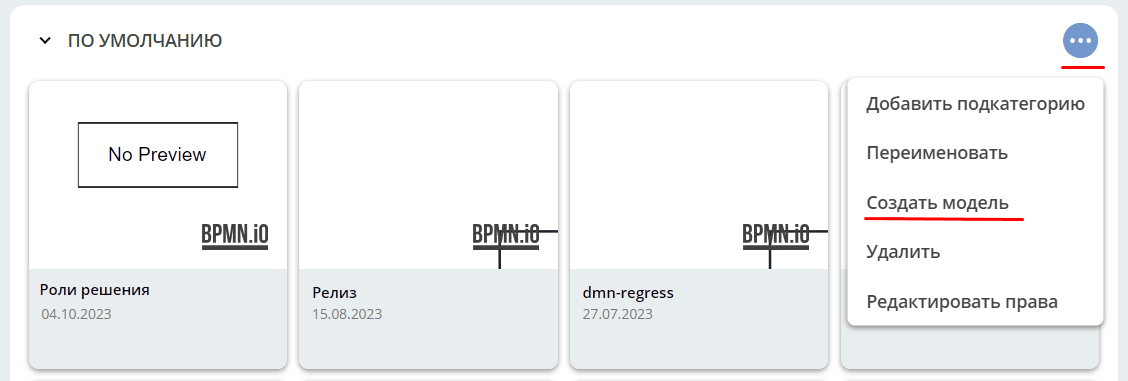
Or in the section, select an action:
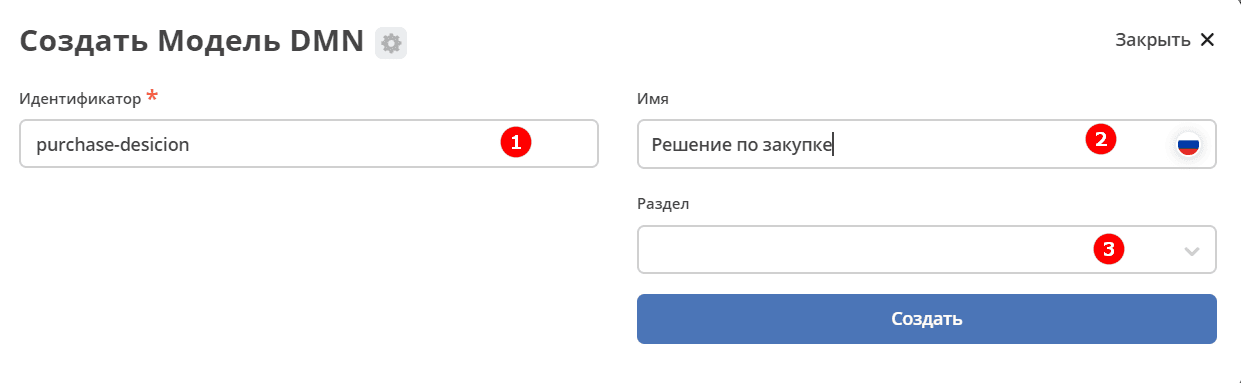
A decision card creation form will open:
No. |
Name |
Description |
|---|---|---|
1 |
Identifier |
unique identifier |
2 |
Name |
name of the decision model being created |
3 |
Section |
name of the section where the model will be saved. If left blank, it will be saved in the “Default” section. |
Saving and publishing
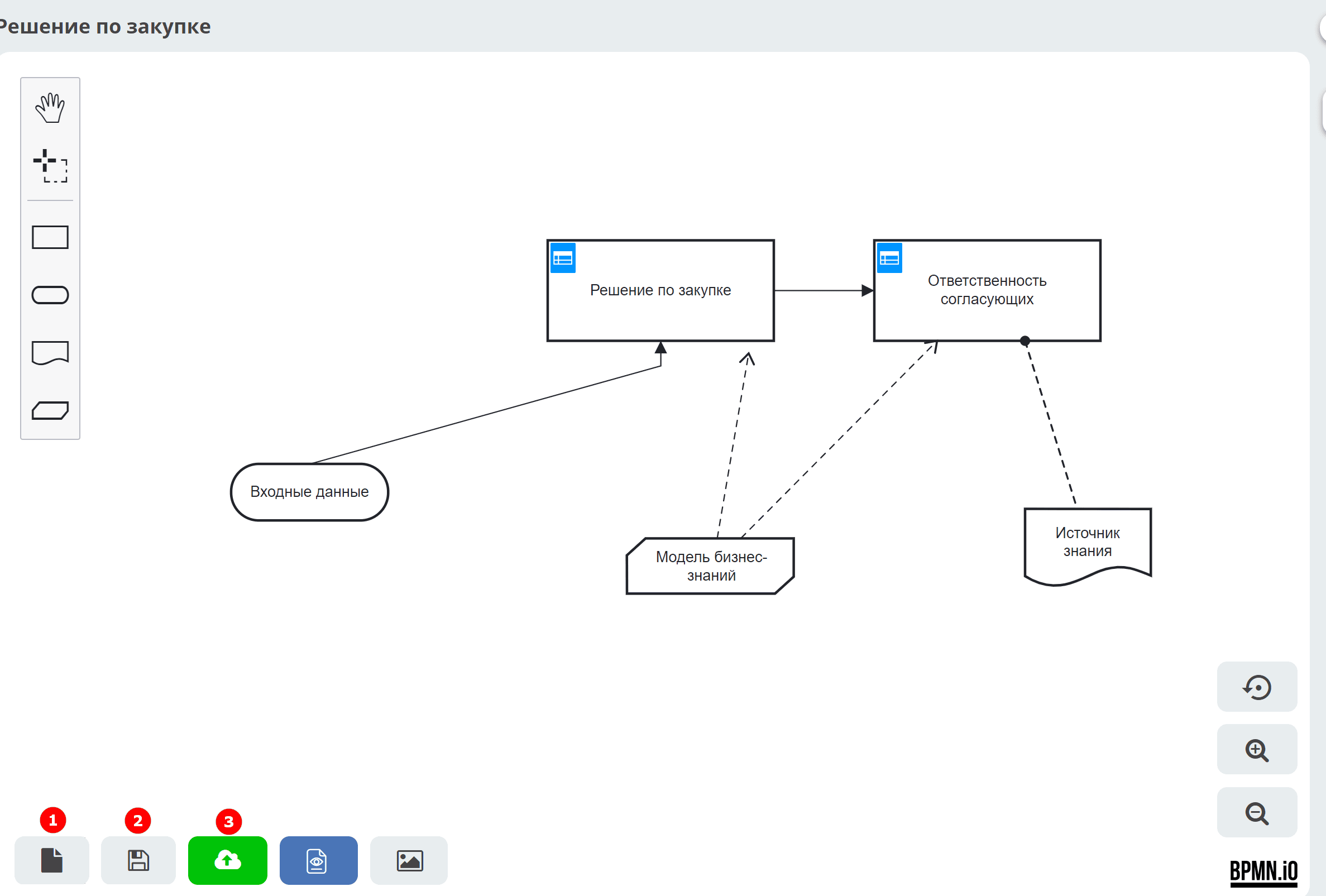
The model can be:
1 |
Save as draft |
Without validity check (for logical errors) and conversion to Citeck format. |
2 |
Save |
With validity check (for logical errors) and conversion to Citeck format. |
3 |
Save and publish |
With validity check (for logical errors), conversion to Citeck format, and publication so that the process becomes executable. |