Administrator Workspace
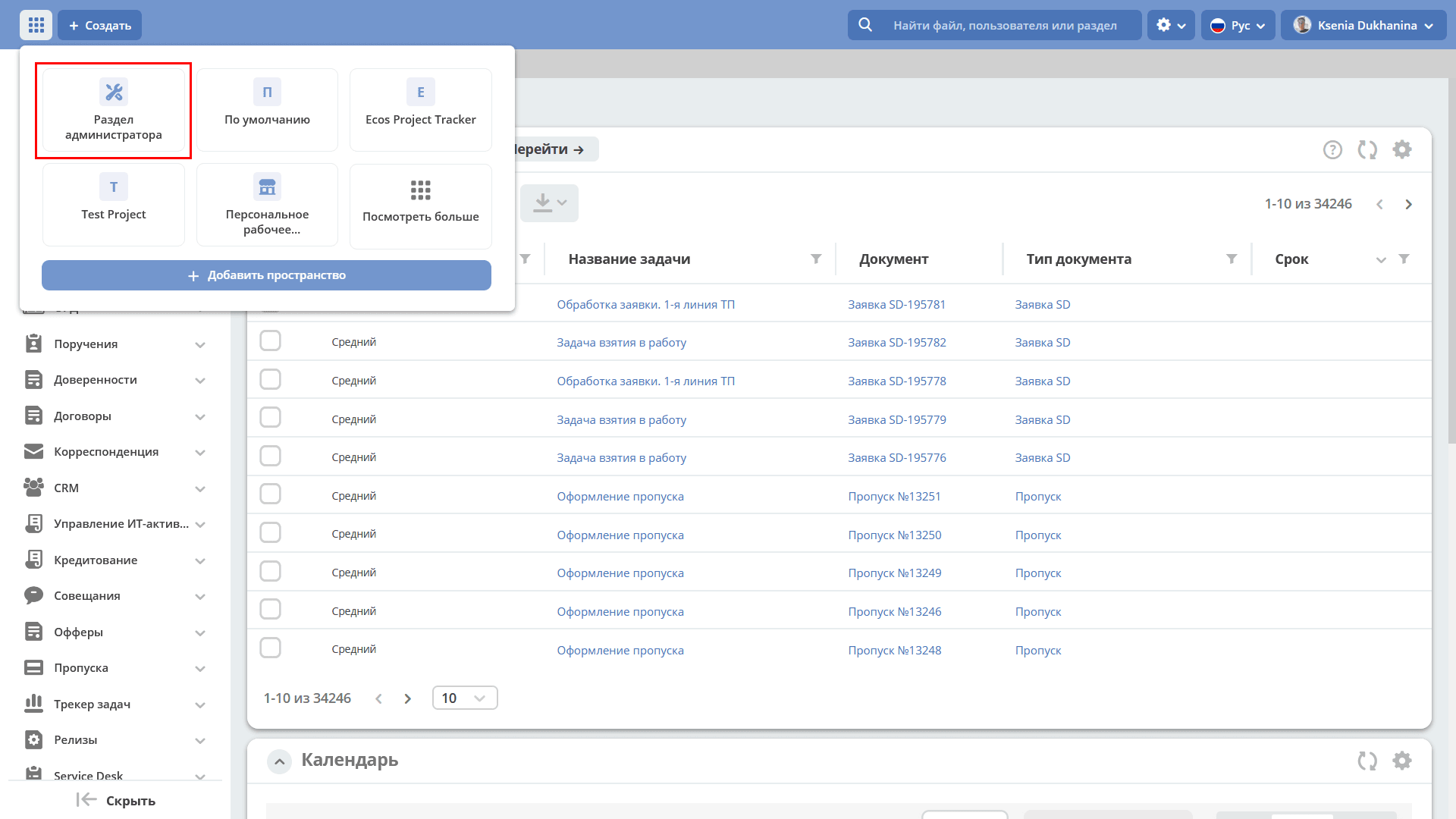
The workspace is intended for system administrators and contains platform configuration and setup tools.
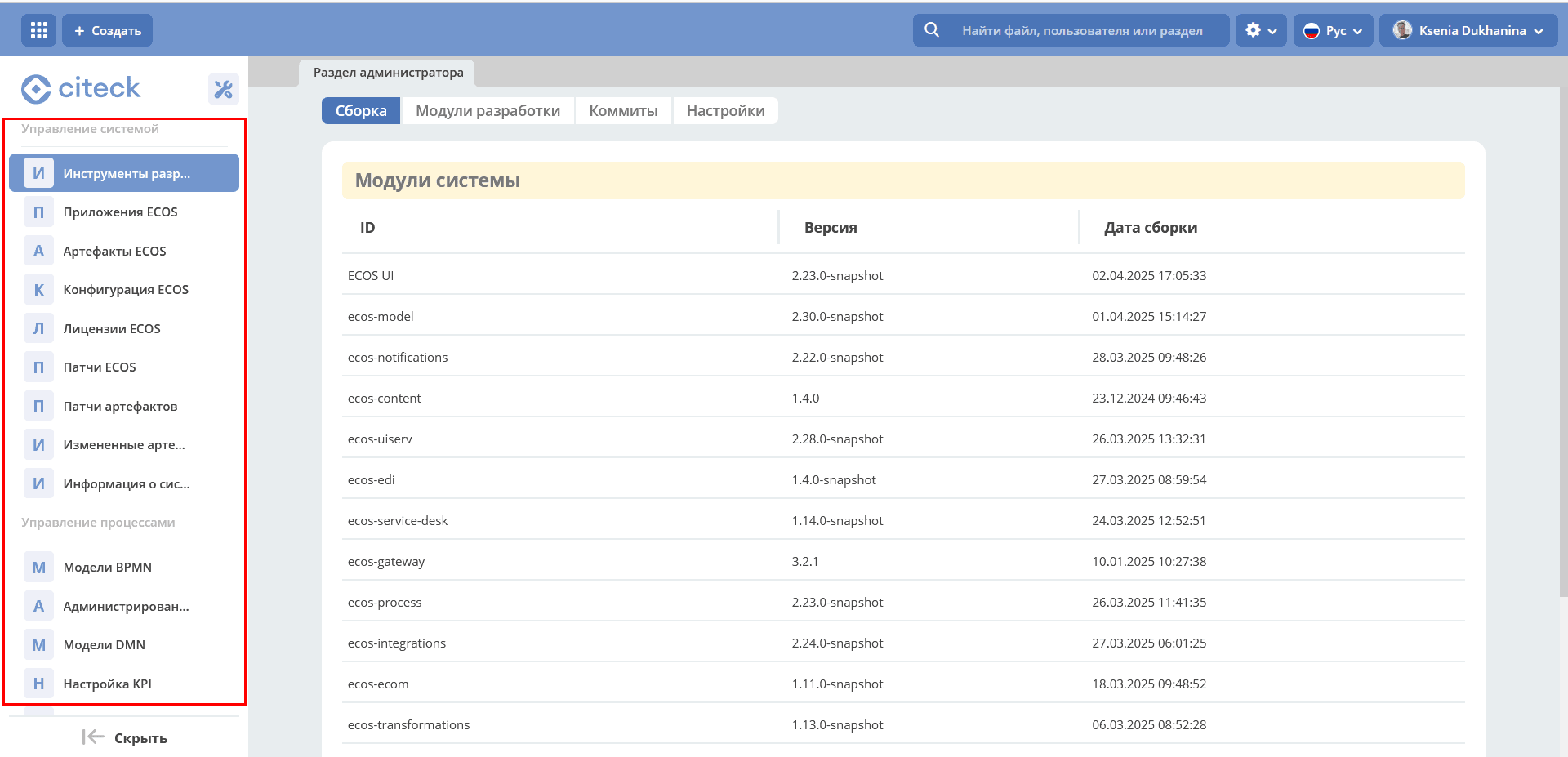
Workspace Configurations
The default workspace to be opened
By default, the personal workspace opens for users. If it is necessary for all users to land in a specific workspace (for example, a corporate portal), this can be configured via the default-workspace setting.
Go to the “ECOS Configuration” journal. The journal is available at: v2/journals?journalId=ecos-configs&viewMode=table&ws=admin$workspace
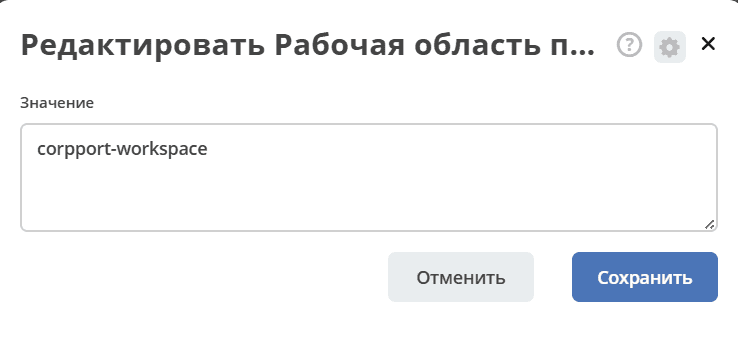
The default-workspace configuration:

Specify the id of the workspace that should open by default:
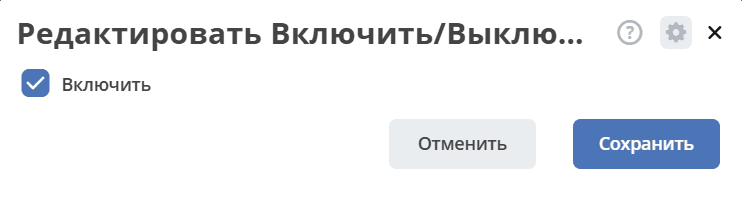
Enable/Disable the ability for all users to create workspaces
The workspaces-allow-create-for-all-users configuration controls the availability of the workspace creation button for regular users. For example, on an external portal, this capability can be disabled as unnecessary.
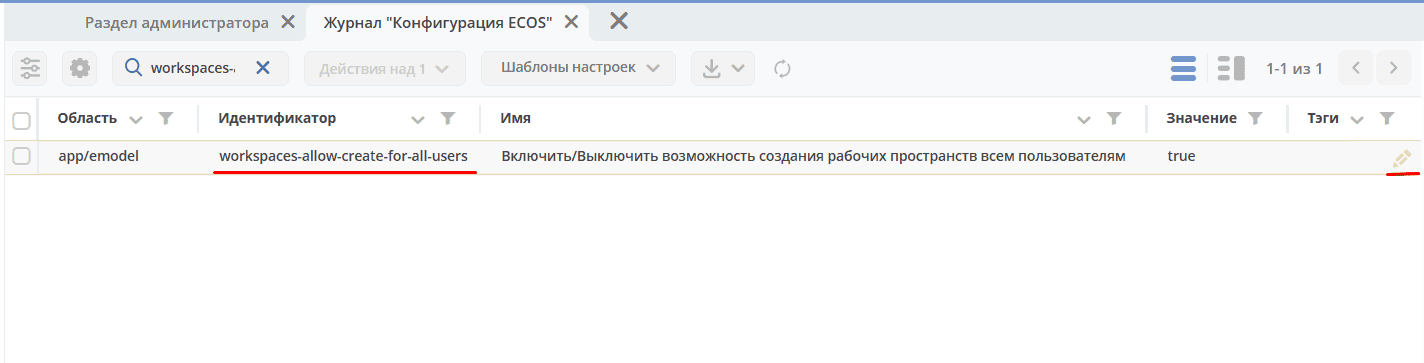
By default, the setting is enabled — workspace creation is available to all users.