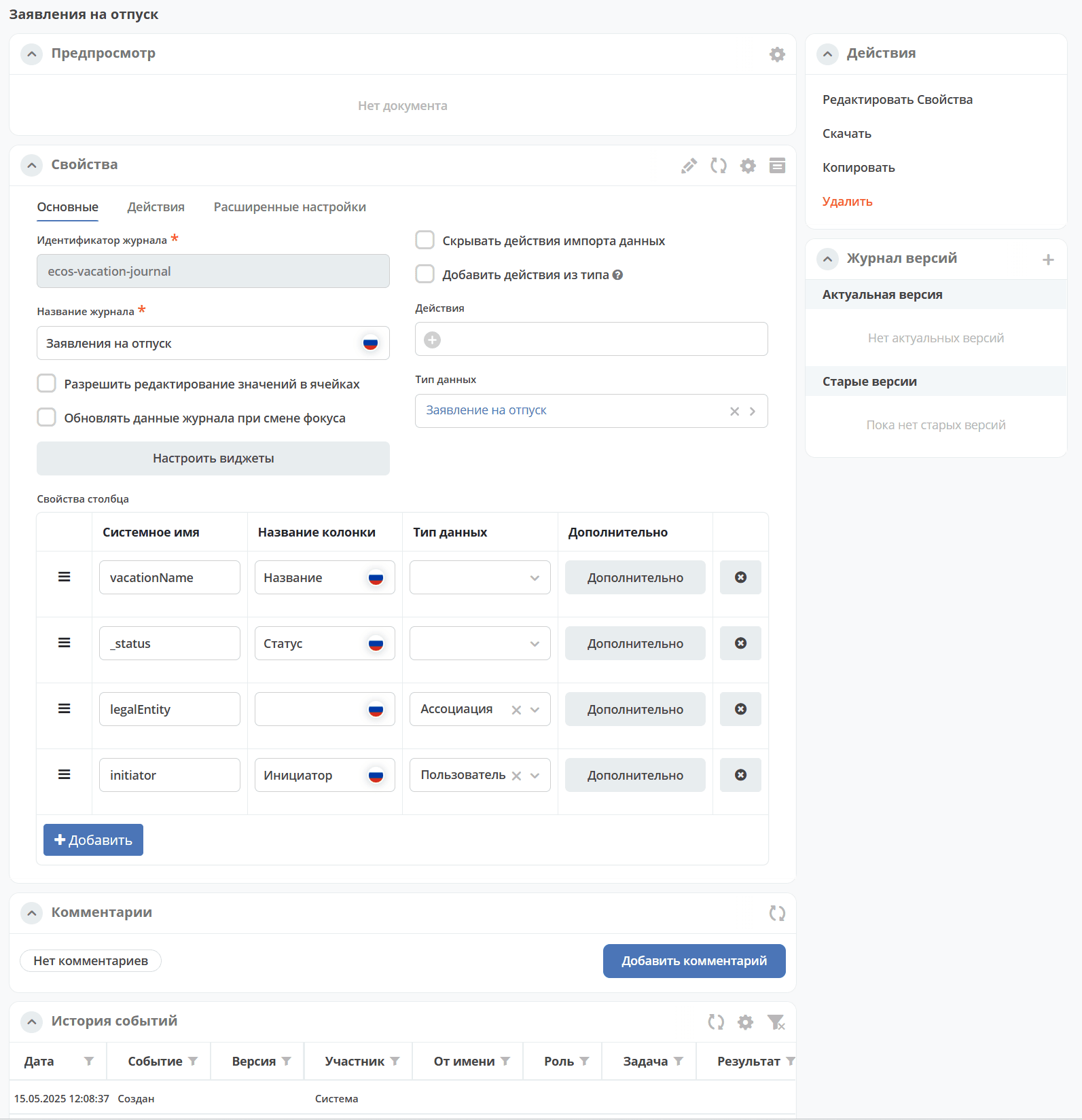
General Description (Overview)
Journals are the primary tool for displaying and managing records in Citeck. They present data in tabular form with the ability to configure columns, filtering, sorting, grouping, and performing actions on records. Journal configuration is stored in the ecos-uiserv service.
Journal Definition
Journals — a tabular form of object representation with the ability to configure column display, filtering, and object manipulation. Columns correspond to object data or can be computed based on them.
See details: user description.
Citeck allows:
creating an unlimited number of journals;
configuring and saving individual journal settings for each user;
sorting displayed journal data in a specified order;
generating reports based on specified journal forms;
regulating work with journal data according to assigned user rights and roles in the system;
using advanced search and filtering capabilities for any field from the document card;
exporting journal data in HTML, PDF, Excel formats.
Data sources can be any RecordsDAO (ECOS Records) that support Predicate Language.
Journal «Journals»
For viewing existing journals and editing them, the Journals journal has been created (Administrator Section workspace → UI Configuration):
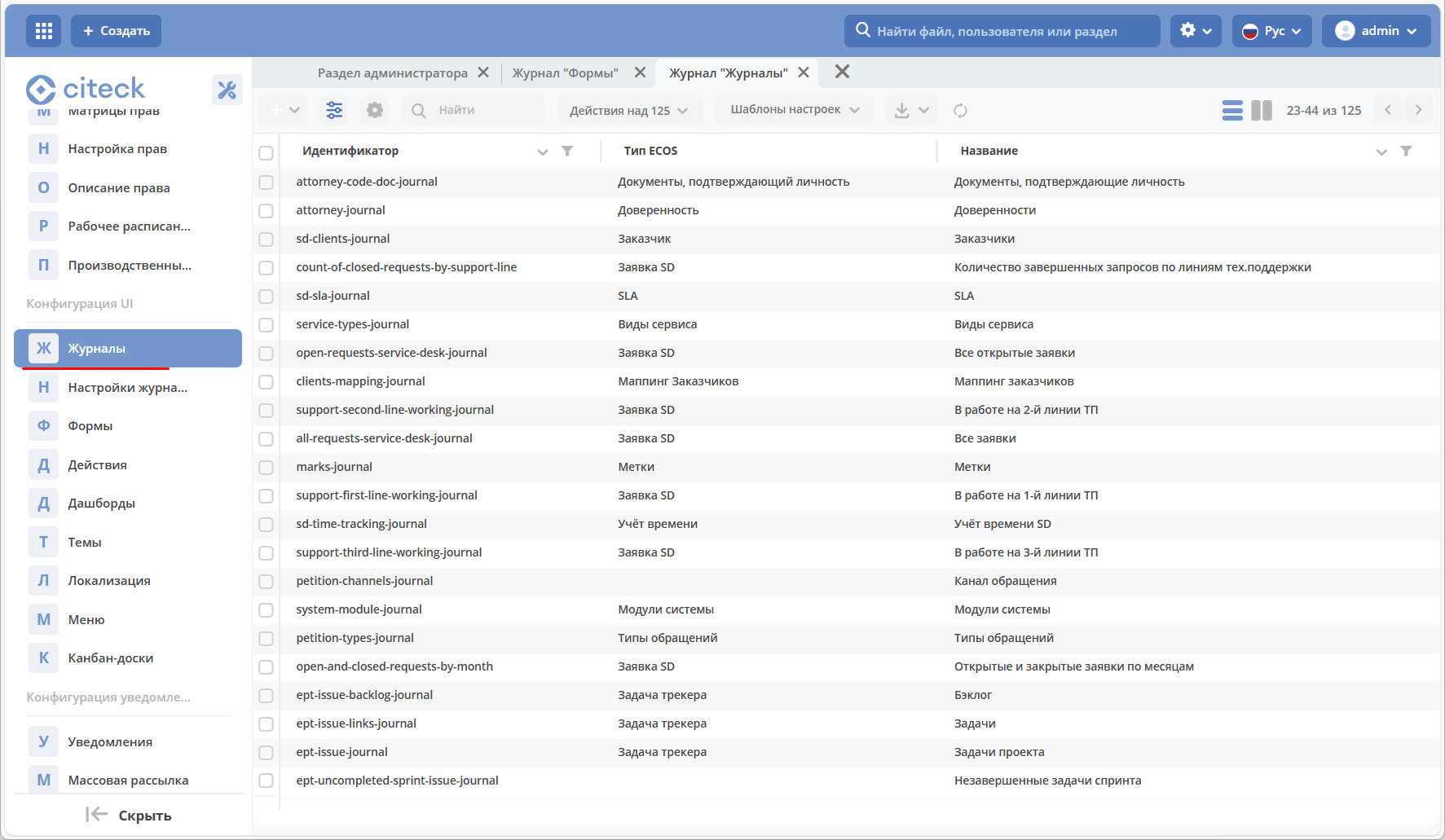
By default, system journals are not displayed in the journal.
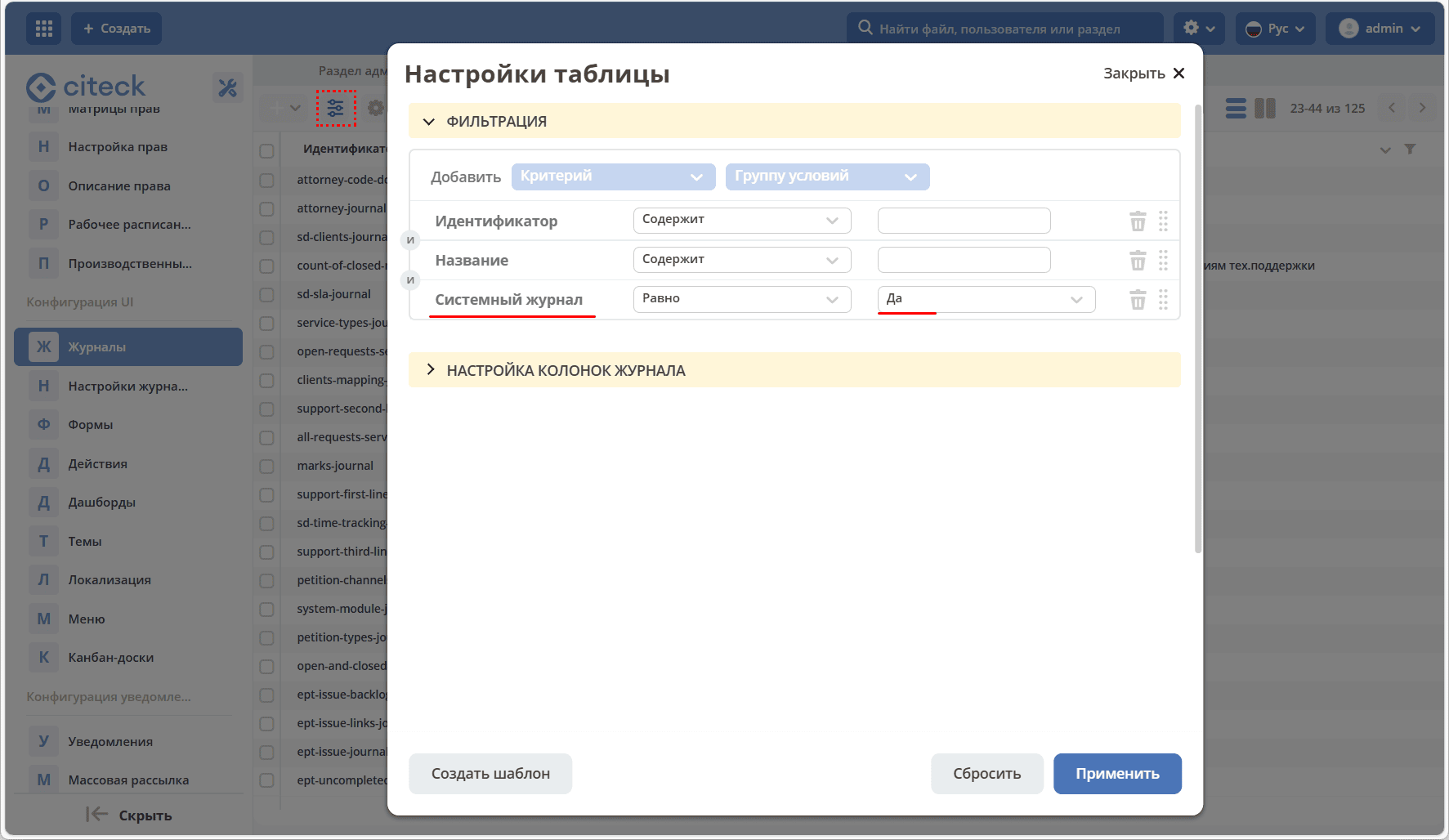
To display only system journals, go to the table settings, set System type — Yes:
Options for obtaining a journal instance
A journal can be created or an already created one can be loaded into the system.
Creation
To create a journal, click + → Create journal:

The journal creation form will open:
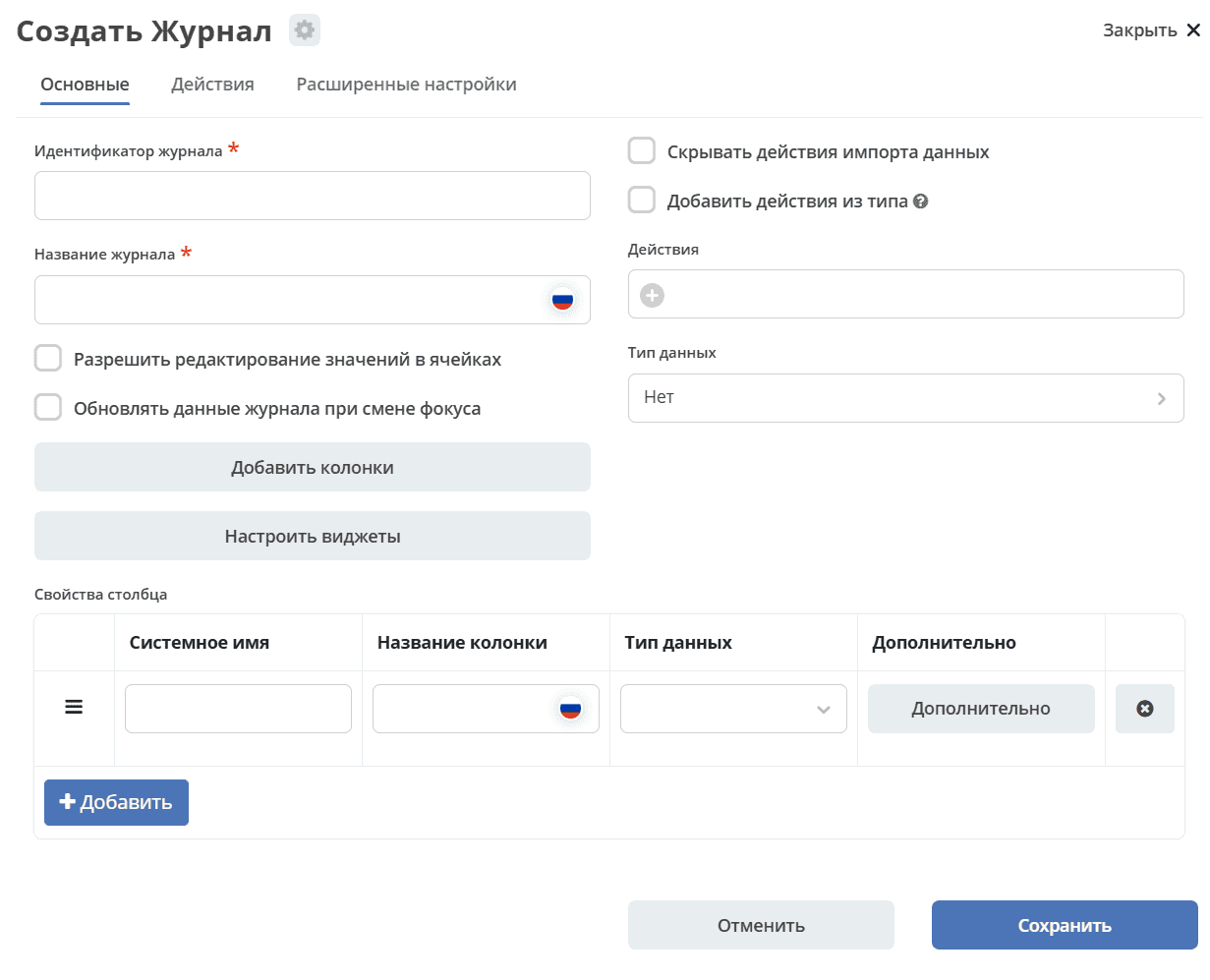
For details, see: Creating a new journal.
Loading
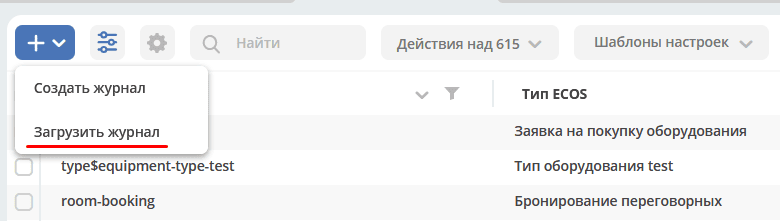
To load a created journal, click + → Journal. The file must be in .yaml format:
Example of journal description
---
id: hr-responsibilities-journal
name:
  ru: Должностные обязанности
typeRef: emodel/type@hr-responsibilities-type
actions:
  - uiserv/action@delete
  - uiserv/action@edit
columns:
  - id: responsibilitiesSimpleRoleTypeAssoc
    name:
      ru: Должность
    searchable: true
    sortable: true
    groupable: true
    editable: true
    visible: true
    hidden: false
  - id: responsibilitiesSubordination
    name:
      ru: Подчинение
    searchable: true
    sortable: true
    groupable: true
    editable: true
    visible: true
    hidden: false
Available actions with a record
In the journal, the administrator has a standard set of actions available for each record:

download as a json file;
delete;
open for editing;
edit json file;
copy;
open the journal card in an adjacent tab. The card is a dashboard: