Working with Business Process Tasks
When working with a business process, tasks are assigned to users. The following describes possible actions with tasks.
Permissions
Operation permissions are granted to:
Citeck administrators;
users who are task recipients.
Additionally, task reassignment (changing the performer) permissions are granted to users belonging to the group GROUP_WORKFLOW_TASKS_REASSIGN_ALLOWED
Task Actions
I’ll do this
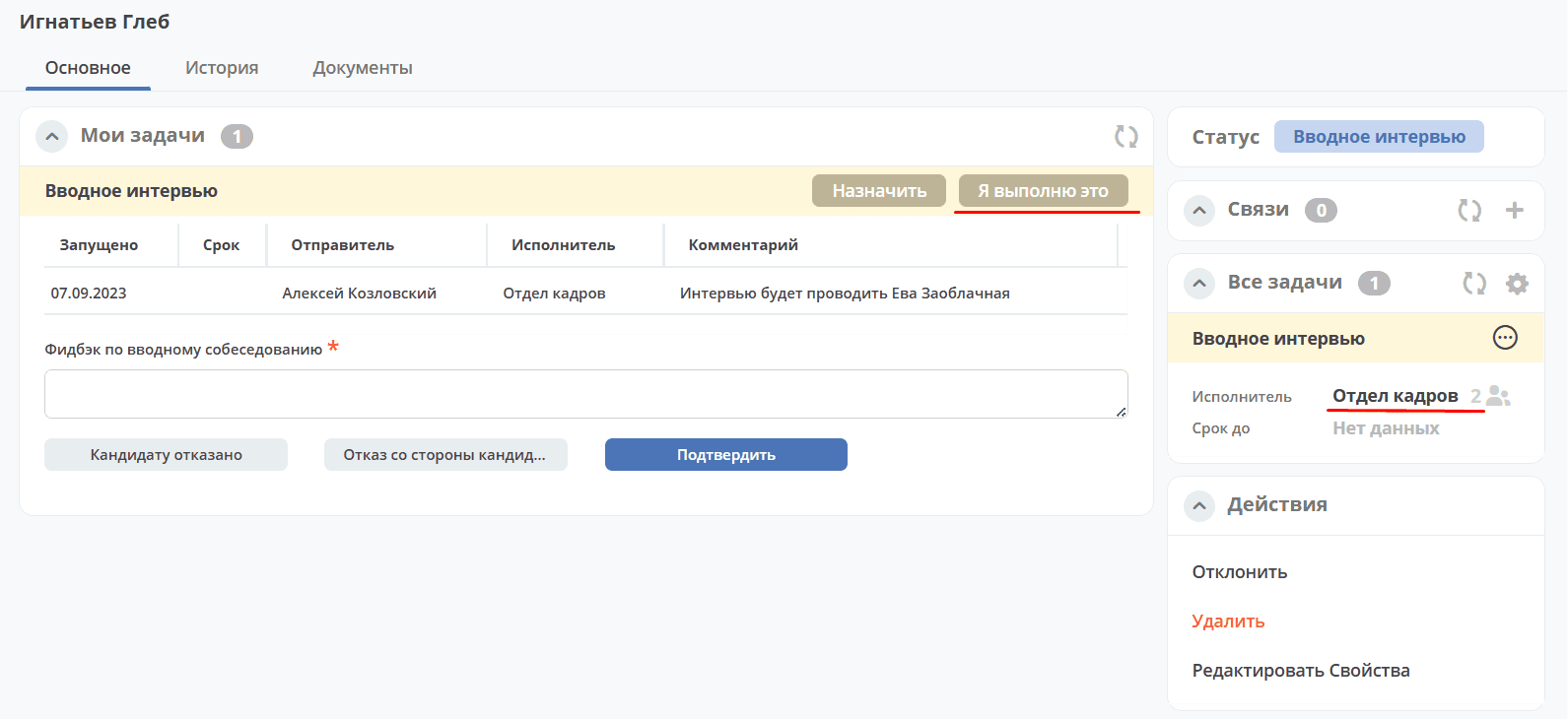
This action is available if the task is assigned to a recipient pool - a group or multiple users. When performing this action, the task is taken from the recipients and assigned to the current user.
Assign / Change Performer
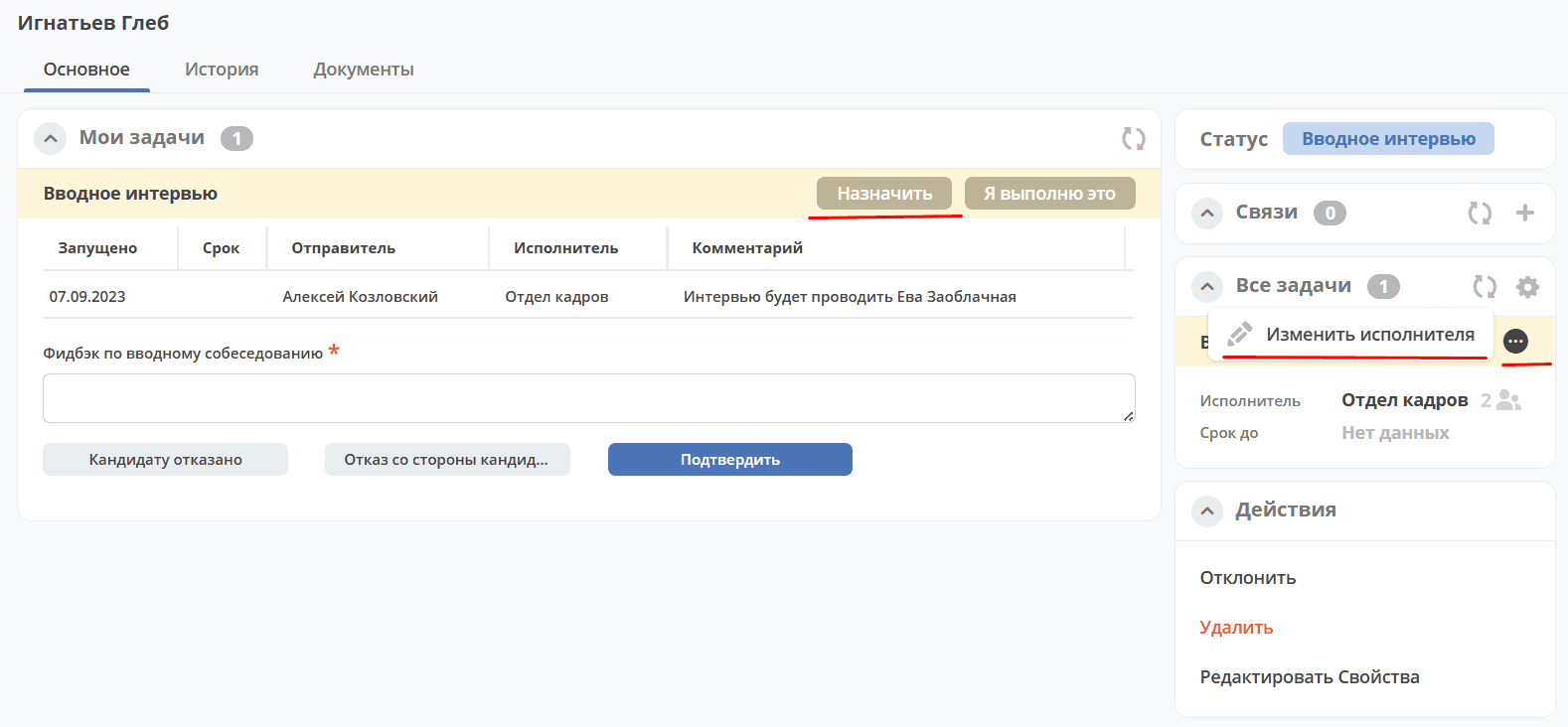
These actions take the task from the recipient pool and assign it to the selected user.
Note
If a task is reassigned to a user who does not have read permissions for the document associated with the business process, the reassigning user delegates read permissions to the document. Permission delegation persists after task completion and remains available as long as the delegate has the appropriate permissions.
Return to Group
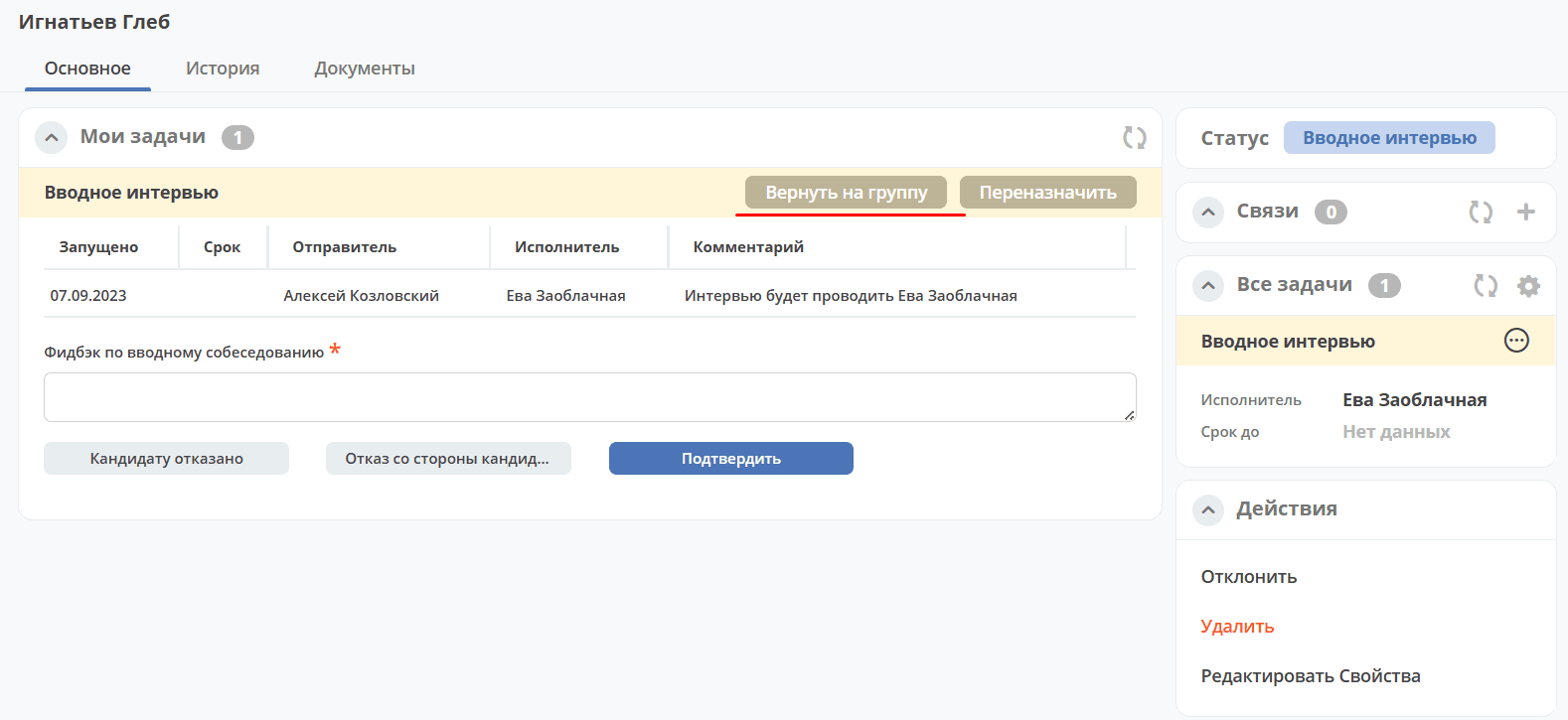
This action returns the task to the original recipient pool. Available if the task was previously taken from the recipient pool and assigned to a specific user.
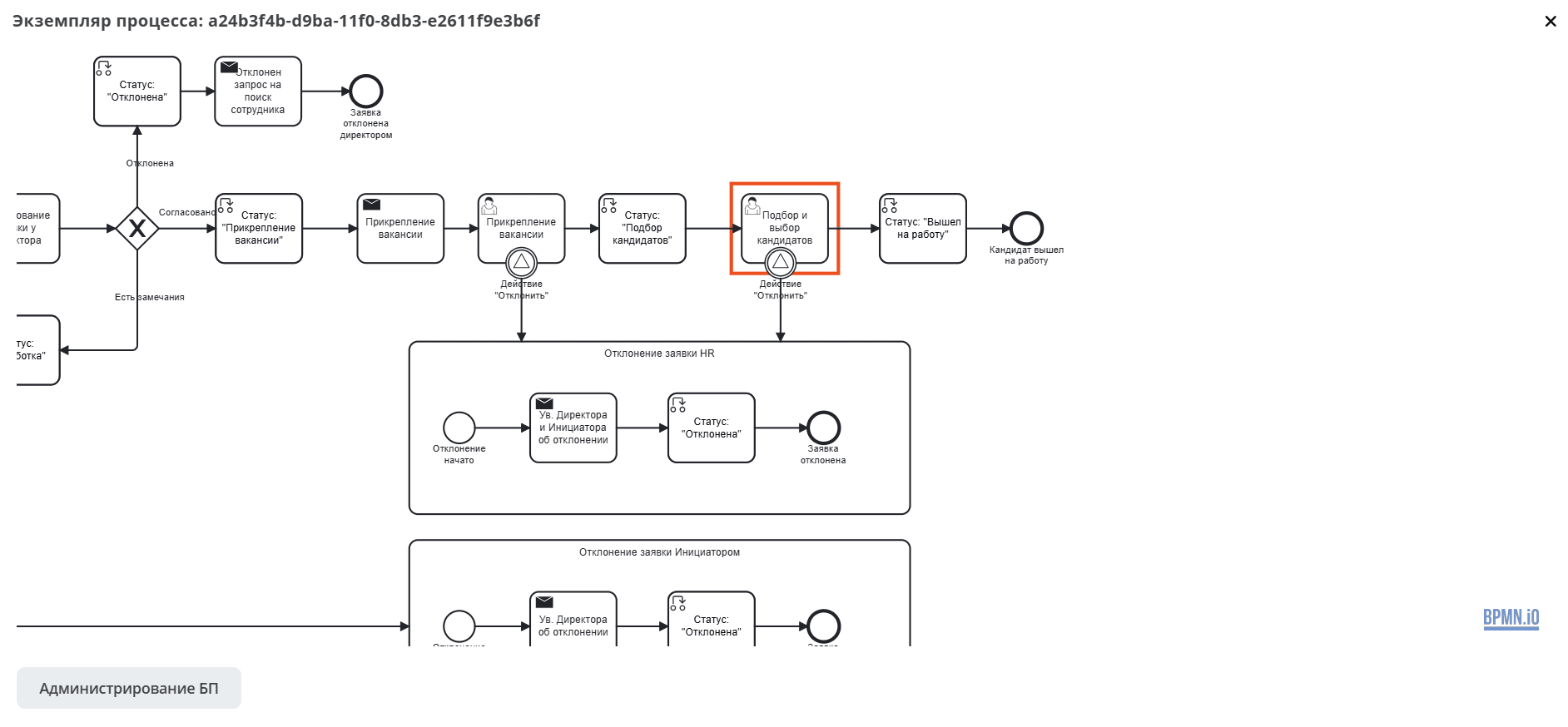
View Business Process Diagram
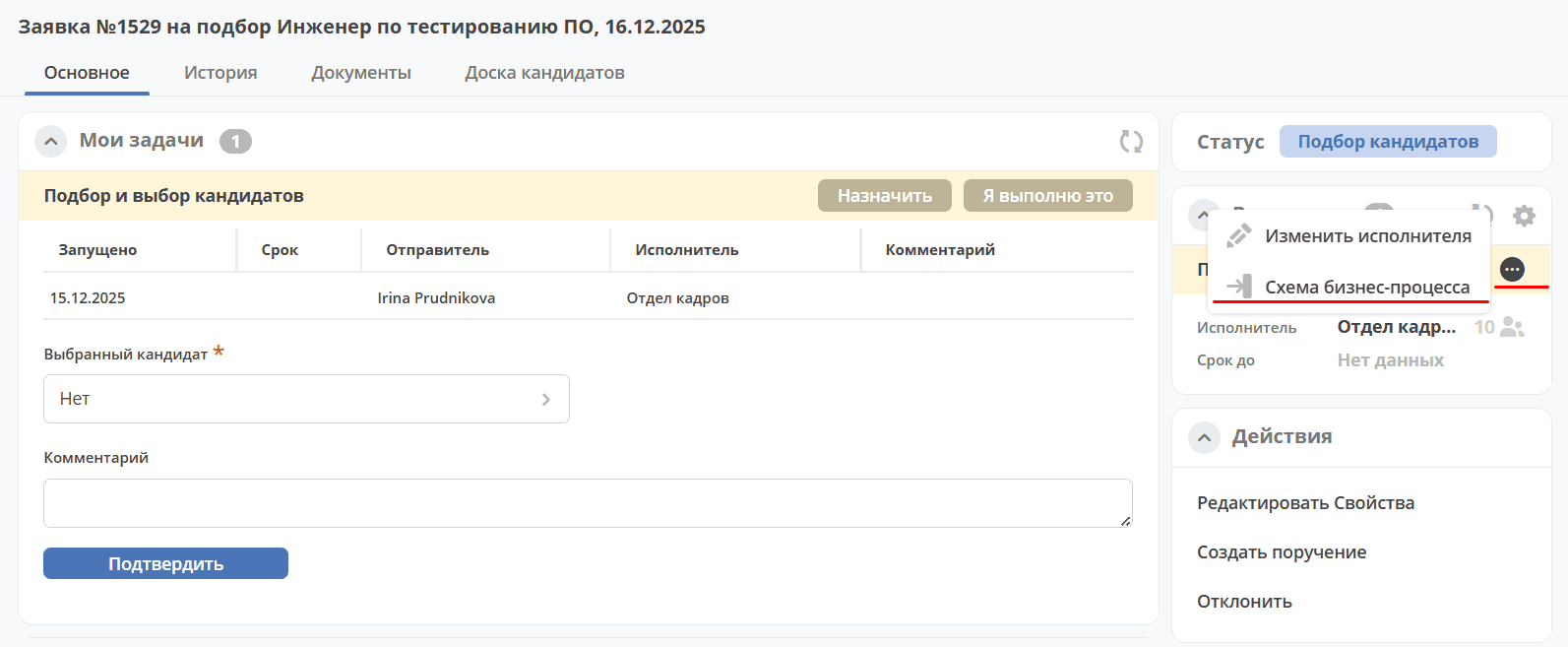
Clicking the button displays the diagram of the selected business process with the current task highlighted:
Adding a Comment
Note
On the task form, the comment field must be added with the id comment.