Widget “Menu”
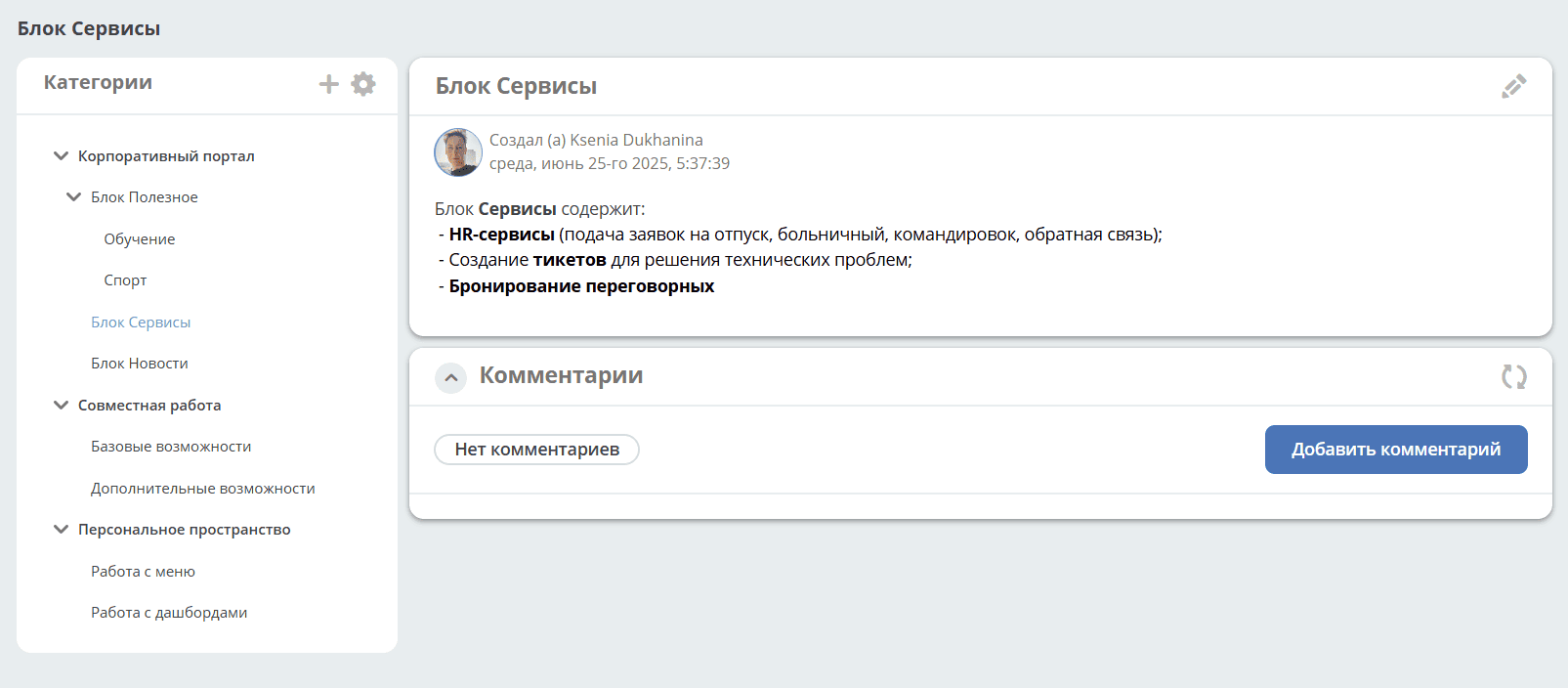
The widget displays a hierarchical data structure to facilitate navigation:
When a section is selected, the publication or cards belonging to the category open on the right:
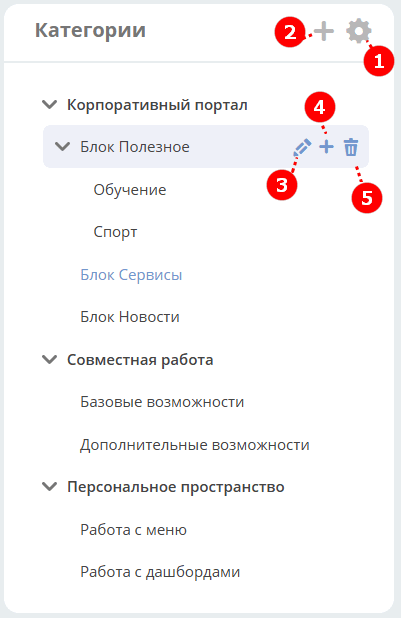
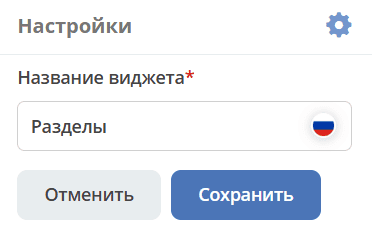
By default, the widget is named Menu. To rename it, click (1):
To add a publication or a first-level section/category, click the large + (2), create content using the editor, and save:
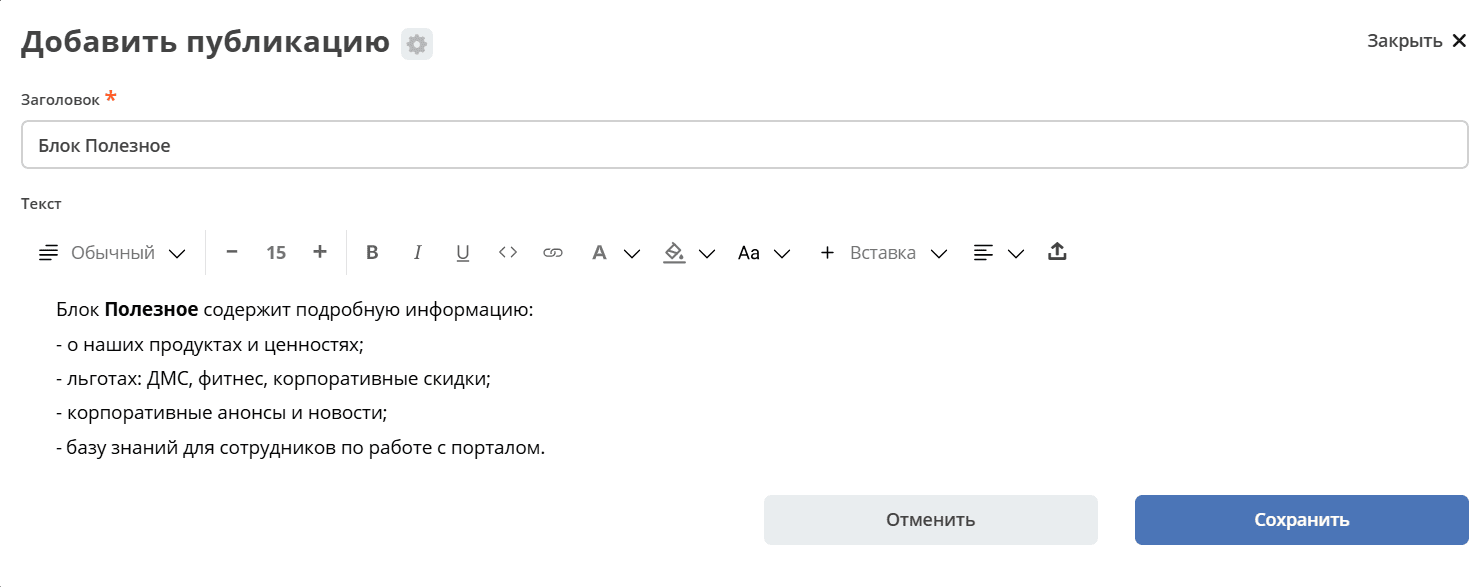
To add a publication or a subsection/category, click the small + (4). The number of publications/categories at each level is unlimited.
To edit, click (3); to delete, click (5).
An empty widget looks as follows:
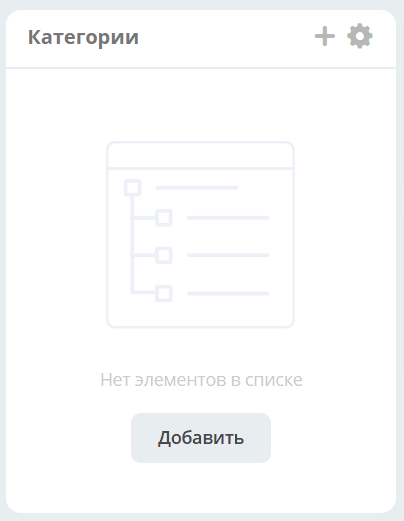
To add a publication or a section/category, click + or “Add element”.