Linking a form to a task
Completing a task (outcome)
For buttons that should complete a task, the Property Name property should be specified in the following format:
outcome_******
where
******is the task execution result.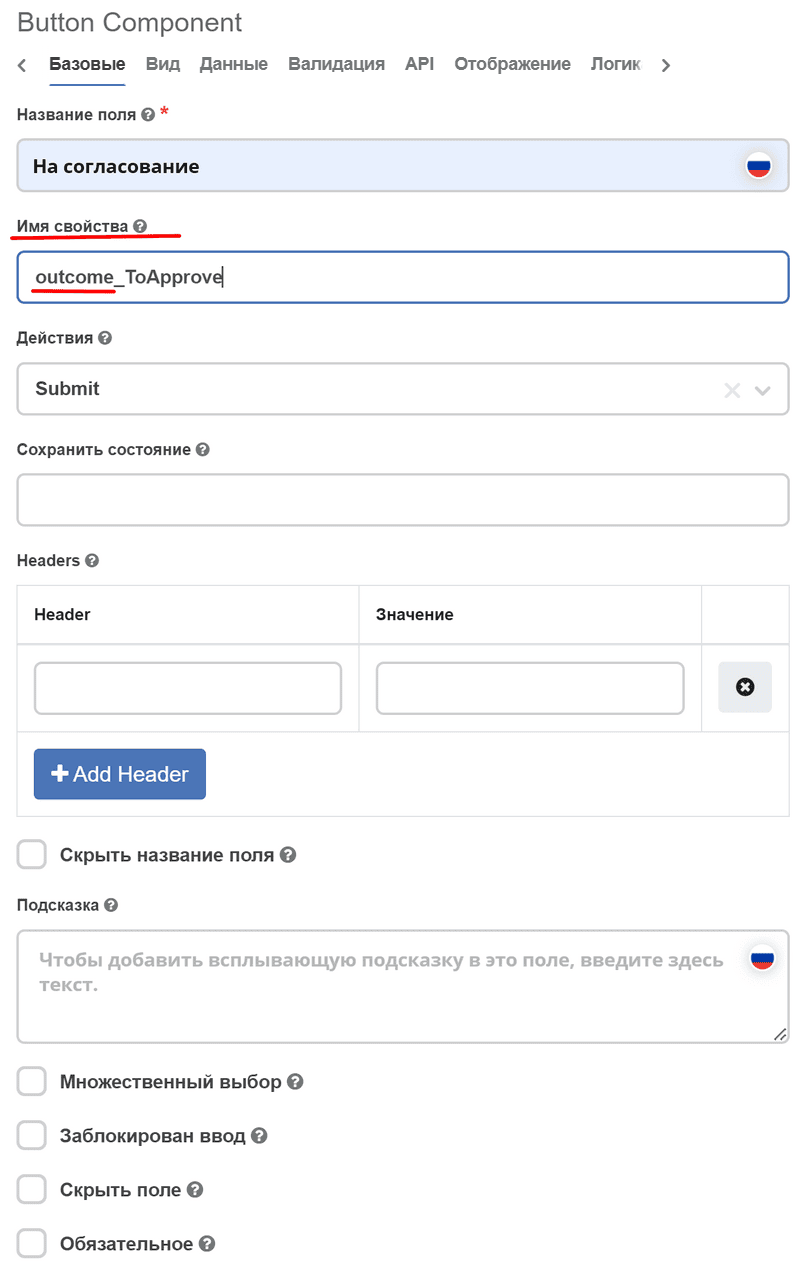
In the process, you can add an exclusive gateway with multiple exits based on the condition of the pressed button.
To check which button was pressed, you should check the variable form_{{FORM_KEY}}_outcome or outcome. For example:
form_testkey_outcome == 'Rework'
Task attributes
For the “comment” attribute, the Property Name (warning) property should be comment.
To migrate existing forms where the key is different, you should create an invisible field with the required key that will copy the value from the comment field.
For attributes that should be loaded from the document linked to the task, the prefix _ECM_ should be specified.
Example:
_ECM_title
All attributes that are stored directly in the task are available by their direct name without transformations.
Task form appearance
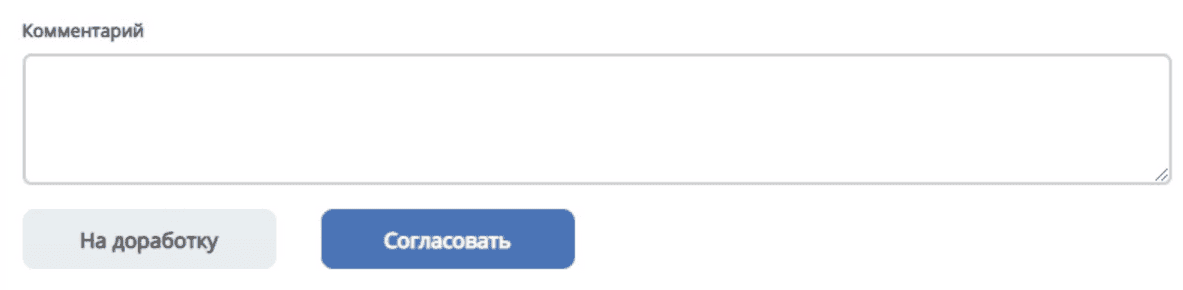
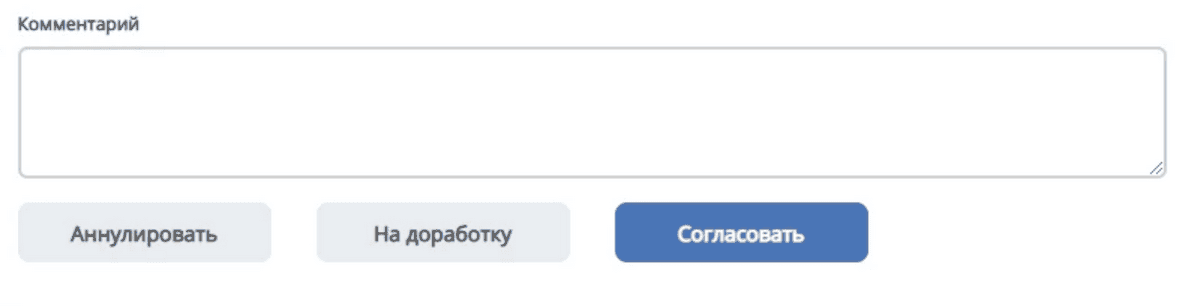
Buttons should be located at the left edge below the comment field.
Buttons with a negative connotation should always be to the left of buttons with a positive connotation.
If there are 3 buttons, arrange them according to their meaning: from negative to positive decision.
The width of buttons and the spacing between them should not be too large.
Examples: