Editors
Editors define the appearance and behavior of a field during inline editing of a journal record and during filtering. Each attribute type has its own editor, which is set in the journal column configuration in the editor field.
Important
formatter and editor in the column configuration are independent fields:
formattercontrols cell rendering in the table;editorcontrols the inline editor and the filter control in the column header.
If a column does not have an editor set, the filter value input will be empty — even if formatter is correctly configured. The most common case is columns of type ASSOC: the assoc formatter only handles display, while the filter requires an editor (typically type: journal).
Column type to editor mapping:
Column type ( |
Editor ( |
|---|---|
|
|
|
|
|
|
|
|
|
|
|
|
|
|
Note
Computed attributes can be used in editors.
Settings
Go to the administration section > Journals > find the required journal > Edit action. Navigate to Advanced.
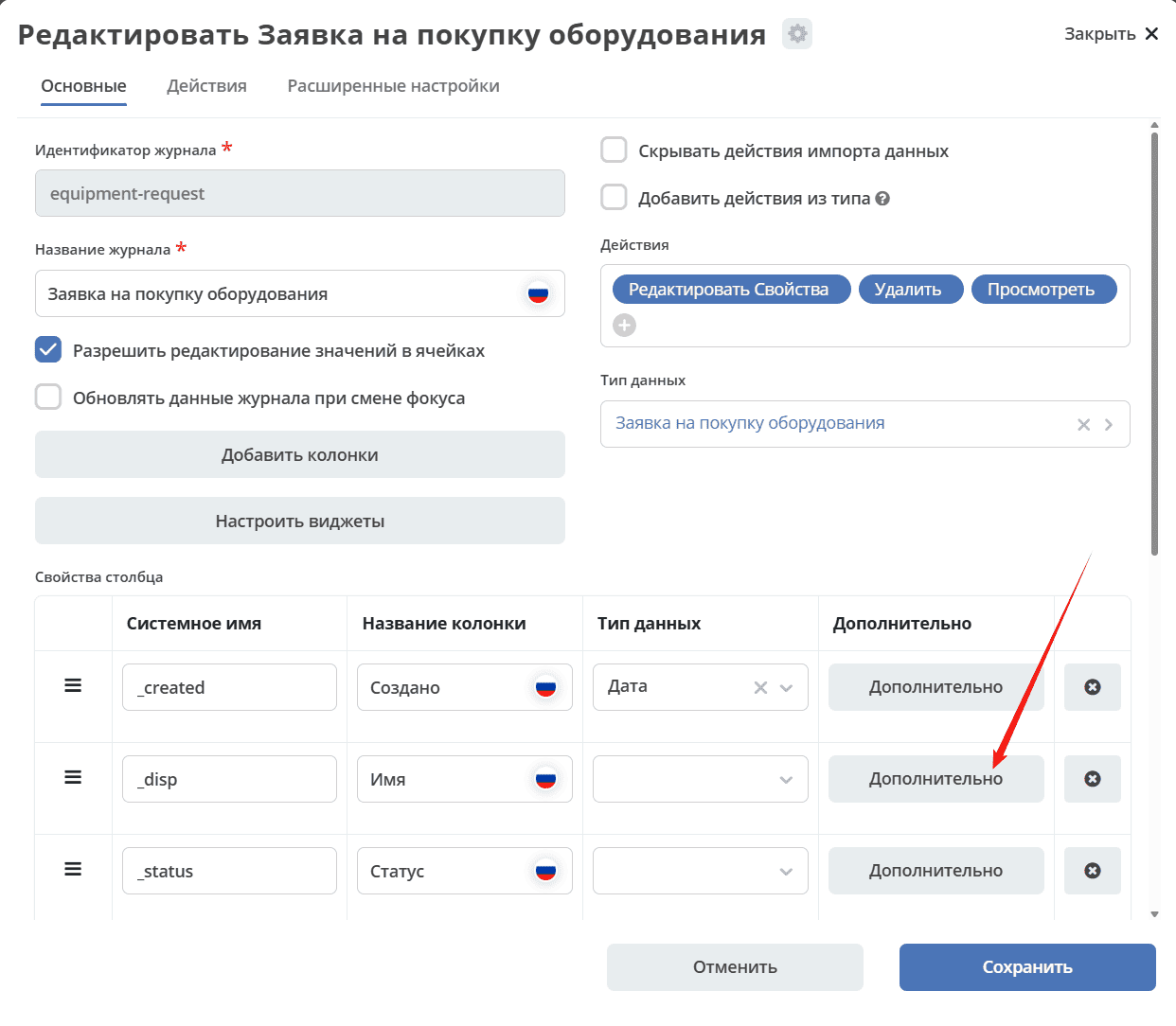
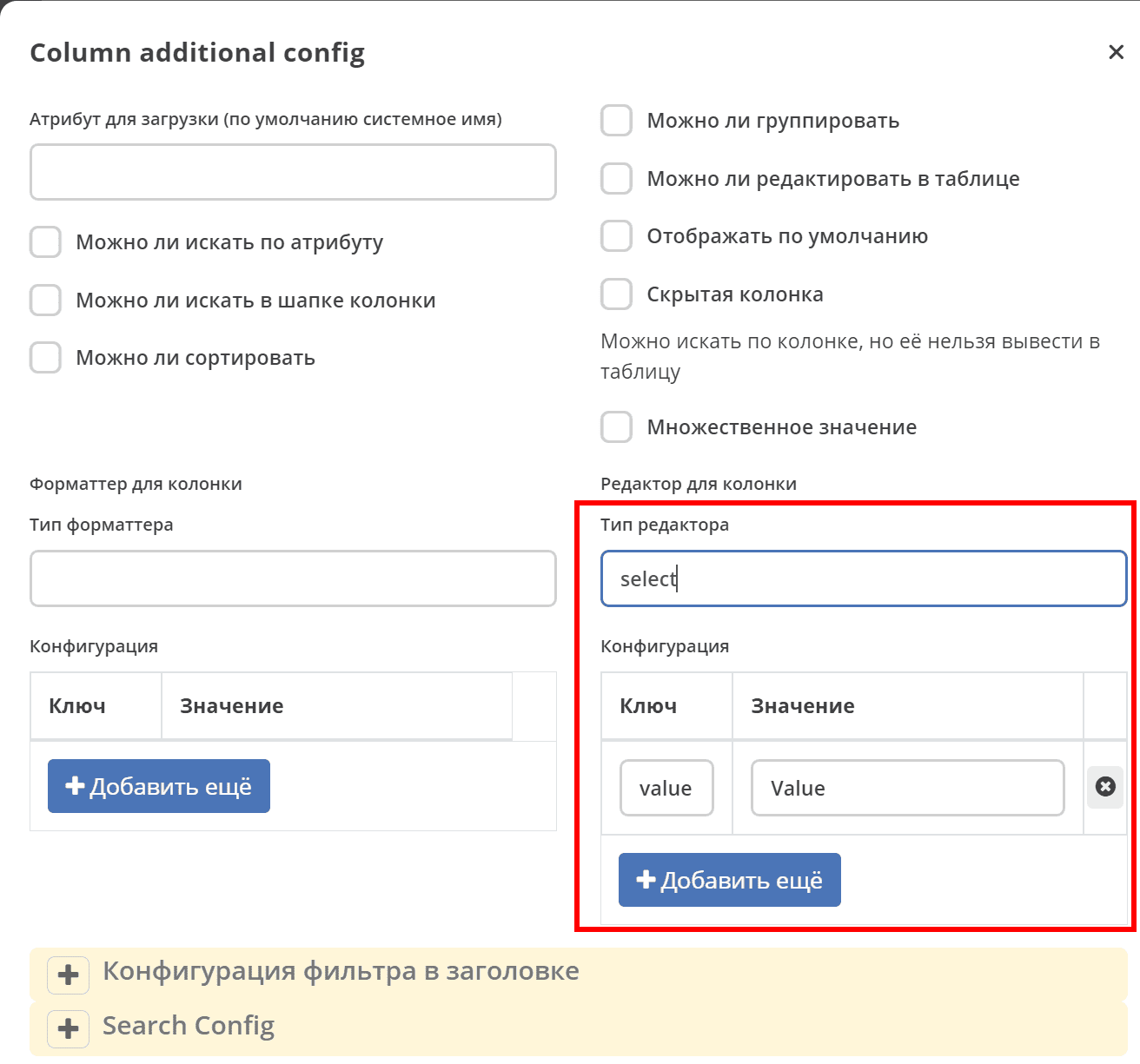
|
Types
BooleanEditor
Type: boolean
Key |
Value |
Default |
|---|---|---|
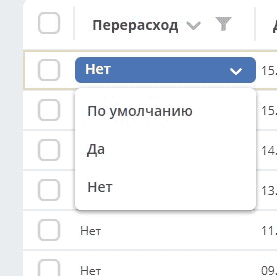
mode |
Editor mode 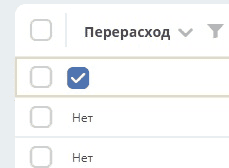
|
|
DateEditor
Type: date
DateTimeEditor
Type: datetime
JournalEditor
Type: journal
Used for columns of type ASSOC — handles both inline editing of the association value and the filter control in the column header. There is no separate editor with type assoc: for any association, editor.type: journal must be specified.
Key |
Value |
Default |
|---|---|---|
journalId |
The identifier of the journal from which the value will be selected. Typically — the journal associated with the target association type. |
Example of a complete ASSOC column configuration with formatter and editor:
- id: urgencyClass
  name:
    ru: Класс срочности
  type: ASSOC
  multiple: true
  searchable: true
  formatter:
    type: assoc
    config:
      sourceId: emodel/ecos-urgency-class
  editor:
    type: journal
    config:
      journalId: ecos-urgency-class
Here formatter defines how the cell is rendered, and editor defines how the filter in the header and the inline value editor look. Without the editor block, the filter will remain empty.
NumberEditor
Type: number
OrgstructEditor
Type: orgstruct
Configuration:
Key |
Value |
Default |
|---|---|---|
allowedAuthorityTypes |
options string: |
|
multiple |
multiple selection boolean |
false |
SelectEditor
Type: select
Configuration:
Static options can be defined, or options can be retrieved using the recordRef + attribute of a record and the optionsAtt parameter.
Key |
Value |
Default |
|---|---|---|
options |
JSON options string
e.g.
[{"label":"priority.high","value":1},{"label":"priority.low","value":3},{"label":"priority.medium","value":2}] |
|
optionsAtt |
e.g. |
|
TextEditor
Type: text