List and Tile Data View
List and Tile views are alternative display modes for journal records, oriented toward data types with a visual component: publications, news, articles, image catalogs.
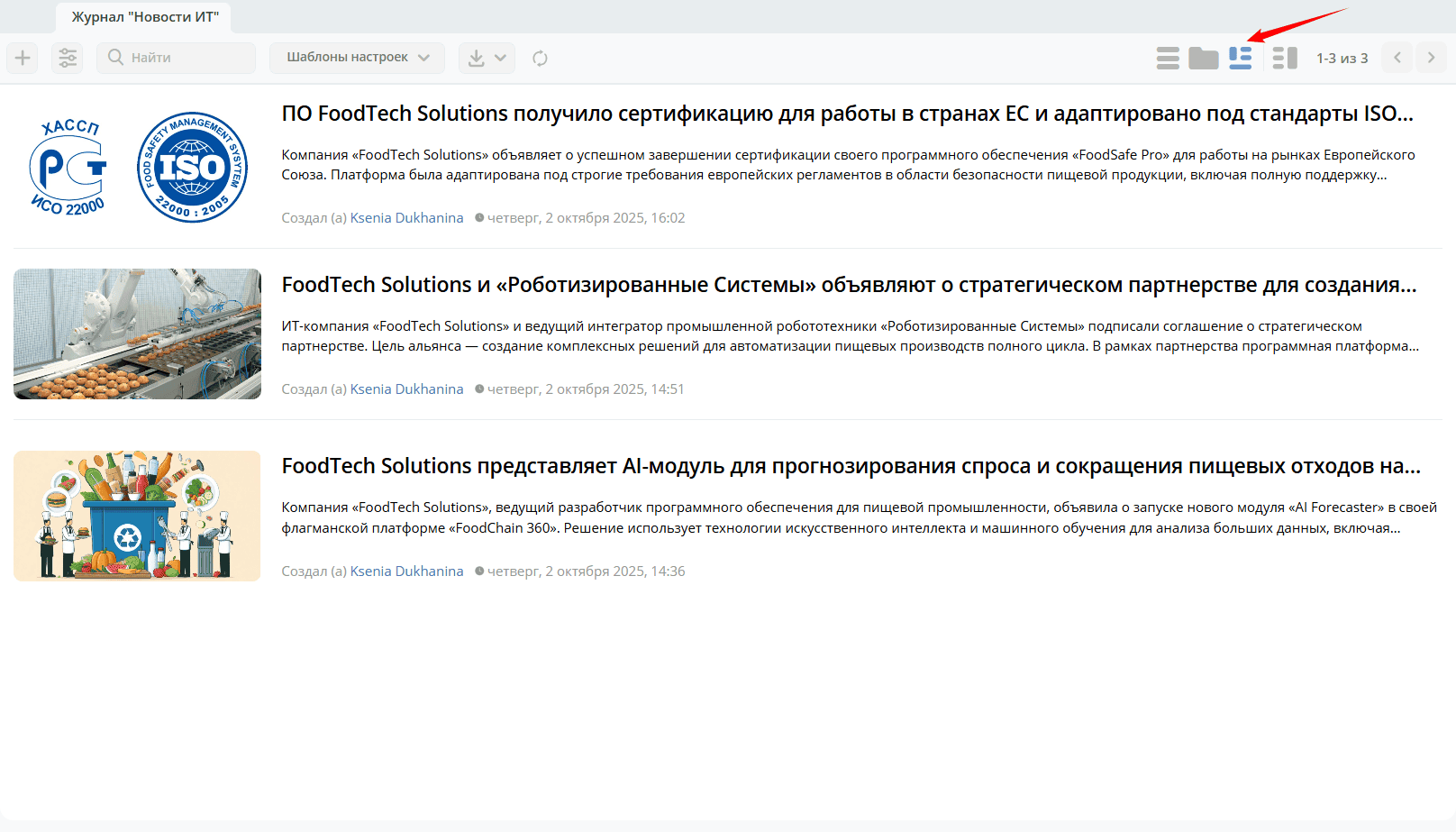
List — a row-based display where each record occupies a separate row with an image, title, and additional fields.
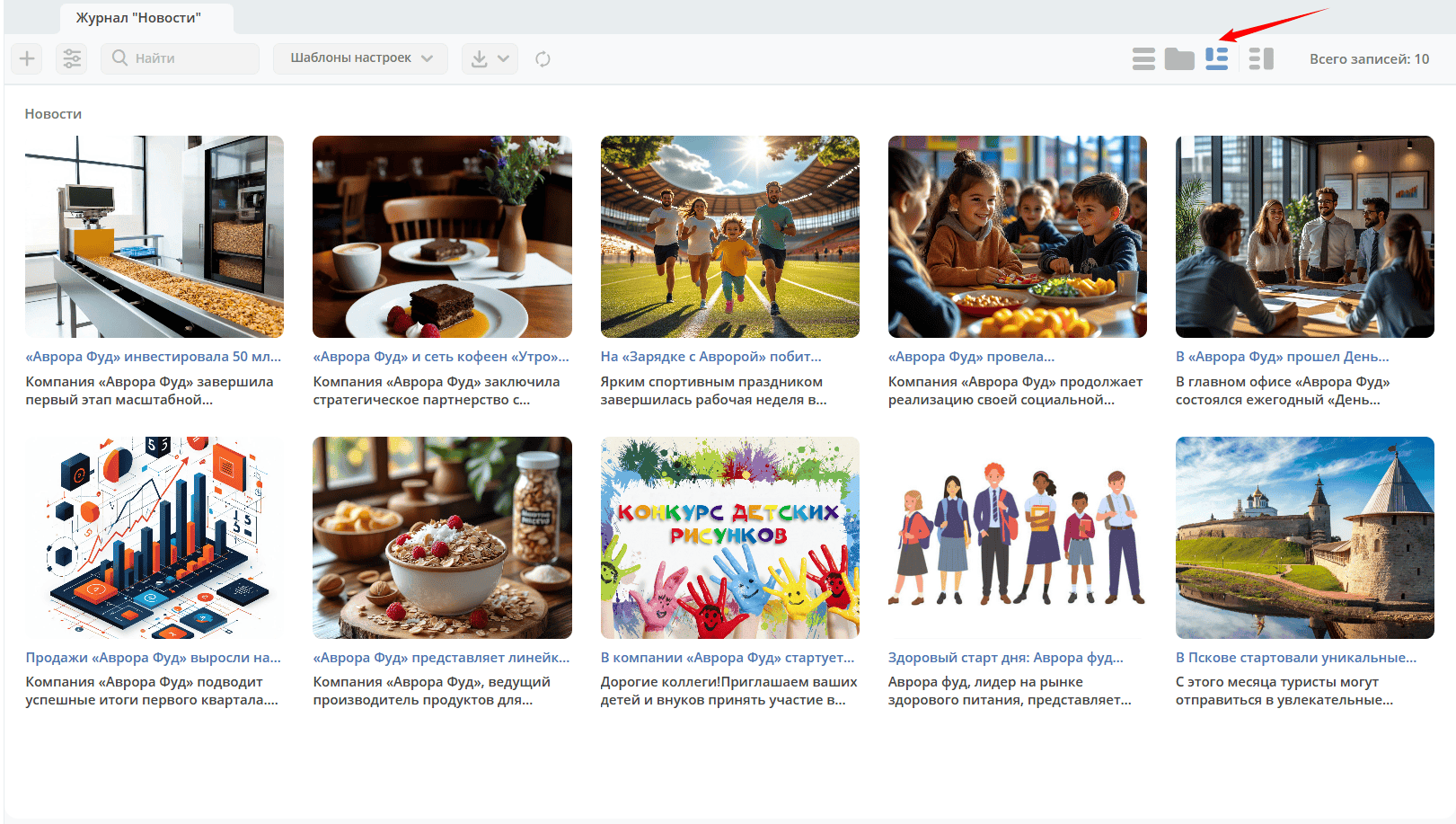
Tiles — a block-based display where each record is represented as a card with a preview image, title, and brief information.
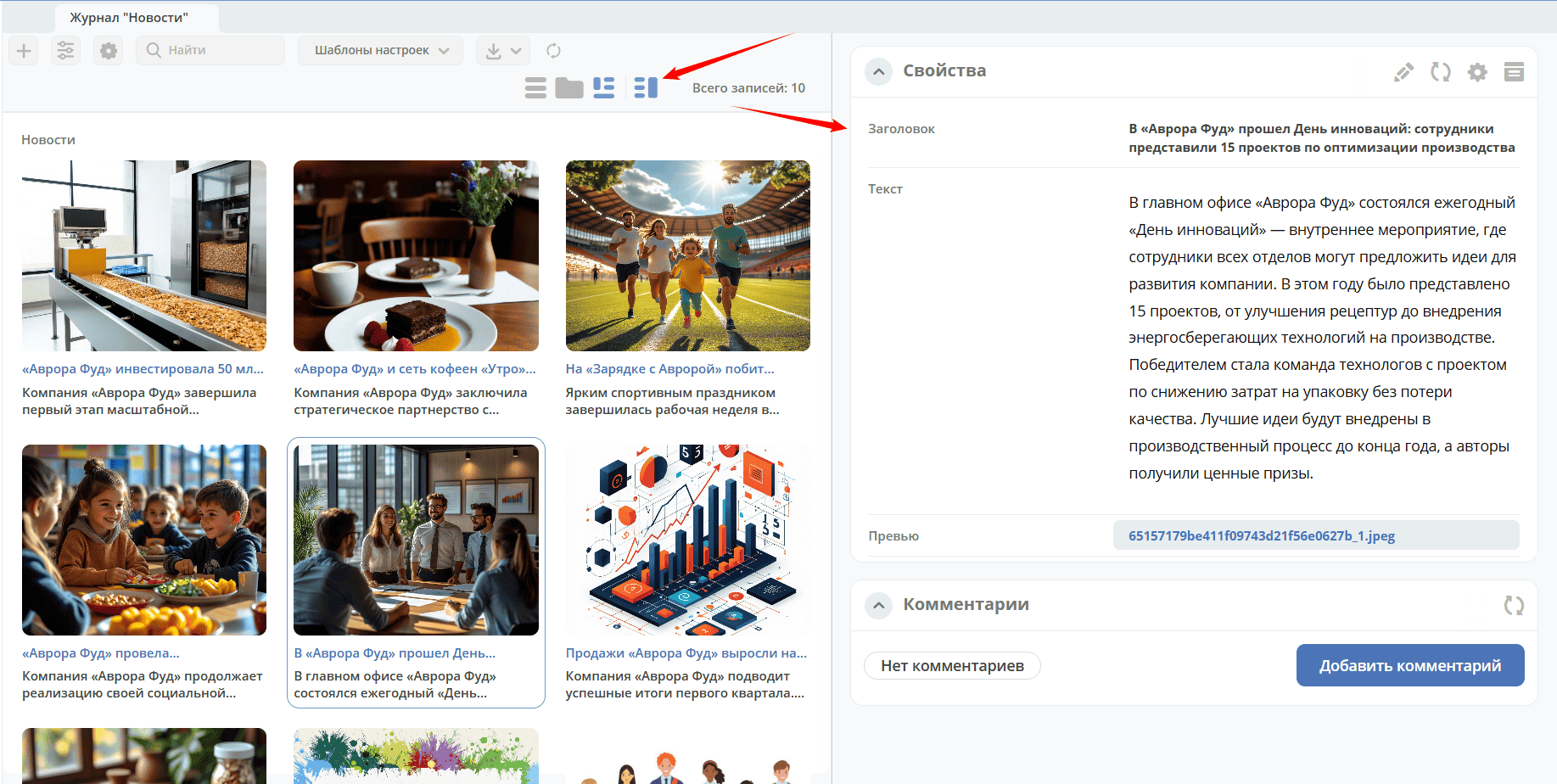
Both modes support card preview. For details on configuring views for a data type, see details.
List mode:
Tiles mode:
A preview mode is available in the view:
Category Tree
The Menu widget allows organizing journal records into a hierarchical category tree. This is convenient for navigating large collections — the main section contains all records, and categories act as filters.
An administrator in preview mode (1) can, in addition to standard widgets (2), add the Menu widget (3):
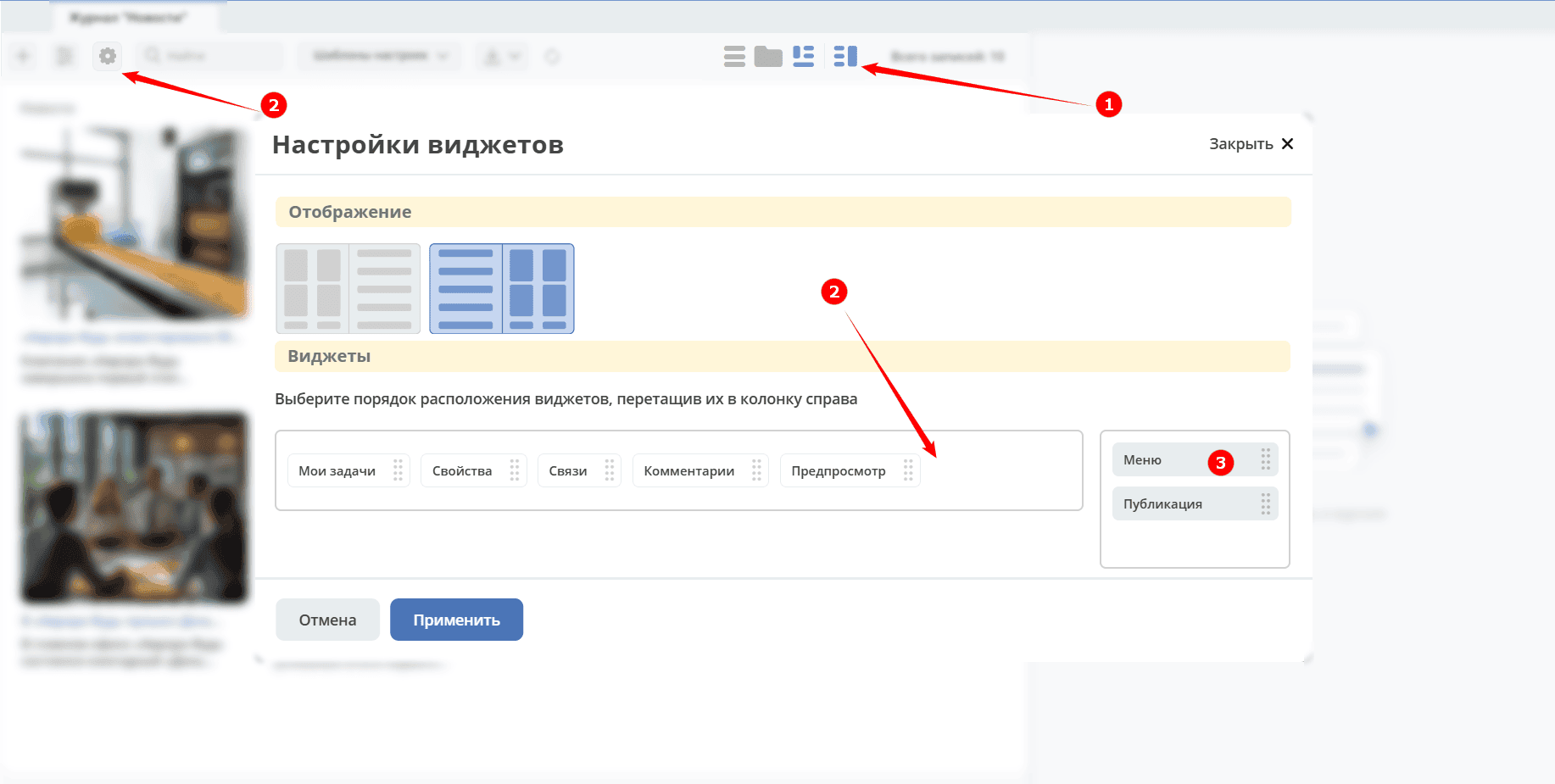
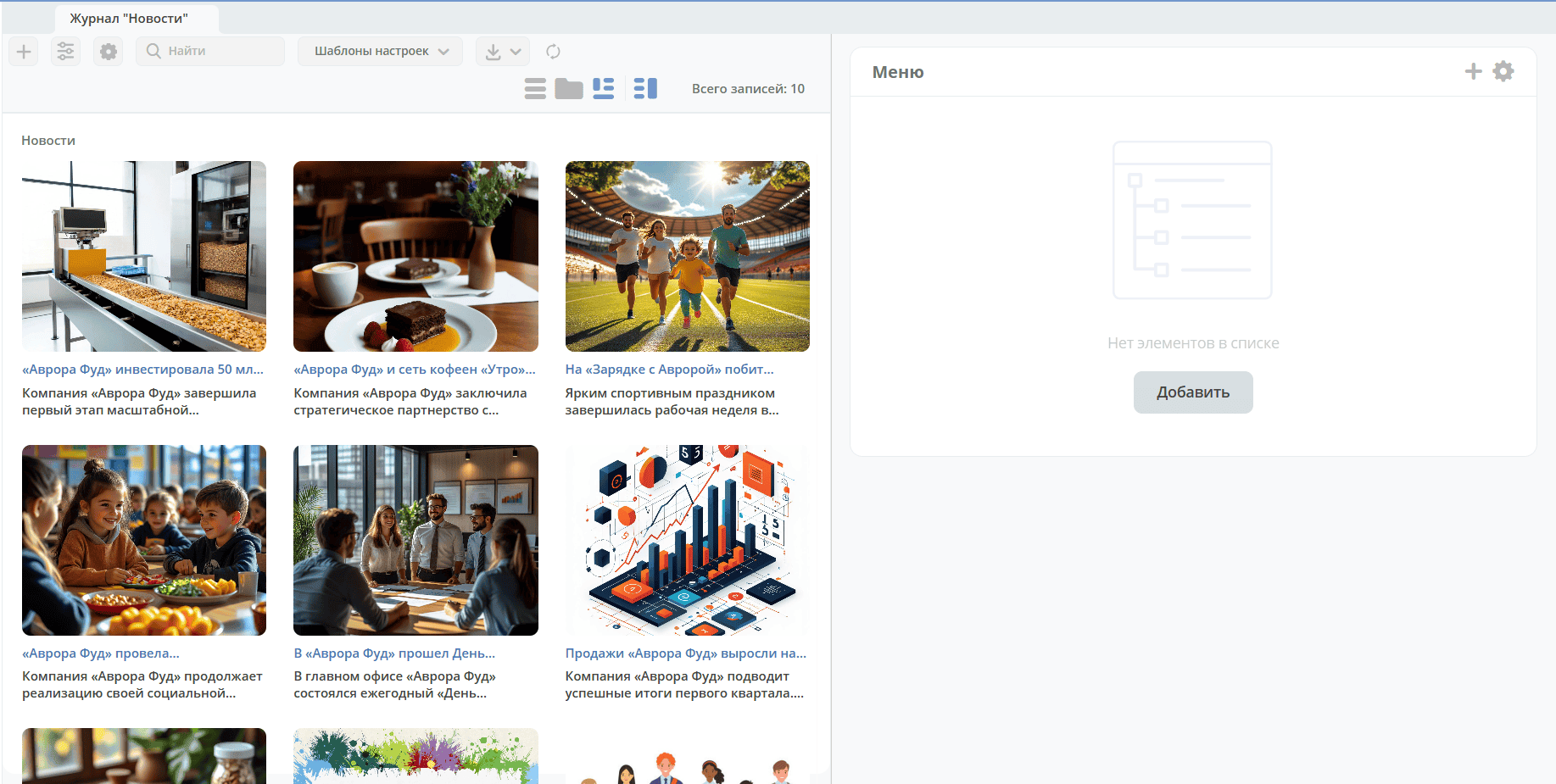
The Menu widget is a category tree. To create the first category, click Add:
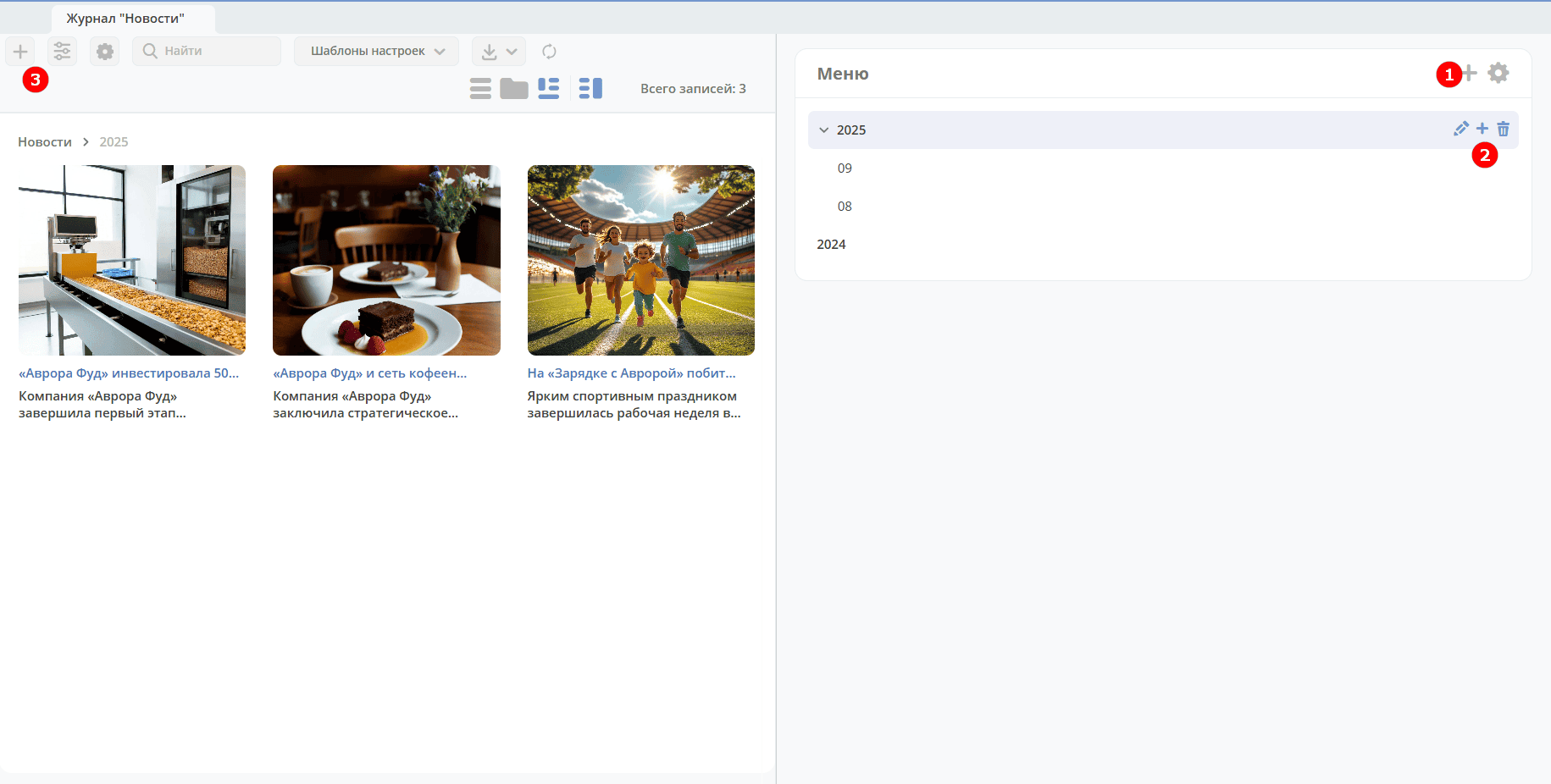
To add a top-level category, click the large + (1). To add a subcategory, click the small + (2):
Enter a name:

To create a card in a category, click + (3):
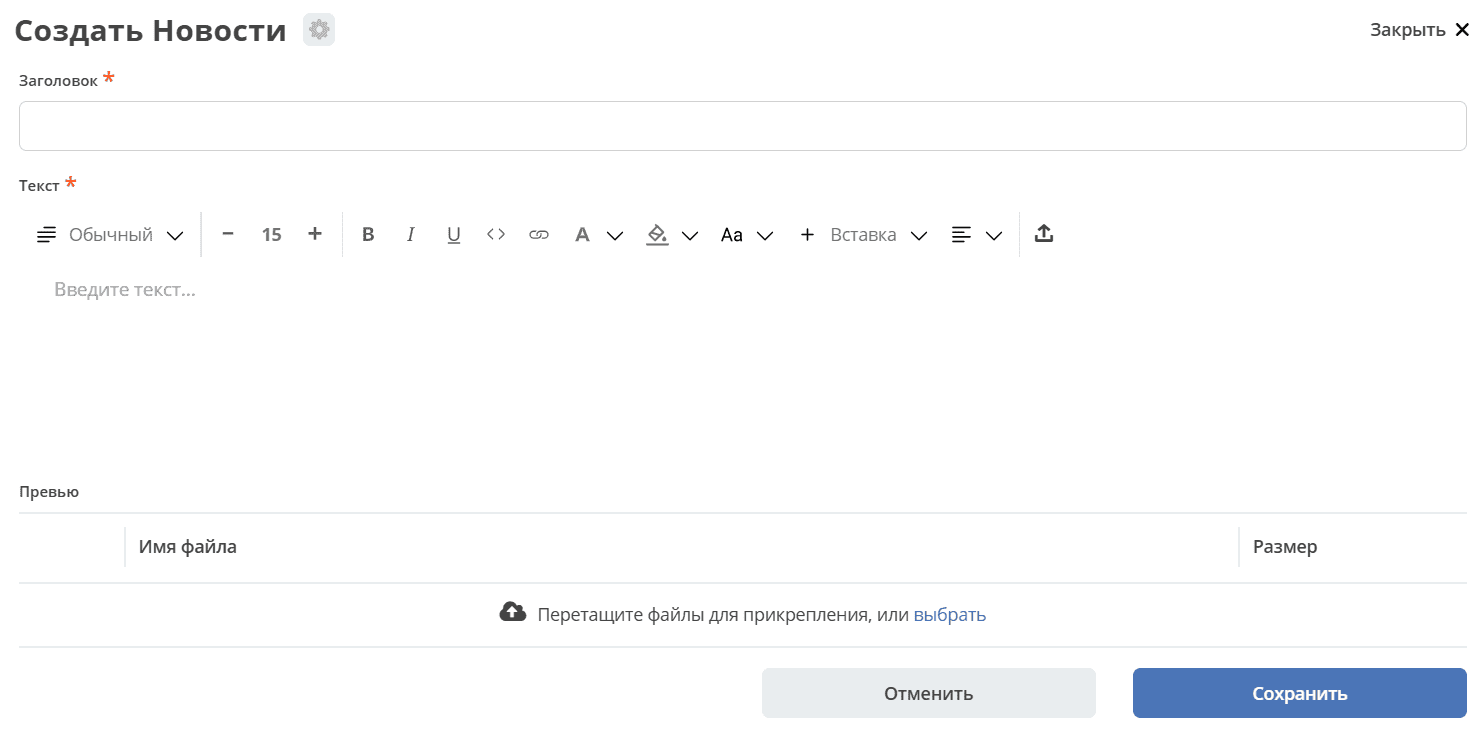
The created card will be accessible both in the category and in the main section.
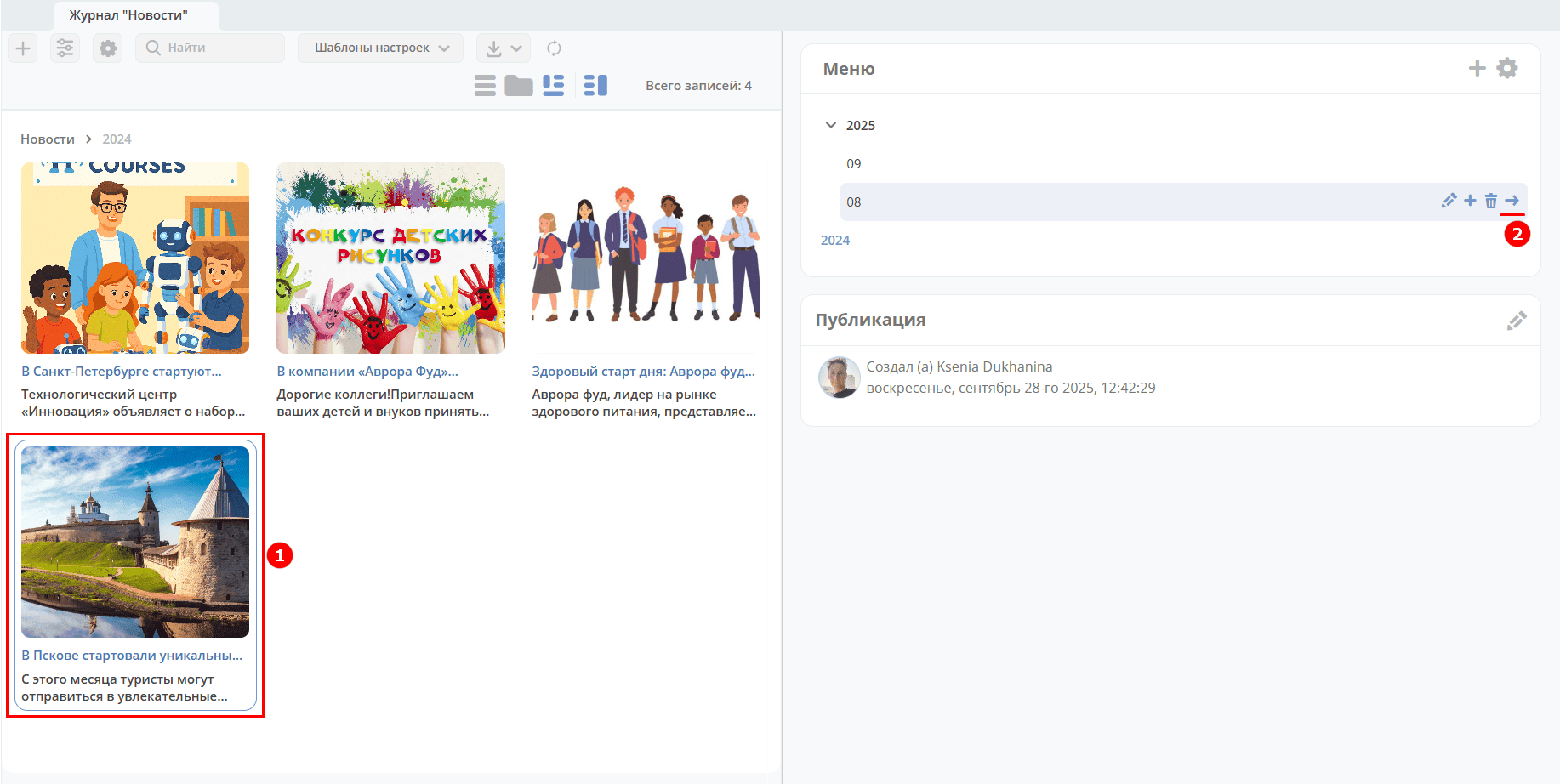
For navigation convenience, the view includes breadcrumbs (1):
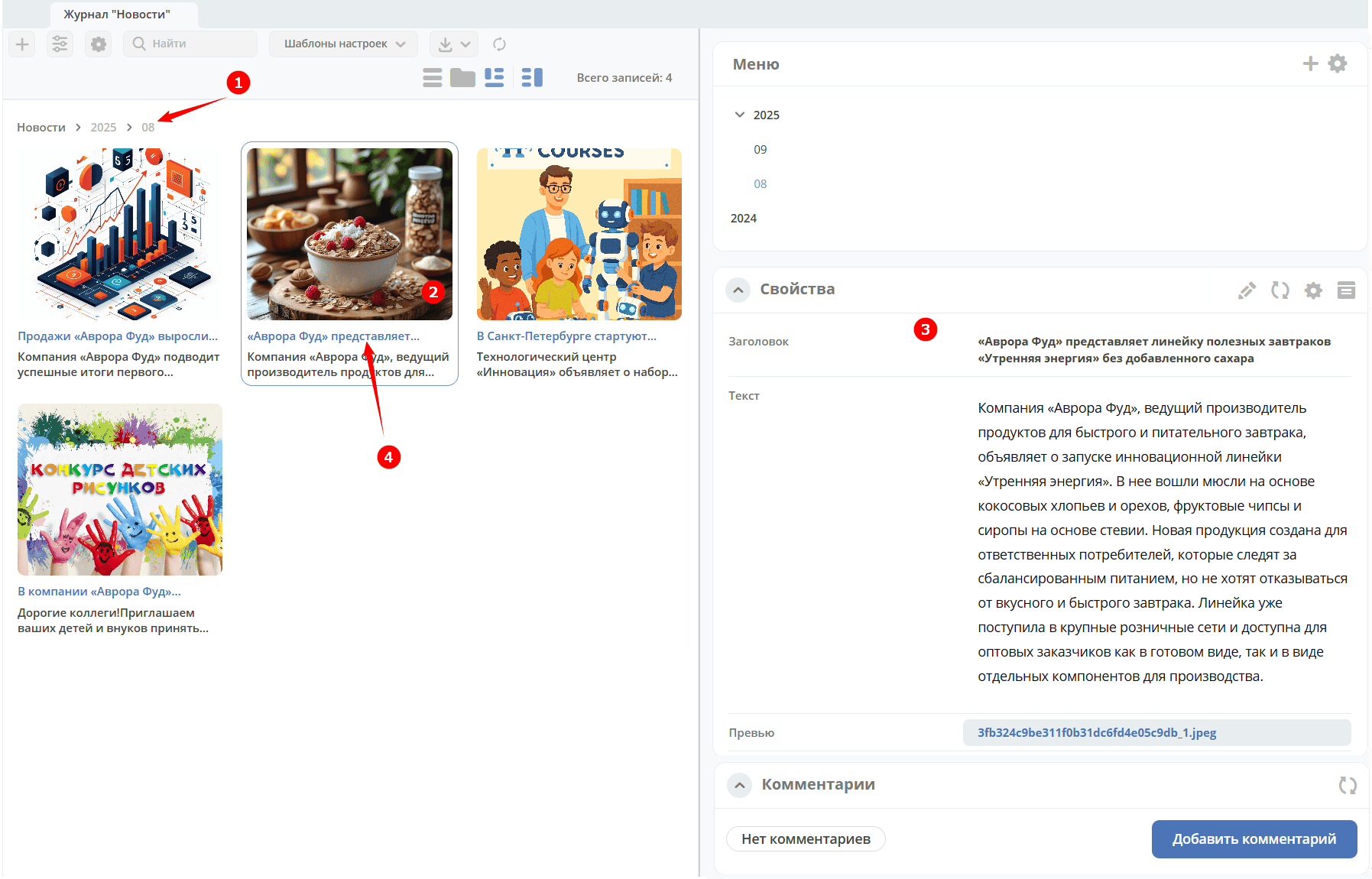
Clicking on a tile (2) opens its preview (3). Clicking on the tile title (4) opens the card in a separate tab:

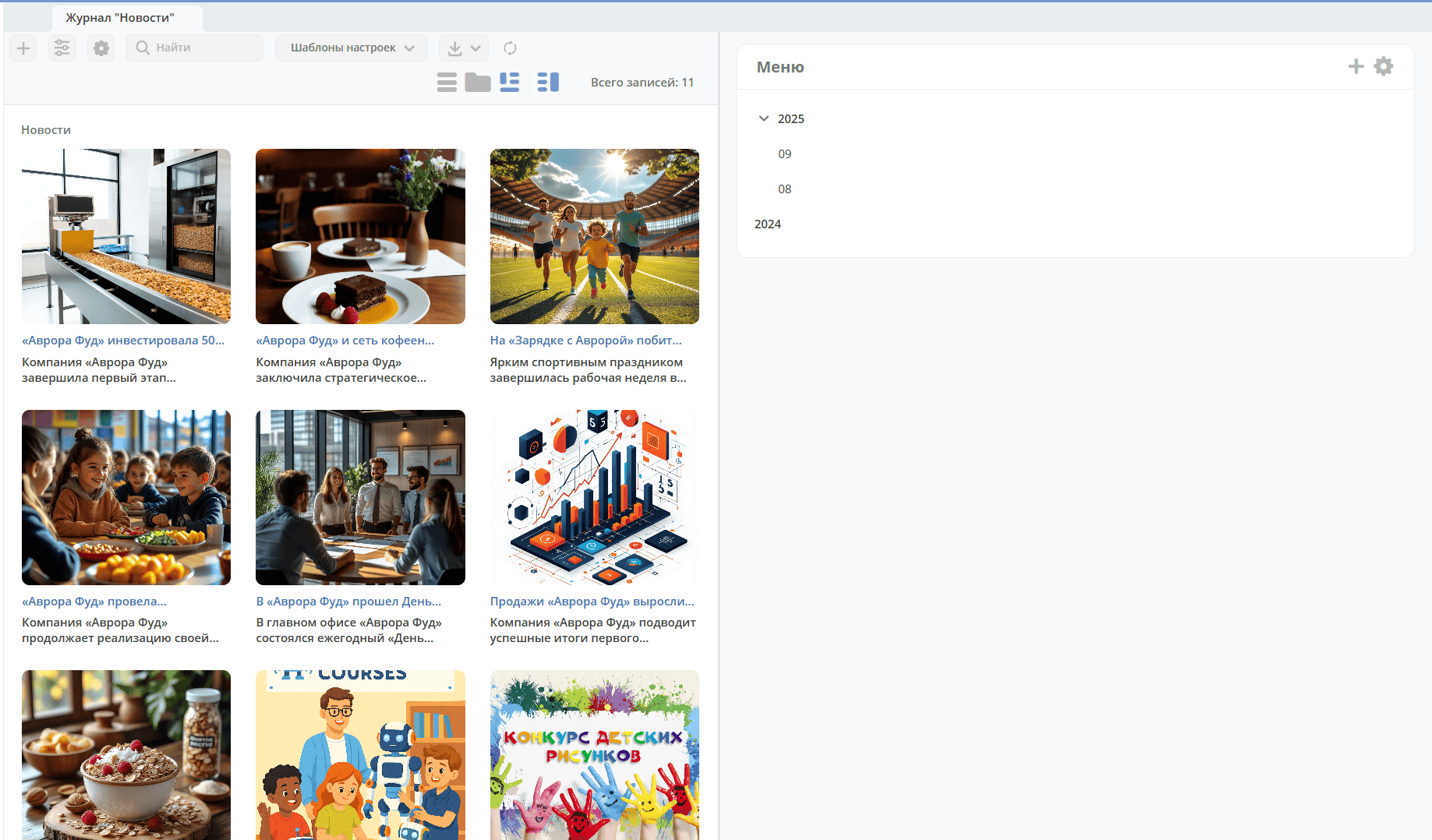
The main section (in this case «News») will contain all records, and the hierarchy acts as a filter:
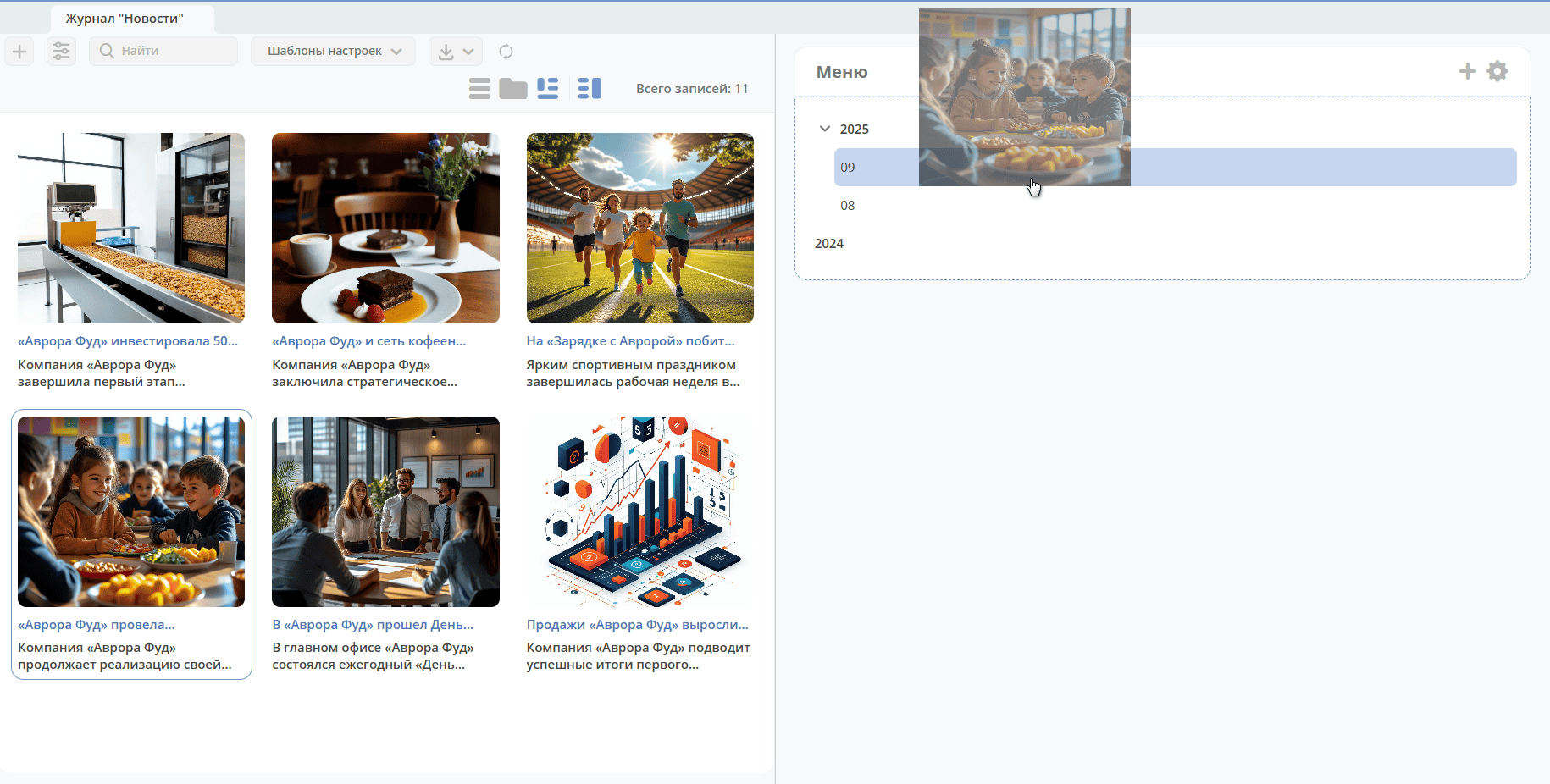
To move a tile to another section, select the tile and drag it to the desired section:
Or select a tile (1) and specify the section (2):