Pool and Lane
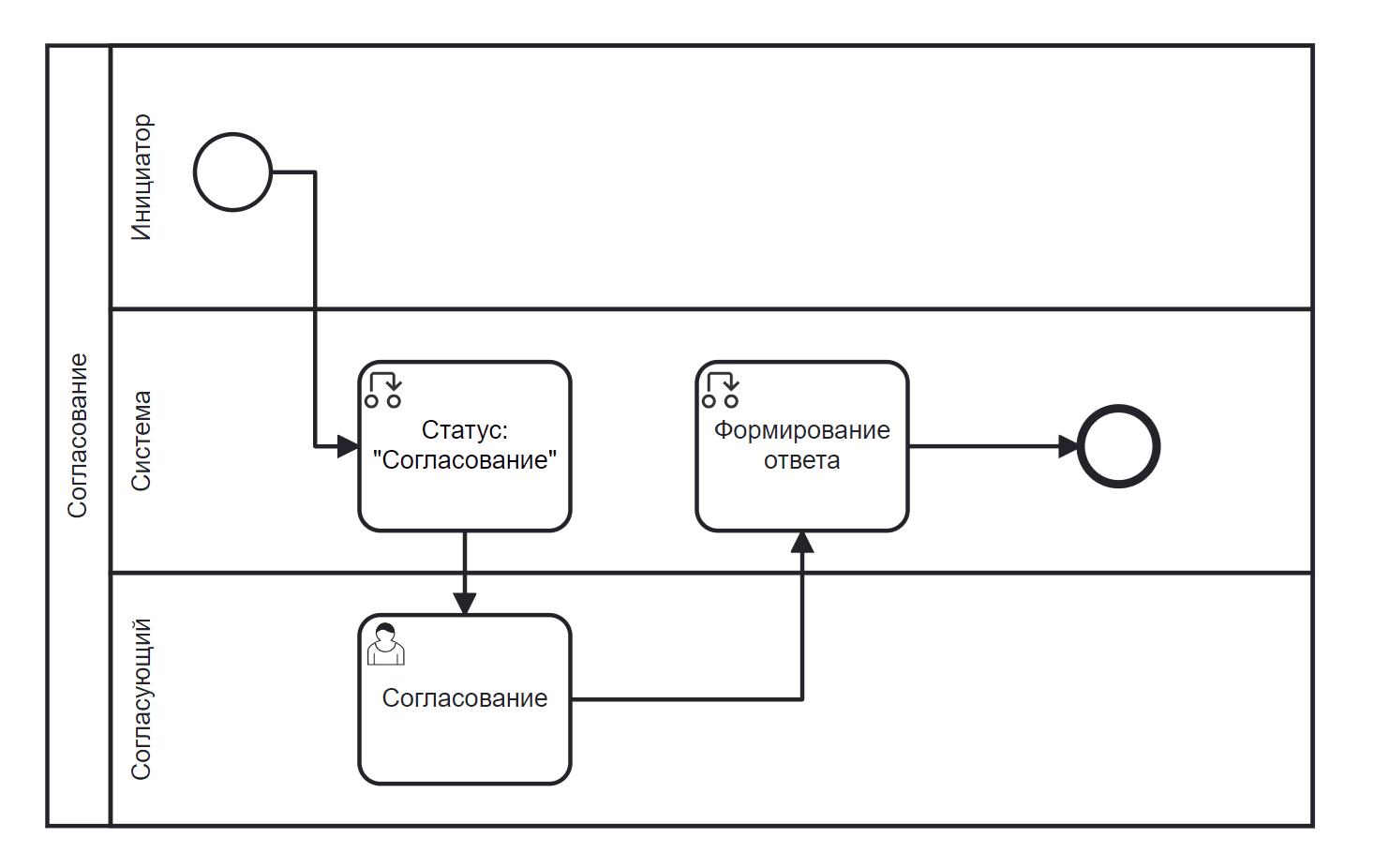
A business process can consist of pools: a collection of operations and the individuals who perform these operations.
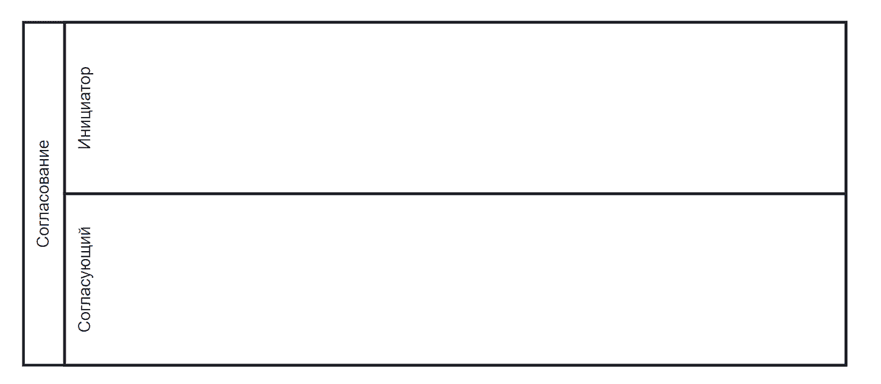
In this context, so-called «lanes» are distinguished, which make up the pool.

|
Pool |
Used to denote the boundaries of a business process |
|
Lane |
Used to reflect responsible performers and their roles in the process |
Rules:
Lanes are optional — diagrams can do without them.
Lanes can be nested (hierarchical).
The semantics of lanes can be arbitrary, at the discretion of the diagram author — department, role, position.
Embedded subprocesses do not have pools and, therefore, cannot have lanes.
Lanes are only relevant for tasks performed by people (user task) — automatic tasks (service task, script task), subprocesses, gateways, and events do not care which lane you place them on.
Even for tasks assigned to people, lanes are essentially comments — the actual performer is specified in the model attributes for that task.
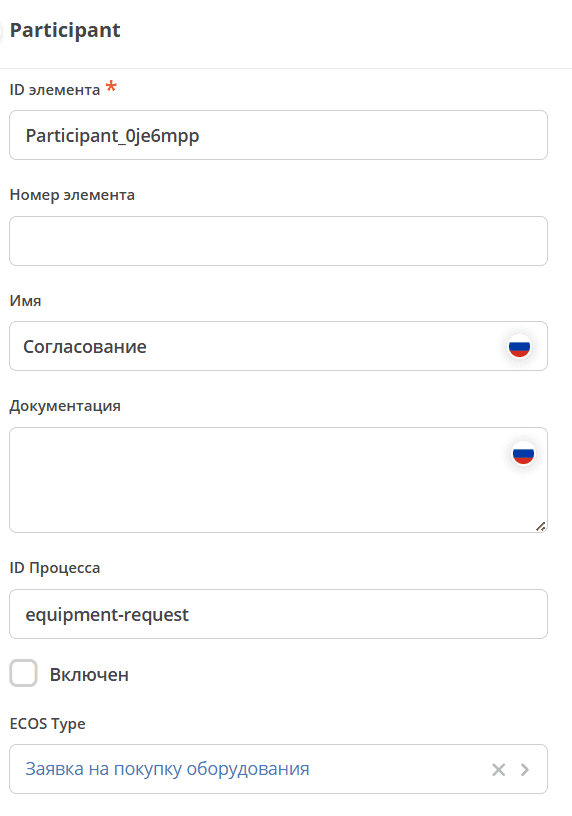
Pool Participant

Specify Name.
If necessary, select a data type.
A pool represents a separate process; there can be several such blocks.
Accordingly, a single diagram can have several different processes, and different processes can be linked to different data types.
If the ECOS Type is not specified, the type defined in the definition is used.
If specified, its own type is used.
|
|
Important
When saving, saving/publishing the process, the mandatory filling of the following fields is checked:
«Process ID».
Otherwise, an error will be issued in the linter.
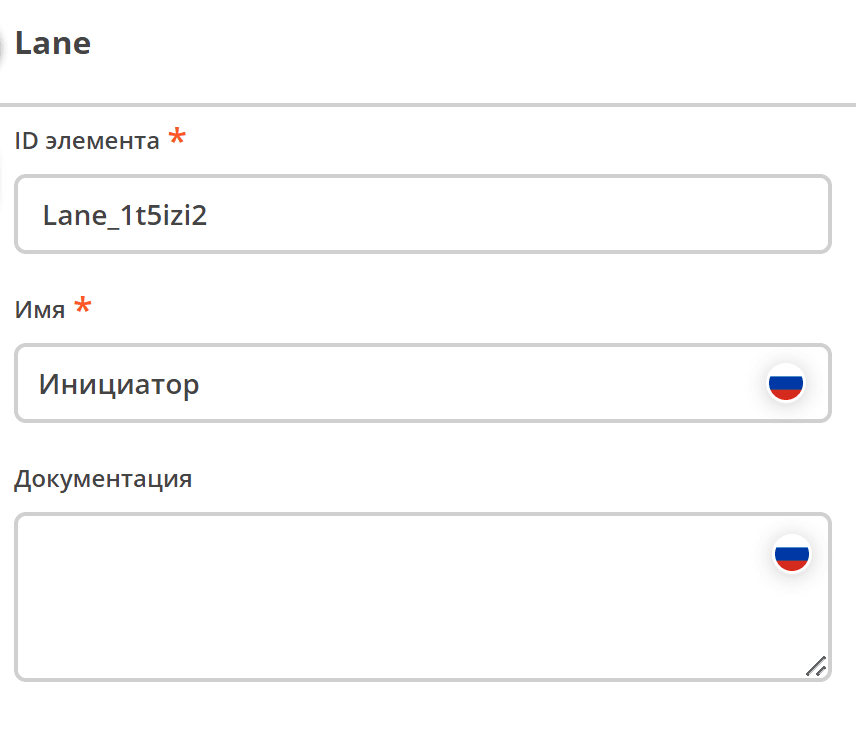
To add lanes to a pool, use:

Lanes
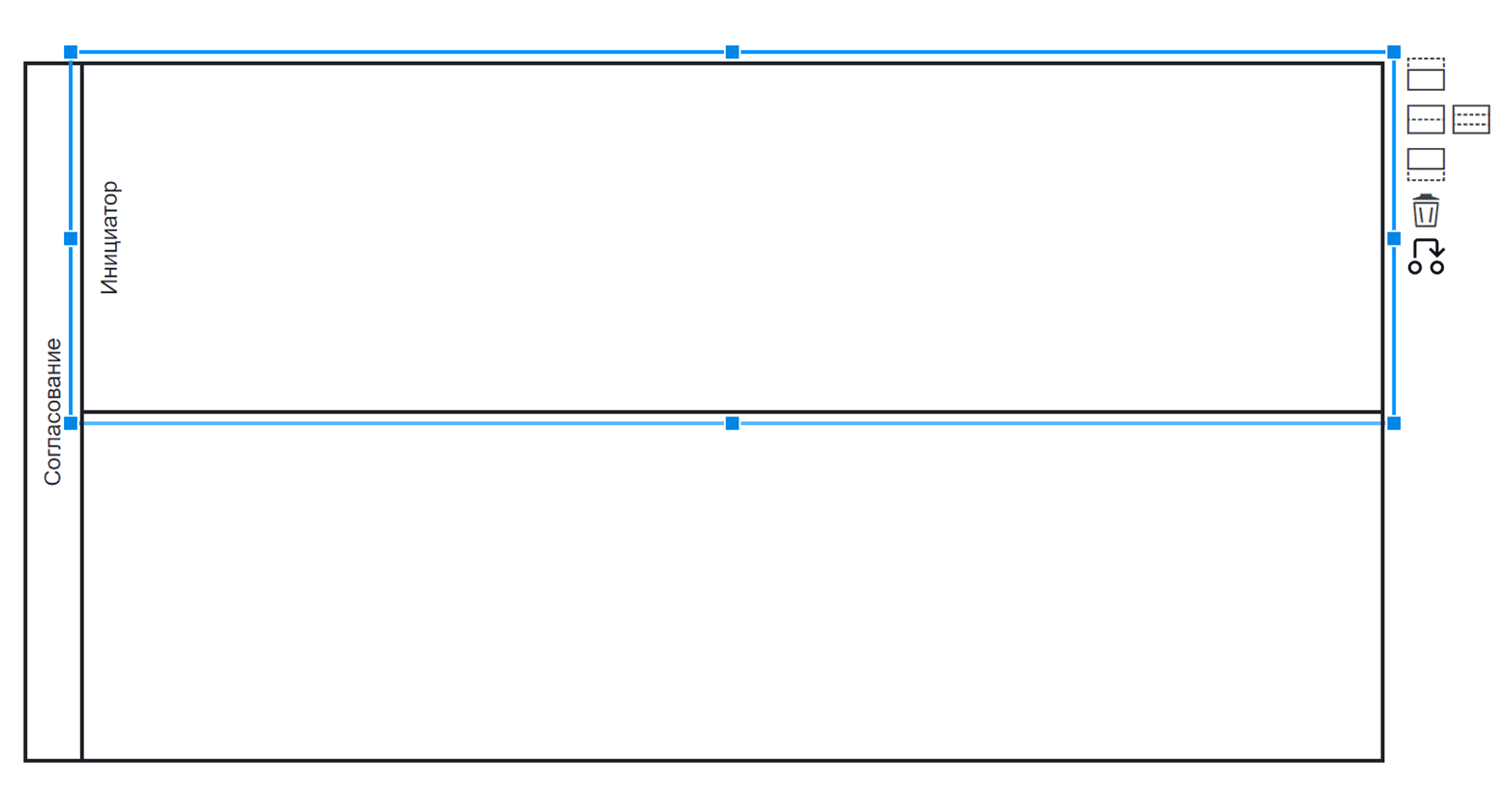
Specify Name.
|
|