Import button
About the component
The Import Button component allows adding a customizable button to the form for uploading files.
Standard settings of the Button component are applied to the displayed button.
The component is located in the Advanced section
Display Settings
In addition to the basic settings of the Button component, a setting for displaying information about uploaded files has been added.
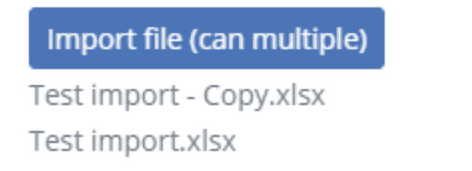
When this checkbox is activated, after uploading file(s), a list of file names will be displayed below the button. When files are uploaded again, the list will be replaced with information about the new files.

Data Settings
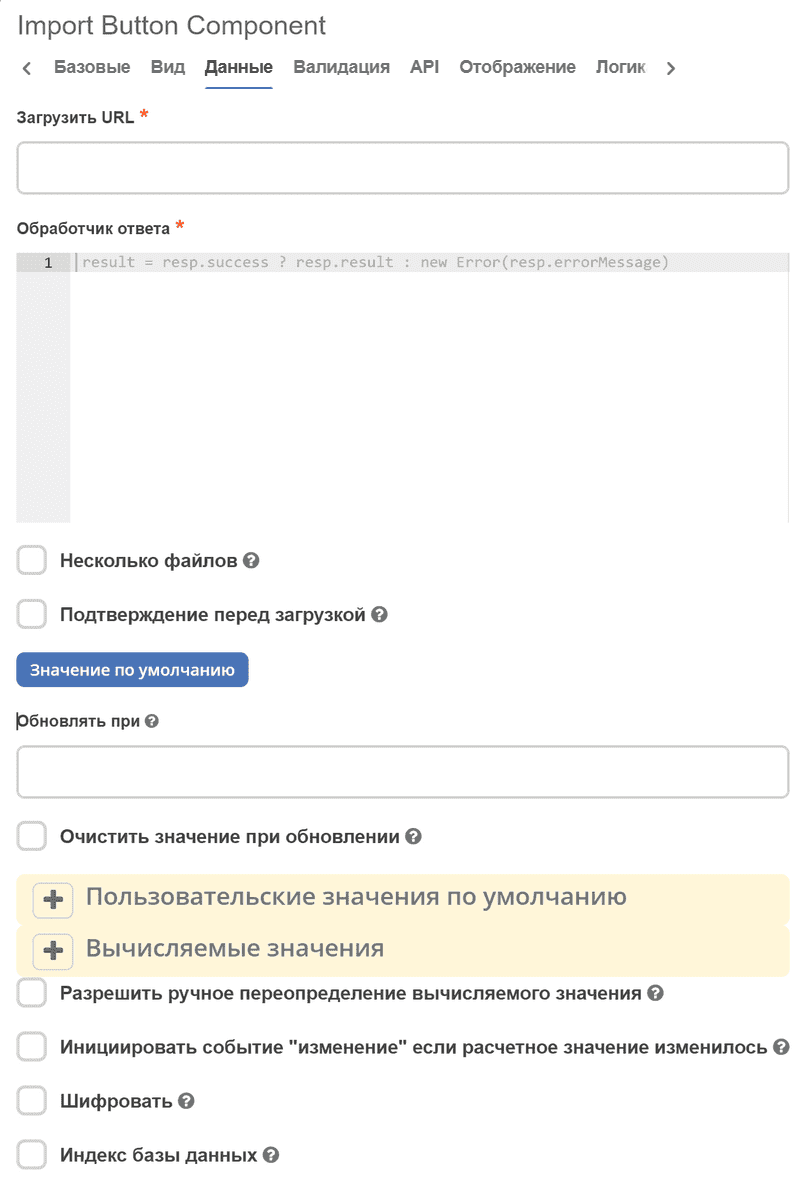
In addition to the standard Button settings, the following have been added:
Upload URL - the URL where a POST request with the attached file (or multiple files) will be sent for processing. Mandatory to fill.
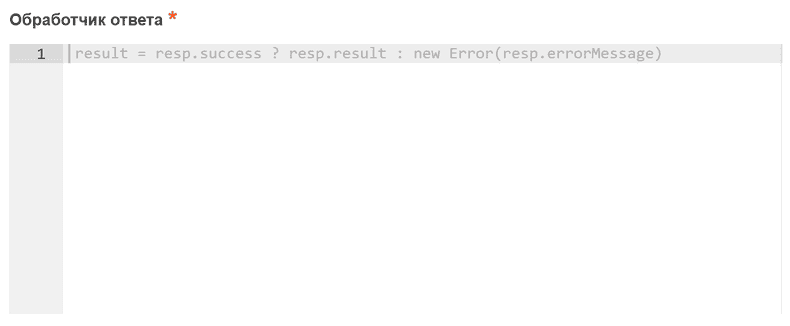
Response Handler - processes the result of the server response after file upload. Mandatory to fill. Accepts a javascript expression in which you need to assign a string (recordRef), an array of strings (array of recordRefs), or an error (result = new Error(‘error text’)) to the
resultvariable. In the javascript expression, in addition to standard formio objects (data, instance, _, moment, etc.), the variableresponse(orresp) is available, which contains the result of the server response after file upload.Multiple files - the ability to upload multiple files simultaneously
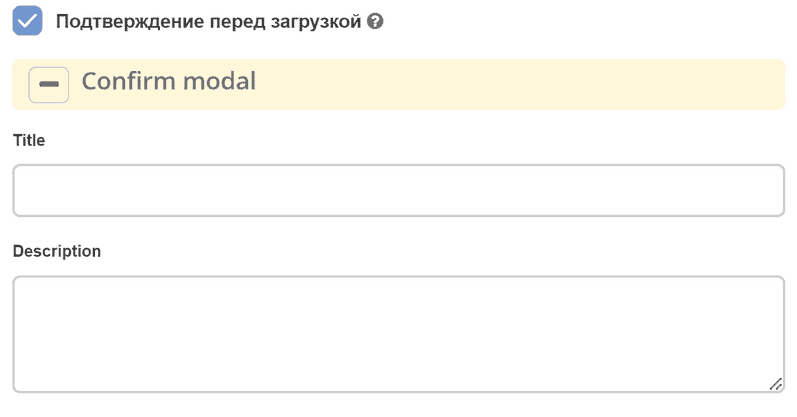
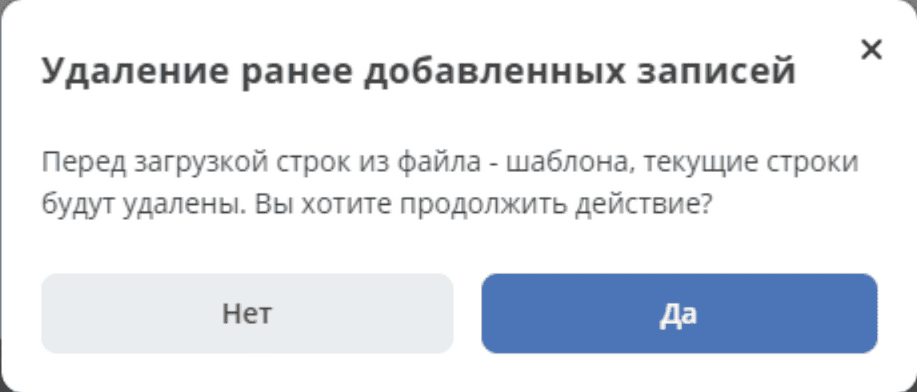
Confirmation before upload - a setting that allows displaying a confirmation modal window before uploading new files. Appears after clicking the button, before displaying the file upload modal window. When the checkbox is activated, settings for the modal window fields appear - title and description. These fields are not mandatory to fill, there are default values considering localization.
Appearance of the modal window: