Select orgstruct
The Select orgstruct control allows selecting users and groups from the system’s organizational structure. It supports filtering by authority type, group type and subtype, dynamic root group assignment, and flexible configuration of displayed elements.
Configuring available selection items
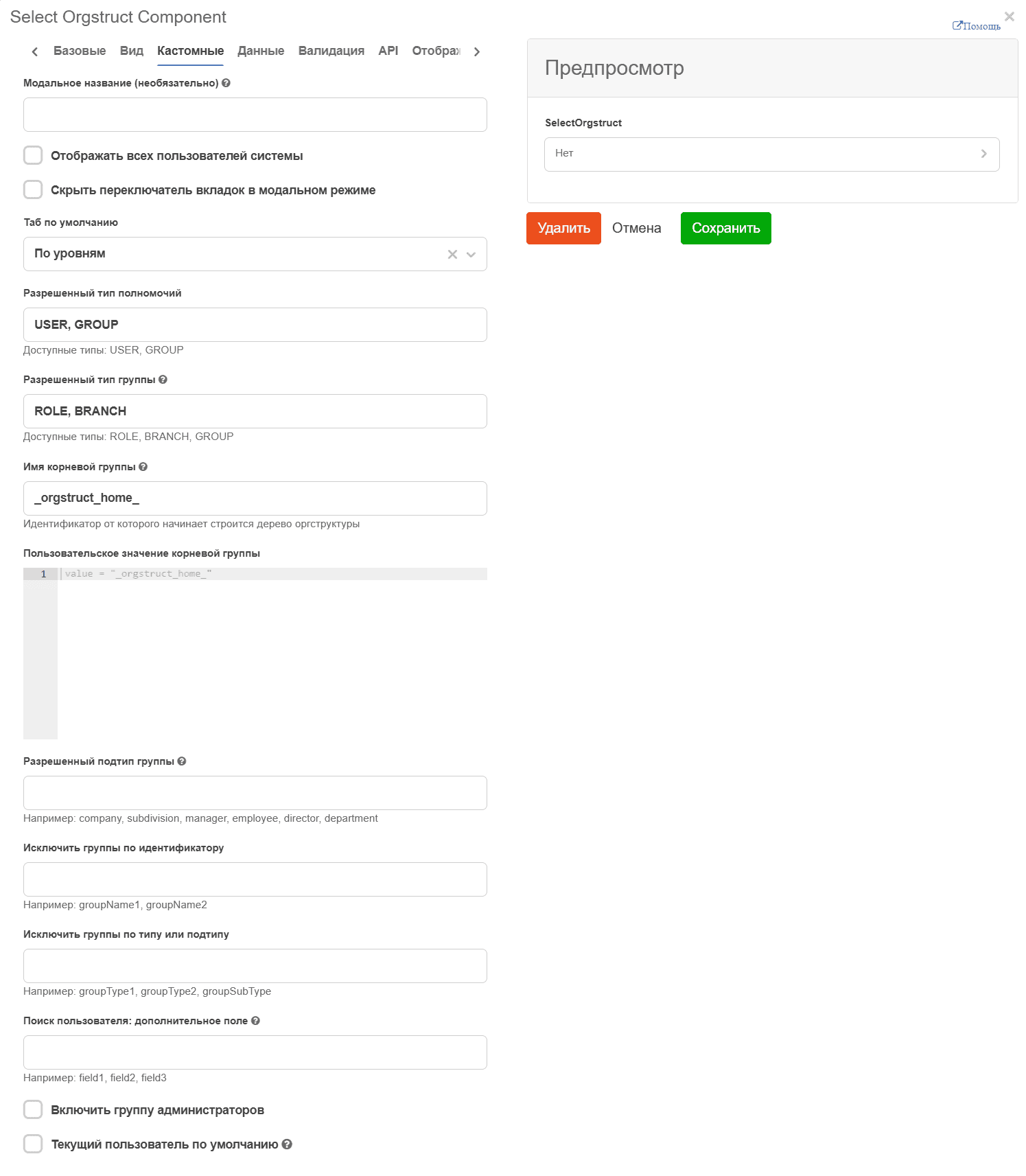
Show all system users - in the component, the All users tab will display all users, not only workspace users.
Default tab: All users, By levels - the tab shown by default:
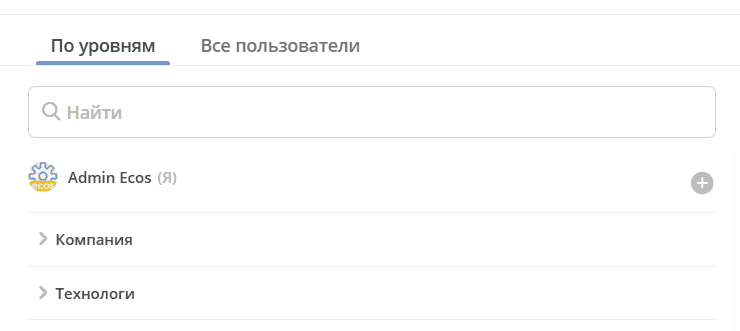
Allowed authority type - types of elements available for selection. Available values: USER - users, GROUP - groups. Both types can be specified separated by commas.
Allowed group type - types of groups available for selection. Works if Allowed authority type contains ‘GROUP’. Multiple groups can be specified separated by commas.
Allowed group subtype - types of subgroups available for selection. Multiple subgroups can be specified separated by commas. If this field is filled, only elements that pass the filter for this field will be available for selection; other groups cannot be selected.
Hiding groups and subgroups
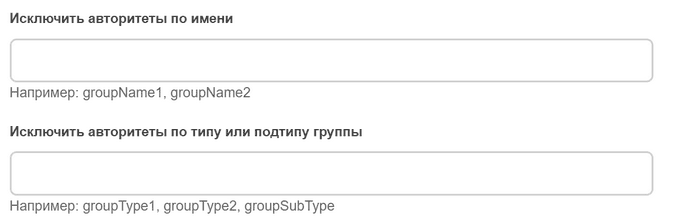
Exclude authorities by name - a list of groups, separated by commas, for filtering by name. Groups added to this field and all their child elements are not displayed in the org structure
To prevent child groups of hidden groups from appearing in search results, the following notation was added: GROUP_NAME/* - to remove child elements only at the first level GROUP_NAME/** - to remove child elements at any nesting level
Exclude authorities by group type or subtype - a list of groups, separated by commas, for filtering by type. Elements matching these types are not displayed in the org structure.
Configuring fields for user search
Note
Custom default values: value = user;
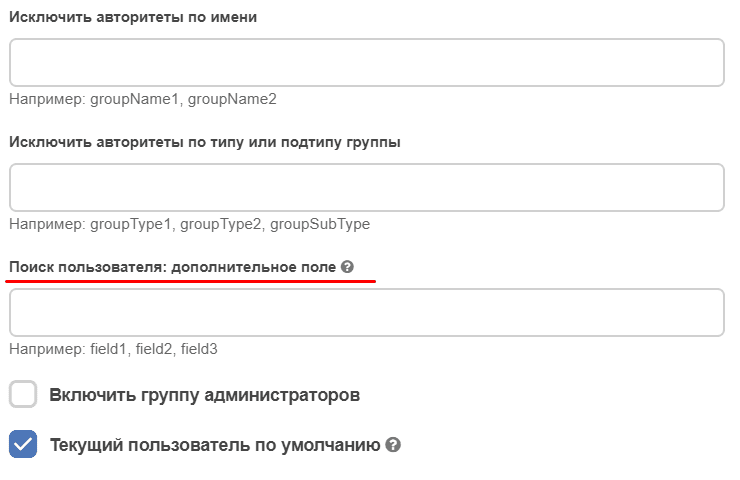
By default, user search is performed across three fields: userName, firstName, and lastName.
For details on options for expanding the list of fields for user search, see orgstructure component configuration
Ability to dynamically set the root group
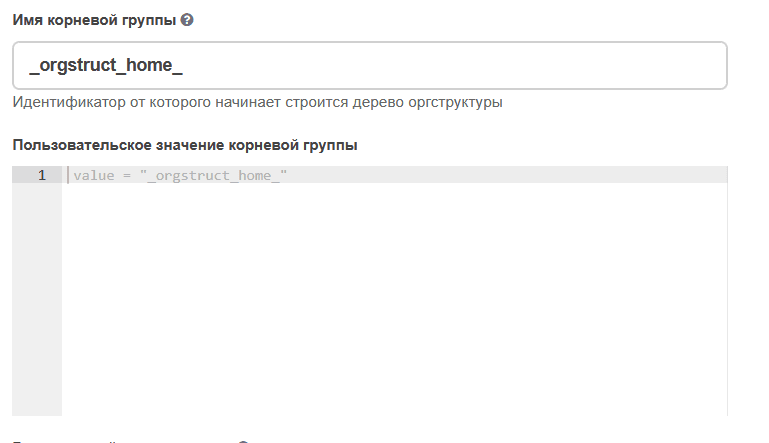
Ability to dynamically set the root group in the Org Structure, through a parameter, value, or condition. For example:
if (someAtt === 'someValue') {
value = '_orgstruct_home_';
} else {
value = 'someGroupId';
}
Note
Only if allowed authority type has the value GROUP
Data Type
The “Data Type” setting defines the format of data sent to the server when the form is saved. Two modes are available:
Mode |
Description |
When to use |
|---|---|---|
Node Ref |
Saves the full reference to the entity in RecordRef format (e.g., |
Always for ASSOC-like attributes (Association, Authority, Person, Group) |
Authority |
Sends a string identifier (e.g., |
Only for system artifacts when the backend field has type “string” |
Important
For business entities, always use Node Ref mode. Authority mode is intended for system artifacts where the backend field has a string type.
Other
Current user
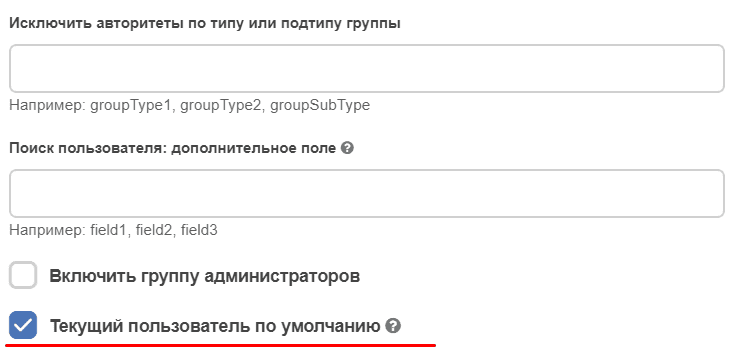
On the Custom tab Current user by default - if the checkbox is checked, the id of the current user will be set by default. Works only for forms in record creation mode (‘CREATE’).
On the Data tab in the Custom default values section:
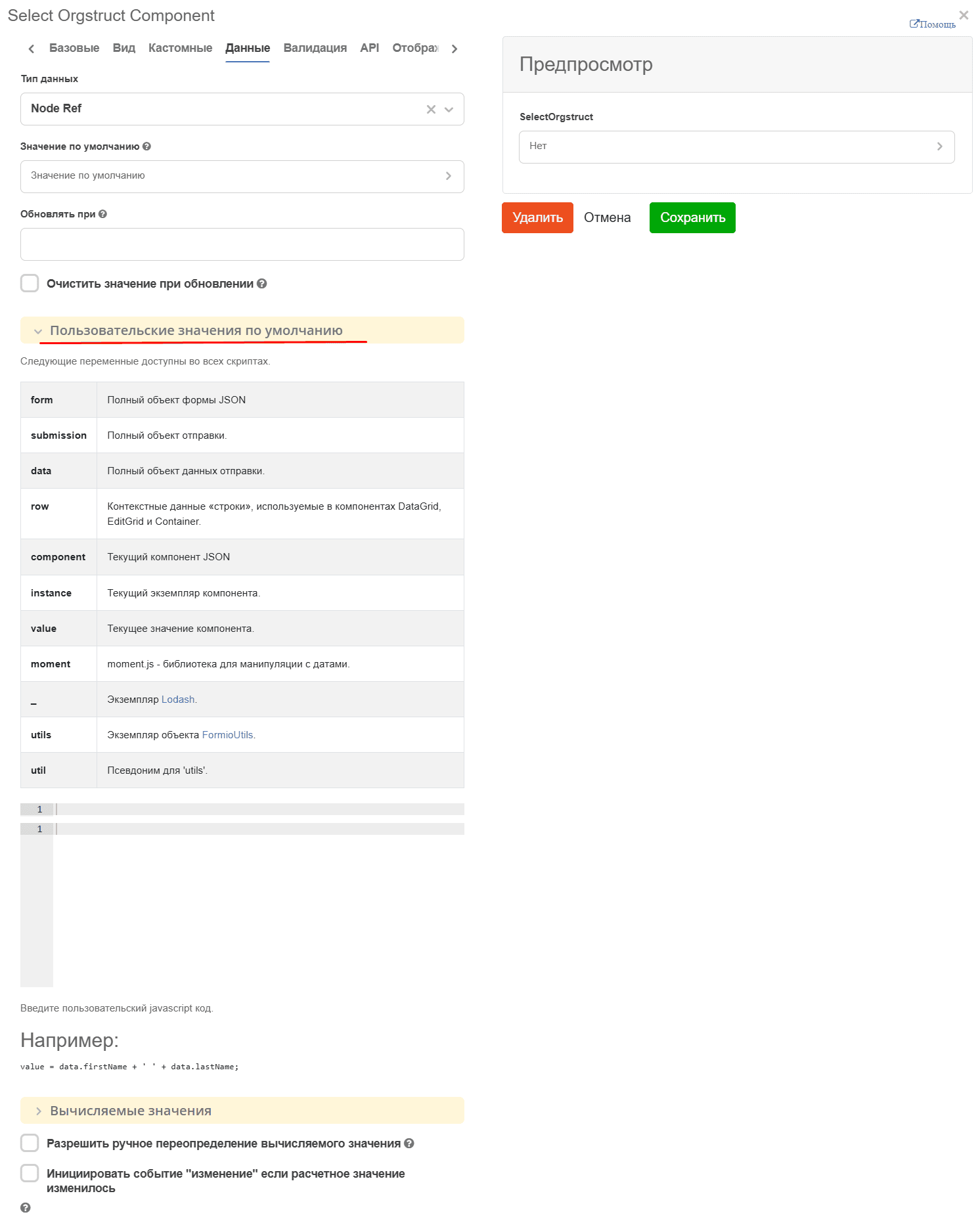
specify:
Citeck.constants.USERNAME

или

await window.Formio.currentUser()