Generating a PDF file with a barcode
Citeck allows automatically generating a PDF document with an embedded barcode — this simplifies the identification and tracking of documents within business processes. The functionality is implemented using the ecos-transformations microservice and the PDFStamp tool.
Citeck generates a PDF file with a barcode:
Conversion to PDF occurs from doc and docx files in the card’s content.
Content is filled either by the user attaching a document or is generated from a template (FreeMarkerTemplate) stored in the system.
After generation, the PDF file is attached to the card’s documents widget or to the content of a child entity.
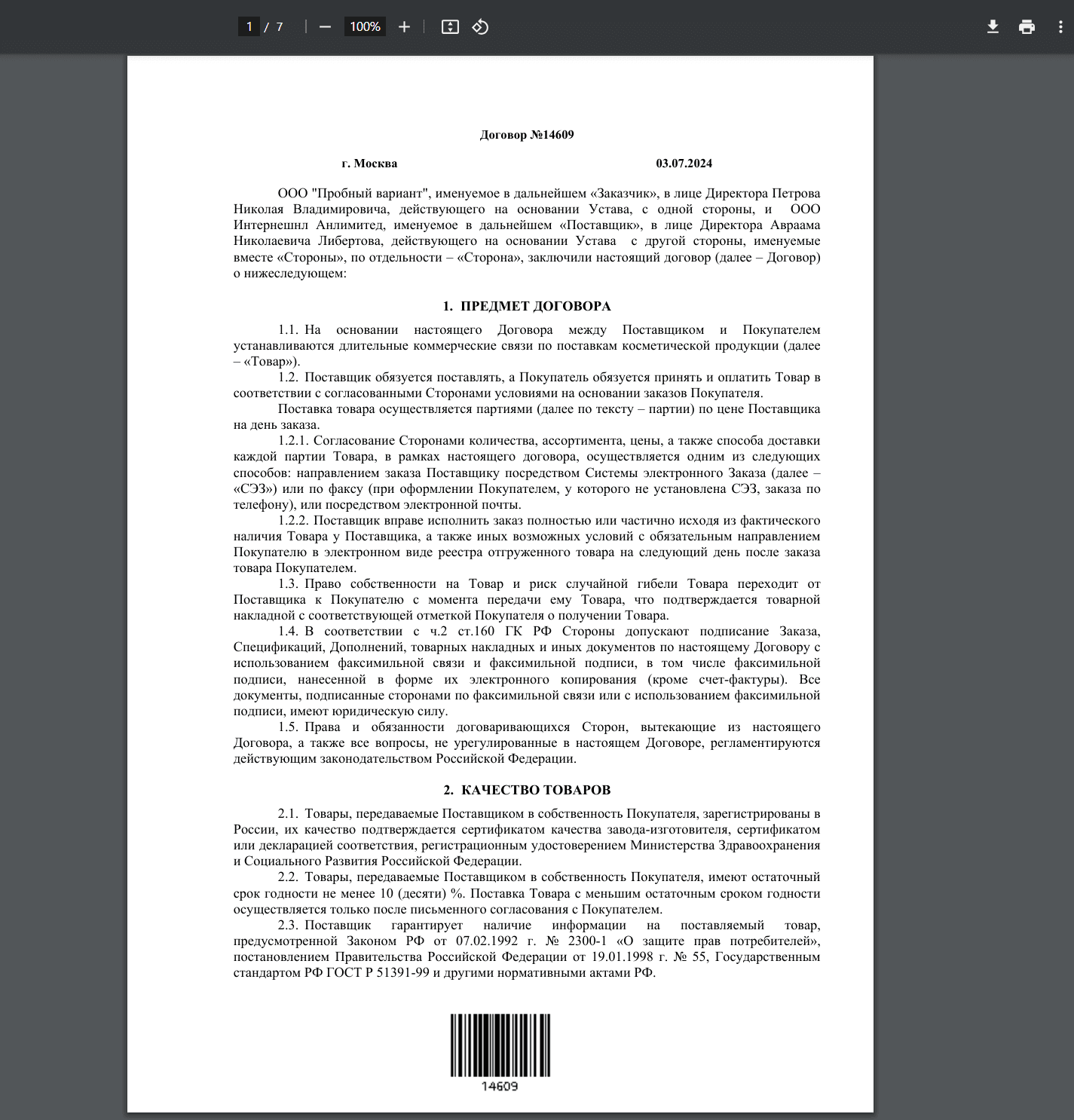
The barcode is placed at the bottom of the document:
Action configuration:
---
# This is temporary action to test transformations
# If you want to use it, then rename extension from yml-sample to yml
id: download-transformation-test
type: transform
name:
ru: Тестовое скачивание
config:

#### прочитать содержимое из шаблона и заполнить его данными из текущего документа ####
#  input:
#    type: 'template'
#    config:
#      entityRef: '${?id}'
#      templateRef: 'transformations/template@test-docx-template'

transformations:
    - { type: 'convert', config: { toMimeType: 'application/pdf' } }
    - { type: 'barcode' }

#### сохранить результат в документы ####
#  output:
#    type: "mutate"
#    config:
#      entityRef: 'emodel/document@'
#      additionalAttributes:
#        "_parent": '${?id}'
#        "_parentAtt": "docs:documents"
#        "_type": 'emodel/type@document'
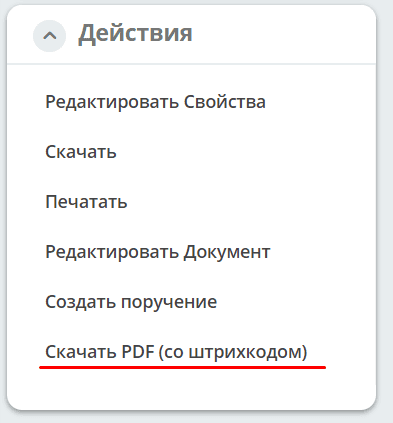
To download a document with a placed barcode, use the Download PDF (with barcode) action in the document card: