Signing using digital signature
Citeck allows signing documents using a qualified electronic signature (QES), ensuring their legal validity.
The functionality is supported for ORD documents, Outgoing Correspondence, and EDI, as well as for any data types through signing aspect configuration.
Note
Available only in the enterprise version.
Attention
Installation of the CryptoPro EDS Browser plug-in is required
Browsers that do not require additional browser extension configuration after plugin installation:
ORD, Outgoing Documents
If the “Electronic signing” checkbox is checked in the document:
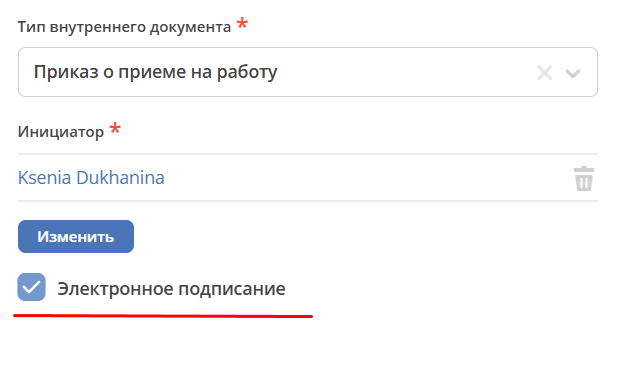
then at the “For signing” status, the document will be signed with a digital signature.
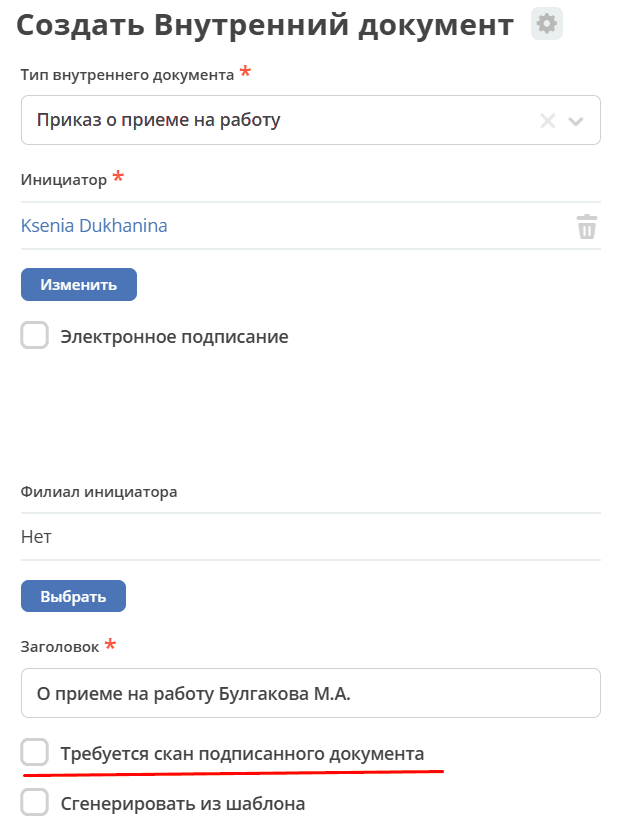
In the ORD module, the function of checking the scan of the signed document becomes unavailable.
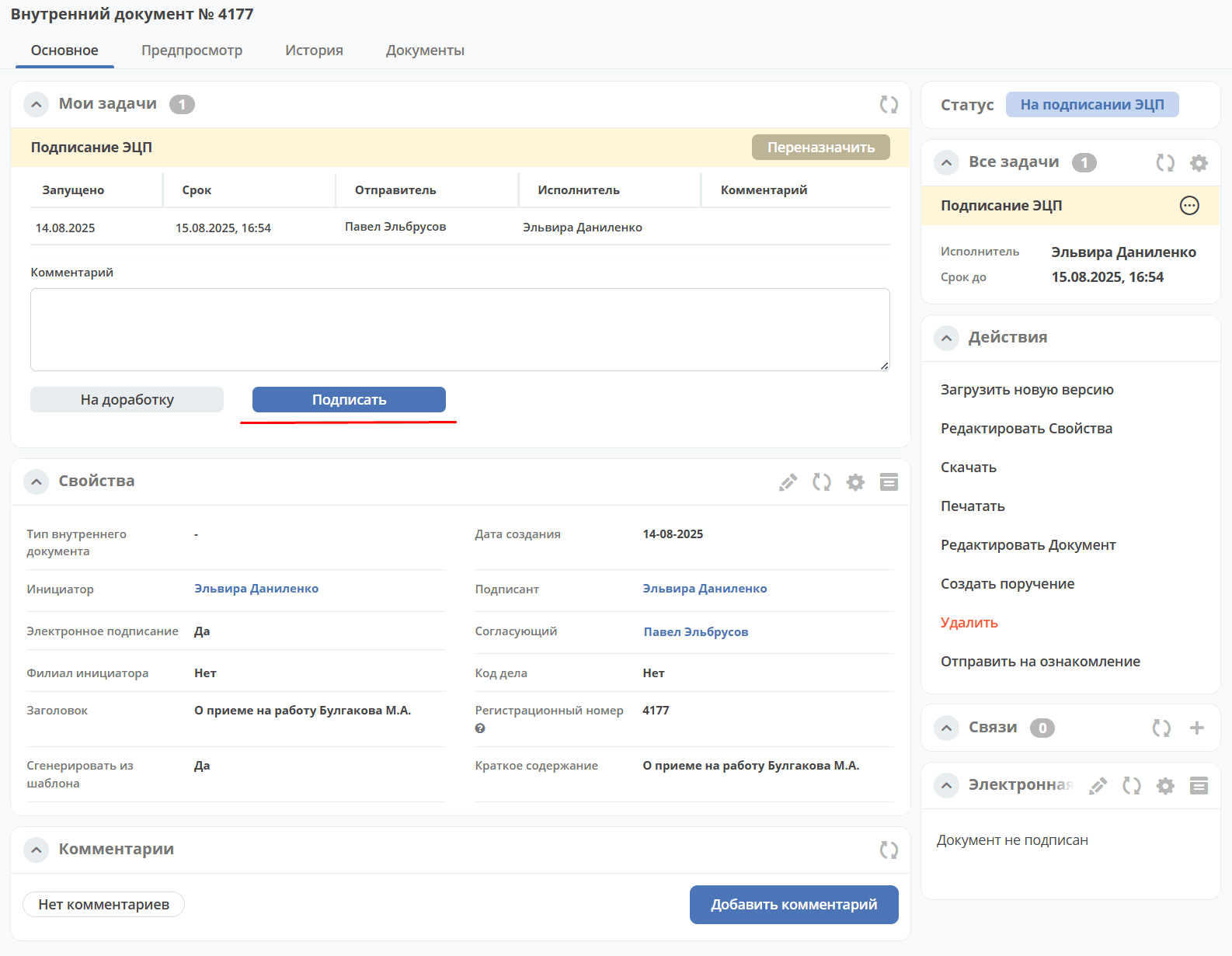
In the “My tasks” widget, click “Sign”.
Note
If the “CryptoPro EDS Browser plug-in” extension is not installed, the following message will be displayed:
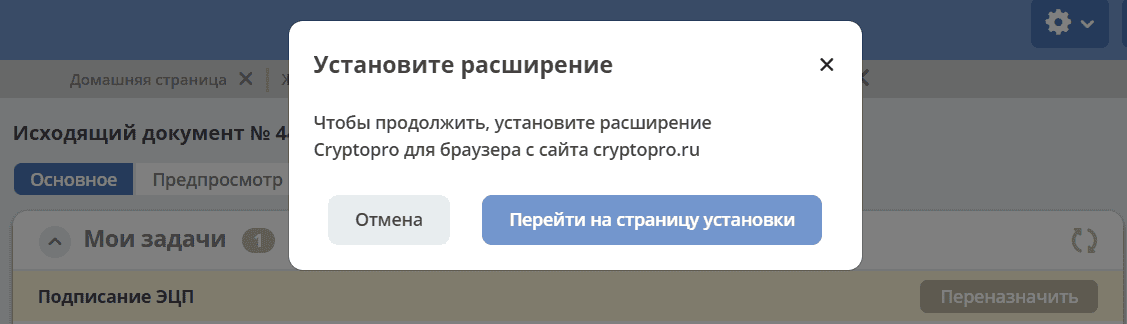
Go to the download page and proceed with the installation of the extension for your browser.
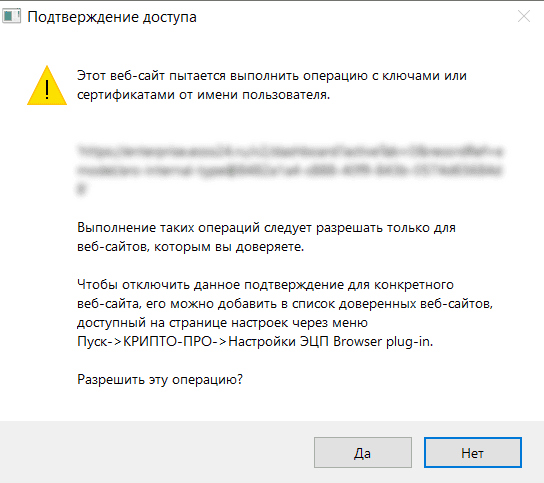
Allow the action:
If you have multiple certificates, select the required certificate from the list and click “Sign”:
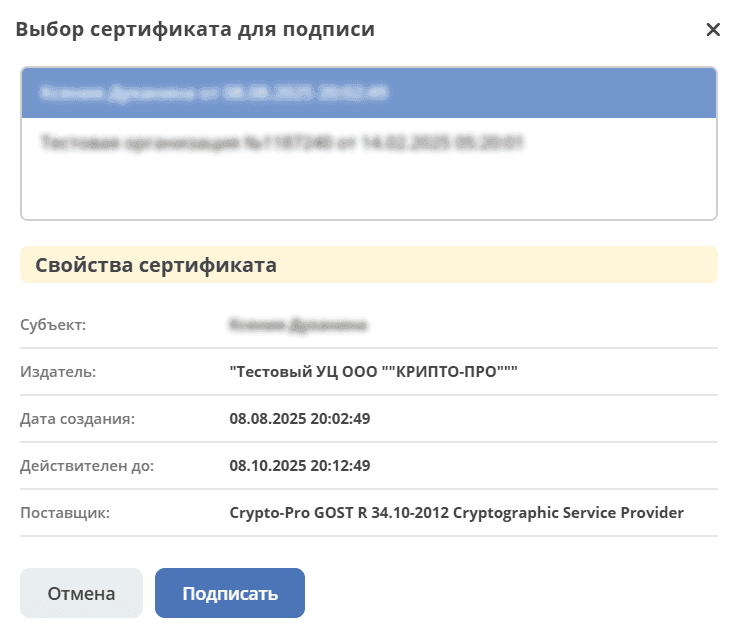
If there is only one certificate, the document is signed with the default certificate.
The document status will change to the next one according to the business process:
for ORD – “Active”;
for Outgoing – “Sending”;
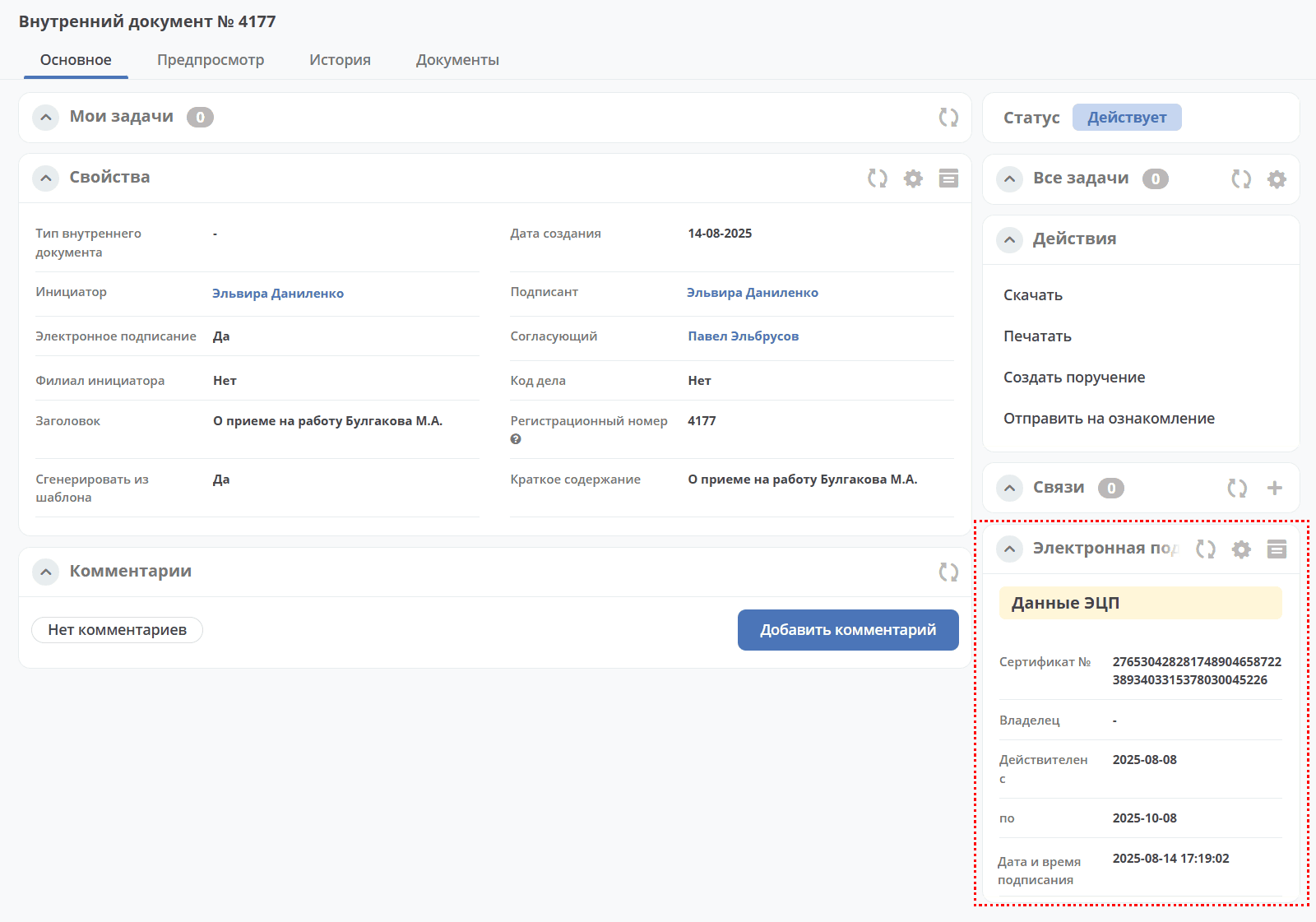
Information about the certificate and signing time becomes available in the “Electronic signature” widget:
Working with EDI Documents
Note
Available only in the enterprise version.
See details
Any Data Type
See settings