Version Comparison
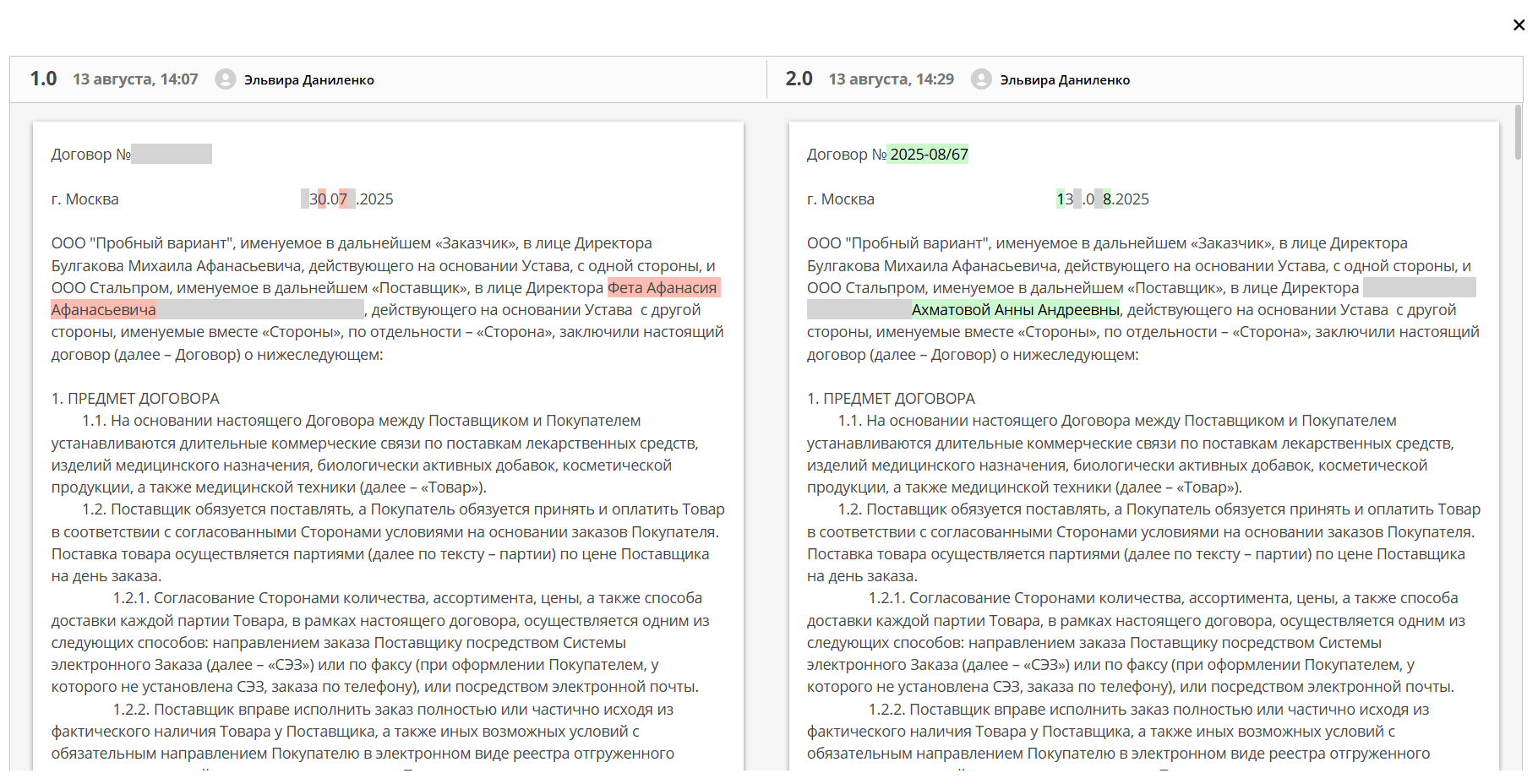
Version Comparison is a feature that allows you to visually see the differences between two versions of a document: added, modified, and deleted fragments are highlighted directly in the interface.
Document version changes are recorded in the Version Journal widget.
The widget contains the current and previous versions of the document. It is used for uploading a new version of the document (1), as well as for comparing files.
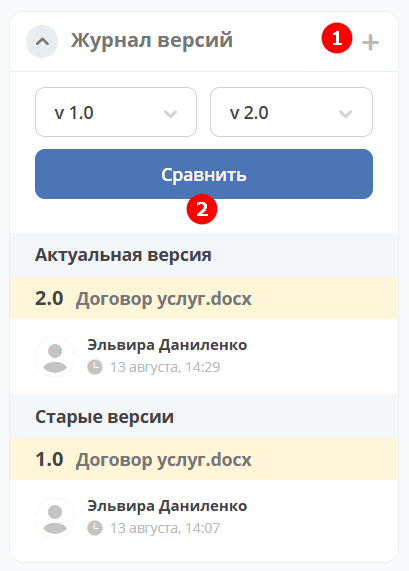
To compare document versions, select the versions and click Compare (2). Differences will be highlighted: