Editing a Document in OnlyOffice
OnlyOffice is a built-in document editor in ECOS that allows opening and editing MS Office and OpenDocument files directly in the browser, without installing additional software. The editor supports collaborative work and automatically saves each version of the document.
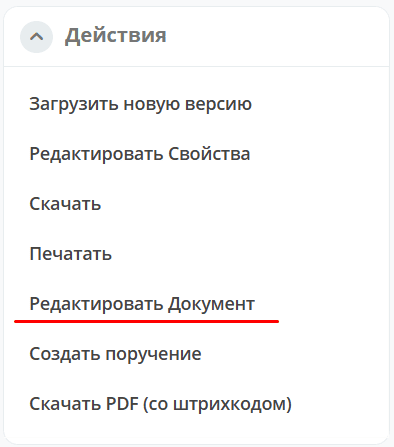
To edit document files in Onlyoffice, use the “Edit document” action:
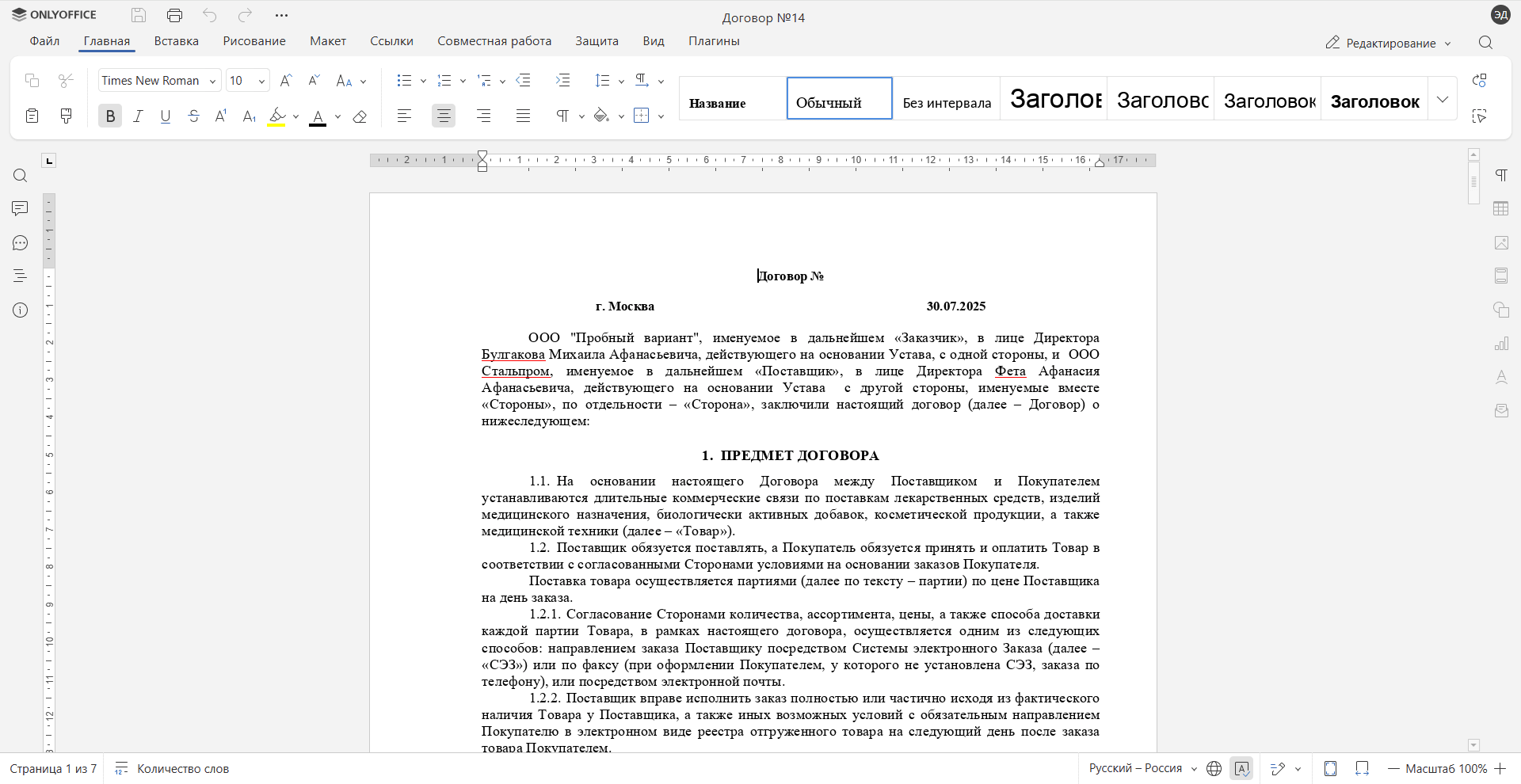
The document will open in Onlyoffice in a separate browser tab:
Make changes to the document:
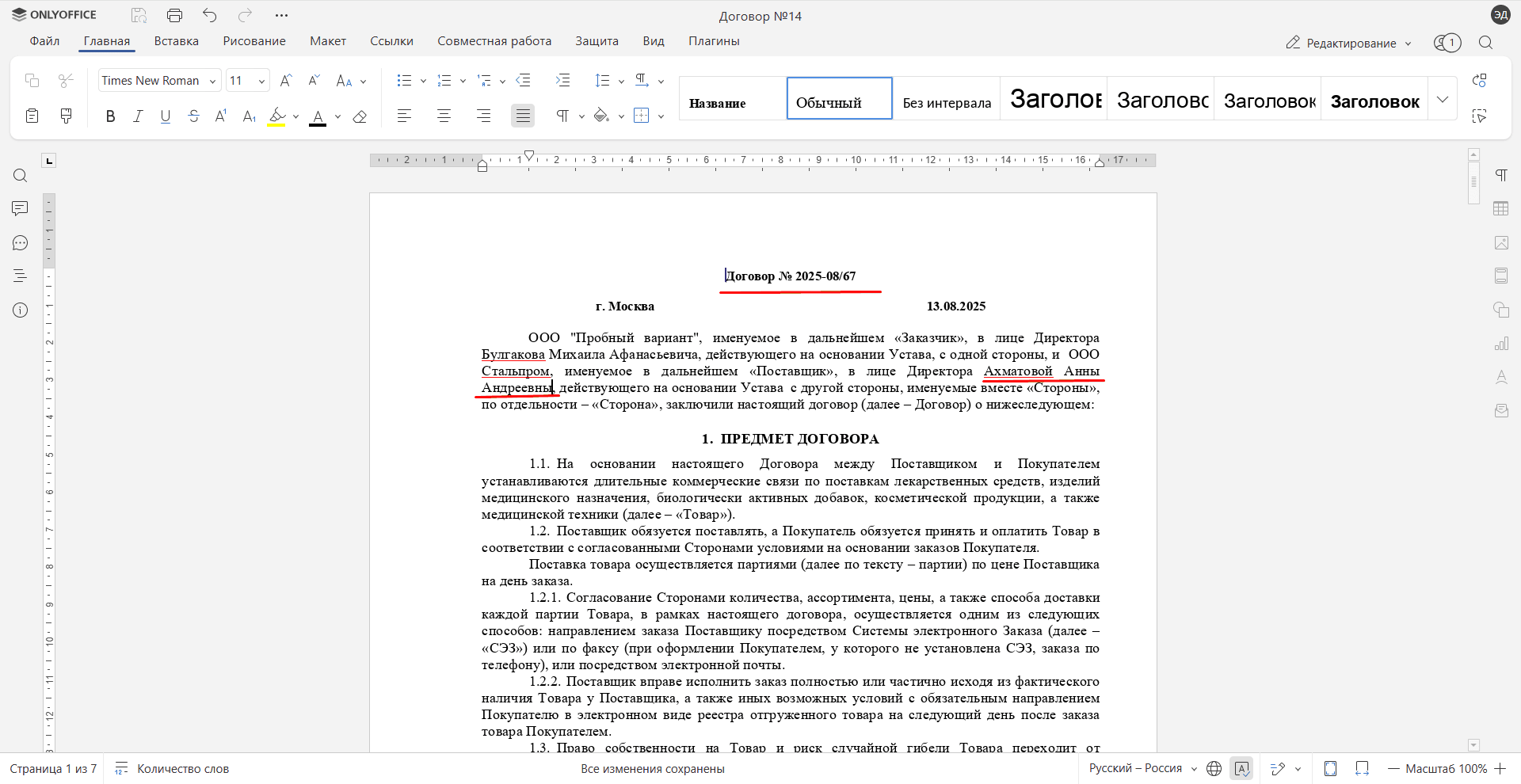
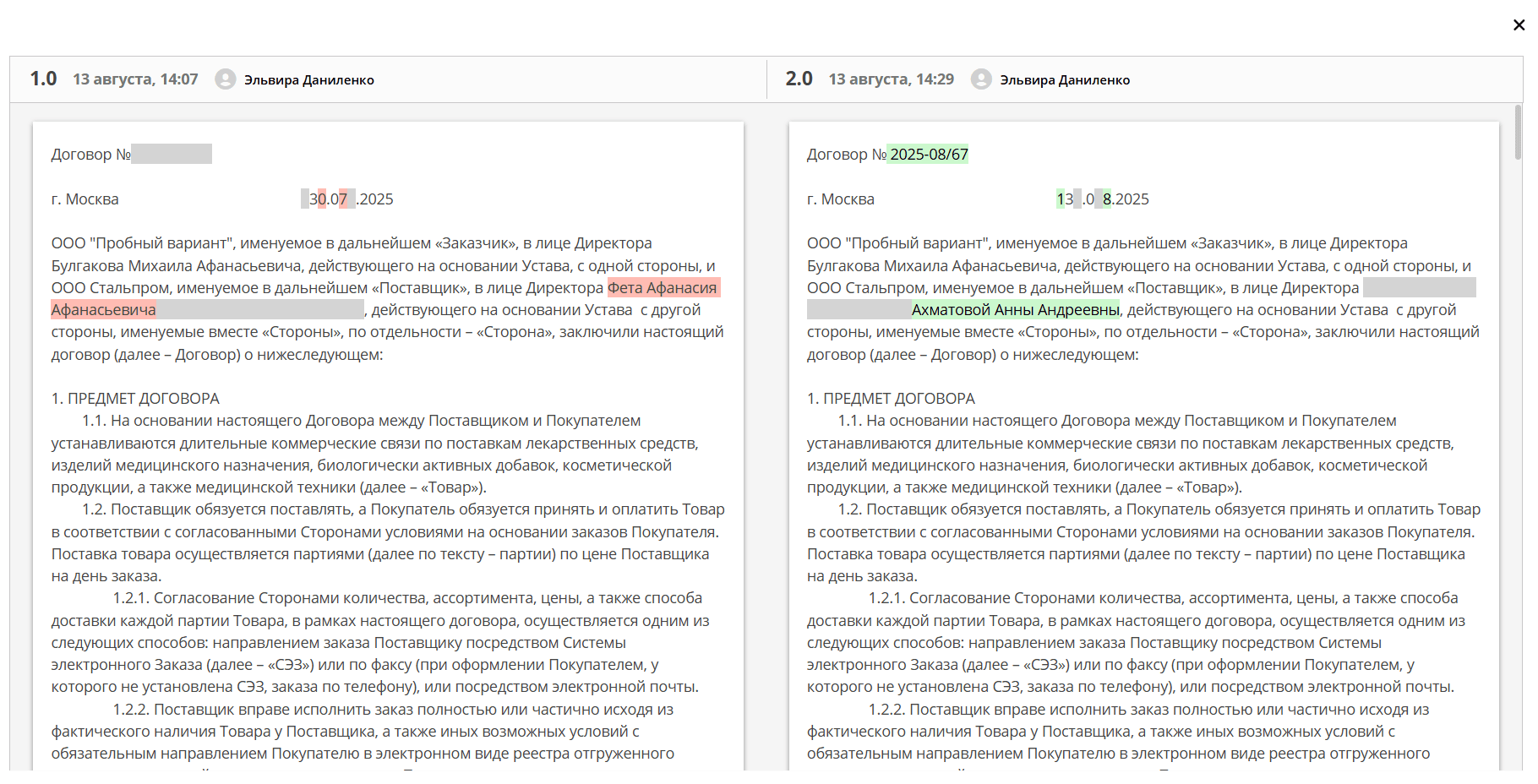
The system automatically saves the changes made into a new version of the document. Version changes are recorded in the Version Journal widget
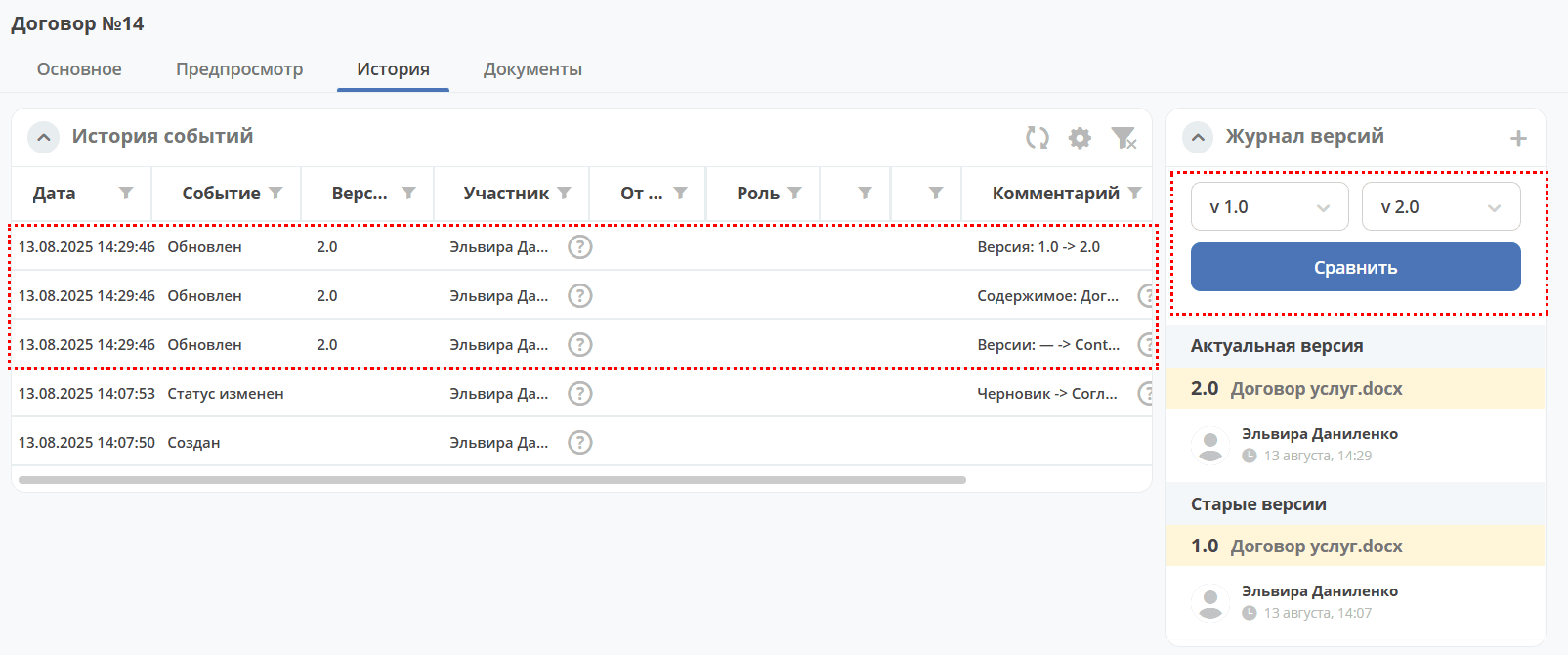
Document versions can be compared. Select the versions and click Compare. Differences will be highlighted: