Widget “Barcode”
Key barcode
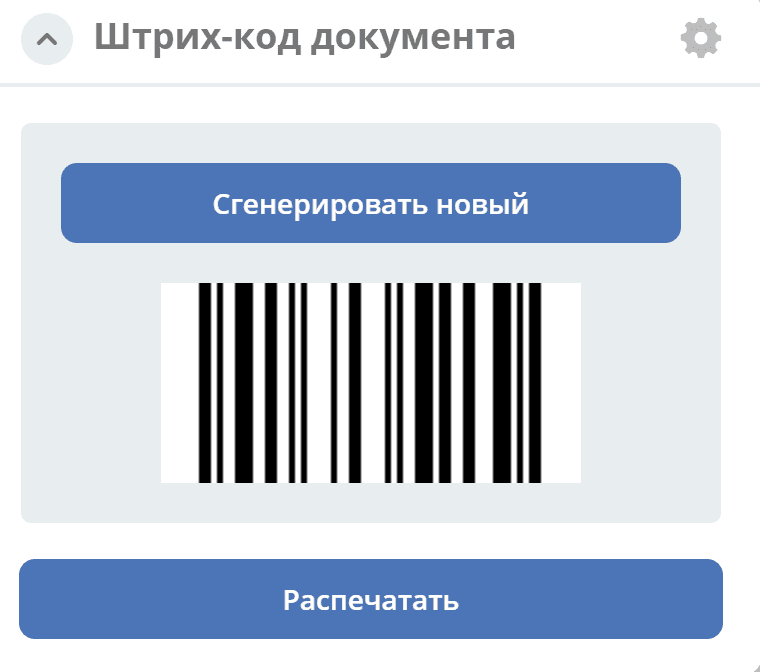
The widget displays a generated barcode for the document, based on a numeric field of the document.
The barcode field is used by default.
If a different field is needed, it should be registered by data type in the bean core.barcode-attribute.type-to-property.mappingRegistry. Example:
<bean id="records.contracts.barcode-attribute.type-to-property.mapping"
    class="ru.citeck.ecos.spring.registry.MappingRegistrar">
    <constructor-arg ref="core.barcode-attribute.type-to-property.mappingRegistry"/>
    <property name="mapping">
        <map>
            <entry key="contracts-cat-doctype-contract" value="contracts:barcode"/>
        </map>
    </property>
</bean>
Configuration
|
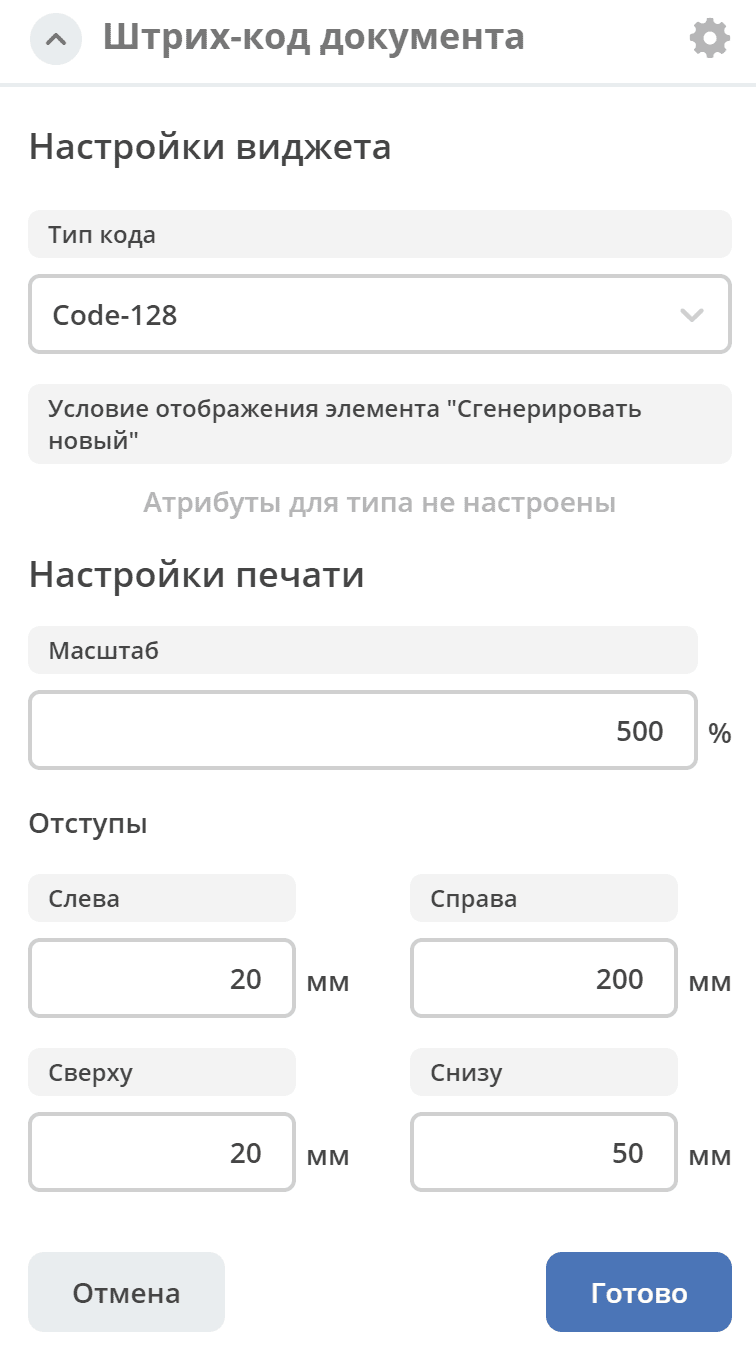
Button display condition:
If no condition is set, the button is displayed. Otherwise, the API must return true for the given condition in order for the button to appear.
In the current version, it is saved as a JSON string.
Write the condition according to the Predicate Language article.
|
Configured view
|
For the Case-details dashboard type
|