Widget “Documents”
Key documents
The widget is used for uploading accompanying documents and synchronizing users and groups.
Configuration
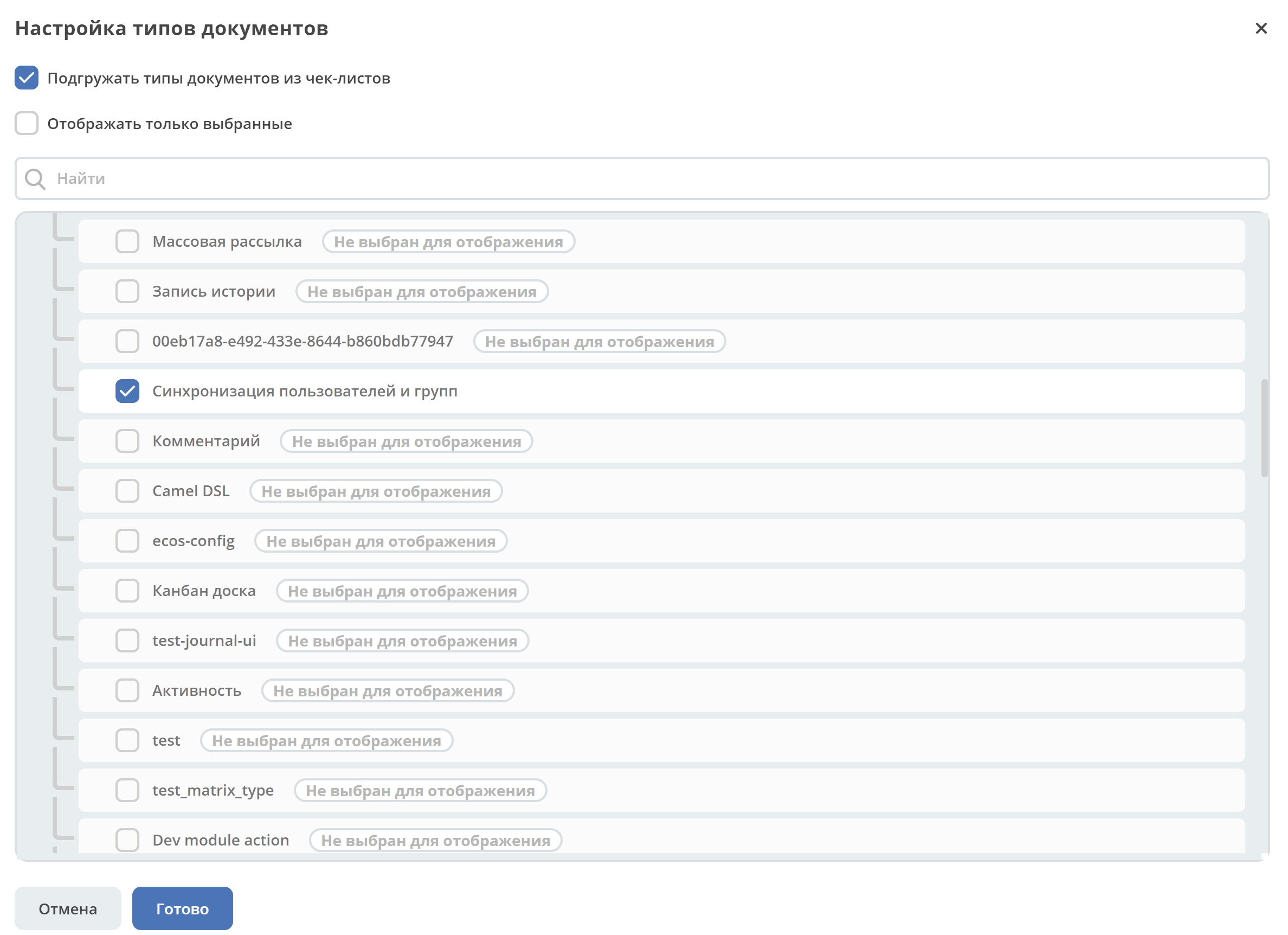
|
If there is only one root level (shown as Base type in the screenshot), it is expanded by default:
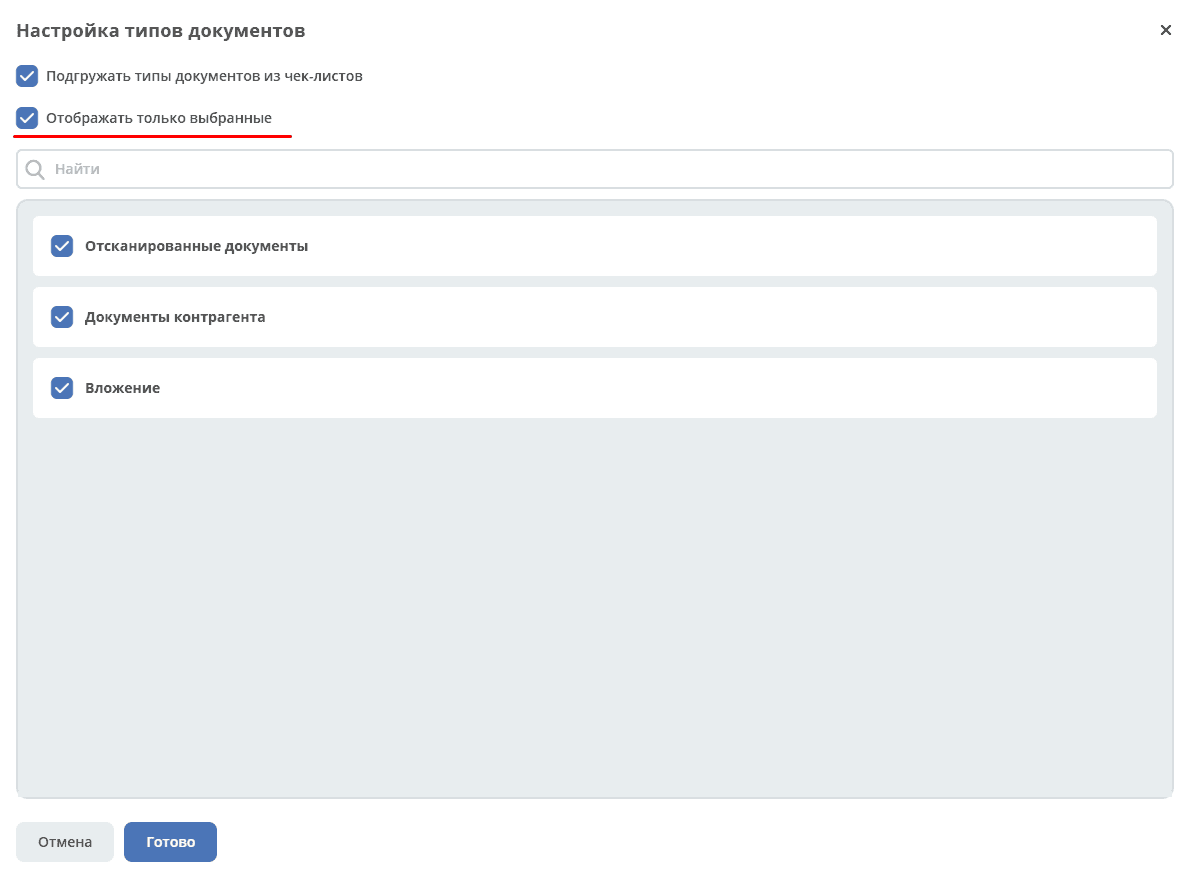
Only selected types can be displayed using the corresponding checkbox:
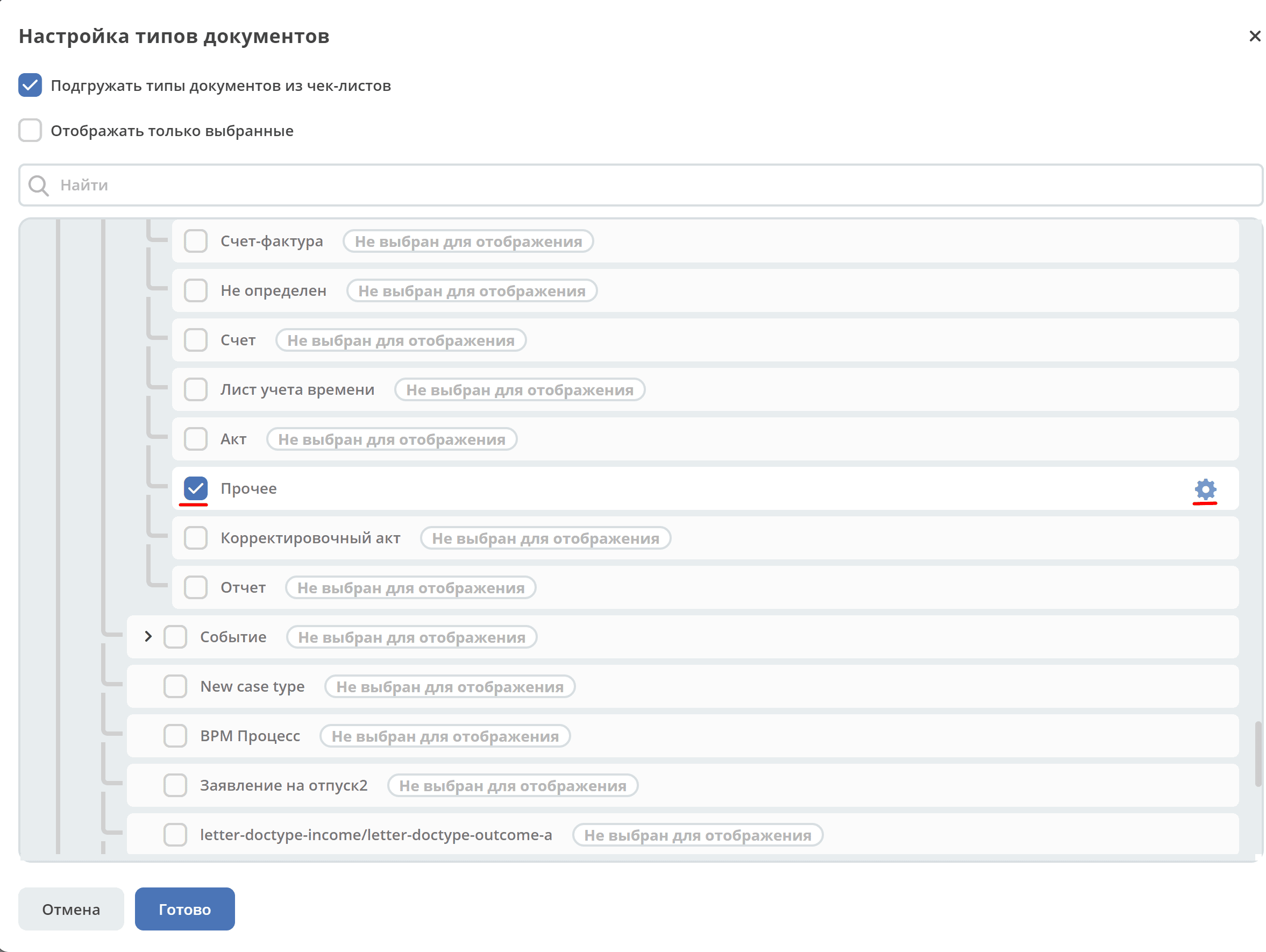
When a type is selected via checkbox and the mouse is hovered over the row:
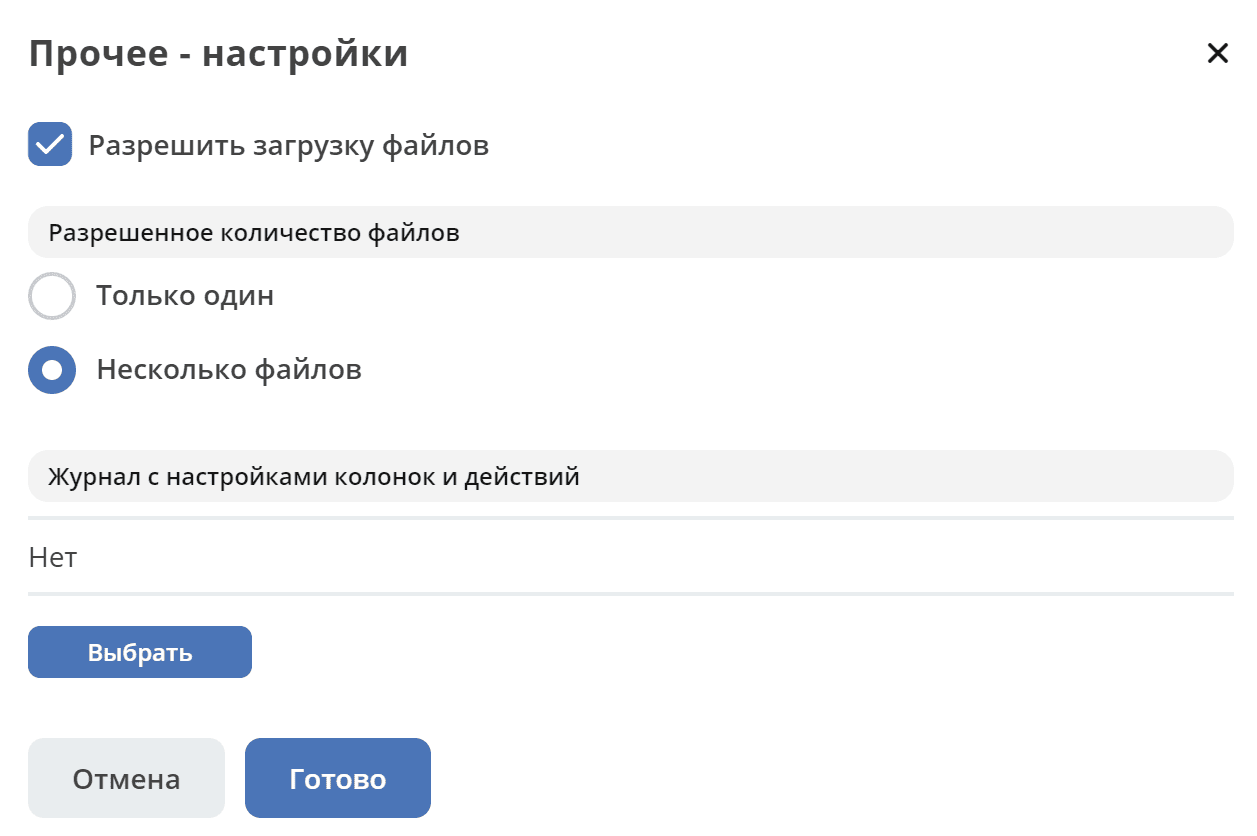
the configuration of the selected document type becomes available:
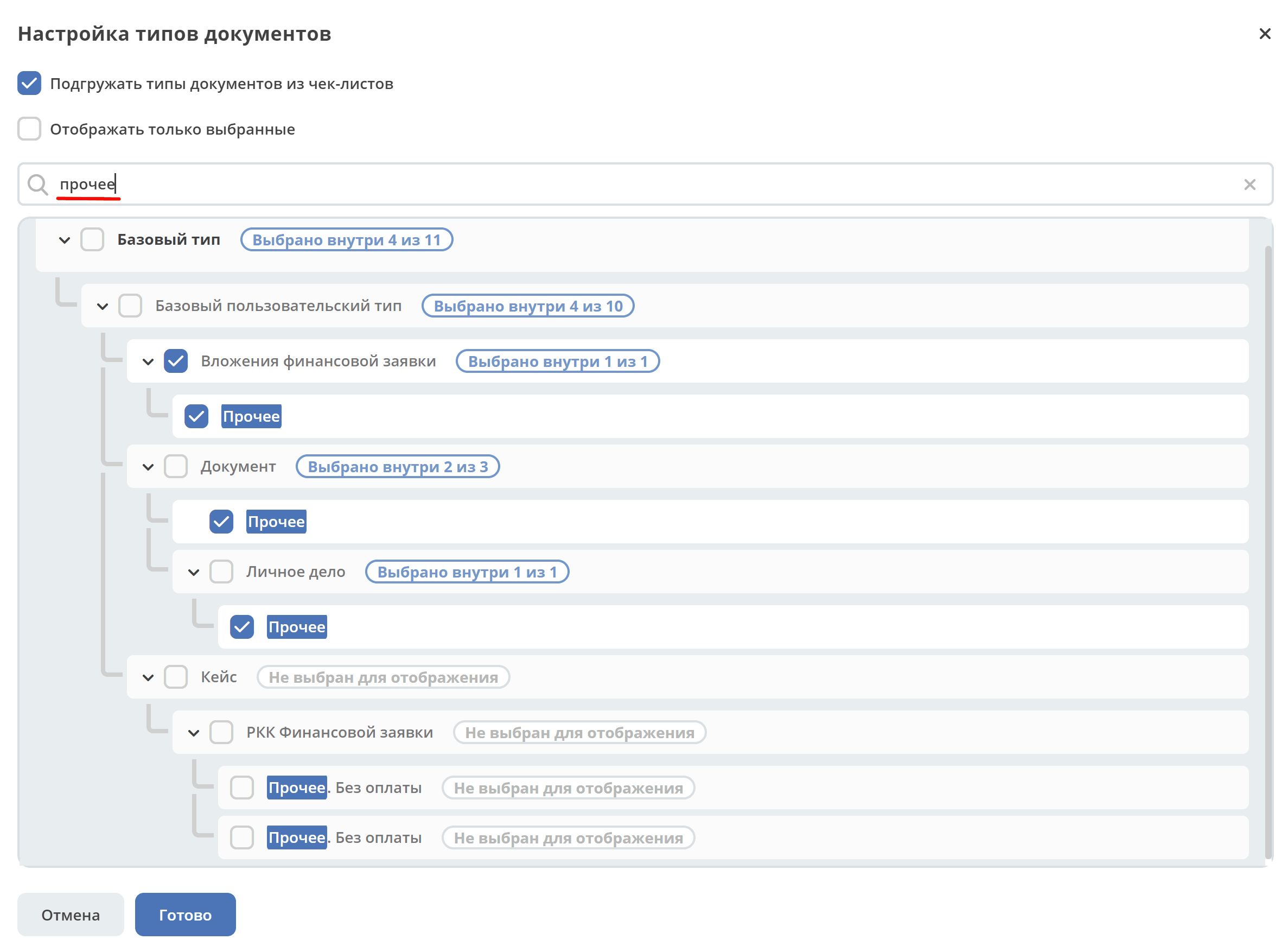
When searching for a type, all nesting levels expand and matches are highlighted:
|
Configured view
|
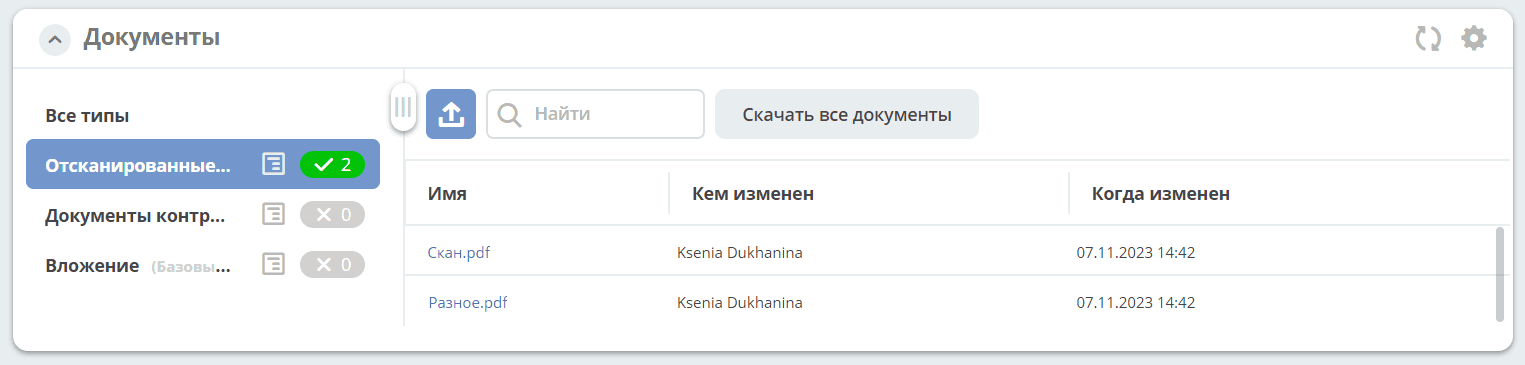
Documents:
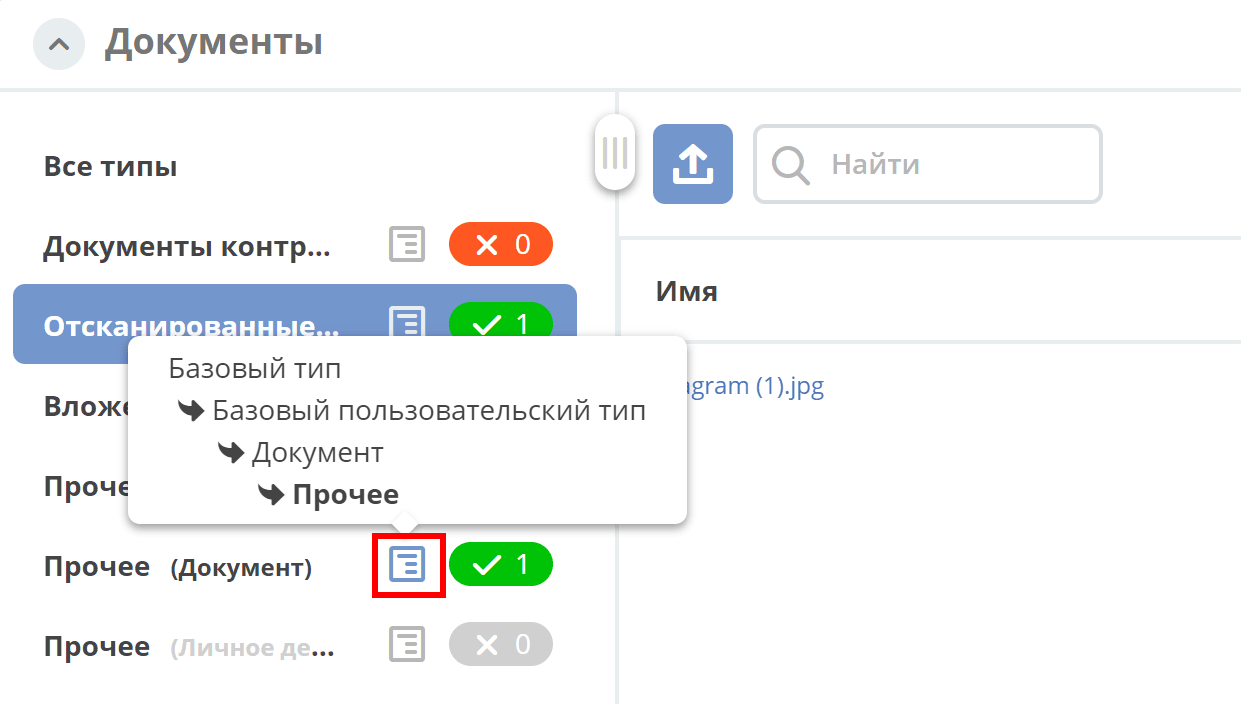
Document type names in the list may be duplicated, so hovering over the tooltip additionally shows the nesting order:
The Download all documents button downloads a zip archive containing all uploaded files.
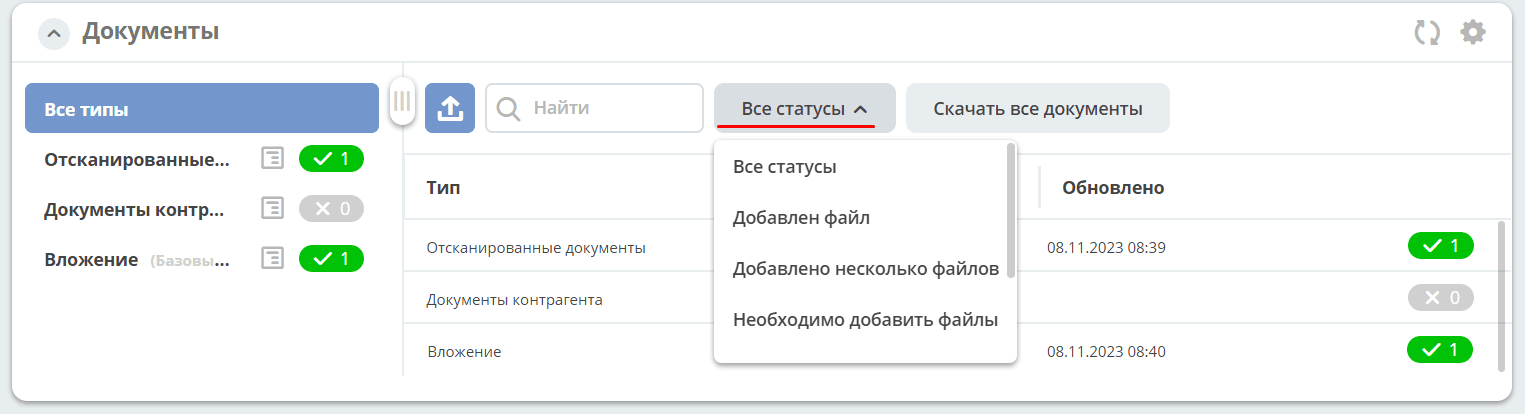
The All statuses filter is available for all types and lists the system statuses for a document:
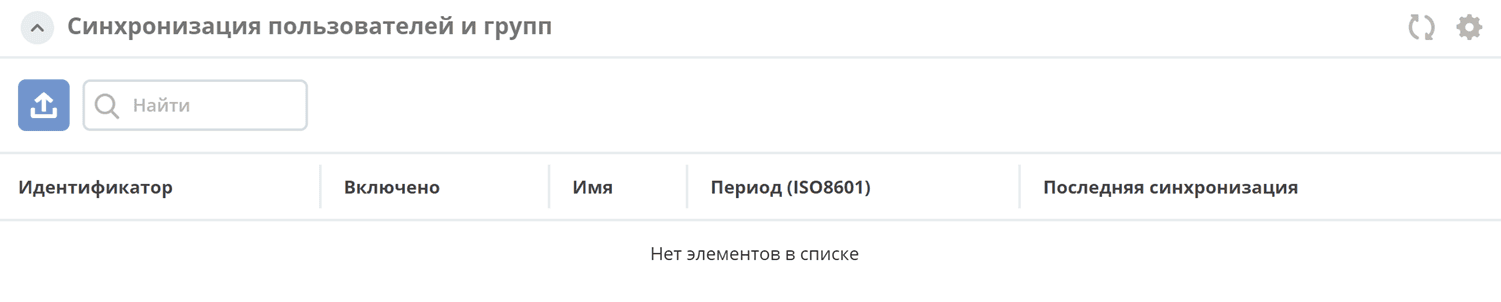
User synchronization:
|