Widget “Preview”
Key doc-preview
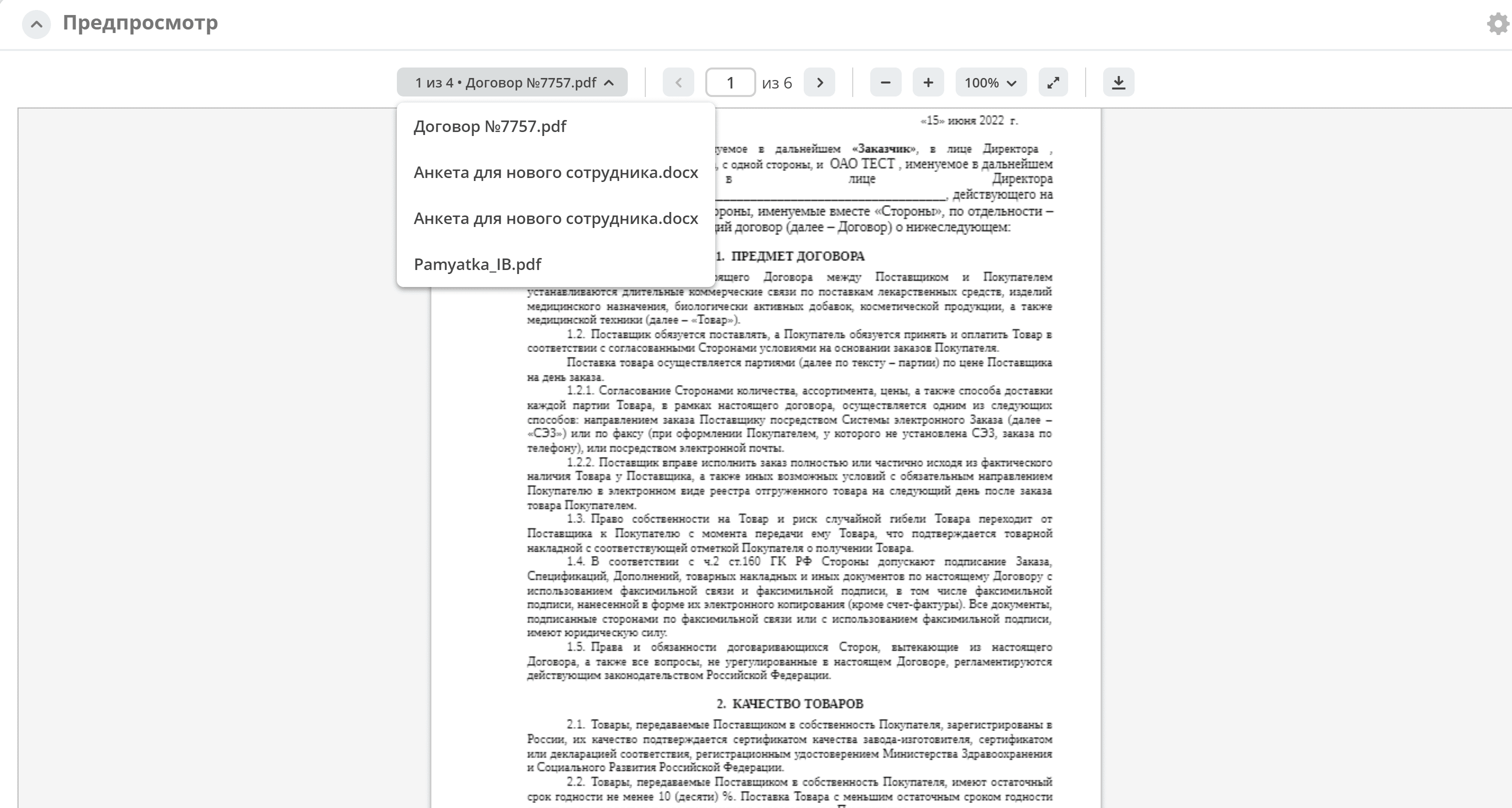
The preview widget is used to display the main document and all related documents from the “Content” attribute. It allows downloading not only the main document but also the currently open one.
Original documents may have other file extensions, but the widget displays only images or PDF files generated from the main document.
When the setting is enabled, all related documents are shown in the widget.
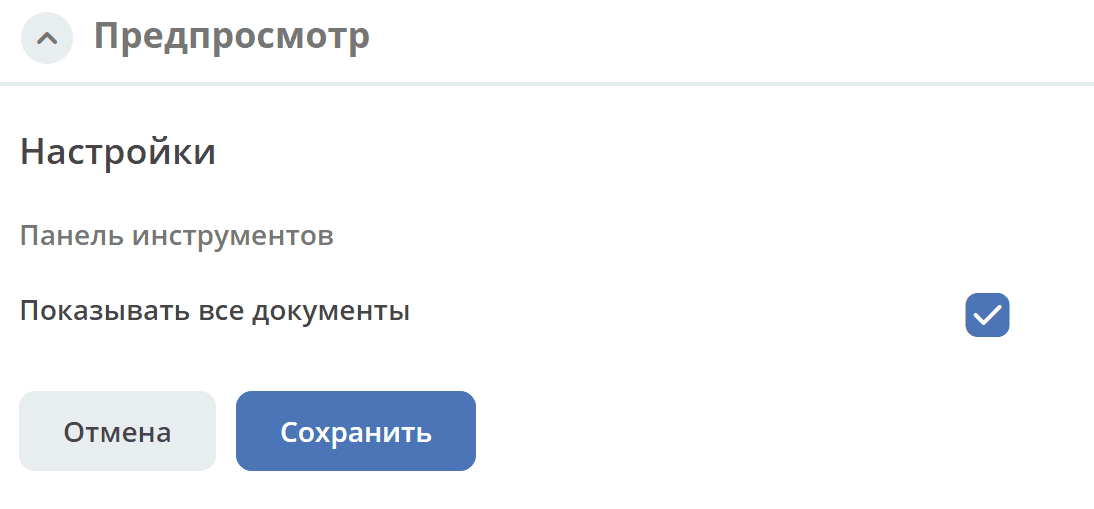
The main content _content is displayed first, followed by documents uploaded to the documents widget (association docs:documents).
If the main document is absent, the next document will be displayed.
Navigation between documents is done via the dropdown or scroll. The total number of documents is shown in the dropdown:
The widget content is updated when the main or related documents change.