Widget “Kanban”
Key kanban-board
The widget adds a kanban board to the card with a configurable journal, linked attributes, and templates for user convenience and quick status interaction directly from the card.
The widget is available only for the following dashboard view:
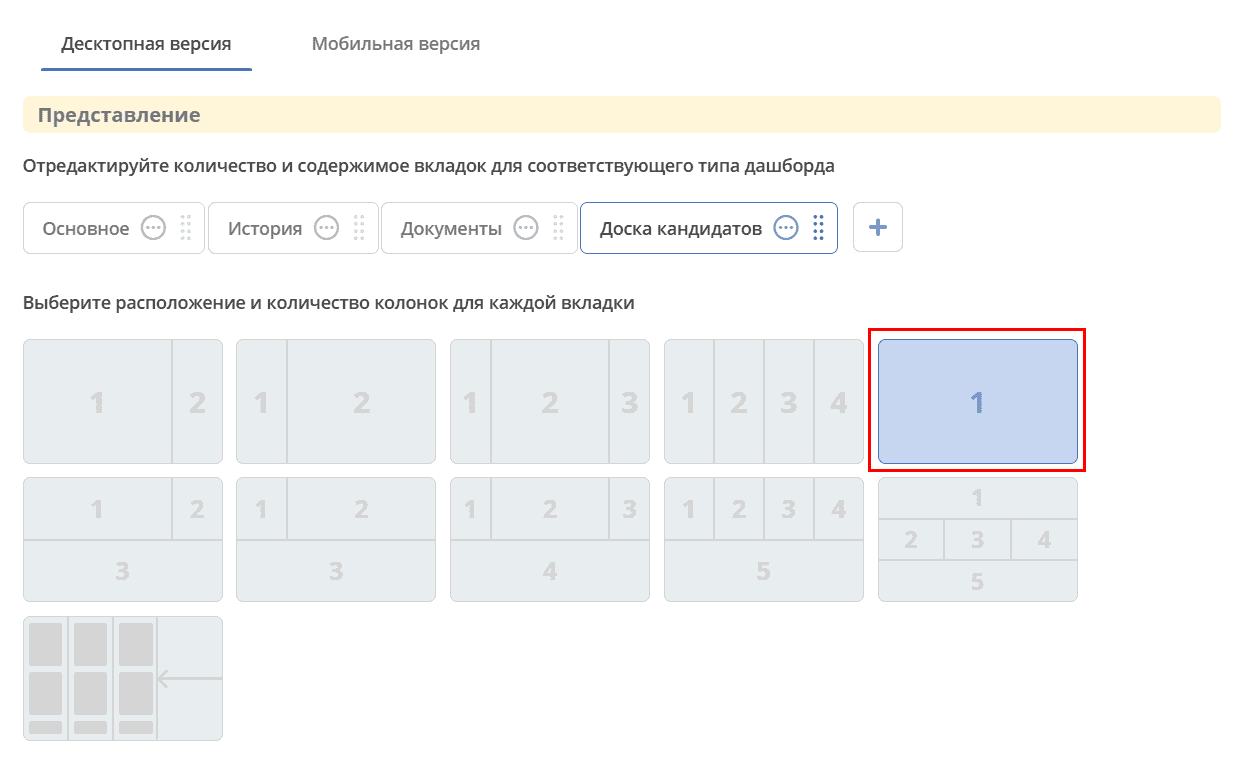
Configuration
|
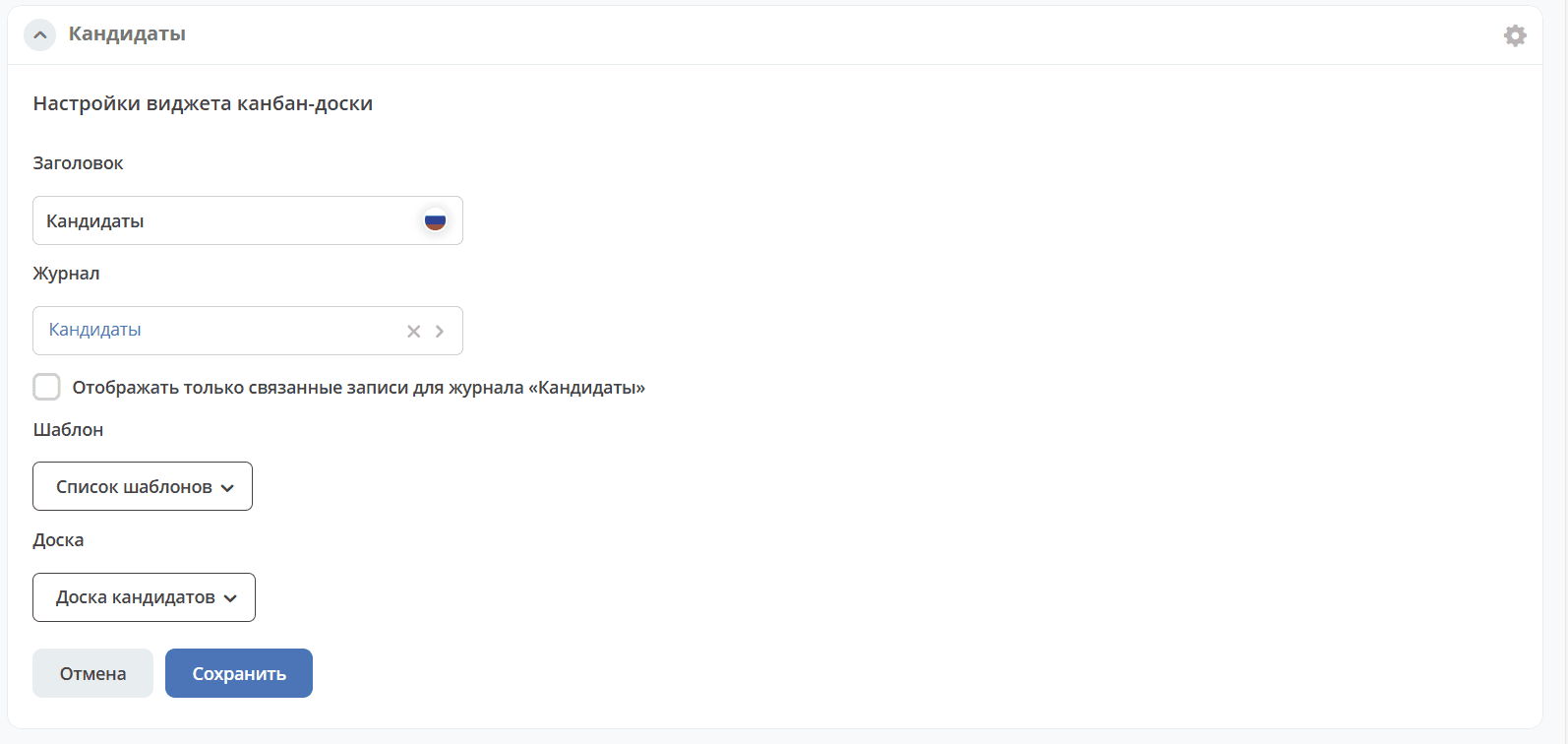
Widget title.
Select a journal by type.
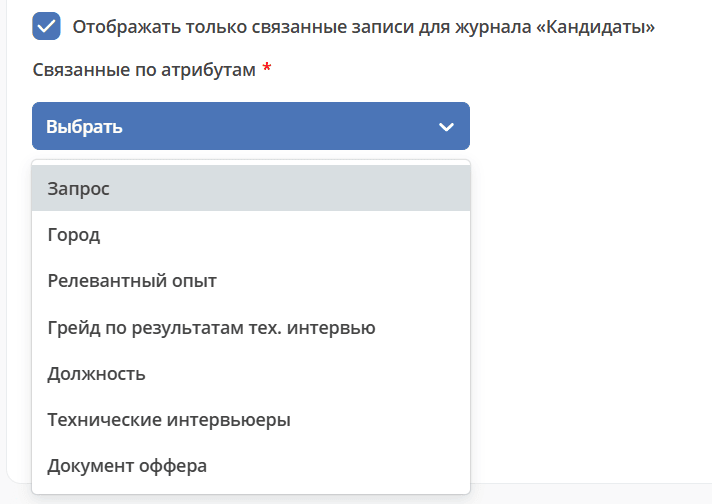
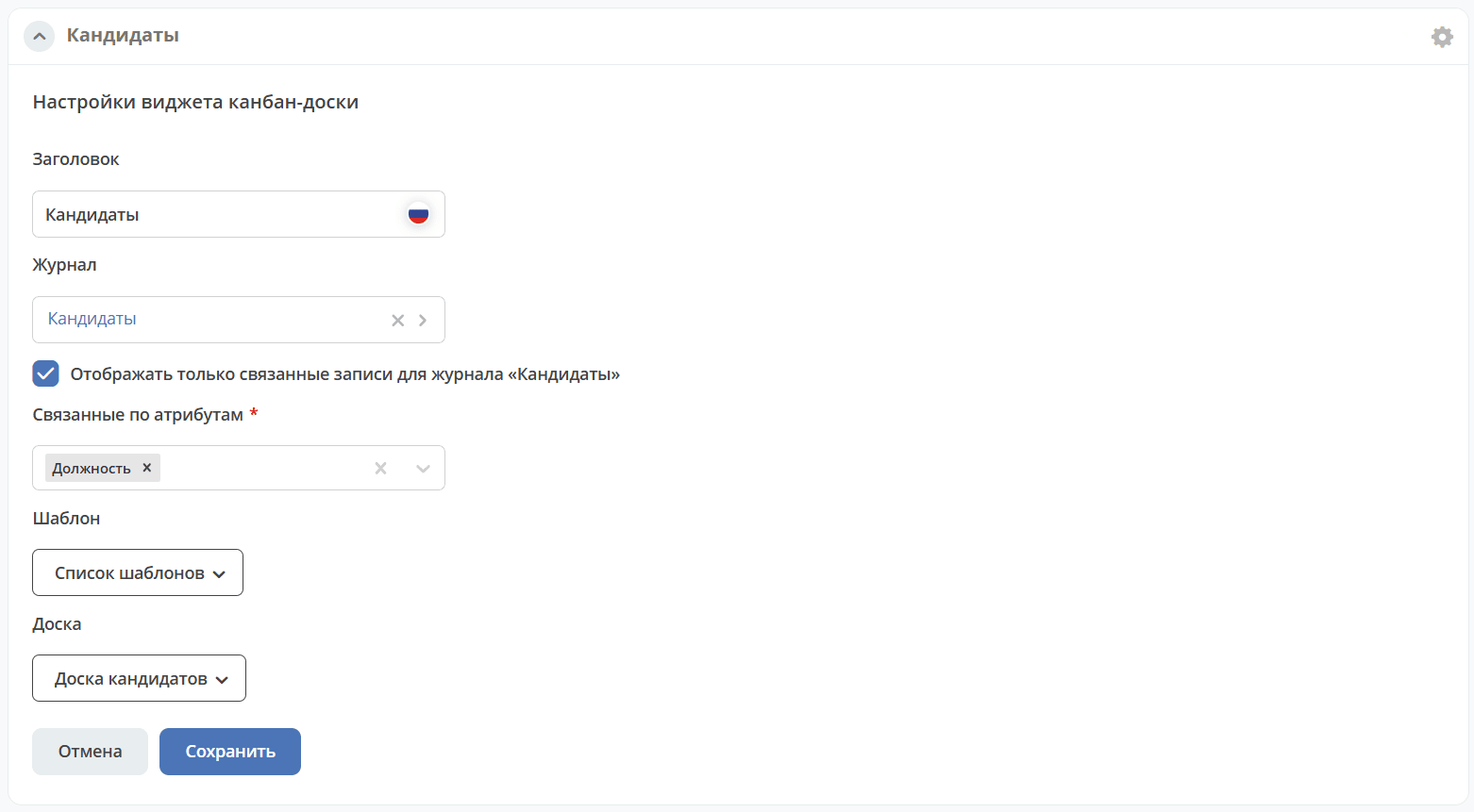
Using the “Show only related records” checkbox, you can select linked attributes that will be used to filter records on the kanban board. The widget will display only records that have the selected linked attributes or are referenced by them.
Select saved journal templates and created kanban boards.
|
Configured view
|
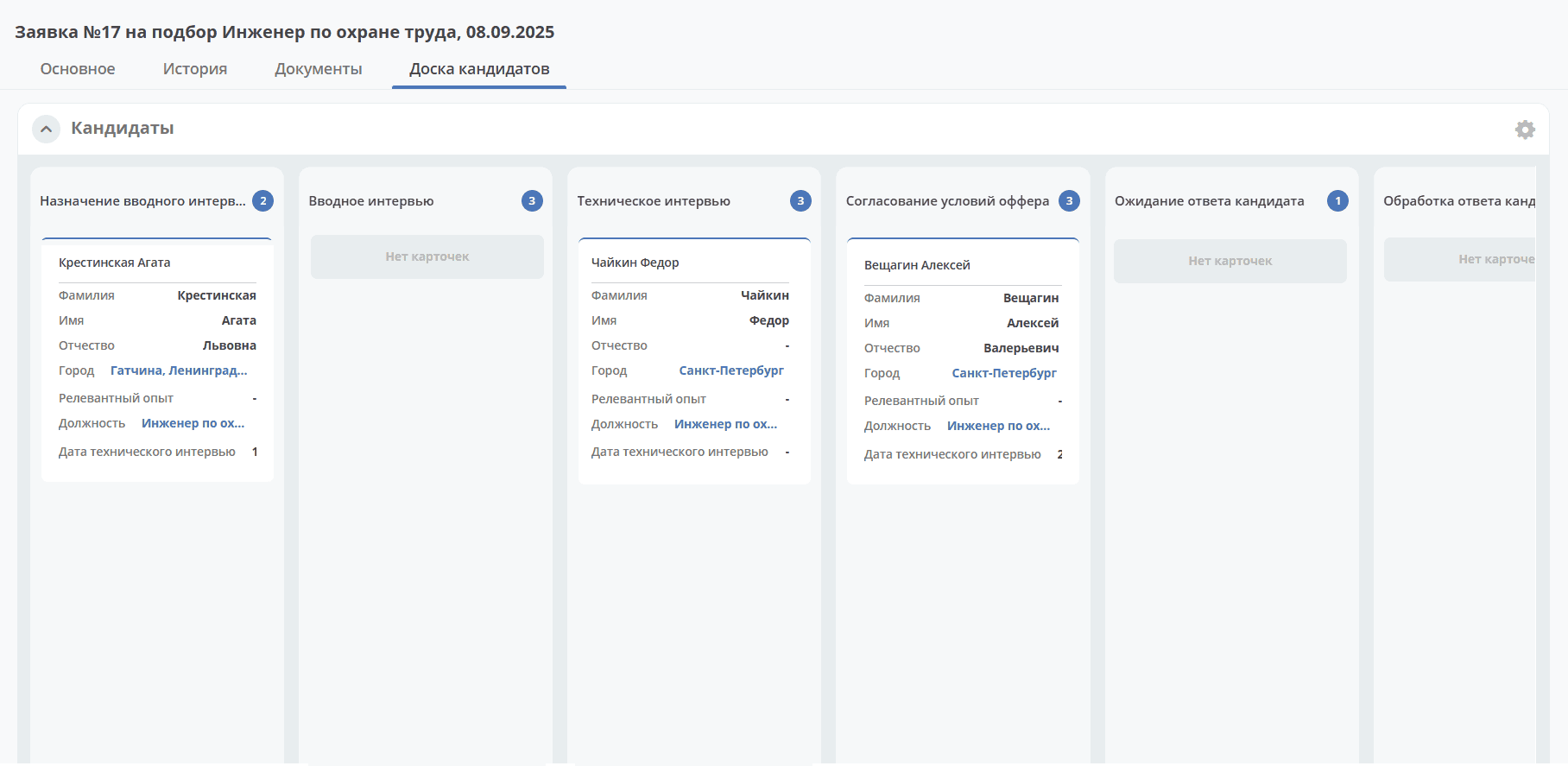
The widget is used in the “Offers” module. In the request card where candidate selection is already in progress, the Kanban board tab is available, displaying candidates for the given request in various statuses:
|